
- Monthly visits
- 2,181
- 2026-09
- Monthly growth -7.7%
VayoVideo - AI manga image and video generator with comic creation tools for consistent character and motion workflows
VayoVideo is an integrated AI creative platform that lets users generate manga-style images, comic panels, and short videos from prompts or reference assets. Built for illustrators, social media creators, marketing teams, and independent developers, it unifies text-to-image, text-to-video, and image-to-video workflows in a single workspace. Users can maintain consistent character looks across all assets, edit generations in-place, and reuse saved prompts to speed up series content production. The platform includes pre-built specialized workflows tailored to manga, anime, and music video creation use cases.
- AI Video
- Video Generation
- Image Generation
104Views
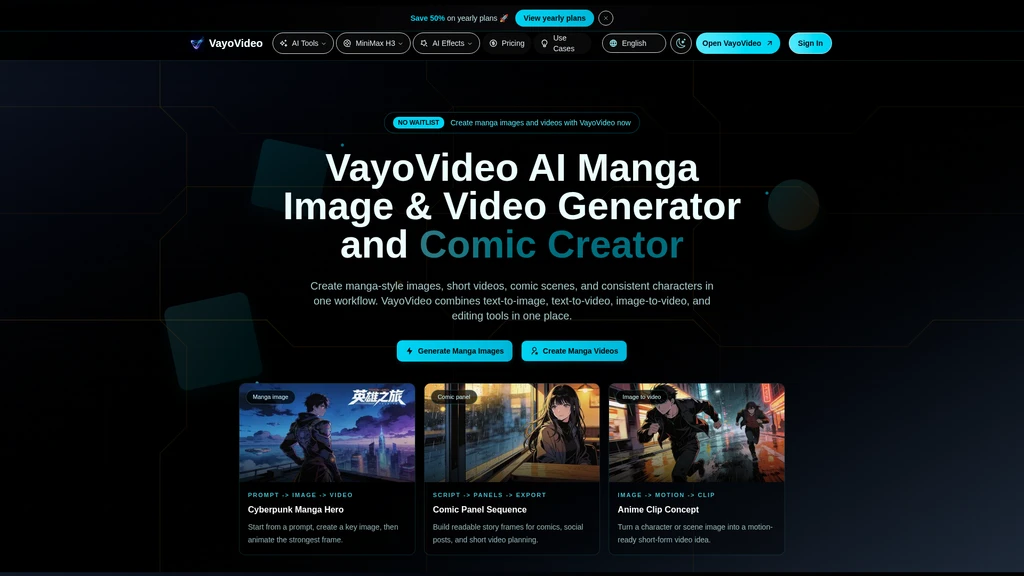
Core Workflows
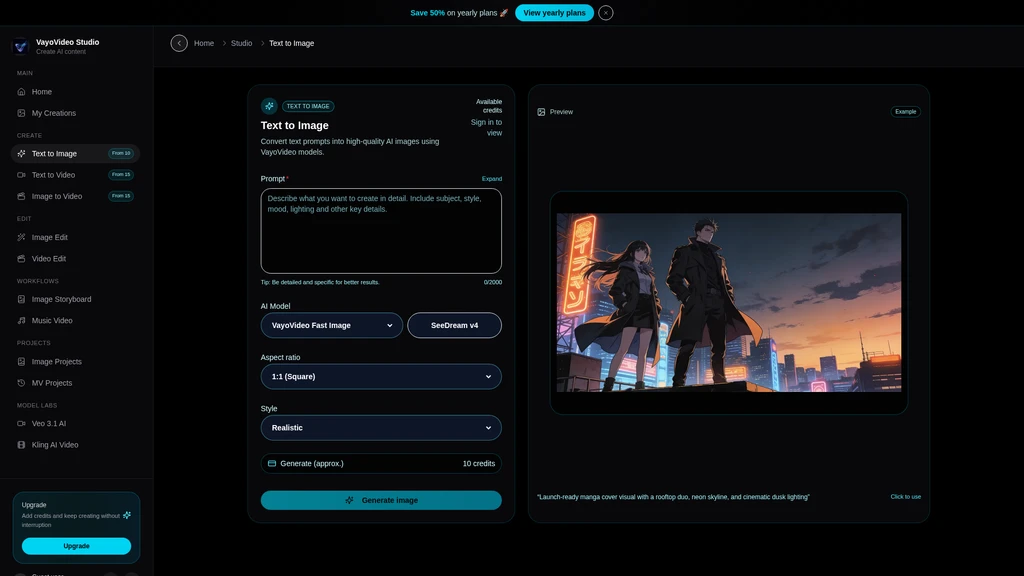
VayoVideo supports six dedicated creative paths accessible directly from the studio interface:
Text to Image: Turn written prompts into manga characters, scenes, cover art, and storyboard frames
Text to Video: Generate short manga-style video clips directly from script prompts for intros, transitions, and story beats
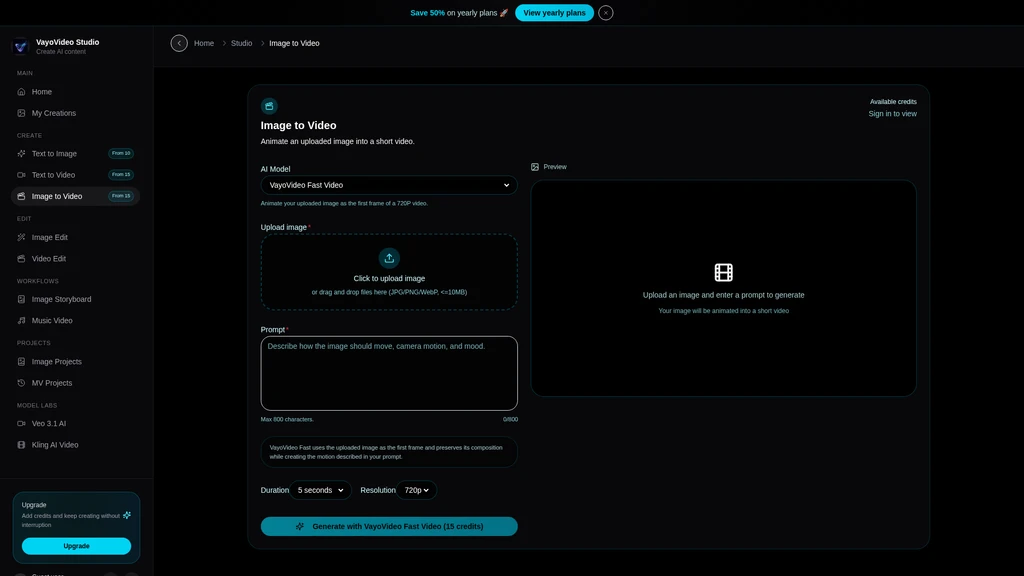
Image to Video: Upload any static character, manga panel, or scene image and add controlled motion to produce animated clips
Image Editing: Refine generated images with selective redraws, content extensions, defect fixes, and style alignment adjustments
Animate Image: Add facial expressions, character actions, and simulated camera movement to a single static image
Music Video: Build full music video visuals using track lyrics, mood descriptions, and custom visual references
Standard Creation Workflow
The platform provides a guided 4-step process for moving from initial idea to publishable content:
Define your character, scene, art style, intended action, and target platform specifications
Use the text-to-image generator to create a high-quality key visual anchor for your project
Import that key image into the image-to-video tool, or use the text-to-video module to generate full animated shots from your script
Apply final edits, reuse existing prompts to maintain style consistency across a series, and export final assets for your intended use case
Key Features
All generation and editing tools run in the same workspace to eliminate the need to switch between separate platforms when working on a combined image and video project:
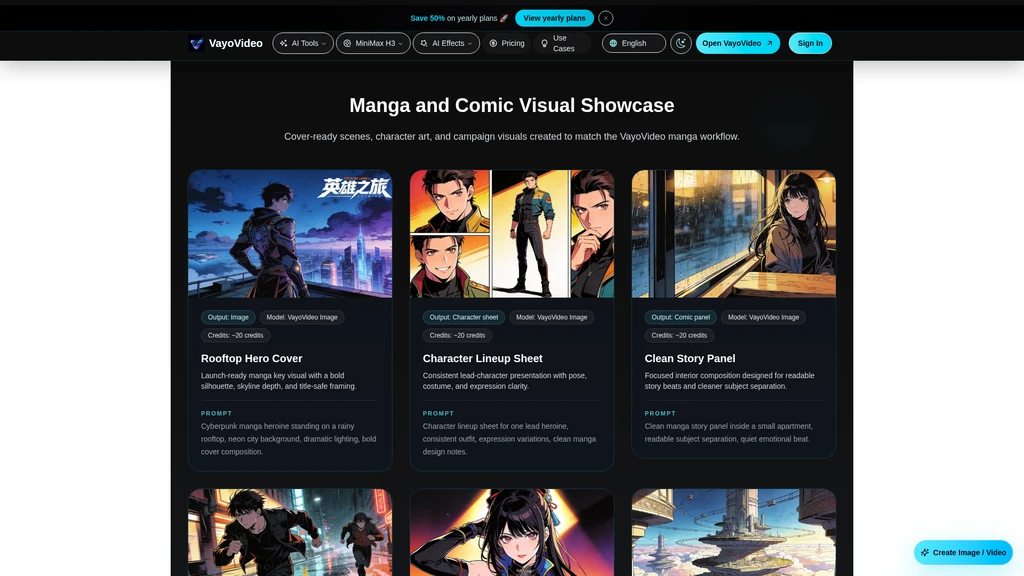
Consistent character generation: Reuse saved prompts and reference assets to preserve identical character appearances across dozens of images and animated clips
Built-in style transfer: Convert real world photos and third-party reference images into fully manga-styled visuals with customizable style intensity
Prompt history and asset library: Store all past prompts, generated images, and video clips in an organized, accessible library so teams can speed up repeat workflows
Commercial eligible exports: Paid plan users can generate and publish assets without watermarks, and outputs are cleared for commercial use per platform terms
Credit-based generation system: Standard image generations use approximately 20 credits, while standard short video generations use approximately 40 credits. Exact credit usage varies based on selected model, output duration, resolution, and custom settings. New users receive free credits to test all core generation workflows before upgrading.
Supported Use Cases
Users on VayoVideo build a wide range of finished assets, including:
Manga character portraits, story panels, and full comic sequence layouts
Short anime social media clips, promo trailers, and product launch marketing visuals
Custom manga-style product campaign posters and branded mascot assets
Storyboard frames for larger animation and video production projects
Illustrated educational story materials and short animated explainers
Music video clips with consistent manga visual direction aligned to track mood
Accessible Workflow Pages
The platform hosts dedicated optimized pages for highest-intent creative use cases that skip over generic studio navigation to let users start their target task immediately:
AI Manga Image Generator for creating manga characters, covers, panels, and source art
AI Manga Video Generator for generating manga-style character clips, promos, and story scenes
Anime Image to Video for animating anime artwork, manga panels, and character stills
General Image to Video AI for animating regular photos, product shots, and non-manga illustrations
Kling AI Video workflow for cinematic motion projects that require higher-fidelity scene movement


Comments