Monthly visits
2,619
2026-10
Monthly growth +1,196.5%

TuMenu - Build a QR menu and manage restaurant orders

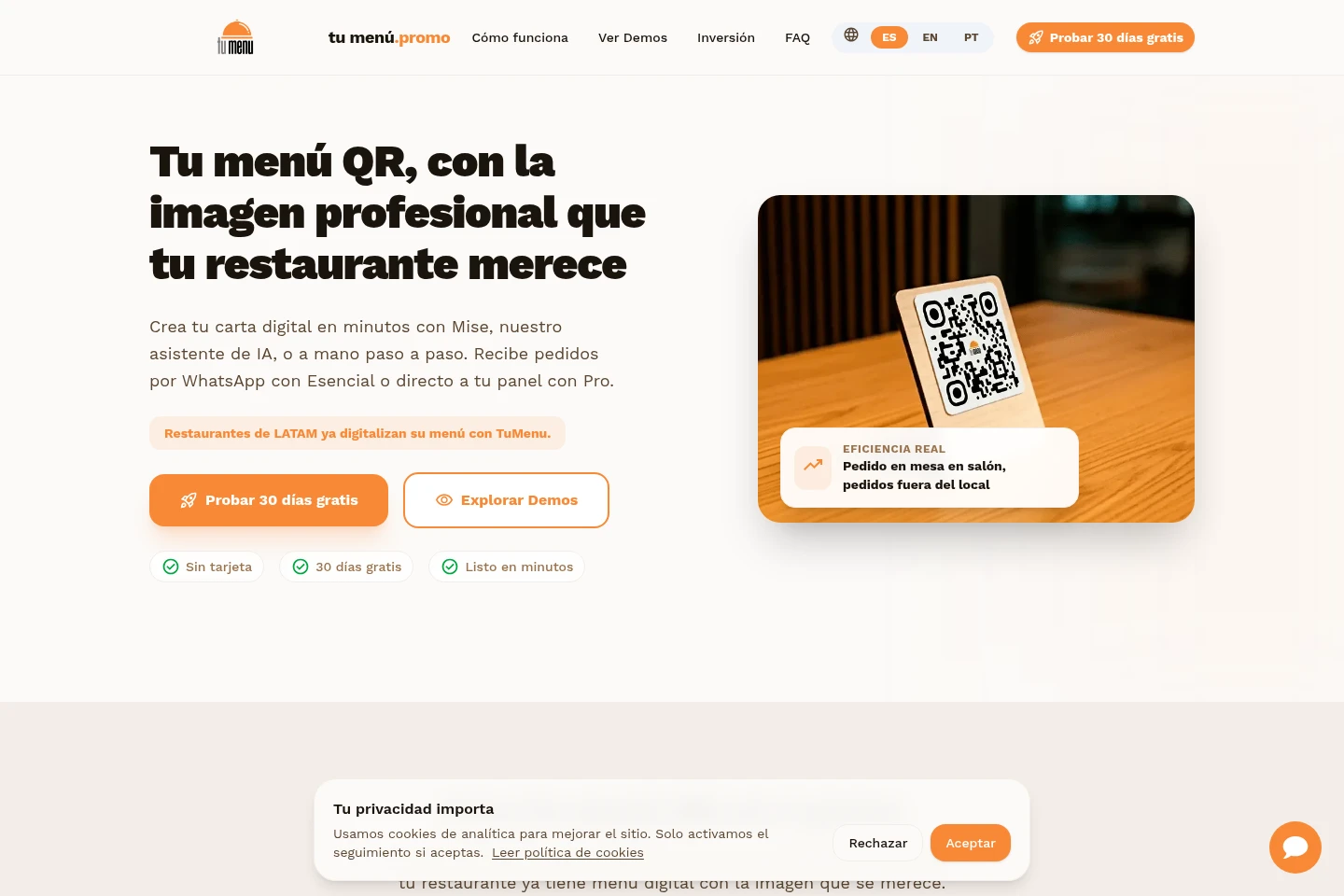
TuMenu lets restaurants create a digital menu, share it through a QR code, and update it from an online account. Use Mise, its AI assistant, with a menu photo or PDF, or enter categories, dishes, and prices manually. Customers can place table orders or send orders through WhatsApp with Esencial; Pro adds direct orders to the dashboard and real-time order management.

Visit WebsiteUpdate this product

0Views

Capabilities

AI-assisted menu setup

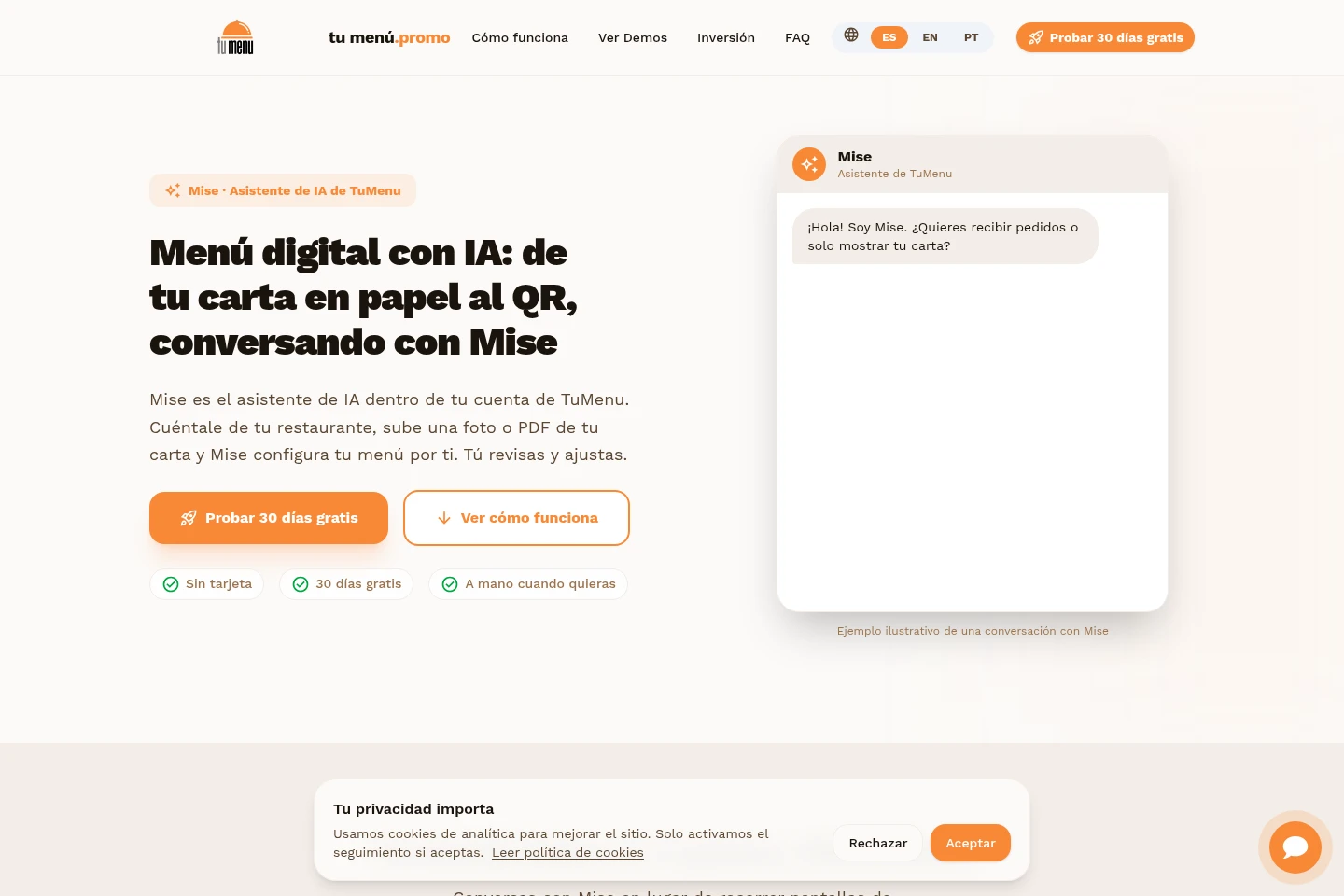
Mise creates a menu draft from a restaurant description, photo, or PDF and lets the account owner review and adjust it. It can organize categories, dishes, and prices; AI dish photos and team-assisted loading cost extra, with the price shown beforehand.

Manual menu editor

The account owner enters and edits categories, dishes, prices, options, and promotions in the account. This can be done without Mise or combined with AI-assisted setup.

QR digital menu

TuMenu publishes a restaurant menu for customers to view through a QR code and updates the displayed menu when it changes. The same QR remains in use when the account changes plans; menus can also be exported as PDFs for printing.

Restaurant order handling

Customers can build table orders or send orders through WhatsApp with Esencial, while Pro adds direct menu orders to the dashboard and real-time order management. Pro also includes separate waiter-app and kitchen-display workflows.

The platform offers automatic menu translation into five languages, and Mise can help translate a menu. The account interface is available in Spanish, English, and Portuguese.

PricingFree trial

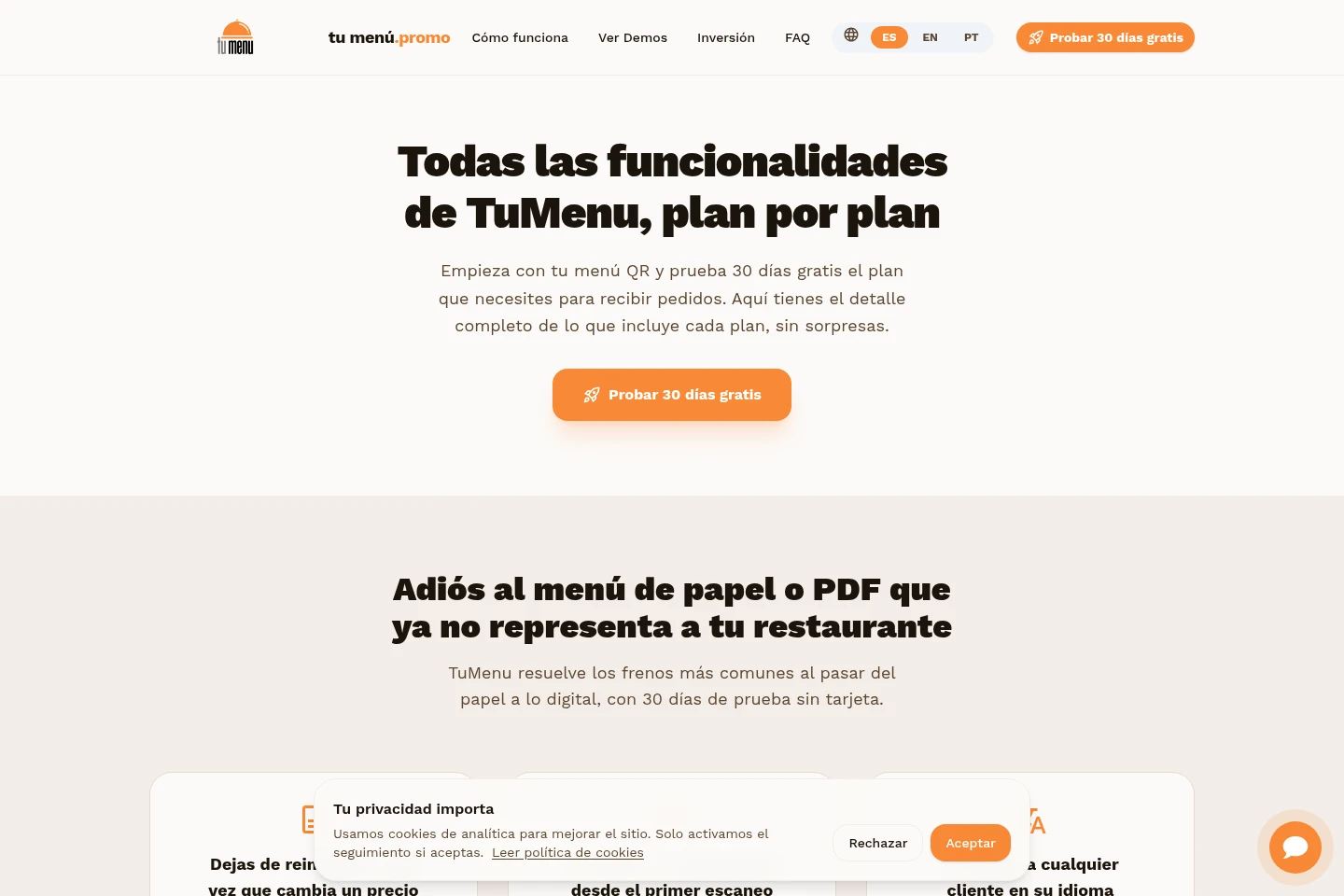
TuMenu offers a 30-day free trial, followed by recurring monthly plan pricing. Compare order channels, restaurant limits, and included operations when choosing a plan.

PlanPriceIncluded features and limits
Esencial Operativo

30 days free, then US$ 11.99/month

  • One trial per account; no card required to start.

  • 30% discount for the first 2 months when a payment method is added before the trial ends.

  • Table orders and WhatsApp orders.

  • Unlimited products and categories.

  • Up to 2 restaurants per account.

Pro

US$ 14.99/month after trial

  • Direct orders from the menu to the dashboard.

  • Table orders, WhatsApp, and direct orders.

  • Real-time order management; separate waiter app and kitchen display workflow.

  • Unlimited products and categories.

  • Up to 4 restaurants per account.

  • 20 AI credits when paying for Pro.

The 30-day trial starts after email verification and requires no payment card. During the trial, users can switch between Esencial and Pro without losing trial days. Cancel at any time; no long-term commitment.

Use cases

Publish and update a restaurant menu

When a restaurant wants to replace a paper or PDF menu, its operator creates the digital menu in TuMenu and shares the QR code on tables or signs. Menu edits are reflected through the same QR, and a printable PDF export is available.

Turn an existing menu into a digital menu

When a restaurant already has a printed menu, its operator can provide Mise with a photo or PDF. Mise loads categories, dishes, and prices into a draft for review and adjustment before the operator activates and shares it.

Receive orders from restaurant customers

When a restaurant wants to accept orders from its digital menu, it can use Esencial for table orders and WhatsApp orders, or Pro for direct orders in the dashboard. Pro provides real-time order management and separate waiter and kitchen workflows.

Limitations

  • The free trial lasts 30 days and starts after email verification; if no payment method is added before it ends, the account pauses and menus stop being visible until a plan is chosen.

  • Esencial supports up to 2 restaurants per account, while Pro supports up to 4 restaurants per account.

  • AI-generated dish photos and menu loading assisted by TuMenu's team are paid separately; Mise displays the price before purchase.

  • Mise sends messages and files to an external AI provider for processing, and its history is deleted when the account is deleted.

Alternatives

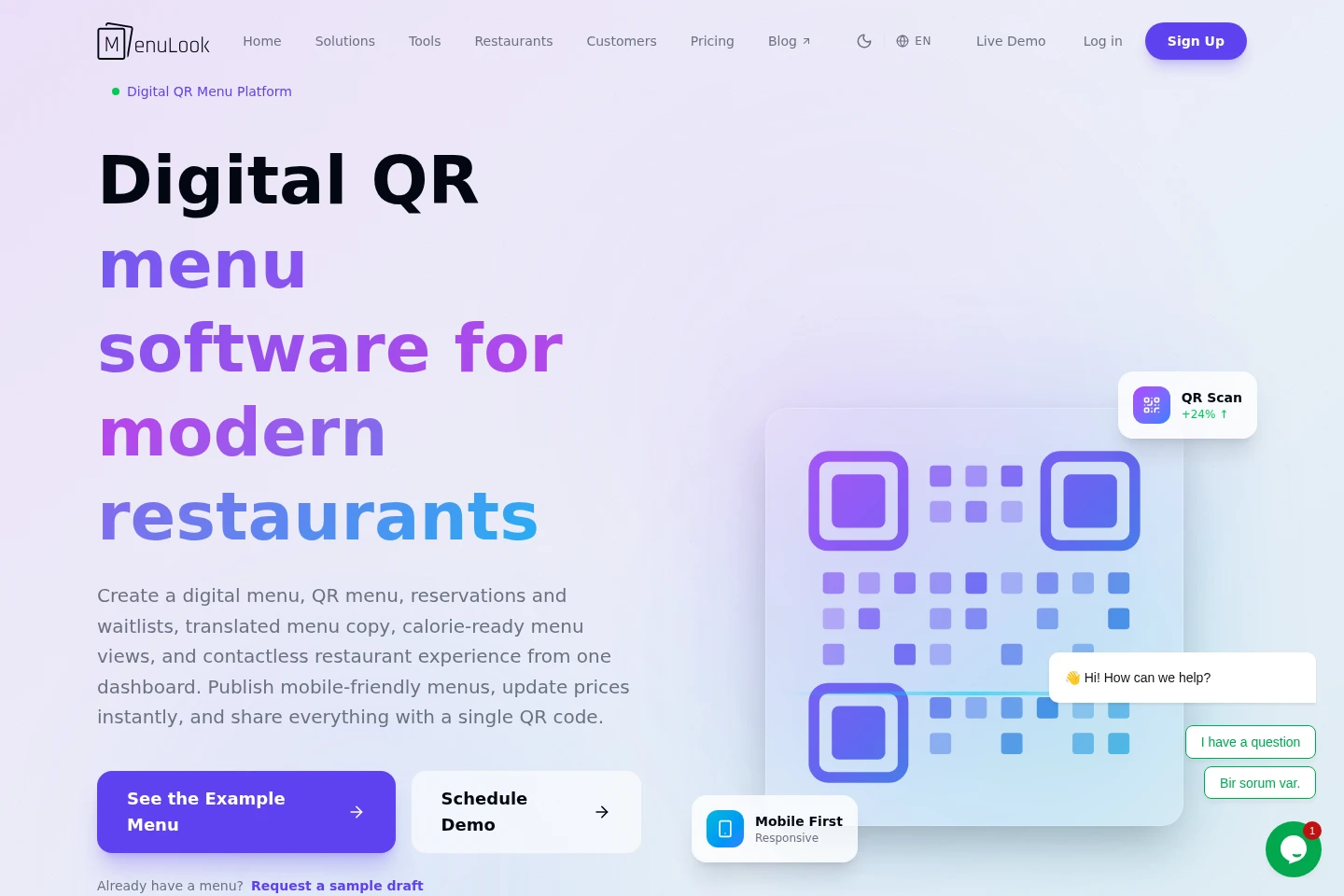
MenuLook

Create and manage restaurant menus with QR access

MenuLook is a web-based restaurant menu platform for creating mobile-friendly digital menus and sharing them through QR codes. Teams can import menu PDFs or photos with AI, edit and publish menu items, create translated menu copies, manage branches, and handle reservation requests and waitlists. It also supports menu analytics and calorie labeling.

  • Cloud
  • Paid
  • Premium Plan$5/month
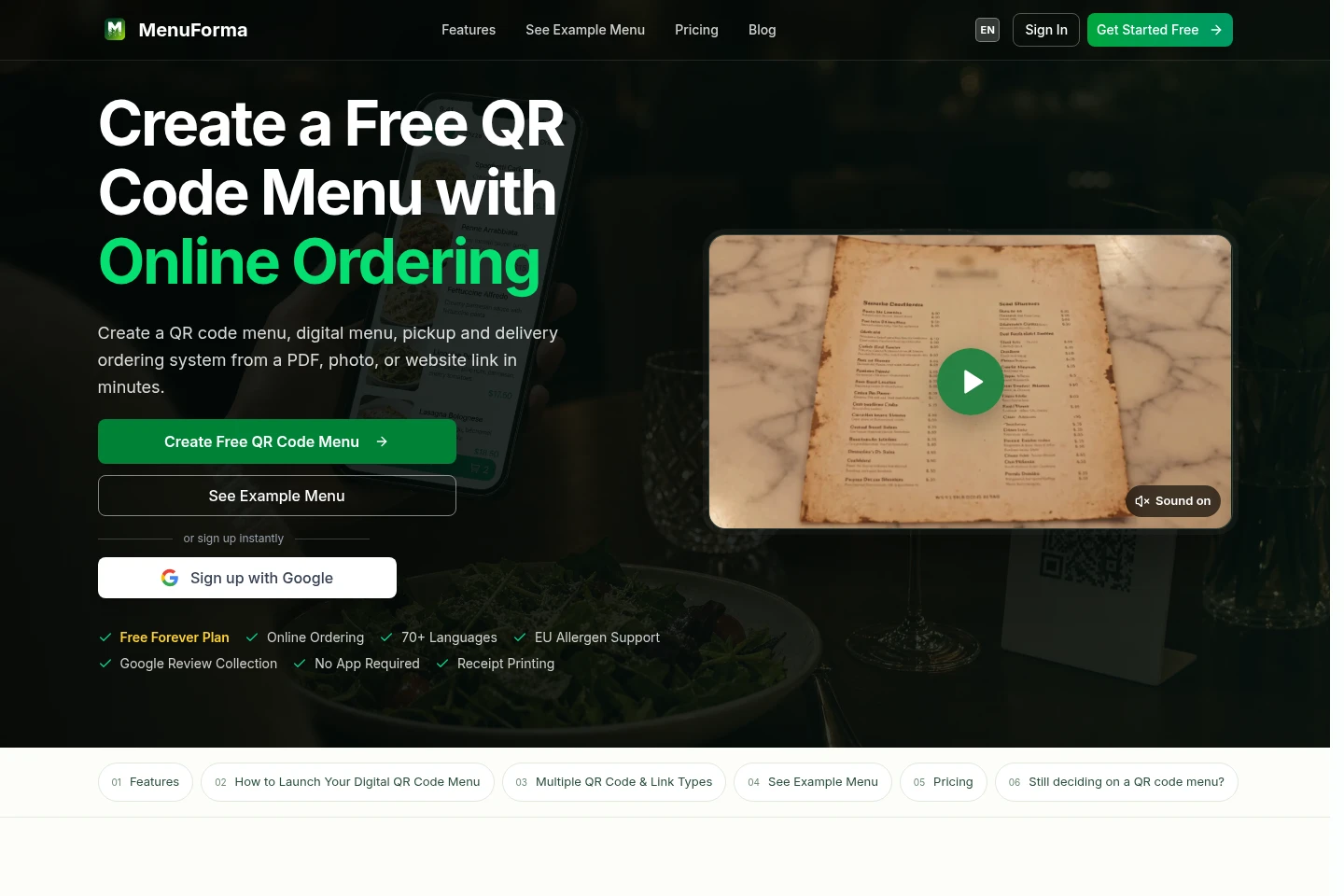
  1. MenuForma

    Turn any menu into an online ordering system from a PDF, photo, or link in minutes

    Freemium
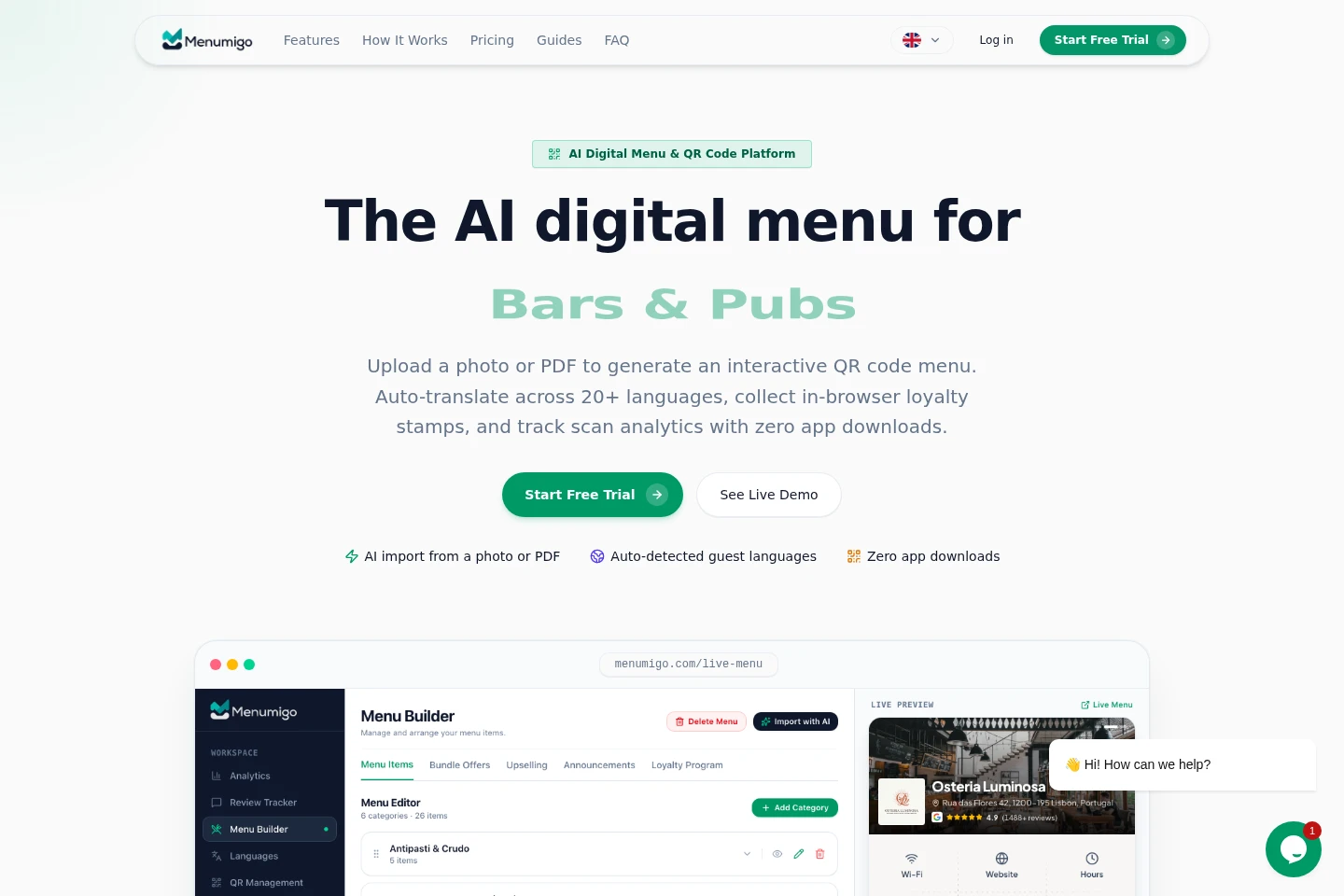
  2. Menumigo

    Turn restaurant menus into multilingual QR experiences

    Starter · €0 forever
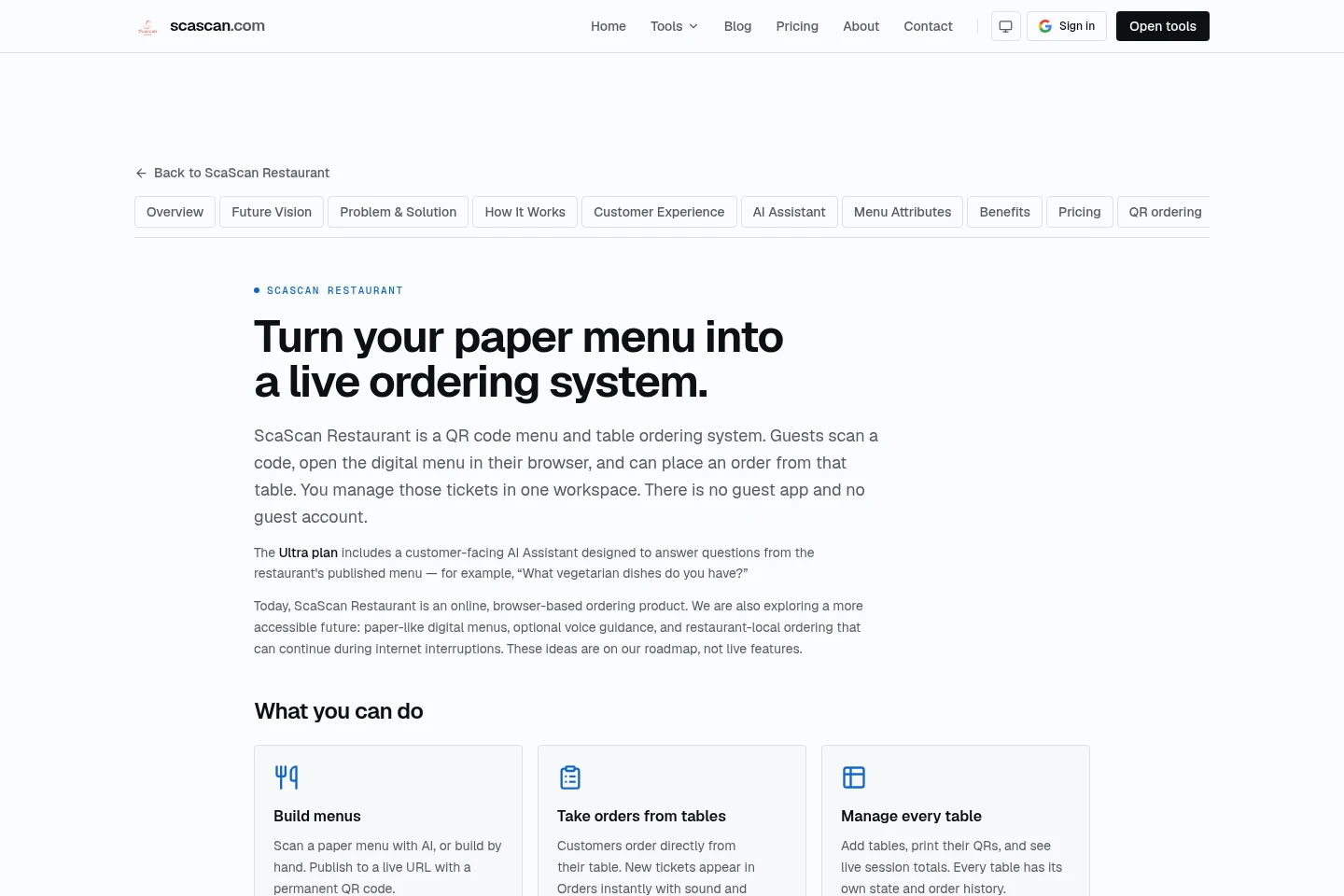
  3. ScaScan Restaurant

    Build digital menus and manage QR table orders

    Free · $0, free forever
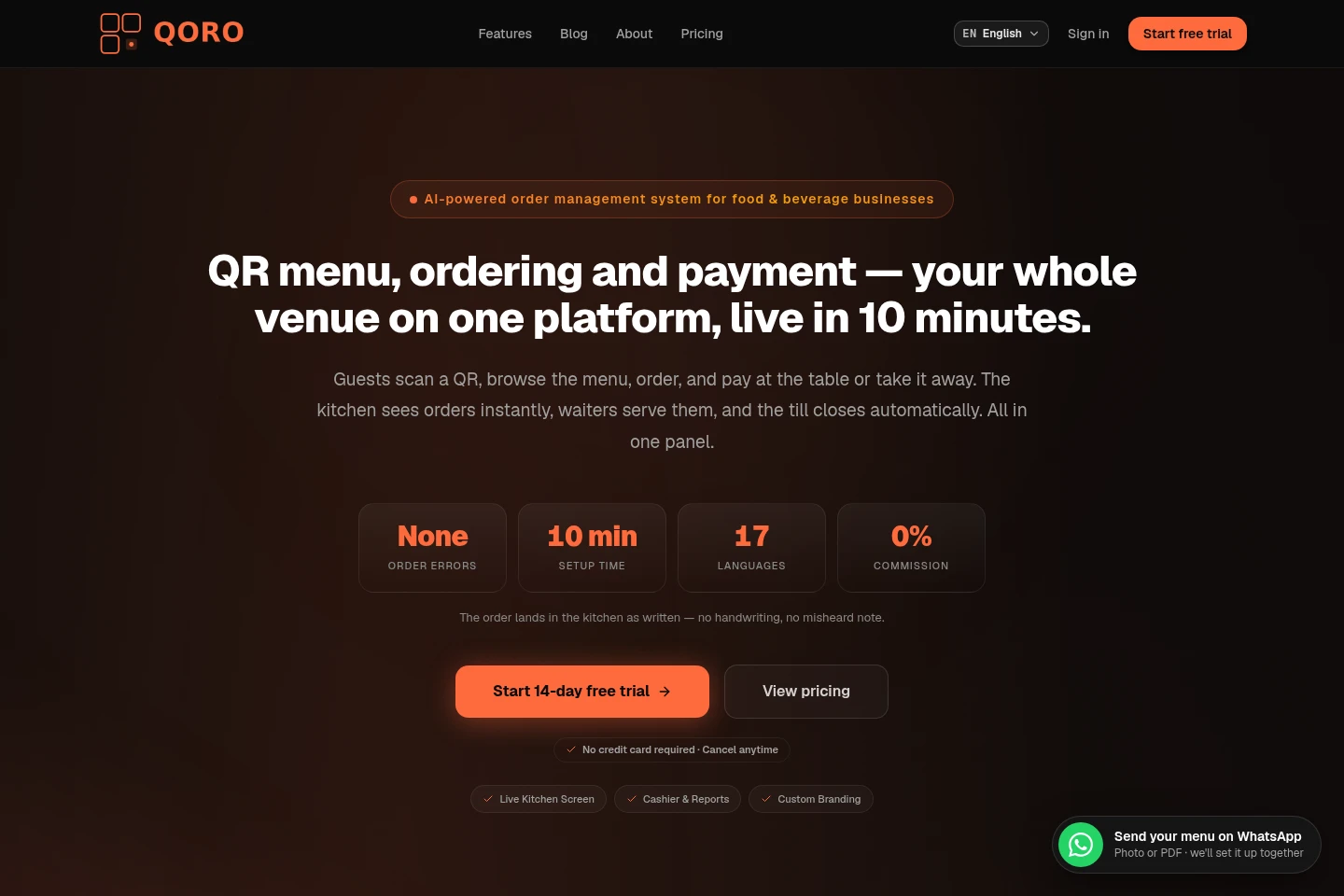
  4. Qoro

    QR menus, ordering and payments for food businesses

    Starter · $11.62/mo; billed annually at $139.44
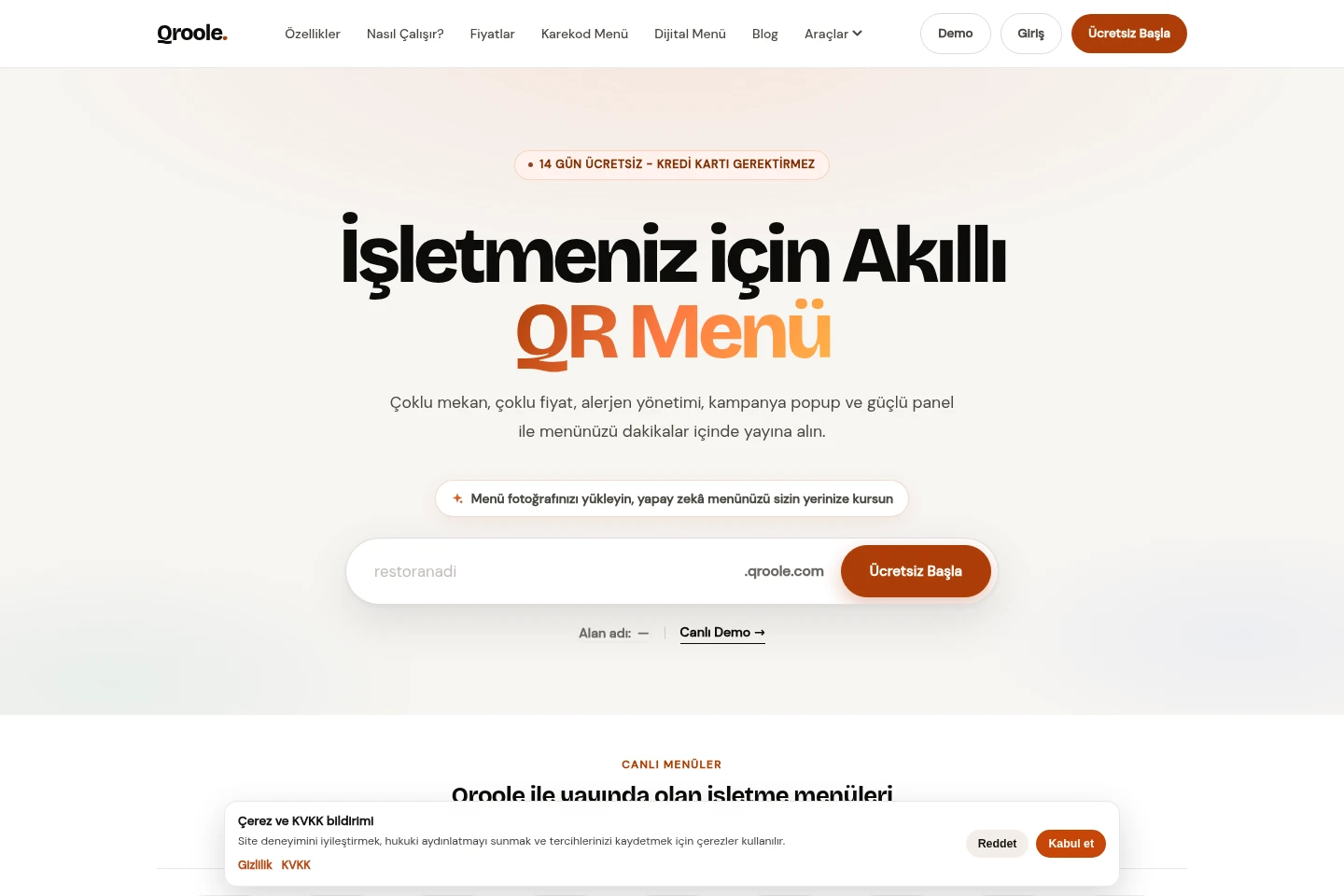
  5. Qroole

    Build and publish multilingual QR menus for restaurants, cafés, and hotels

    Professional Plan · ₺290/month

Who it is for

  • Restaurant owners and operators who need to publish and maintain a digital menu

  • Restaurant service and kitchen teams coordinating table orders and food preparation

  • Restaurant operators managing menus and order rules across multiple locations

FAQ

How does the 30-day free trial work?

The 30-day trial starts after email verification, with the selected plan or Esencial by default, and does not require a card. You can switch between Esencial and Pro during the trial without losing days. Add a payment method before it ends for 30% off the first two months; otherwise the account pauses and menus become hidden until you choose a plan. Data is not deleted, and you can cancel at any time.

Do I need to enter a payment card?

No. You can create an account and publish a menu without entering a payment method. The trial begins when you verify your email.

Can I set up my menu without Mise?

Yes. Mise is optional, and you can configure the account, restaurant, and menu manually at any time. You can also combine manual editing with Mise.

How can customers place orders?

Esencial supports table orders and orders sent to WhatsApp; Pro adds direct orders through the menu to the dashboard. Both plans are available during the 30-day trial, and you can change plans at any time.

Does the QR code change when I change plans?

No. The same QR code remains in use when you change plans, so you do not need to print it again.

Can I print the menu on paper?

Yes. You can export the menu as a PDF from the dashboard and print it; PDF export is included in all plans.

Comments

Please sign in to leave a comment.
No comments yet. Be the first to share your thoughts!