

- Monthly visits
- 2,206
- 2026-09
Trendy AI Lab - Free online image tools and AI photo styles
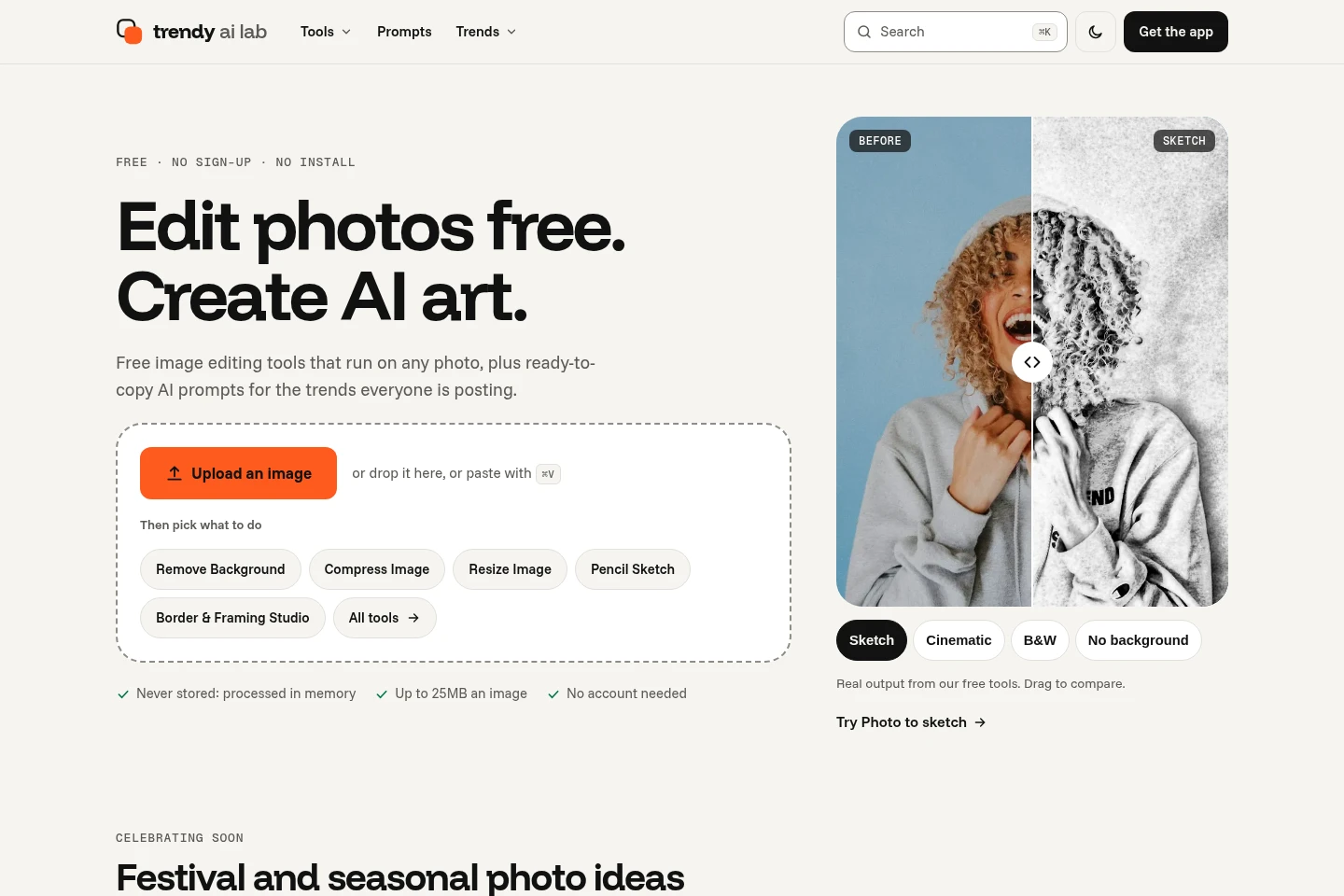
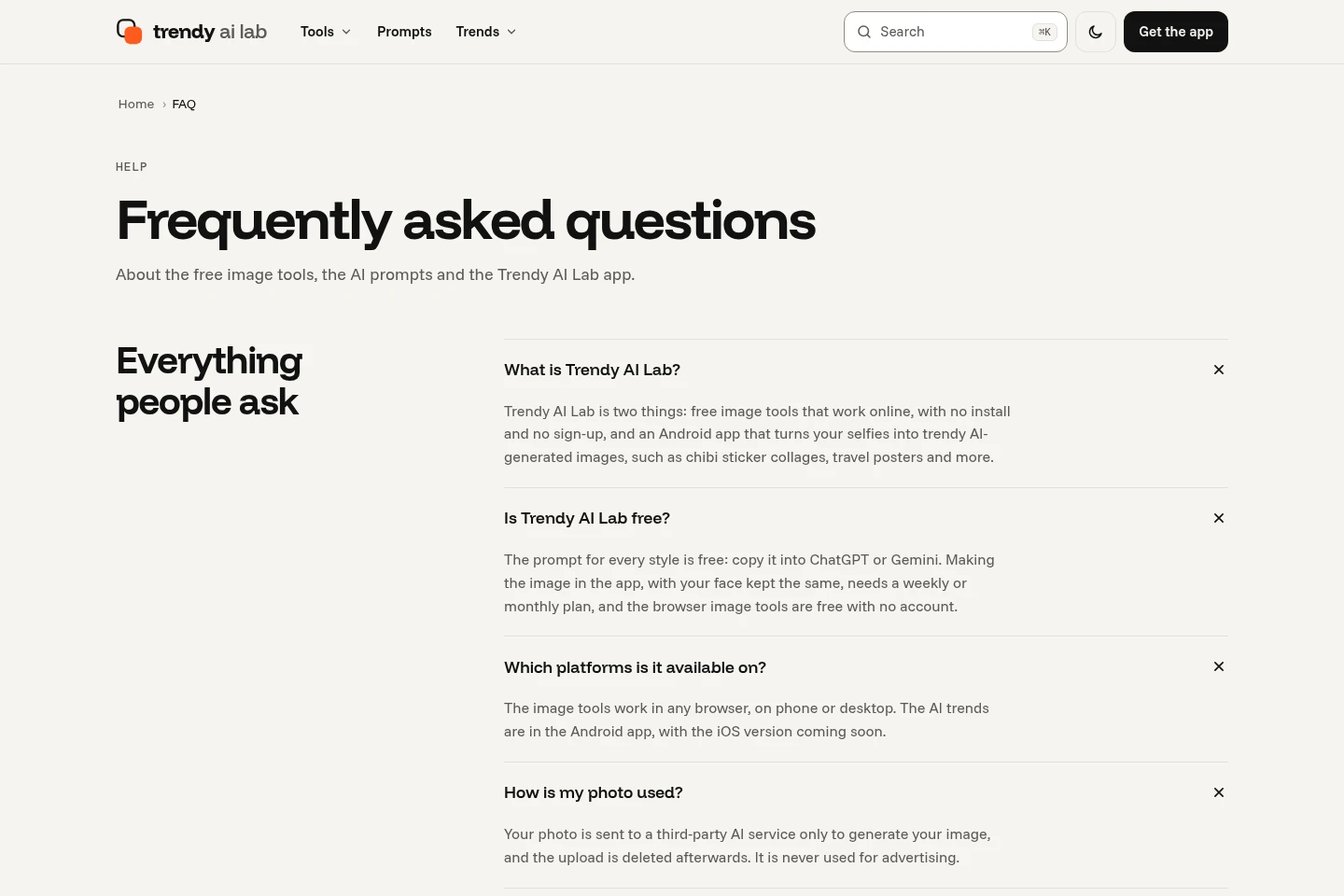
Trendy AI Lab provides browser-based tools to compress, convert, resize, crop and edit images, including color and visual effects. Its site also features AI photo-style trends and prompts, while its Android app offers AI-generated photo styles such as chibi, couple and travel art.
- AI Image
- Photo Editors
- Image Upscalers
- Background Removers
- free online image tools
- AI photo styles
- image editing tools
Capabilities
Image editing and conversion
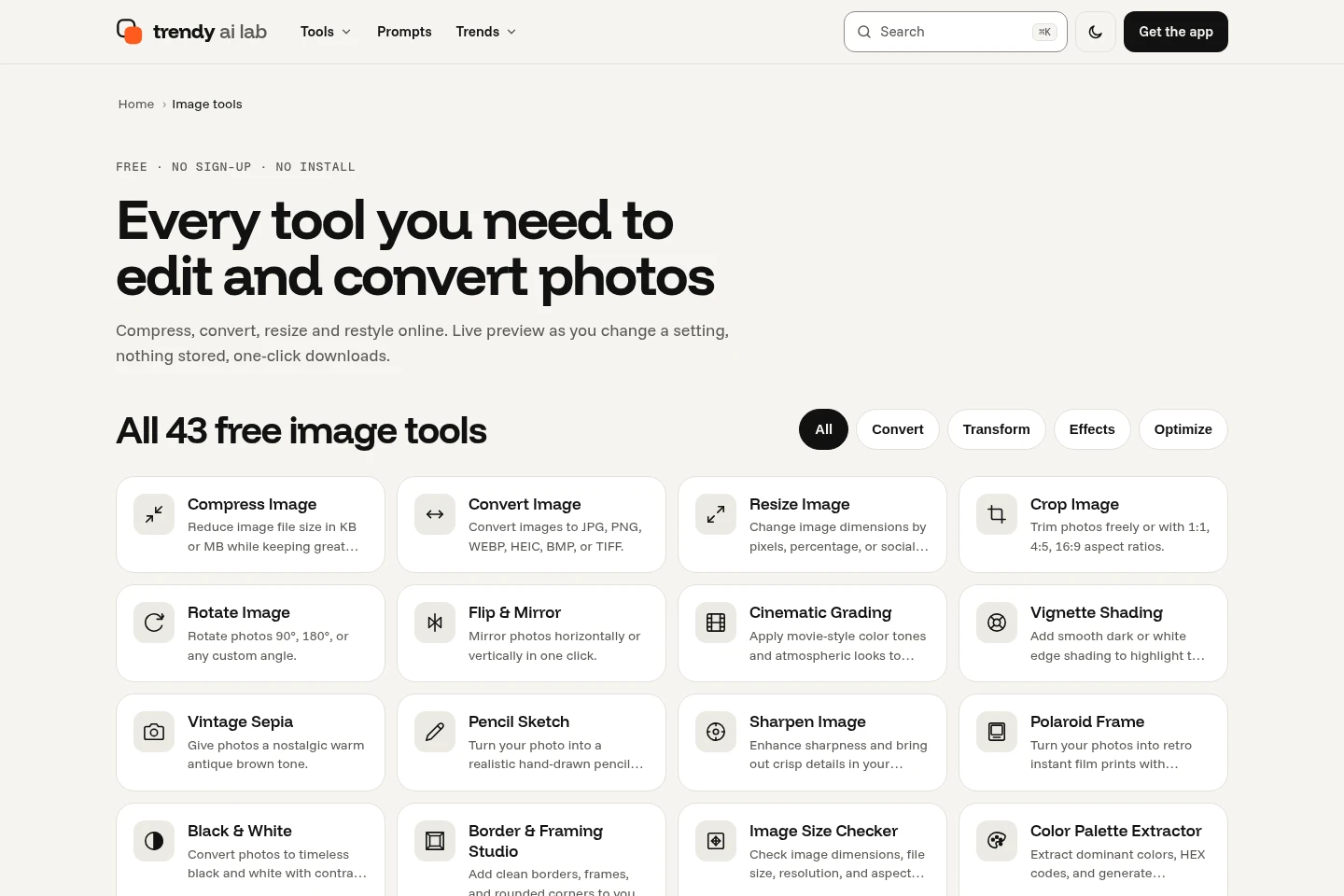
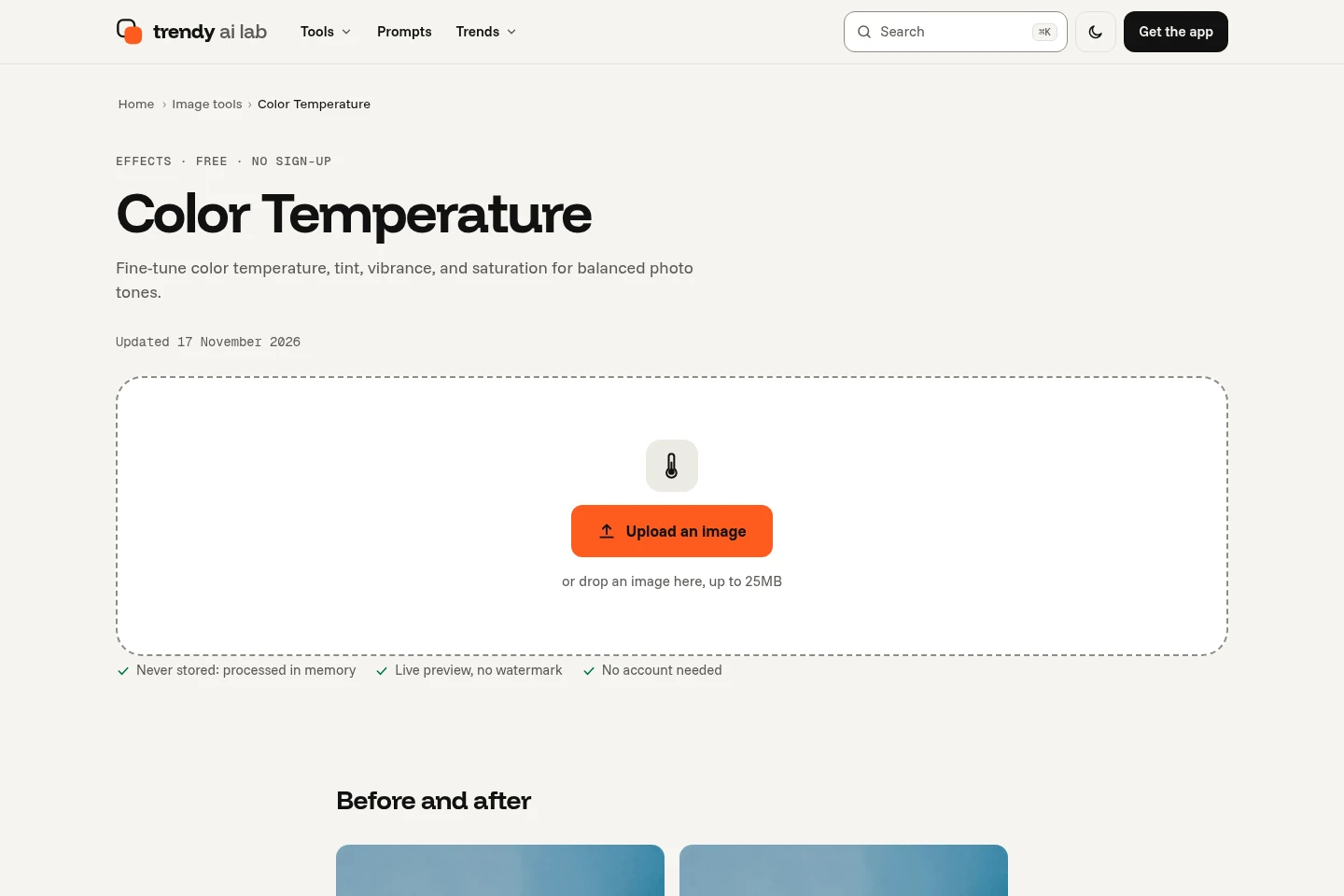
The online tools transform images and provide edited image files. Users can compress, convert, resize, crop, rotate, flip, adjust color and apply visual effects; the tools page describes them as free, with no sign-up and no watermark on downloads.
AI photo styles
The Android app turns selfies into AI art using styles such as chibi, couple and travel. The site presents additional themed trends and prompts; app availability and any credit conditions depend on the app offering.
Image utility tools
The site offers dedicated utilities for image tasks and related formats. Listed examples include image-size checking, watermarking, background removal, image-to-PDF and PDF-to-JPG conversion.
Pricing
The listed online image tools are free to use. The supplied pages do not establish prices or billing terms for the Android app, so compare the app’s own current terms before using app features.
Use cases
Edit and convert images online
When an image needs resizing, compression, format conversion or visual adjustment, users can open a relevant browser-based tool and apply that operation. The tools are described as free to use without signing up, and downloads have no watermark.
Create AI-styled selfie artwork
When users want a themed portrait or selfie transformation, they can use the Trendy AI Lab Android app and choose an AI photo style such as chibi, couple or travel art. The site also provides prompts and trend collections related to photo styles.
Who it is for
People who need quick browser-based image edits without installing software or creating an account
Android users looking to transform selfies with themed AI-generated photo styles
FAQ
Can I use the online image tools without signing up?
Yes. The tools page describes its image tools as free to use online without sign-up. It also says downloaded results have no watermark.
What image tasks can the online tools handle?
The site lists tools for compressing, converting, resizing, cropping, rotating and flipping images, as well as color adjustments and visual effects. It also lists utilities such as background removal and image-to-PDF conversion.
What photo styles are available in the app?
The site describes an Android app that turns selfies into AI art, with examples including chibi, couple and travel styles. The specific available styles and any app conditions may vary.
Comments