

- Monthly visits
- 247
- 2026-10
- Monthly growth +41.1%
Grok AI Image Generator - Create images from text prompts with Flux models
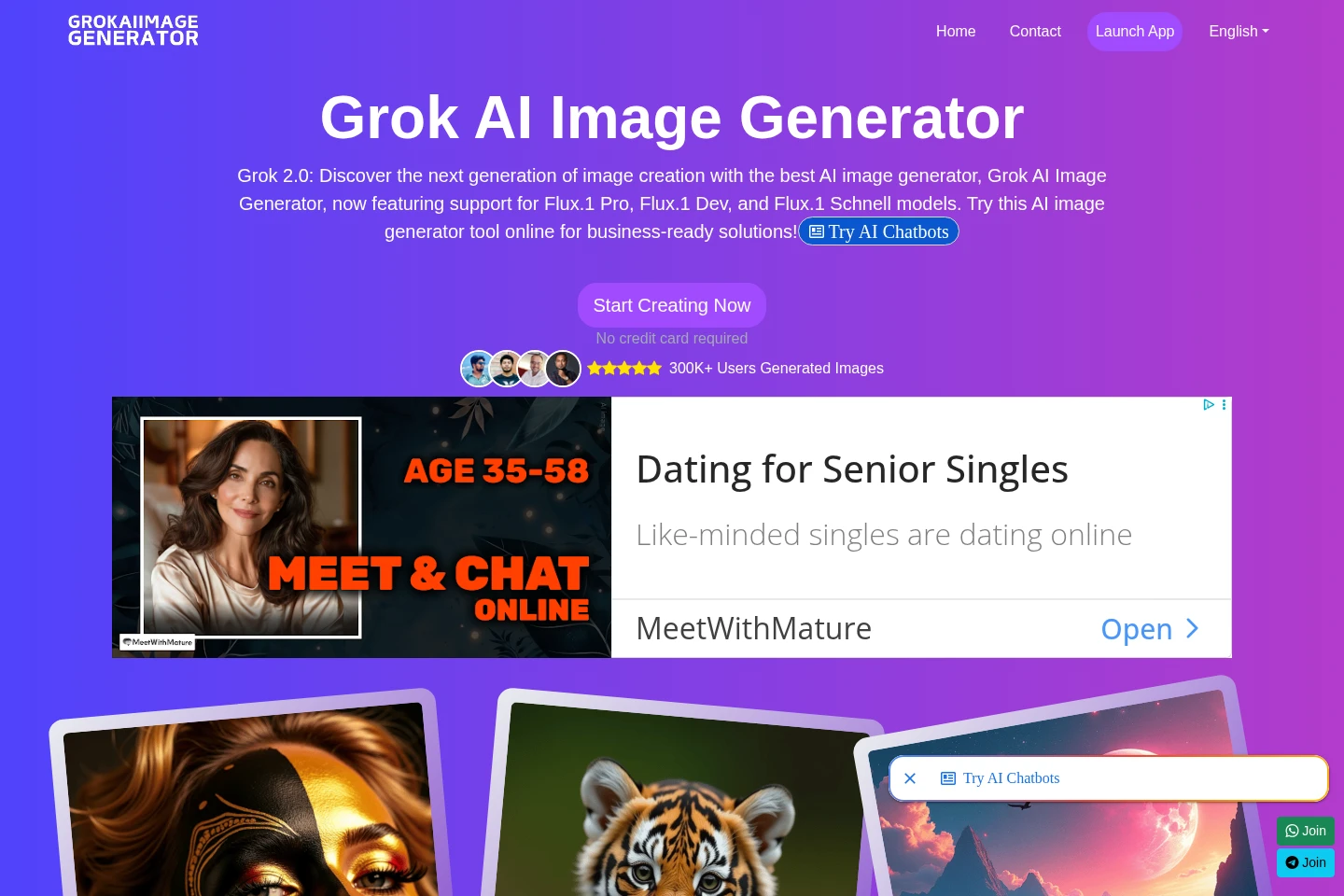
Grok AI Image Generator is a web-based tool for turning text prompts into images. It offers Flux.1 Pro, Flux.1 Dev, and Flux.1 Schnell models, with options to customize colors and details in a built-in editor, then download or share generated images. The listed plans include free access and paid versions.
- AI Image
- Image Generators
- Photo Editors
- AI image generation
- Flux image generator
- text to image
Capabilities
Text-to-image generation
Generates images from text prompts. Users enter a prompt and select among Flux.1 Pro, Flux.1 Dev, and Flux.1 Schnell, with model availability depending on the plan.
Generated image editing
Provides a built-in editor for refining generated images. Users can adjust colors, details, and other image elements after generation.
Flux model selection
Lets users choose Flux.1 Pro, Flux.1 Dev, or Flux.1 Schnell for image creation. Access to models depends on the selected plan.
Image download and sharing
Allows users to download generated images or share them on social media after creation.
Pricing
The listed options include a $0 Free Trial and paid monthly versions. Compare model access, usage limits, API access, and support; the FAQ also describes a 30-credit free plan.
| Plan | Price | Included features and limits |
|---|---|---|
| Pro Version | $29/month |
|
| Free Trial | $0 |
|
| Developer Version | $49/month |
|
Use cases
Create images from written prompts
When a user needs a visual based on a written idea, they enter a text prompt and select an available Flux model. The service generates an image that can then be customized, downloaded, or shared.
Refine generated images before sharing
When a generated image needs visual adjustments, users open it in the built-in editor and fine-tune colors and details. The adjusted image can then be downloaded or shared.
Integrate image generation through an API
When developers need image-generation access for an integration, the Developer Version lists API access and Flux.1 Dev models. The page does not specify API quotas or technical requirements.
Limitations
The site says the product is currently available only on the web; a mobile app is under consideration for future releases.
The Free Trial listing describes limited usage, while the FAQ separately states that the free plan includes 30 credits and Flux.1 Schnell access.
API access is listed for the Developer Version; the supplied pages do not specify its quota or technical requirements.
Who it is for
Creators who want to turn written prompts into images
Users who need to adjust generated image colors and details
Developers seeking API access to image generation
FAQ
Which image models can users select?
The listed models are Flux.1 Pro, Flux.1 Dev, and Flux.1 Schnell. The plans describe different model access, so available models depend on the selected plan.
Does the free option include image-generation credits?
Yes. The FAQ says the free plan includes 30 credits and access to Flux.1 Schnell features. The plan section labels its $0 option Free Trial and describes usage as limited.
Can generated images be used for commercial projects?
Yes. The FAQ states that images generated with Grok AI Image Generator can be used for commercial purposes.
Can users access the generator from a mobile app?
No mobile app is currently offered according to the FAQ. The page says the product is available via the web and that a mobile app is under consideration.
Does the Developer Version include API access?
Yes. The Developer Version lists API access alongside all Dev models and dedicated support. The supplied pages do not state API quotas or technical requirements.
How can users contact support?
Users can contact support by email at [email protected] or [email protected]. Both addresses are listed on the supplied official pages.
Comments