

- Monthly visits
- 7,855
- 2026-09
- Monthly growth +1,006.3%
Transcript.im - Free AI transcript generator for Instagram, TikTok and YouTube videos
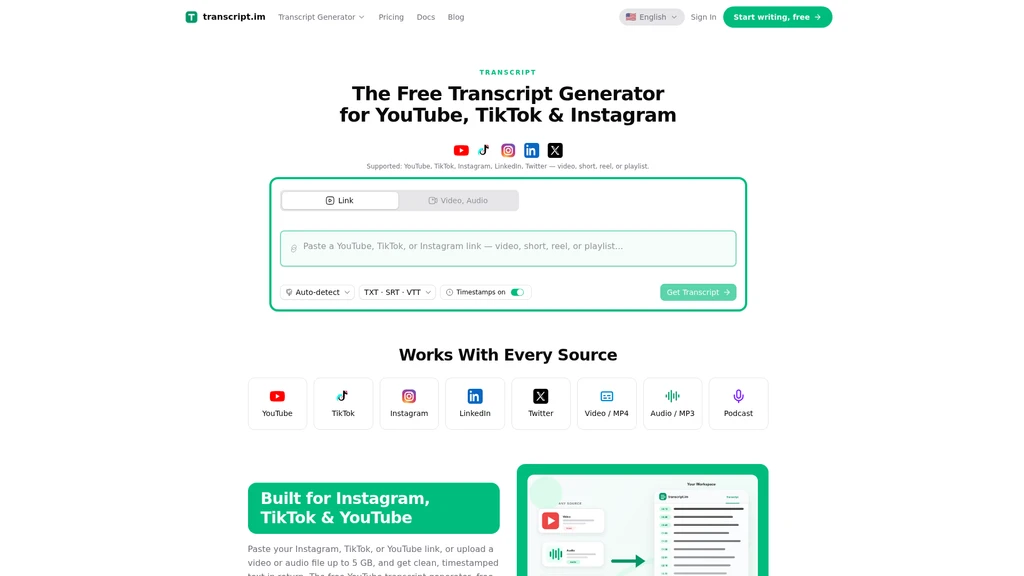
Transcript.im is an AI-powered tool that extracts clean, timestamped transcripts from public Instagram, TikTok and YouTube links, plus local video and audio files up to 5 GB. It lets users generate transcripts in one flow, then edit, translate, summarize and export them in common text and subtitle formats. This tool is built for content creators, students, sales teams, and marketing professionals who need to convert spoken video content into reusable written assets.
- AI Audio
- Transcription
- Summarization
- CLI Tool
- Subtitle Generation
98Views
Core Features
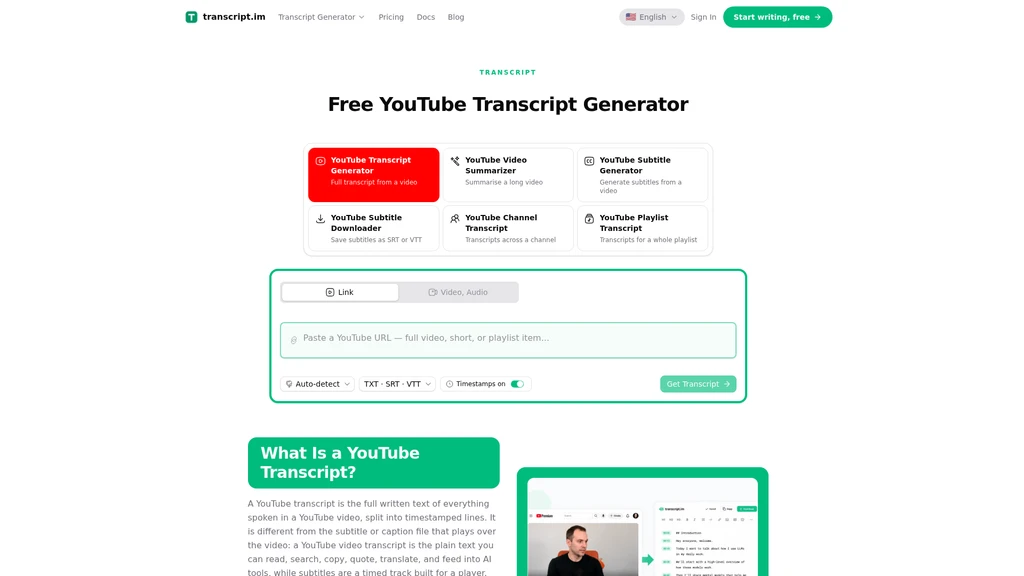
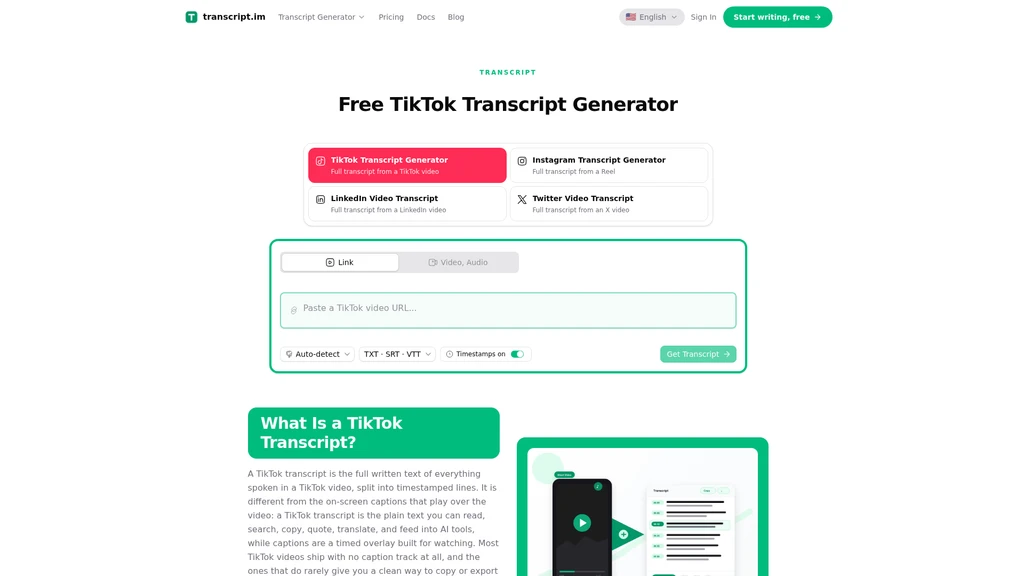
Transcript.im supports transcription from three major short-form and long-form social platforms, plus local media uploads. Users can paste a public Instagram, TikTok, or YouTube link, or drag and drop a local video or audio file up to 5 GB. The tool first pulls existing publicly available captions for the content if they already exist, and runs AI speech-to-text transcription for audio that does not have pre-existing captions. All generated transcripts include exact timestamps for every line of text, so users can trace any segment back to the exact moment it was spoken in the original media.
Supported Workflows
Rewrite and repurpose transcripts
Users can take the raw timestamped transcript and rewrite it directly, turning video content into new scripts, blog posts, newsletters, social threads, or show notes without scrubbing through the original footage. The timestamped structure keeps the original context intact during rewriting.
Translate transcripts
The tool supports one-click translation of generated transcripts into 7 languages, with timestamps fully preserved so exported subtitle files stay aligned with the original audio. Users can view original text and translated text side by side to correct names and product terms before exporting. Supported export formats for translated and unmodified transcripts include TXT, SRT, and VTT.
Summarize and outline transcripts
Users can request AI-generated summaries, outlines, and mind maps built directly from the full timestamped transcript. This workflow works for reviewing long recordings quickly, skimming lecture content before studying, or pulling key points from podcast episodes.
Batch Processing Capabilities
Transcript.im is designed for transcripts at scale, with support for 4 concurrent extractions. Users can queue entire channel backlogs, multiple lecture recordings, or a week of client call files and run them in parallel. The batch system tracks individual status for every queued item. If a single item fails due to a private post, region-locked video, or source platform outage, users can retry only that one failed item without restarting the entire queue. Full queues can also be paused and resumed later. For finished batches, users can download all transcripts as a single ZIP file, or export a merged TXT, CSV, or SRT file that preserves the original queue order and all timestamps, creating one single searchable document from a folder of separate recordings.
Common Use Cases
Content creators can reuse the transcript of a published video to draft re-edits, create localized versions, or cut short highlight clips without re-watching the full video.
Students and teams can transcribe recorded lectures and meetings, generate outlines for study notes or meeting minutes, and build a searchable archive of past recordings.
Sales teams can reuse transcript content from existing demo or pitch videos to create segmented, tailored copy for different customer groups, and generate translated versions of pitches for international meetings.
Marketing teams can generate transcripts of existing Instagram ads to create localized ad variations, export aligned subtitle files for different languages, and repurpose video script content for landing page copy.


Comments