

- Monthly visits
- 21,249
- 2026-10
- Monthly growth +453.2%
Suno AI Songbook - Compose instrumental music and save your projects
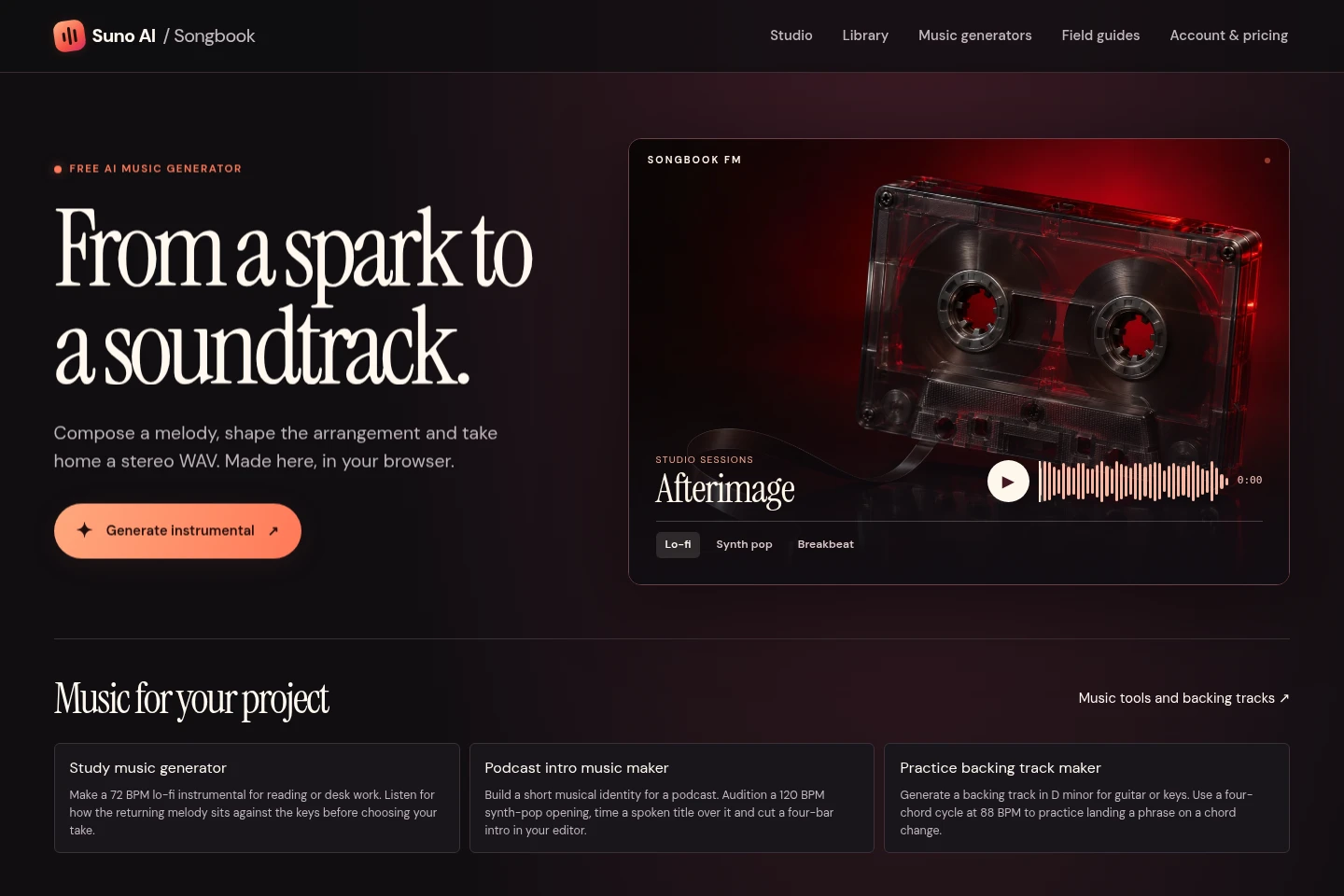
Suno AI Songbook is a browser-based studio for composing instrumental music. Its melody model builds notes over a chord progression, and the studio arranges keys, bass, and drums into sections with an ending. Edit project details, keep lyrics or notes with a project, and download a stereo WAV. Local composition and downloads are free; cloud saves are sold separately as one-time packs.
- AI Audio
- Music Generators
- Audio Editors
- AI instrumental music generator
- browser music composition studio
- cloud music saves
Capabilities
Instrumental music generation
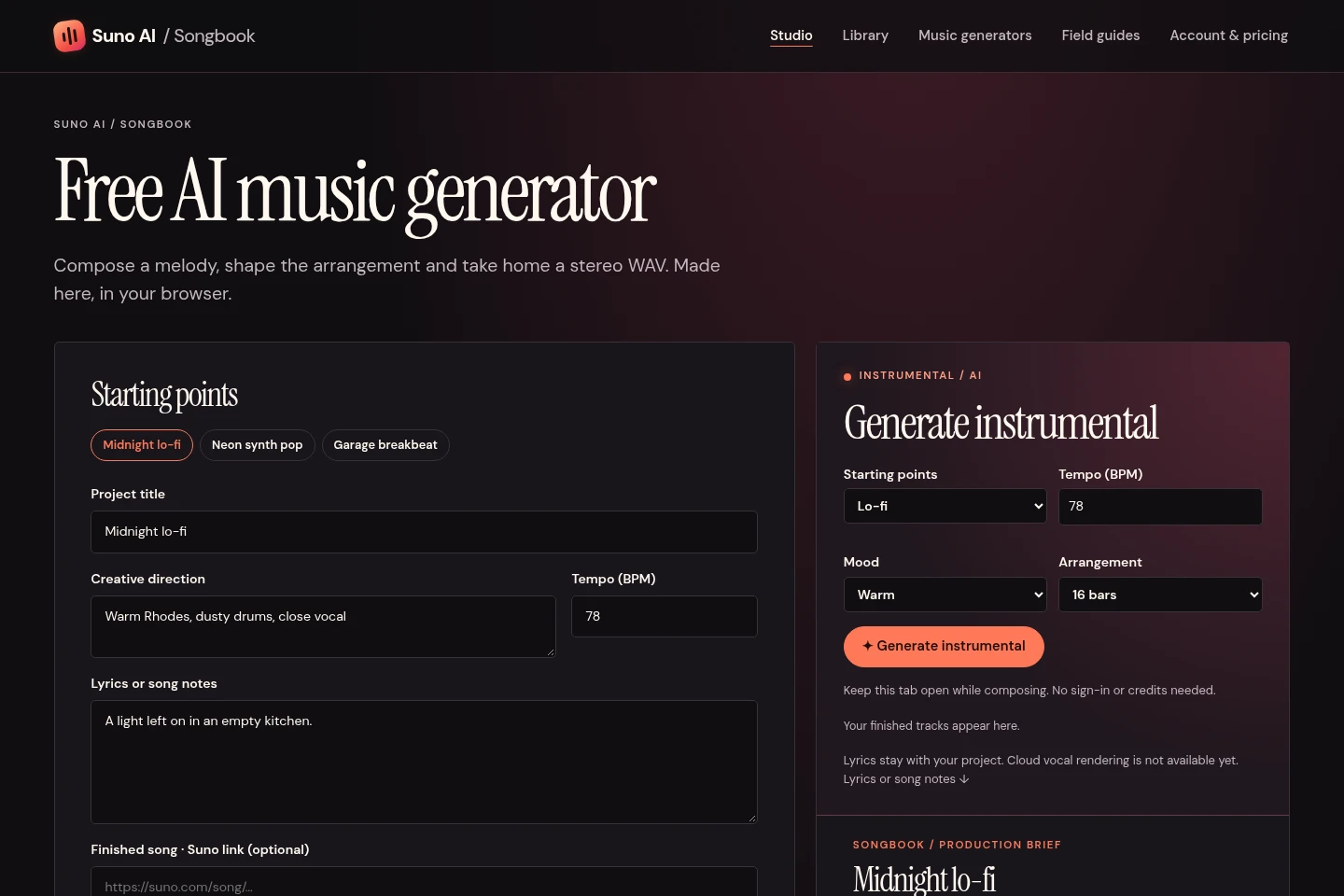
Generates an instrumental melody over a chord progression and outputs a composed musical take. Choose starting points and set tempo, mood, and arrangement; keep the browser tab open while composing.
Section-based arrangement
Arranges keys, bass, and drums into sections with a composed ending. The studio uses the generated melody and lets you shape the arrangement in the browser.
Project lyrics and notes
Stores lyrics or song notes alongside a project and its revisions. Enter or revise the text in the studio; lyrics are saved as notes and are not rendered as vocals by the current generator.
Stereo WAV export
Downloads a stereo WAV recording of a completed take. Compose in the browser and export the result when it is ready; the first render downloads the model, so keep the tab open.
Cross-device cloud saves
Keeps recordings and lyric notes in a private library that can be opened on different devices. Sign in with Google, use the same account on each device, and spend a purchased cloud save to store a recording.
Pricing
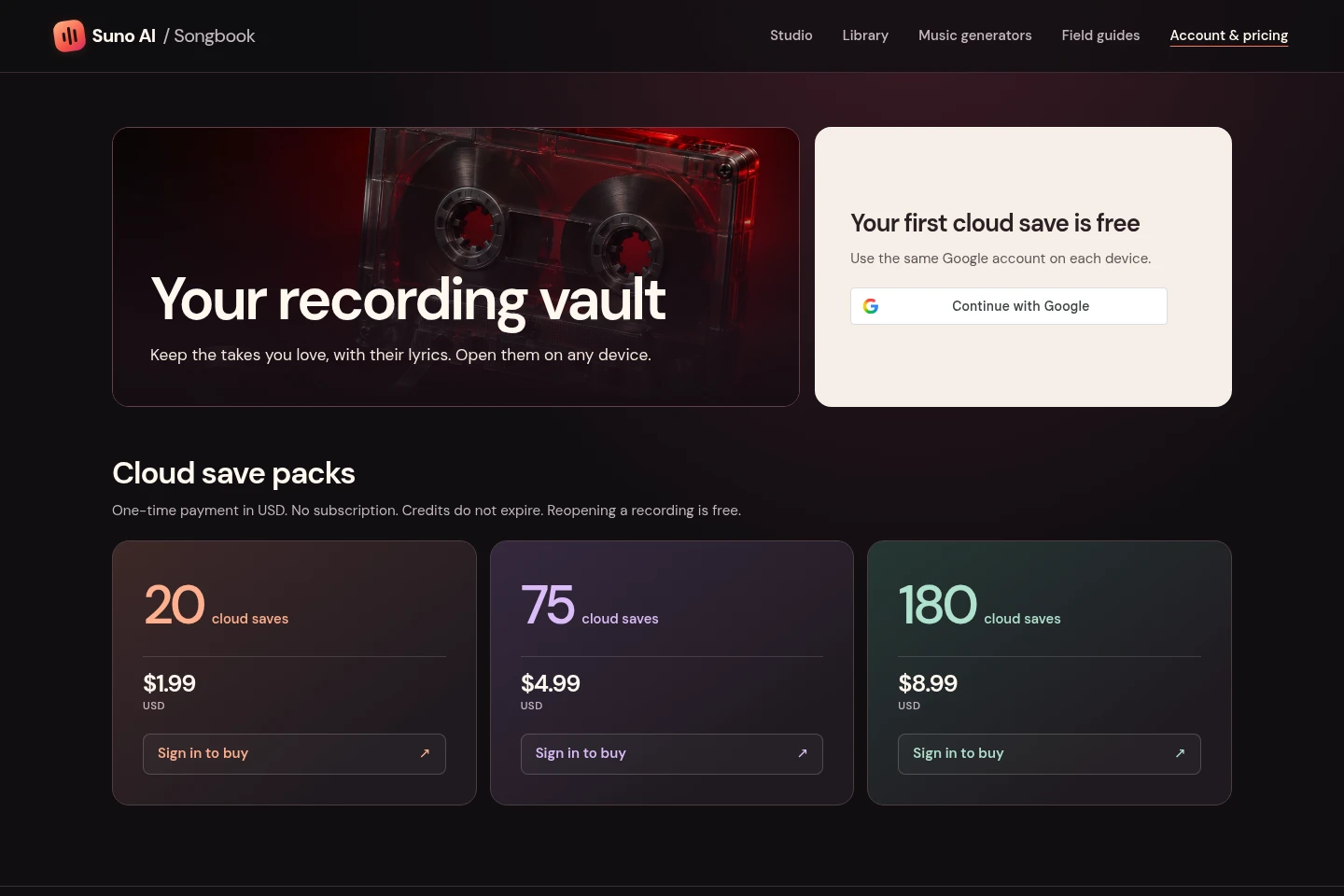
Local composition, listening, and WAV downloads are free. Cloud saves use one-time USD payments; compare each pack by its number of cloud saves, with credits that do not expire.
| Plan | Price | Included features and limits |
|---|---|---|
| 20 cloud saves | $1.99 USD, one-time |
|
| 75 cloud saves | $4.99 USD, one-time |
|
| 180 cloud saves | $8.99 USD, one-time |
|
Cloud saves are stored in a private library accessed by signing in with Google. Use the same Google account on each device; local composition and WAV downloads remain free.
Use cases
Create an instrumental music take
When a project needs original instrumental music, choose a starting point and set tempo, mood, and arrangement in the studio. The melody model composes over a chord progression, and the studio shapes the parts into sections for a downloadable stereo WAV.
Save lyrics and revise a song idea
When developing a song idea that includes lyrics or notes, enter them alongside the project and save revisions in the browser. The text stays with the project for reference, while the current generator creates instrumental music rather than sung vocals.
Open saved recordings across devices
When a recording needs to be available on more than one device, sign in with the same Google account and save it to the private cloud library. Purchased cloud saves store recordings with their lyric notes; reopening a recording is free.
Limitations
The current generator exports instrumental music; cloud-generated singing is not available yet.
Composition must remain open in the browser tab until the recording is ready.
Drafts stay in the current browser unless exported elsewhere; export a library backup before clearing browser storage or moving devices.
Cloud saves require Google sign-in and the same Google account on each device; purchased save credits are needed to store recordings.
Who it is for
Songwriters and music makers who need browser-based instrumental drafts
Podcast and video creators seeking instrumental music for project use
Musicians who need generated backing tracks for instrument practice
FAQ
What kind of music can the generator make?
It makes complete instrumentals, including lo-fi, synth pop, and breakbeat. A melody model composes notes over a chord progression, and the studio arranges keys, bass, and drums into sections with an ending.
Is Suno AI Songbook free to use?
Local composition, listening, and WAV downloads are free and require no sign-in or credits. The first render downloads the model, so keep the browser tab open until the recording is ready; cloud saves are sold separately.
Can it sing lyrics that I enter?
No. You can keep lyrics with a project and save revisions, but the current generator exports instrumental music. Cloud-generated singing is not available yet.
How can I keep a recording for later?
Download its stereo WAV or reopen the project in your library. A saved score reproduces the same take; export a library backup before clearing browser storage or moving to another device.
How do cloud saves work?
Sign in with Google and use the same account on each device to access the private library. The first cloud save is free; additional cloud saves are sold in one-time USD packs, credits do not expire, and reopening a recording is free.


Comments