

STLRepair - Free browser STL checker that runs locally without uploading your files
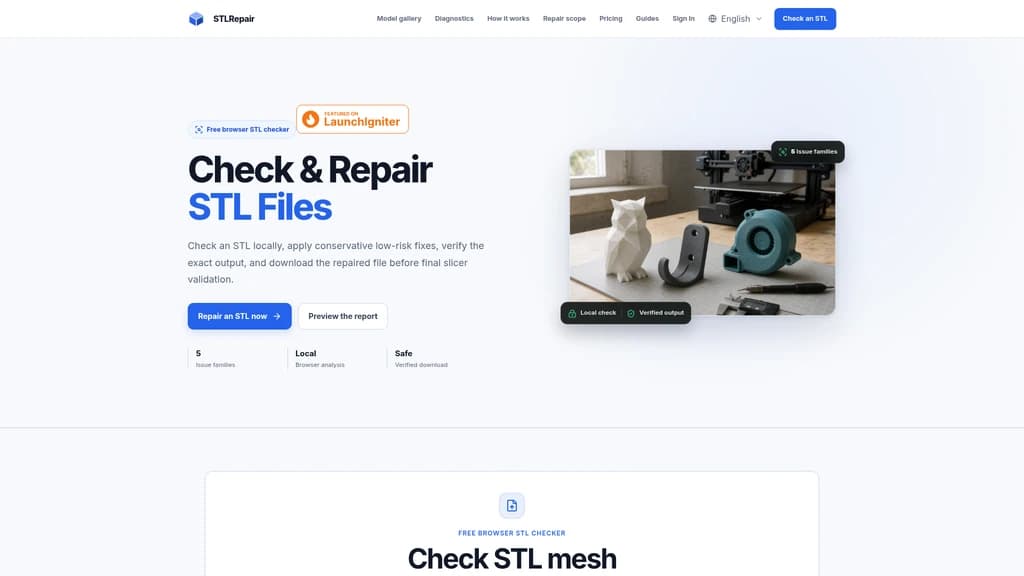
STLRepair is a free browser-based STL file checker that analyzes and repairs 3D printing mesh files entirely locally on your device. It is built for 3D printing hobbyists and engineers who need to validate STL mesh health before slicing, without uploading their files to remote servers. The tool detects 5 core STL mesh issues, applies low-risk conservative fixes, and lets users preview results before downloading the adjusted file for further slicer validation.
- AI Design
- 3D Modeling
- Privacy Focused
- Offline Capable
157Views
Core Features
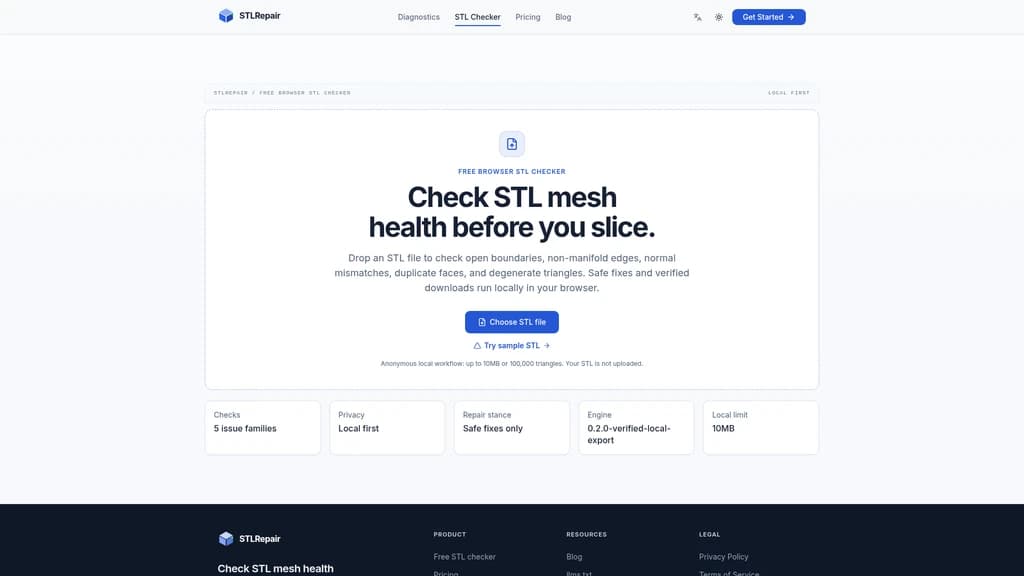
STLRepair runs 100% inside your web browser, so no STL files you process are ever uploaded to external servers. The public free version supports STL files up to 10 MB or 100,000 triangles. It works with both binary and ASCII STL formats.
The tool scans for 5 distinct STL mesh issue families:
Duplicate faces, or repeated triangles that add unnecessary file noise
Degenerate faces, or triangles with near-zero area that can cause slicer errors
Normal direction mismatches, where facet normals do not align with correct triangle winding
Open boundary edges, which indicate unclosed surfaces or non-watertight geometry
Non-manifold edges, edges shared by more than two faces that usually require manual review
Supported Workflow
The STLRepair workflow follows three simple, local steps:
Select or drag and drop your STL file directly into the browser interface. The tool will not send the file to any external server.
The tool parses the STL, builds the full mesh topology locally, and generates a mesh health score alongside a full report of all detected issues.
You review the issue list, inspect the interactive mesh preview, and apply conservative, low-risk fixes only for supported issues. Open boundaries and non-manifold edges are not auto-repaired, and are clearly flagged for your manual review. You can then download the verified, repaired STL file before you run final checks in your slicer.
Current Repair Limitations
STLRepair only applies safe previewable fixes for specific issues. It can remove duplicate faces and degenerate triangles, and recalculate correct facet normals without altering the model silhouette. It does not automatically fill open holes or modify non-manifold edge topology. For these complex issues, it provides a clear visual report so you can address them using your preferred 3D editing tool.
Recommended Usage
STLRepair is designed as a preflight step before you open your STL in a slicer. Run the check first to catch obvious mesh defects early, then confirm scale, wall thickness, print orientation, support settings, material parameters, and printer configuration directly in your slicer software before starting a print. This workflow reduces the risk of failed prints that waste material and machine time.
STLRepair does not require any account registration to use, and all analysis runs anonymously on your local device within your browser.


Comments