

- Monthly visits
- 286
- 2026-09
- Monthly growth -82%
Stintt - Turn calendar activity into reviewable timesheets
Stintt is a time-tracking app that turns calendar events and connected work activity into draft timesheet entries. Users can categorize and edit entries, review and approve submitted time, export timesheets, and use approved hours for invoicing. It offers a free plan and paid plans for individuals and teams.
- AI Productivity
- Time Tracking
- Excel Assistants
- automatic calendar time tracking
- timesheet export software
- AI time categorization
Capabilities
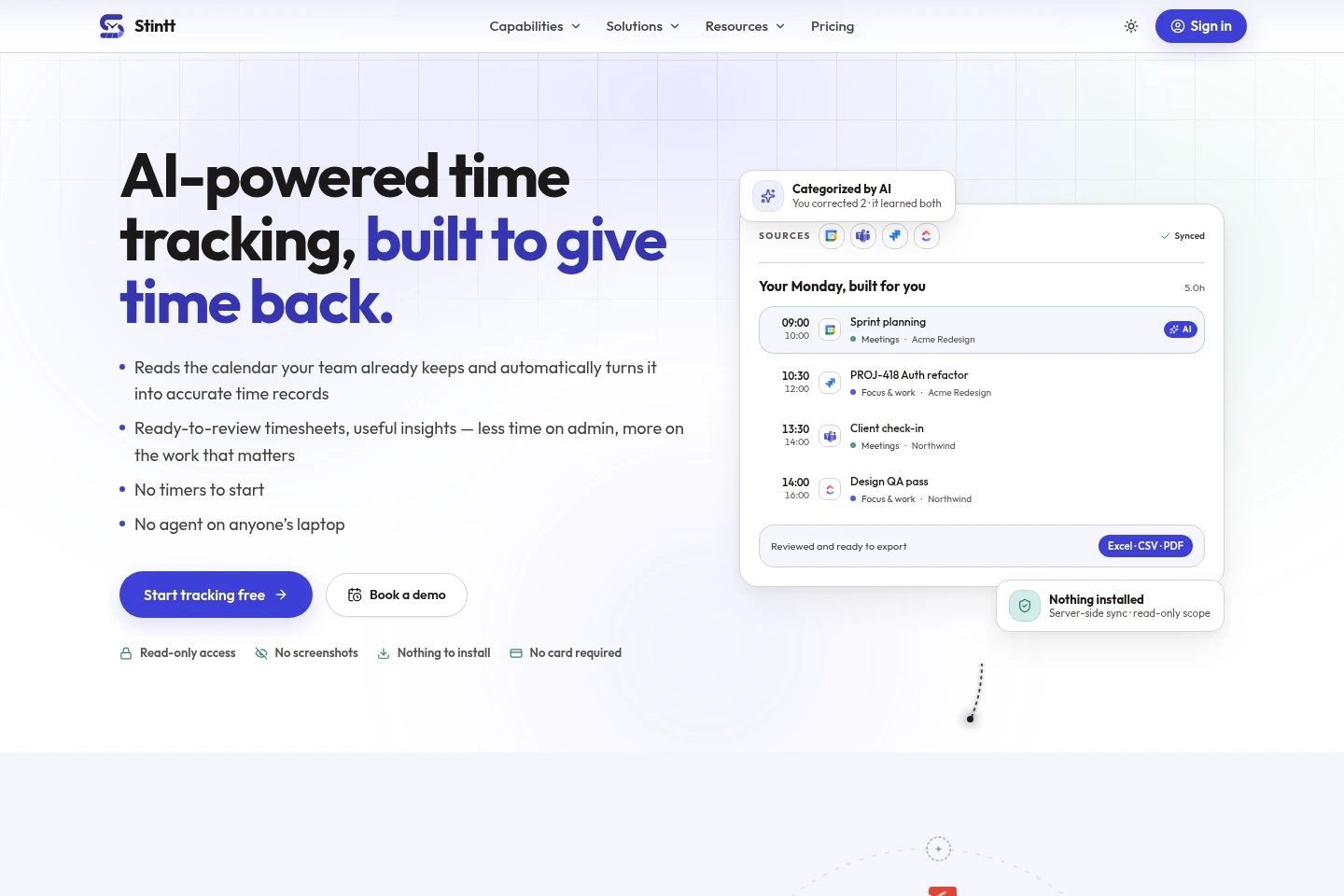
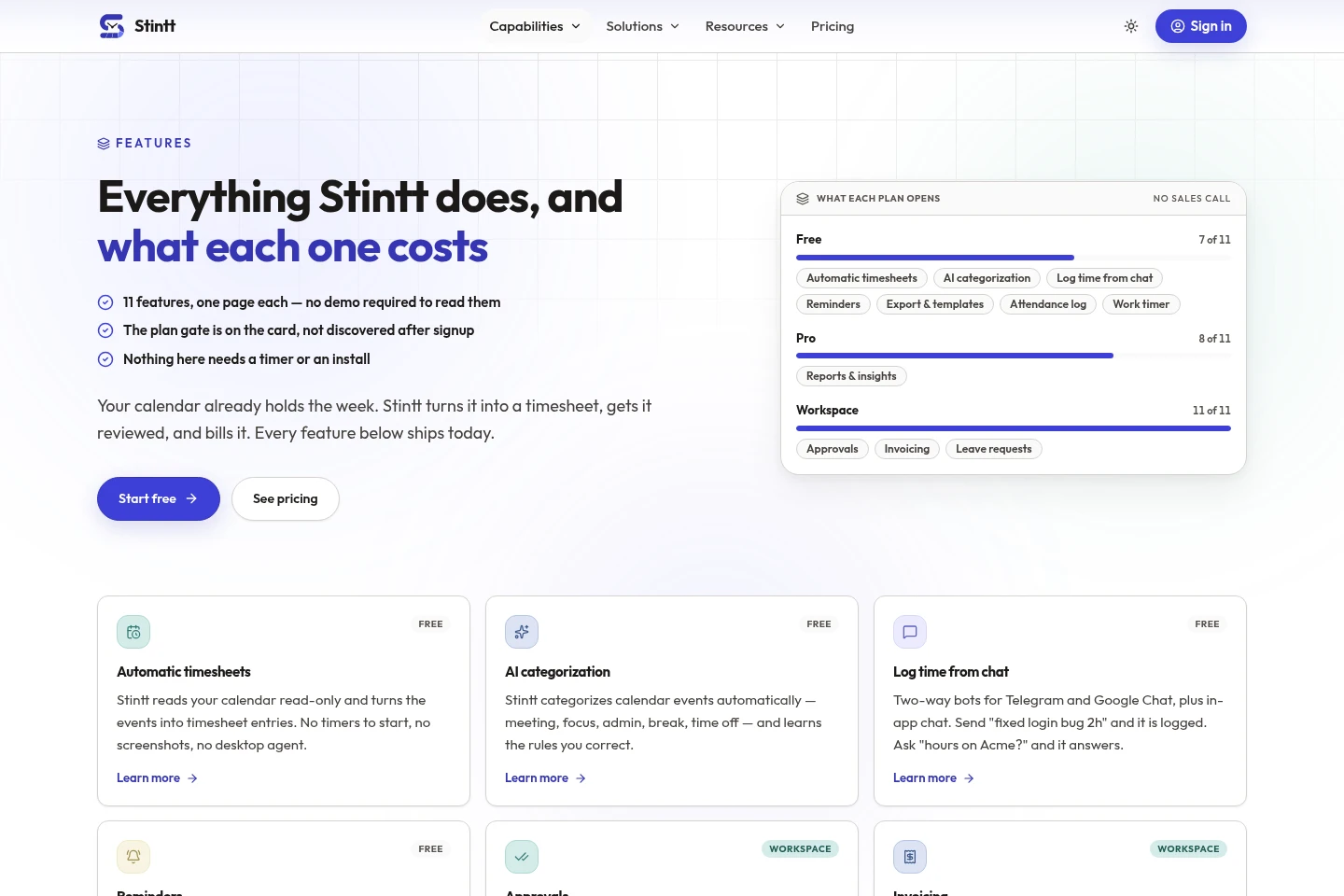
Automatic timesheet creation
Turns calendar events into draft timesheet entries. It reads connected calendars with read-only access, categorizes events, and lets users review and edit entries before they count.
AI event categorization
Categorizes work events as meeting, focus, admin, break, or time off. Users can correct categories, and Stintt learns from those corrections.
Chat-based time logging
Creates or edits time entries through Telegram, Google Chat, or in-app chat. Users can log work in plain language and ask about their own recorded hours.
Timesheet exports and templates
Exports time records to Excel, CSV, or PDF using available templates and layouts. The number of templates and export options depends on the plan.
Timesheet approvals and invoicing
Lets managers review, edit, approve, or return logged time, and turns tracked hours into invoice line items. These features are available on Workspace.
Pricing
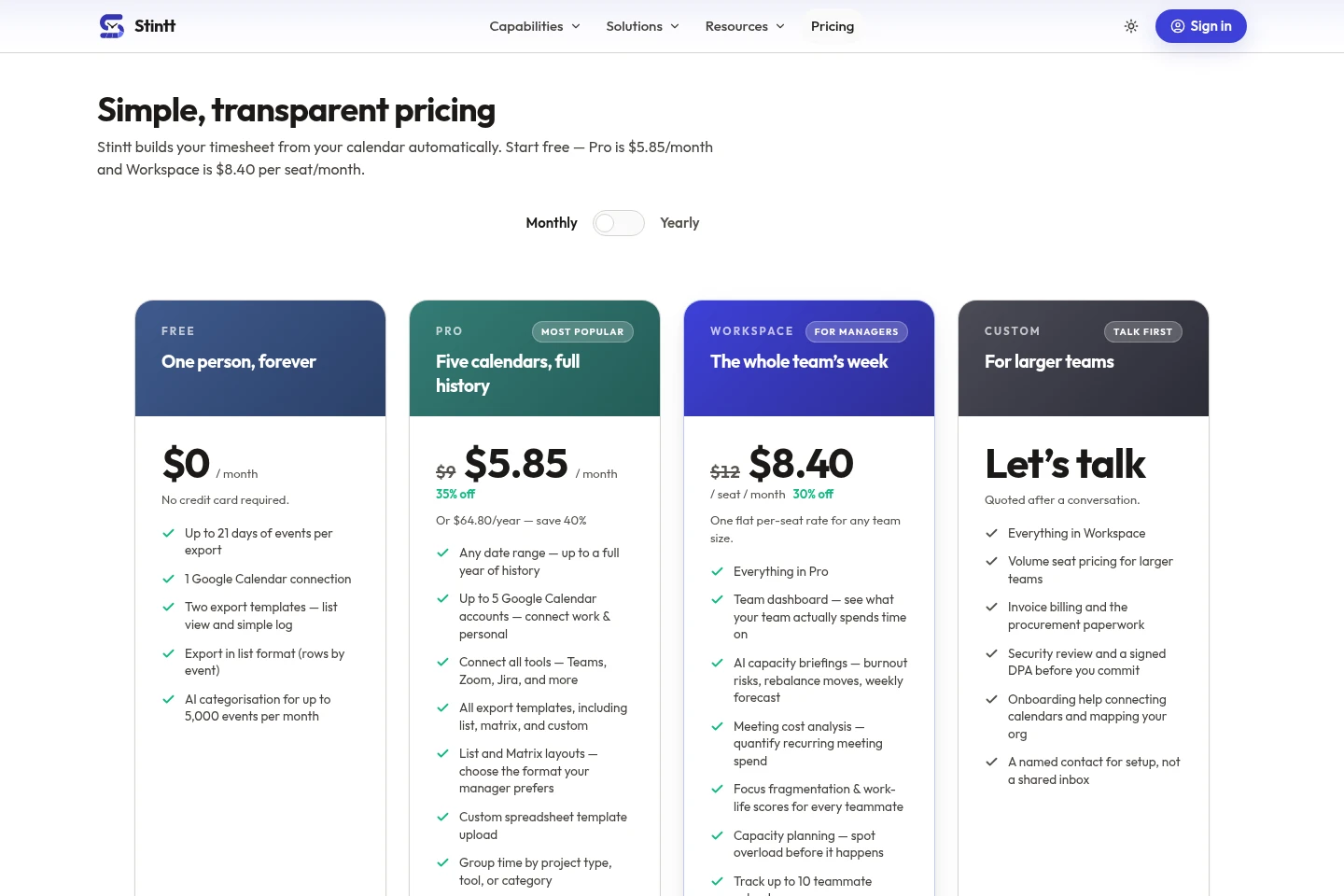
Stintt offers an ongoing free plan and paid monthly or annual subscriptions. Compare event history, calendar connections, export options, team features, and monthly event categorization limits when choosing a plan.
| Plan | Price | Included features and limits |
|---|---|---|
| Free | $0 per month, forever |
|
| Pro | $5.85 per month, currently 35% off; or $64.80 per year |
|
| Workspace | $8.40 per seat per month, currently 30% off |
|
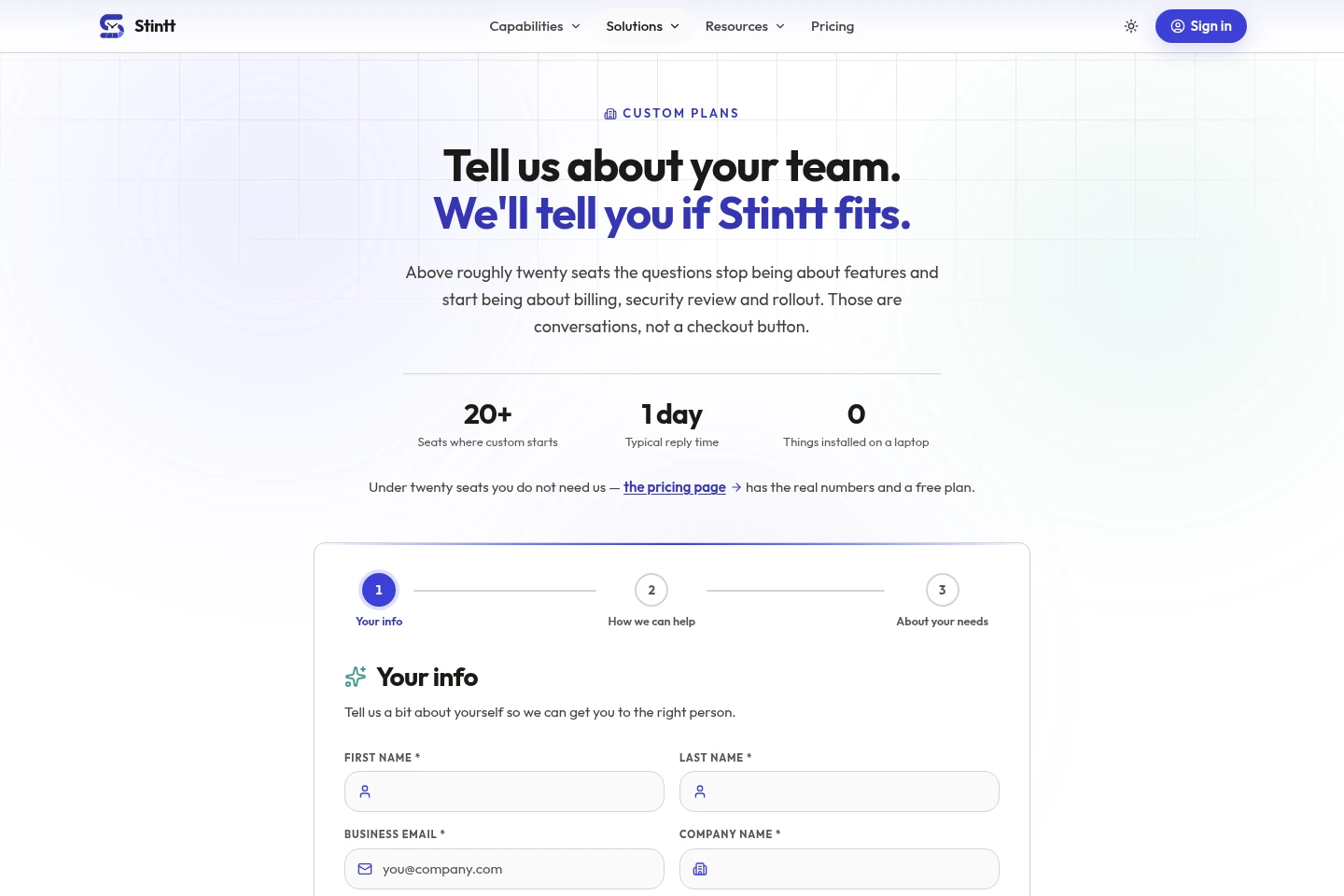
| Custom | Quoted after a conversation |
|
The pricing page also lists Pro at $9 per month and Workspace at $12 per seat per month before the displayed discounts. All paid plans include a 7-day money-back guarantee. Workspace pricing is per seat for any team size.
Use cases
Prepare timesheets from calendar activity
When work is recorded in connected calendars, users can turn events into draft time entries rather than reconstructing the week from memory. They review and adjust the entries before exporting or submitting them.
Review and approve team time entries
When a team needs a review step, managers can view logged time in a workspace inbox, approve or edit entries, or return them with a note. Approved hours can then be used for invoicing.
Export tracked hours for client records
When users need a shareable record of tracked work, they can choose an available template and export time entries to Excel, CSV, or PDF. Export formats and templates vary by plan.
Limitations
Calendar-based timesheet entries depend on connected calendar events; work that was not booked can instead be logged through chat.
The Free plan limits each export to events from up to 21 days and allows one Google Calendar connection.
Workspace team roll-ups, approvals, and invoicing run on Google Calendar; several listed integrations are limited to personal timesheets or work context.
The product does not provide a desktop agent, screenshots, keystroke monitoring, or GPS tracking.
Who it is for
Freelancers who need calendar-based timesheets and client billing records
Managers who need to review team hours and approve timesheets
Agency and consultancy teams tracking work across clients and projects
FAQ
What does Stintt do?
Stintt turns calendar events and connected work activity into timesheet entries. Users can categorize, review, and export their time without starting a timer or installing a desktop agent.
Is there a free plan?
Yes. Free is available indefinitely without a credit card. It includes up to 21 days of events per export and one Google Calendar connection; other plan limits and features differ.
Does Stintt need to be installed?
No desktop installation is required. Stintt runs in a web browser, and the product says there is no desktop application or browser extension to install.
Can managers approve time and create invoices?
Yes, on Workspace. Managers can approve, edit and approve, or return logged time with a note; tracked hours can be turned into invoice line items and exported as a PDF.
What does the Custom plan cost?
Custom pricing is quoted after a conversation with sales. The plan is aimed at larger teams and includes volume seat pricing, invoice billing, procurement paperwork, and onboarding assistance.
Comments