

- Monthly visits
- 3,001
- 2026-09
- Monthly growth +299.1%
Spendary - Turn bank transactions into a clear financial report
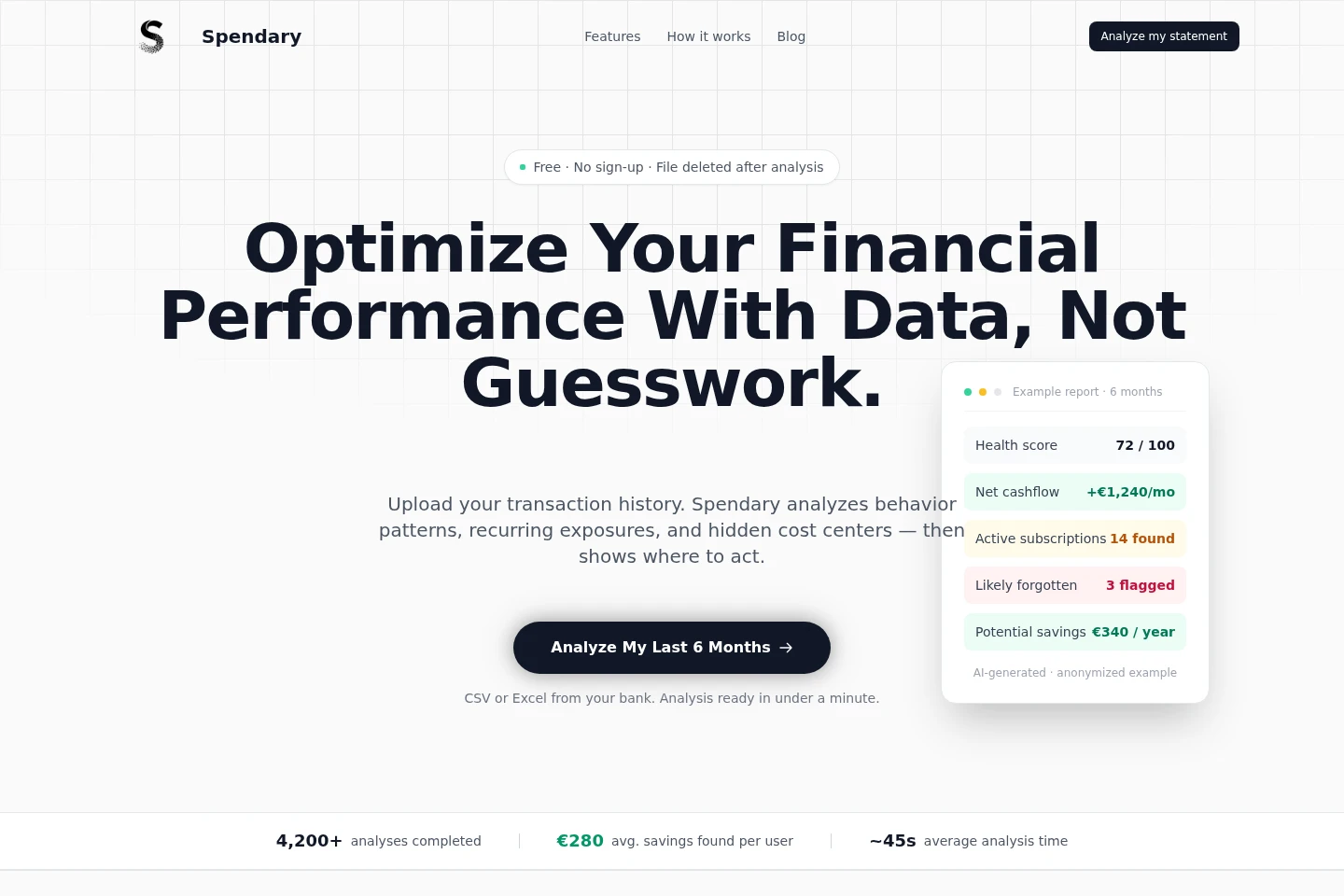
Spendary analyzes uploaded CSV or Excel files containing 6–12 months of bank transactions. It identifies spending patterns, recurring payments, forgotten subscriptions, cashflow changes and potential risks, then presents findings in a report. The core analysis is free; a one-time Premium report adds planning and projection features.
- AI Data Tools
- Data Analysis
- Predictive Analytics
- bank statement analysis
- forgotten subscription finder
- cashflow analysis
Capabilities
Transaction pattern analysis
Analyzes bank transactions and outputs a report of spending patterns and category allocation. Upload a CSV or Excel export covering 6–12 months; no manual entry or bank API connection is required.
Recurring payment detection
Maps recurring payments and flags subscriptions that may have been forgotten. Upload a CSV or Excel transaction export; the report identifies recurring charges for the user to review.
Cashflow and risk reporting
Summarizes cashflow health and highlights volatility, anomalies and risk signals. The analysis uses uploaded bank transactions covering 6–12 months and presents findings in a report.
Premium financial planning
Adds financial planning outputs to the transaction analysis: a 90-day action plan, 6-month optimization roadmap and 12-month cashflow projection. Available with the one-time Premium report.
Pricing
Spendary offers a free core analysis and a one-time paid Premium report. Compare the included analysis with Premium’s action plan, roadmap, projection and deeper risk analysis.
| Plan | Price | Included features and limits |
|---|---|---|
| Free | €0, always free |
|
| Premium | $19 per report; one-time payment |
|
Use cases
Review spending by category
When a user wants to understand where bank transactions are going, they upload a CSV or Excel export covering 6–12 months. Spendary analyzes the transactions and returns a spending breakdown and category allocation.
Find subscriptions and recurring charges
When a user wants to check for recurring payments or forgotten subscriptions, they upload their bank transaction export. The report maps recurring payments and flags subscriptions for review.
Inspect cashflow patterns and risks
When a user wants a clearer view of cashflow changes, volatility or possible risk signals, they upload 6–12 months of bank transactions. Spendary summarizes the patterns and provides findings in its report.
Plan financial actions with Premium
When a user wants next steps beyond the core analysis, they can choose the Premium report. It adds a 90-day action plan, a 6-month optimization roadmap, a 12-month cashflow projection and deeper risk analysis.
Limitations
The analysis requires a CSV or Excel bank export covering 6–12 months of transactions; it does not connect to a bank through an API.
The uploaded file is deleted after analysis, so the report is based on the submitted data rather than stored banking history.
Who it is for
People reviewing their personal bank transactions for spending patterns, recurring payments or possible savings.
Small business owners who want to inspect transaction patterns and cashflow in an uploaded bank export.
FAQ
Is the core Spendary analysis free?
Yes. The core report is free and does not require a credit card or account. Users may optionally upgrade to the $19 Premium report after viewing free results.
How does Spendary handle uploaded financial data?
The file is processed in memory and deleted after analysis. Spendary says it does not store banking data, and no account is required.
Which transaction file formats can I upload?
CSV and Excel files are supported. Export 6–12 months of transactions from a bank portal and upload the file; no manual transaction entry is required.
Do I need an account to get a report?
No. Upload a file to receive a report; the site says no password or email is needed.
How long does an analysis take?
Typically under a minute, according to the site. The report includes spending patterns, cashflow insights, risk signals and optimization suggestions.
What does the Premium report add?
Premium adds a 90-day action plan, 6-month optimization roadmap, 12-month cashflow projection and deeper risk analysis, personalized to the uploaded transaction data.
Comments