Monthly visits
17,281
2026-10
Monthly growth +854.2%

siliXon - Turn plain-language ideas into editable, checked circuit boards

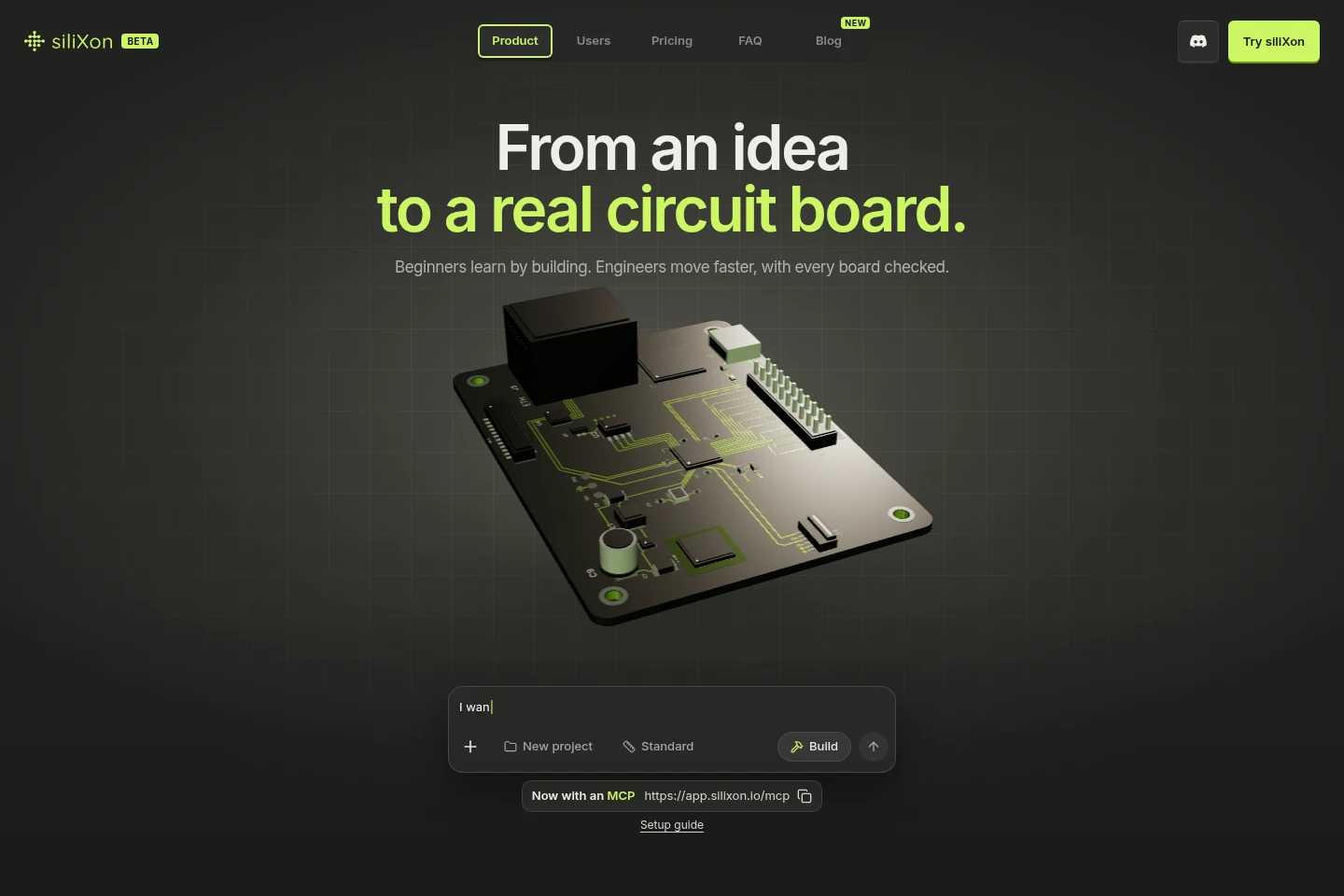
siliXon turns a plain-English description into a circuit board design using real components. Rocky clarifies requirements, while the system selects and places parts, creates the schematic, routes the board, and runs engineering checks. Designs can be reviewed and edited in 2D or 3D, then exported for manufacture. The beta supports two- and four-layer boards and has limited analogue-circuit capabilities.

  • AI Design
  • UI Design
  • Manufacturing
  • AI PCB design
  • plain English circuit board design
  • editable PCB layout
Visit WebsiteUpdate this product

0Views

Capabilities

Text-to-PCB design

Creates a circuit-board design from a plain-English description. Rocky asks clarifying questions, then the system selects real components, places them, draws a schematic, and routes the board.

2D and 3D board editing

Displays the generated board for review and editing in 2D or 3D. Users can move parts, draw or remove traces, add vias, and revise the design through conversation.

Board engineering checks

Runs engineering and manufacturing checks on a board design. The board must pass the checks before it is sent for manufacture; the beta FAQ advises users to review it thoroughly.

KiCad file exchange

Imports and exports KiCad files on Pro. This lets users bring KiCad designs into siliXon or take supported design files out.

MCP access

Provides an MCP endpoint for using siliXon's placement, routing, manufacturing checks, and Rocky assistant from ChatGPT, Claude, or another MCP client.


PricingFreemium

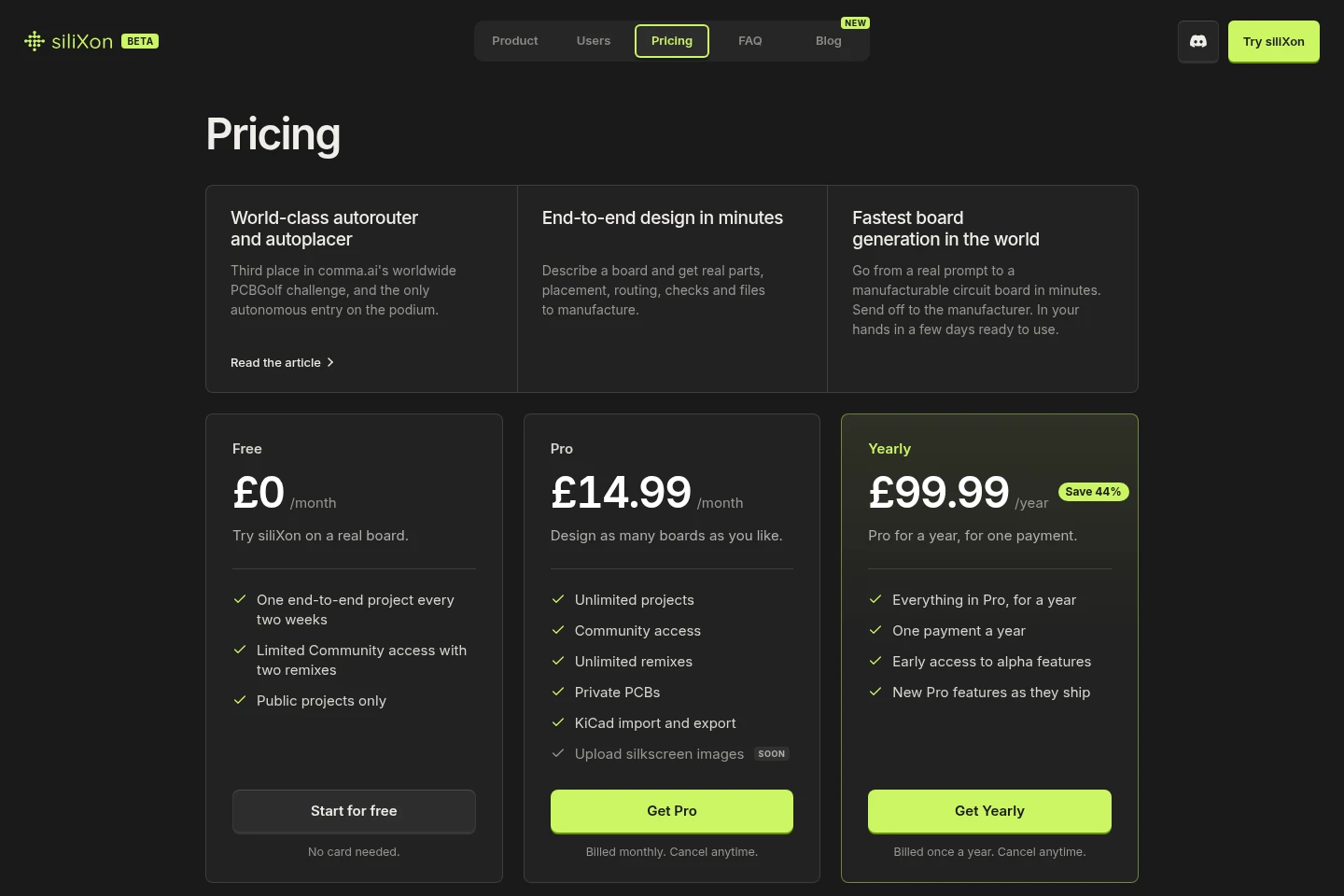
siliXon offers a free plan and paid plans billed monthly or once a year. Compare project limits, project privacy, Community remixes, KiCad file exchange, and annual-plan extras when choosing.

PlanPriceIncluded features and limits
Free

£0 per month

  • One end-to-end project every two weeks

  • Community access with two remixes

  • Projects are public only

  • No payment card needed to start

Pro

£14.99 per month

  • Unlimited projects

  • Community access and unlimited remixes

  • Private PCBs

  • KiCad import and export

  • Cancel anytime; billed monthly

Yearly

£99.99 per year; save 44%

  • Pro benefits for one year

  • One payment each year

  • Early access to alpha features

  • New Pro features as they ship

  • Cancel anytime

Use cases

Design a circuit board from an idea

When a user has an electronics idea but has not specified its components, they can describe the intended function in plain English. Rocky asks clarifying questions and the system produces a board design with selected parts, placement, schematic, routing, and checks.

Learn electronics while designing a board

When a beginner or hobbyist wants to understand a circuit, they can start with a description and ask Rocky why choices are made during the design. They can inspect and edit the resulting board while learning.

Revise and check a PCB design

When iterating on a board, users can review it in 2D or 3D, move parts, edit traces, add vias, or request revisions through conversation. The system runs its engineering checks, though users are advised to review the design before manufacture.

Move a design between siliXon and KiCad

When a Pro user needs to continue work in another supported PCB workflow, they can import or export KiCad files. The feature is included with Pro and the Yearly plan's included Pro benefits.

Limitations

  • During the beta, users can create two- and four-layer boards; the FAQ encourages mostly digital designs because analogue-circuit capabilities are limited.

  • The Free plan allows one end-to-end project every two weeks and public projects only.

  • On Free, Community access is limited to two remixes.

  • Upload silkscreen images is marked Soon on the Pro plan, so it is not presented as currently available.

  • The product is in beta, and siliXon says it cannot accept responsibility for boards that do not work; users are advised to check designs thoroughly before manufacture.

siliXon alternatives

Schematik

Describe a hardware idea and get code, wiring, and build steps

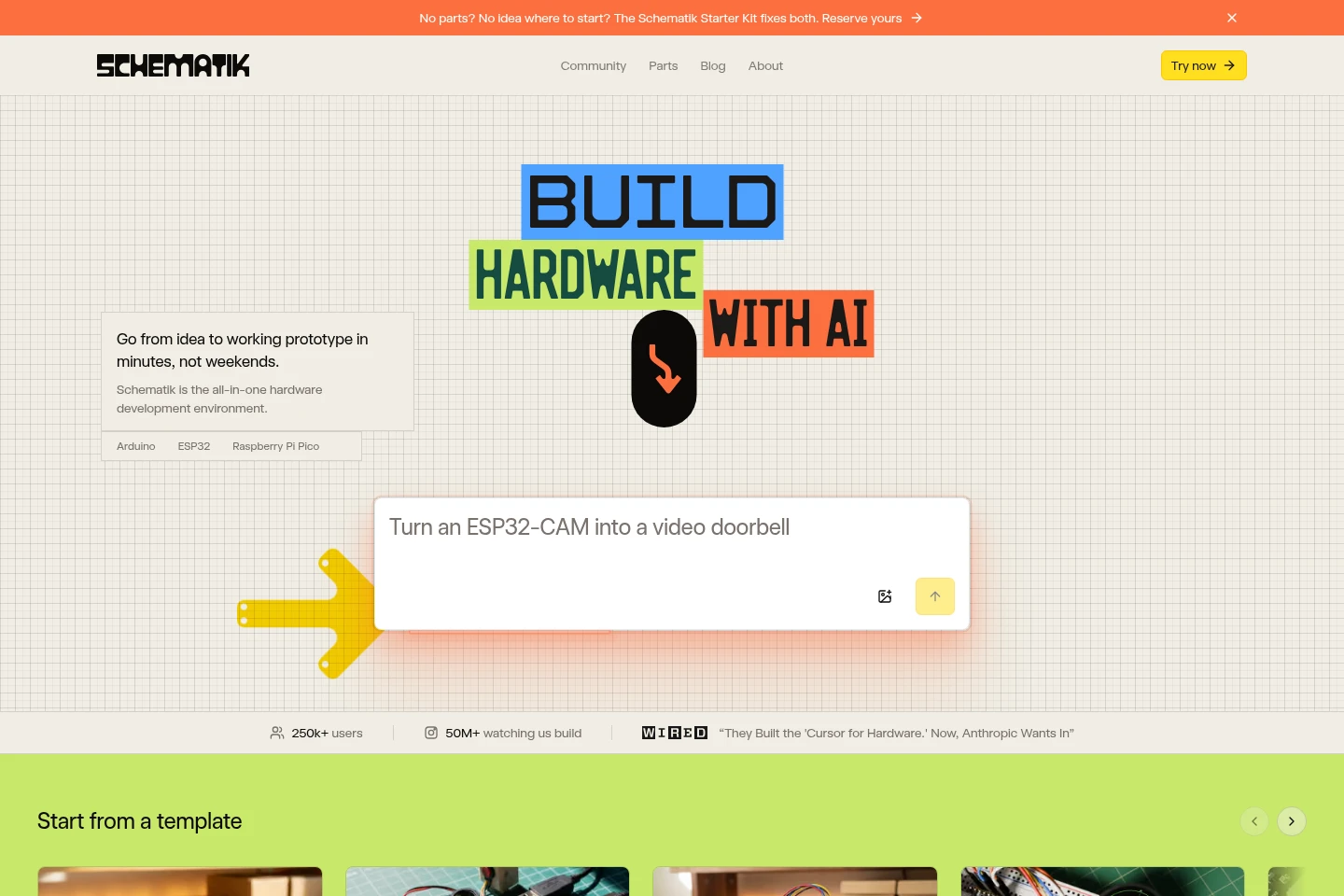
Schematik is an AI-assisted hardware development environment for Arduino, ESP32, and Raspberry Pi Pico projects. Describe a project in plain English to receive source code, wiring diagrams, and assembly instructions. Review and edit the outputs, simulate supported firmware in a browser, then flash a board with PlatformIO or export the files.

  • Cloud
  • Contact Sales
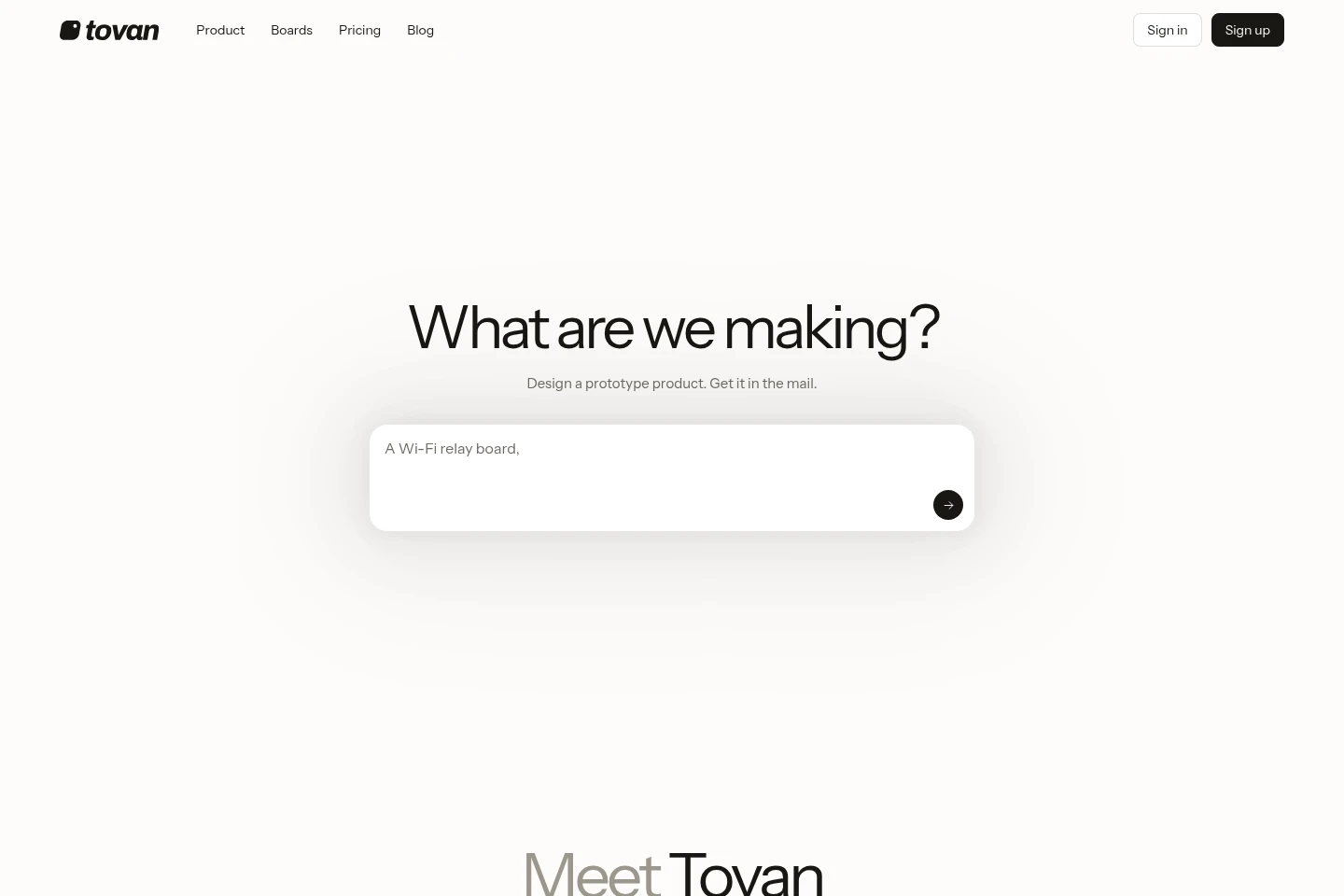
  1. Tovan

    Turn a hardware idea into a prototype board

    Build · Free; up to $25 of building weekly
  2. RapidChip

    Design and test circuits with AI before fabrication

    Free · Free
  3. SpeedUp

    Turn product requirements into editable KiCad PCB designs

    Free · Free; / month
  4. Quilter

    Physics-driven AI automates PCB placement and routing

    Freemium
  5. PrintPlay Studio

    Design tabletop games and export print-ready files

    Free

Who it is for

  • Beginners who want to turn an electronics idea into a first board while learning the design process

  • Electronics hobbyists who want help understanding and iterating on personal PCB projects

  • PCB engineers who want to accelerate board layout while retaining access to design checks

  • ChatGPT, Claude, and other MCP client users who want to access siliXon design functions

FAQ

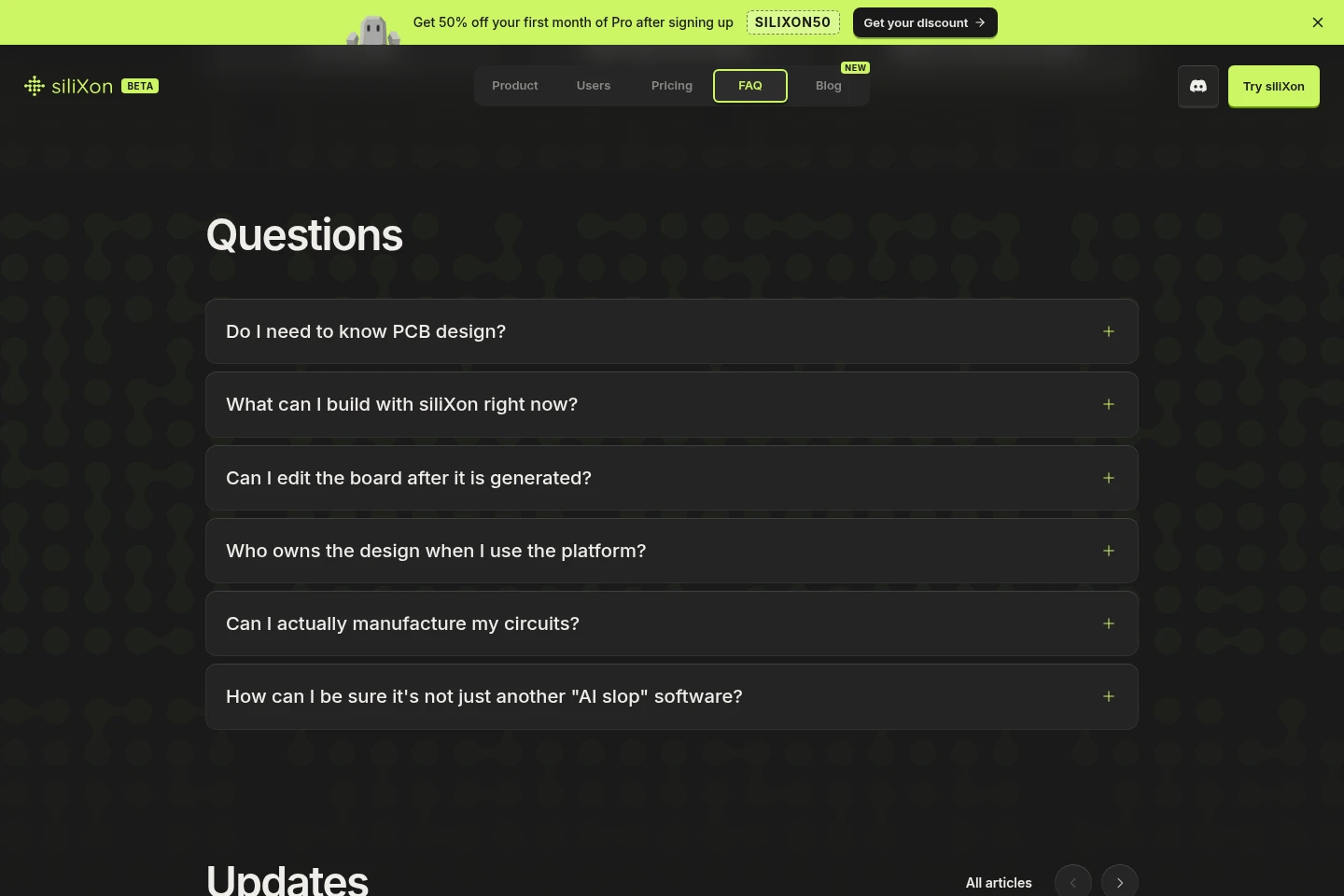
Do I need to know PCB design before using siliXon?

No. You can describe roughly what the electronics should do, and Rocky asks questions to help shape the design. You can also ask why at any step.

What kinds of boards can I make during the beta?

The beta allows two- and four-layer boards. siliXon encourages mostly digital designs because its analogue-circuit capabilities are limited.

Can I edit a board after siliXon generates it?

Yes. The board remains visible and editable in 2D and 3D. You can move parts, draw or remove traces, add vias, and revise the design through conversation.

Who owns a design made with siliXon?

You own the design. siliXon provides the files needed to manufacture the board, including downloadable files.

Is a siliXon board guaranteed to work when manufactured?

No. Although the system runs physics checks, siliXon is in beta and does not accept responsibility for non-working boards. The FAQ advises checking a board thoroughly before manufacture.

How does siliXon generate and check board designs?

AI assists with parts of the process, such as understanding the request. siliXon says its own algorithms place, route, and check boards, using components it says exist on the market; the beta warning still advises users to review designs before manufacture.

Comments

Please sign in to leave a comment.
No comments yet. Be the first to share your thoughts!