

- Monthly visits
- 4,413
- 2026-09
- Monthly growth +108.7%
SpeedUp - Turn product requirements into editable KiCad PCB designs
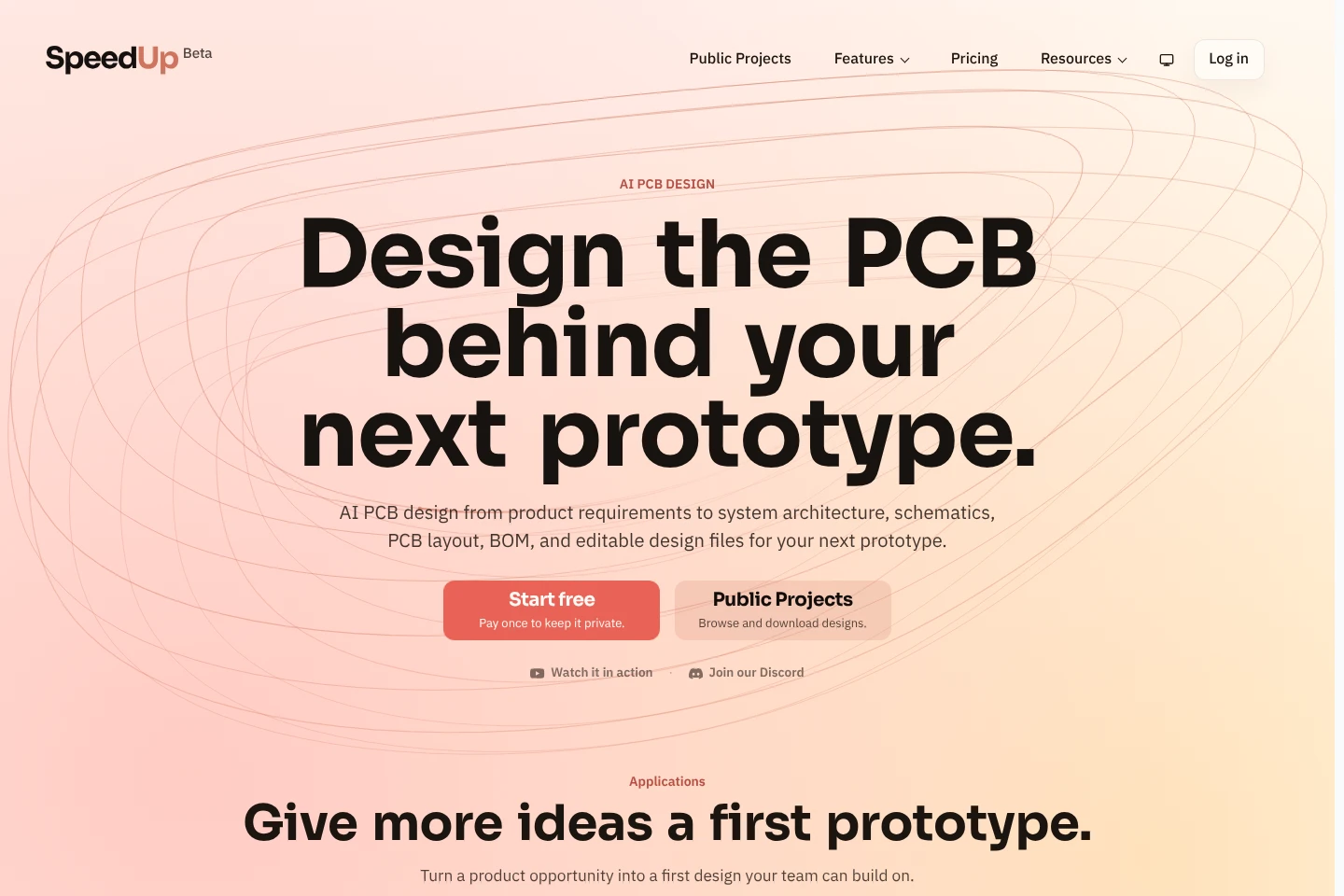
SpeedUp uses AI to turn a plain-language device brief into system architecture, schematics, component placement, PCB routing, a bill of materials, and editable KiCad files. You can create, preview, and refine designs for free, then pay separately to download project files. Generated designs are drafts for engineering review, not manufactured or tested boards.
- AI Design
- 3D Model Generators
- AI PCB design
- KiCad schematic generator
- PCB layout from requirements
Capabilities
Requirements-to-design generation
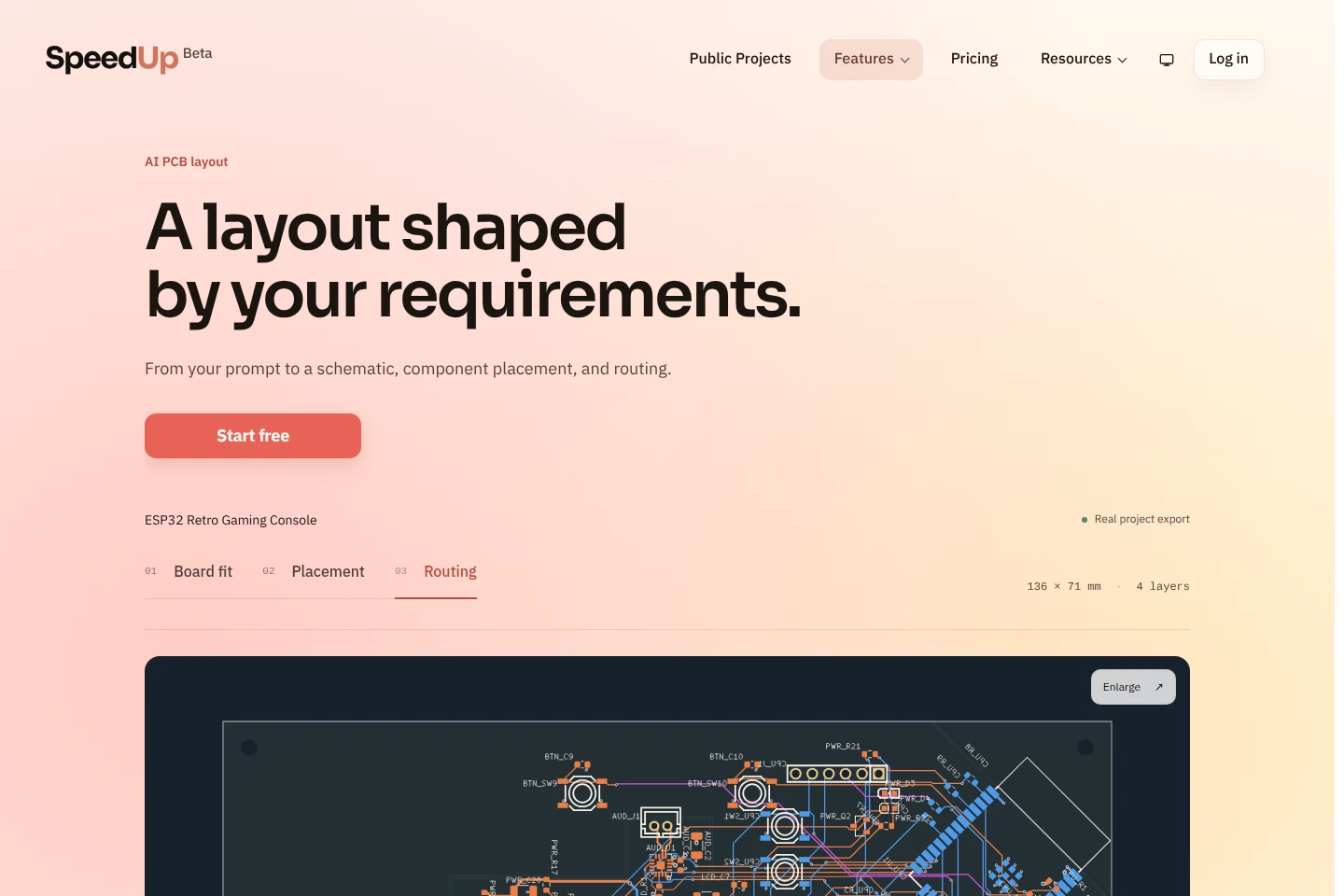
Turns a written device brief into a system architecture, schematic, and PCB layout. Inputs can describe functions, power, interfaces, components, and operating constraints; the resulting draft can be reviewed before prototyping.
PCB placement and routing
Places components and routes board connections from the generated circuit design. The resulting layout can be inspected, including board layers, traces, vias, and design-rule-check reports where supplied.
Editable KiCad project handoff
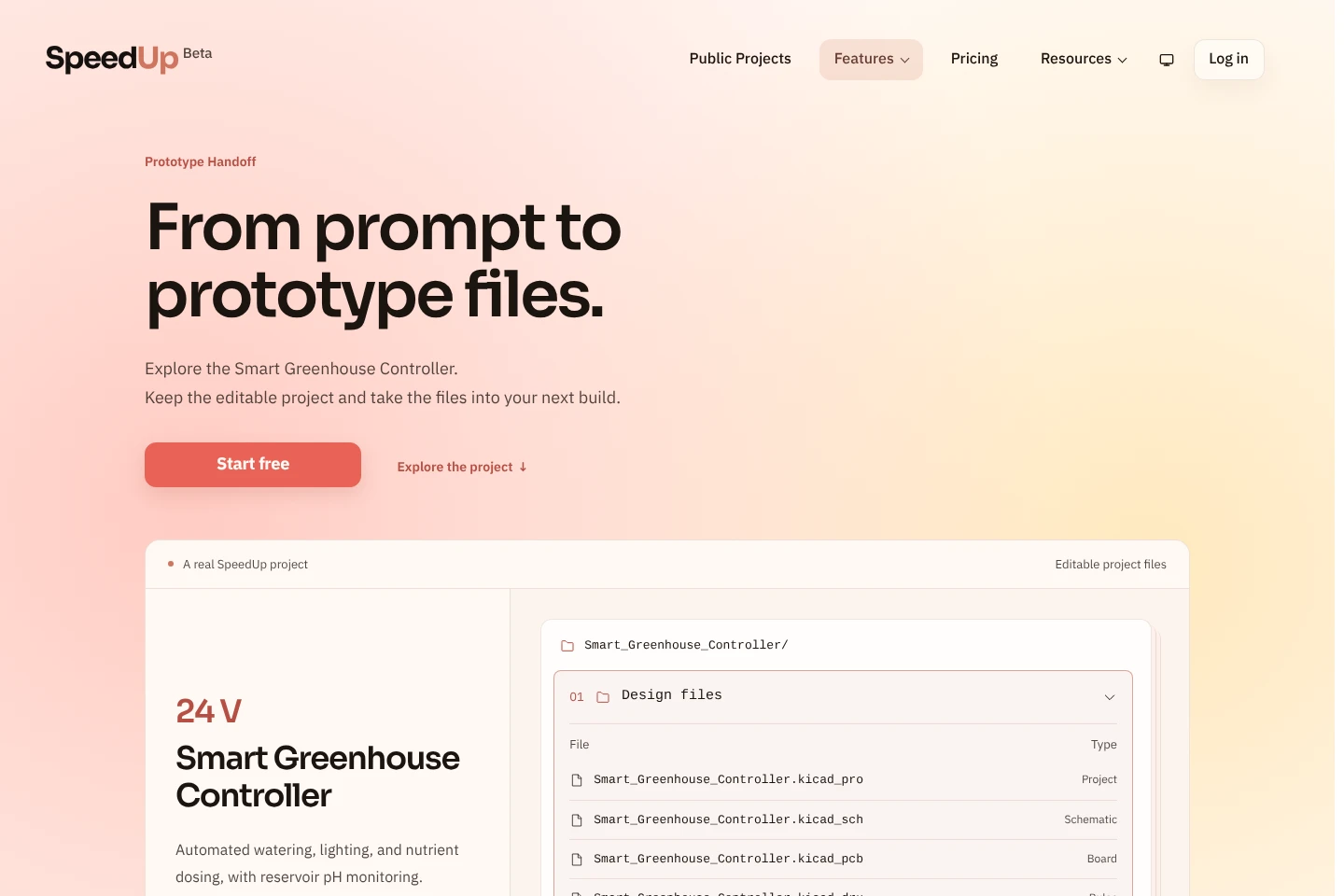
Provides editable KiCad project files for continued engineering work. Downloads can include schematics, PCB layout, local libraries, a bill of materials, and design documentation.
Pricing
SpeedUp offers a free plan and a paid monthly Pro membership; project downloads are separate purchases. Compare time before automatic publication, private and public purchase terms, concurrent projects, and Pro’s purchase discount.
| Plan | Price | Included features and limits |
|---|---|---|
| Free | Free; / month |
|
| Pro | Monthly renewal; price not stated |
|
Project prices are set individually and shown, with any discounts, before payment. Membership cancellation takes effect at the end of the paid month; project publication dates are set at creation and changing plans does not change existing dates.
Use cases
Draft a board for a hardware prototype
When a hardware concept needs an initial circuit design, describe the device requirements and review the generated architecture, schematic, and PCB layout. The output is an editable draft to refine toward a prototype.
Continue an electronic design in KiCad
When engineers need to inspect or develop a generated board, download its editable KiCad project and supporting files. Open them in KiCad to review components, connectivity, placement, routing, and make further changes.
Choose how to download a finished project
When a design is ready to download, compare keeping it private with publishing it for a lower price. Project files are purchased separately; published designs become viewable to other registered users and cannot then be edited or made private.
Limitations
Generated designs are starting points for engineering review, not guarantees of production readiness; check components, footprints, connectivity, layout, and manufacturer requirements before fabrication.
SpeedUp provides design files, not a manufactured or tested physical board; assemble and test a prototype before relying on its performance.
Publishing a project makes the finished design public to registered users, and the published design can no longer be edited or made private.
Unfinished projects expire and cannot be edited; finished projects may be automatically published after the plan-specific period unless a purchase or plan setting changes that outcome.
Who it is for
Hardware founders who need an editable first design before committing to a design house
Product teams assessing device feasibility and cost before assigning engineering work
Electronics engineers seeking a structured draft to review and refine in KiCad
FAQ
What can SpeedUp generate today?
SpeedUp generates schematics and PCB layouts for functional prototype boards from device requirements. The editable design can be reviewed and refined, but SpeedUp supplies design files rather than a manufactured or tested physical board.
What files do I get, and can I edit them?
A project download includes editable KiCad project files, schematics, PCB layout, and associated files such as libraries and a bill of materials. Open the project in KiCad to inspect it, make changes, and continue development.
Is a generated design ready to manufacture?
No; it is a starting point for engineering review, not a guarantee of production readiness. Check component choices, footprints, connectivity, placement, routing, and manufacturer requirements, then assemble and test the prototype.
What is free, and when do I pay?
Creating, previewing, and refining a design is free; project downloads are purchased separately. The exact project price, including any discount, is shown before payment.
What happens if I publish a project?
Other registered users can view and pay to download the finished design. Your prompts, uploaded files, and chat history are excluded from the public project, but a published design cannot be edited or made private.
Does Pro include project downloads?
No; project purchases are charged separately, with the Pro discount. Pro renews monthly, can be canceled anytime, and membership continues until the end of the paid month.
Comments