

- Monthly visits
- 2,456
- 2026-09
- Monthly growth +945.1%
ShotSnap - Capture and organize screenshots on your Mac
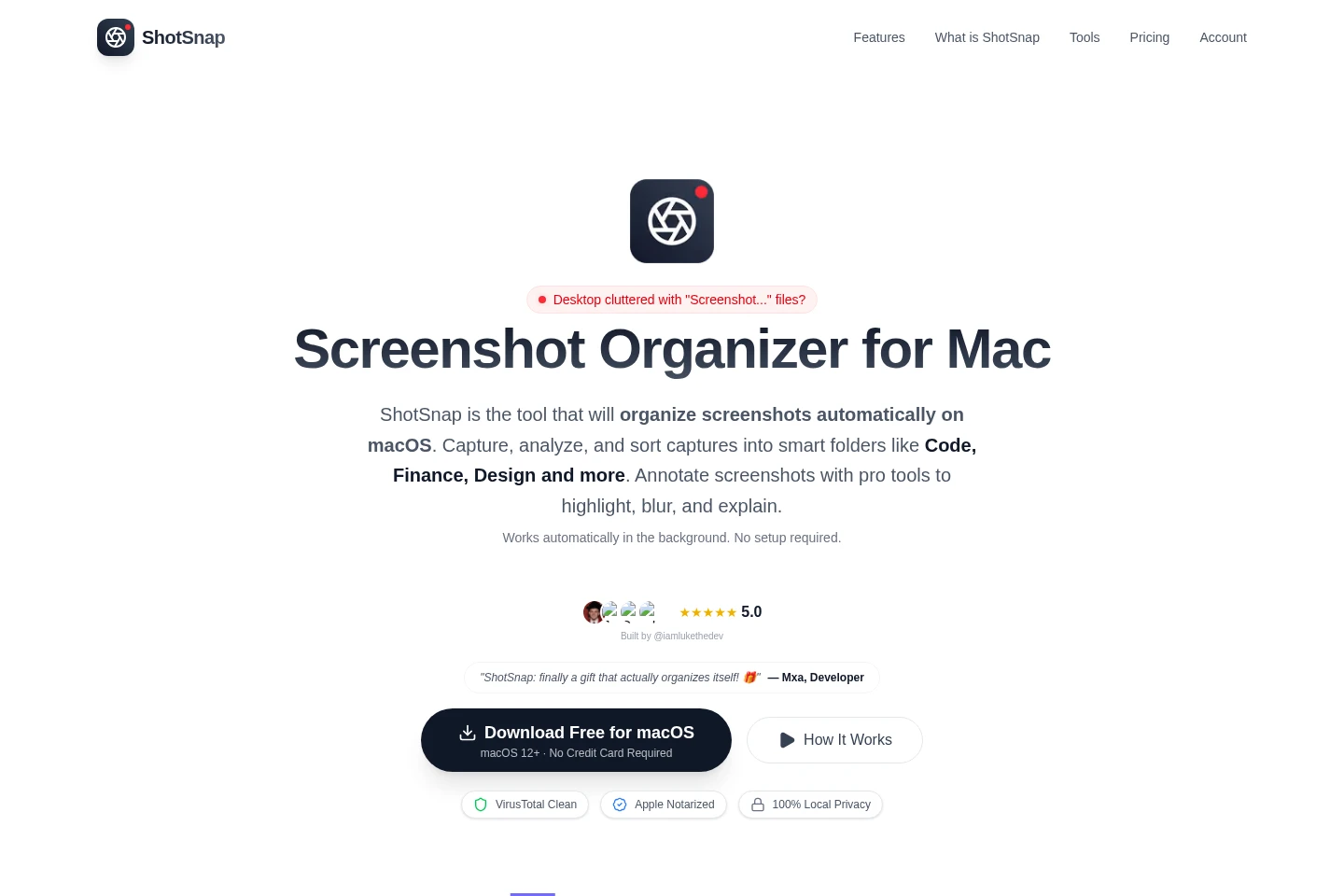
ShotSnap is a macOS app that captures screenshots, categorizes them by content, and moves them into local folders. It offers custom smart folders, annotation tools for highlighting and blurring, GPT-4 Vision analysis, text extraction, and searchable screenshot history. Screenshots stay on the Mac; AI processing is described as ephemeral.
- AI Productivity
- File Organization
- OCR
- Image Recognition
- Mac screenshot organizer
- AI screenshot analysis
- macOS screenshot annotation
Capabilities
Automatic screenshot categorization
Categorizes new screenshots by their content and moves them into folders. ShotSnap intercepts captures and uses AI-powered categorization; users can set custom smart folders, category-specific save paths, and visual category icons.
Screenshot annotation tools
Adds visual annotations to screenshots for explanations and feedback. The editor includes drawing and shape tools, customizable arrows and lines, sticky notes, numbered labels, and blur for sensitive information.
AI screenshot analysis
Analyzes screenshots and provides answers, code explanations, text extraction, and contextual suggestions. The app identifies GPT-4 Vision and offers a natural-language chat interface and OCR.
Screenshot history and search
Stores and searches screenshot history, with options to restore or copy captures. Search can use content or date, and the page describes history storage as unlimited.
Screenshot capture controls
Captures the full screen or a selected region and provides an instant preview. Controls include the Cmd+Shift+S global shortcut, region selection, a capture overlay, and drag-and-drop management.
Pricing
ShotSnap offers a paid license with monthly or yearly subscription billing. Compare the billing period and included features; the page lists unlimited screenshots, AI analysis, categorization, annotations, priority support, and future updates.
| Plan | Price | Included features and limits |
|---|---|---|
| Monthly | $6 per month, billed monthly |
|
| Yearly | Yearly billing; save $12 per year |
|
A free 7-day trial is available to try ShotSnap before purchase, with no credit card required. The pricing page says users can cancel anytime.
Use cases
Automatically sort newly captured screenshots
When screenshots accumulate with generic filenames, ShotSnap categorizes captures by content and moves them into folders on the Mac. Users can configure smart folders and category-specific save paths.
Annotate screenshots for feedback and tutorials
When explaining a screen or sharing feedback, users can add drawings, shapes, arrows, lines, notes, and numbered labels. Blur can be used to redact sensitive information in an image.
Ask questions about screenshot contents
When a screenshot needs inspection, users can ask questions through the natural-language interface, request code explanations, or extract text with OCR. The page identifies GPT-4 Vision as the analysis technology.
Find and restore earlier screenshots
When a previous capture is difficult to locate, users can search screenshot history by content or date, then restore or copy a capture. The page describes the history as unlimited.
Limitations
Each purchased license is valid for one Mac; using ShotSnap on additional Macs requires a separate license for each computer.
Cloud sync is listed as coming soon, so the listed current plan does not present it as an available feature.
Who it is for
Mac developers who need to sort code screenshots and retrieve captures
Mac designers who need searchable design references and screenshot annotation
QA testers who need to annotate screenshots and prepare defect handoffs
FAQ
How do I activate a ShotSnap license?
After purchase, the license key is sent by email. Open ShotSnap, go to Settings, and enter the key to activate the license.
Can one license be used on multiple Macs?
No. Each license is valid for one Mac, so each additional computer requires its own license.
Can I change between monthly and yearly billing?
Yes. The pricing page says billing can be switched between monthly and yearly at any time; yearly billing saves $12 per year.
Which payment methods does ShotSnap accept?
Major credit cards are accepted. Payments are processed securely by Stripe.
Does the plan include cloud sync?
Cloud sync is marked as coming soon on the pricing page, rather than listed as an available included feature.
Comments