

- Monthly visits
- 2,706
- 2026-10
- Monthly growth +1,032.2%
DocuSmartly - Free PDF tools for editing, conversion, and document checks
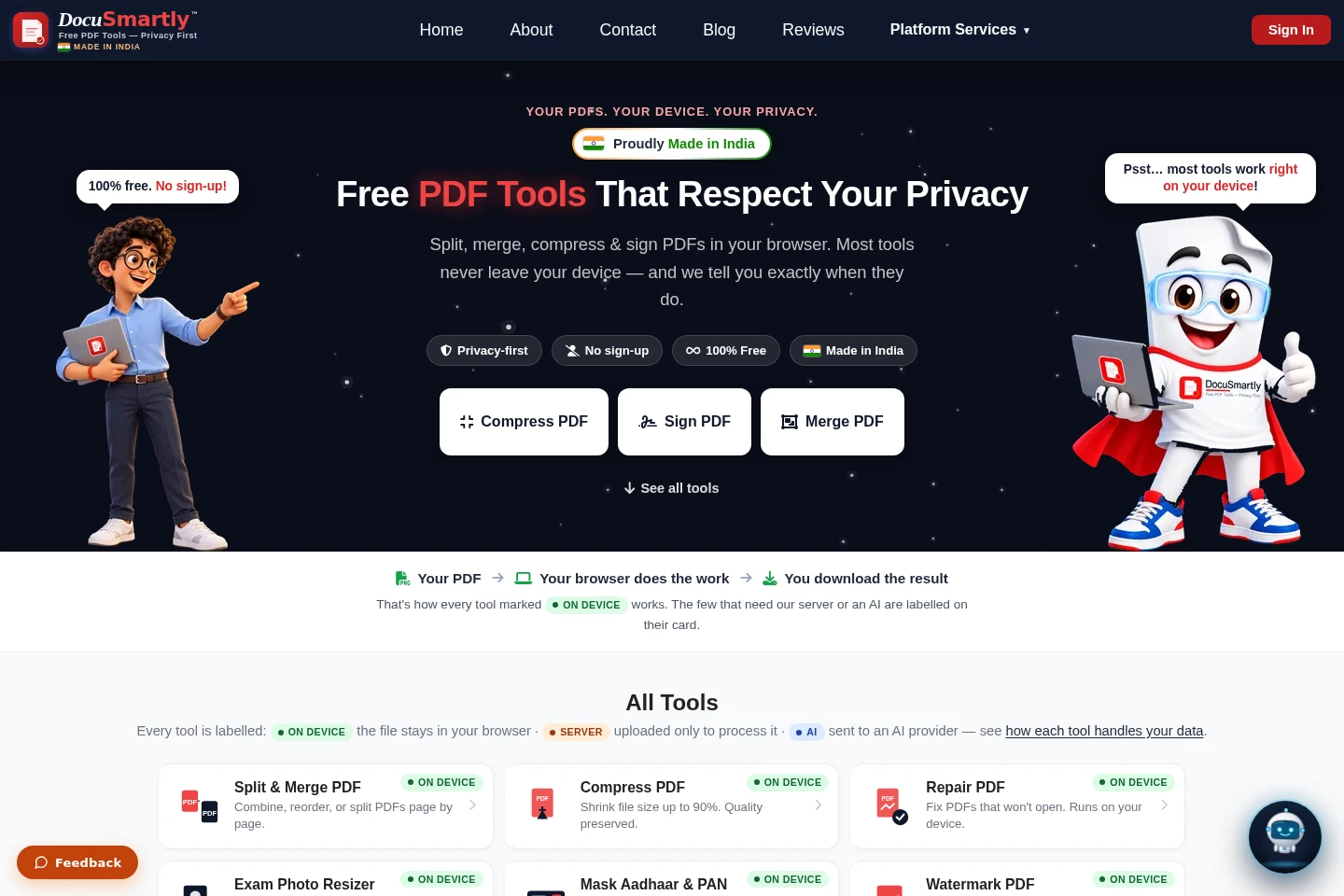
DocuSmartly provides free browser-based tools to split, merge, compress, edit, sign, repair, protect, and convert PDFs, along with OCR and image conversion. Most tools process files on your device; tools labeled Server or AI send files for processing. No sign-up is required for the listed tools.
- AI Productivity
- Chat with PDF
- OCR
- Document Parsing
- free PDF tools
- PDF signature verification
- PDF to Word converter
Capabilities
PDF file management
Combine, reorder, split, compress, repair, edit, watermark, and protect PDF files. Most of these tools run in the browser on the user's device; server processing is optional for repair.
PDF signing and verification
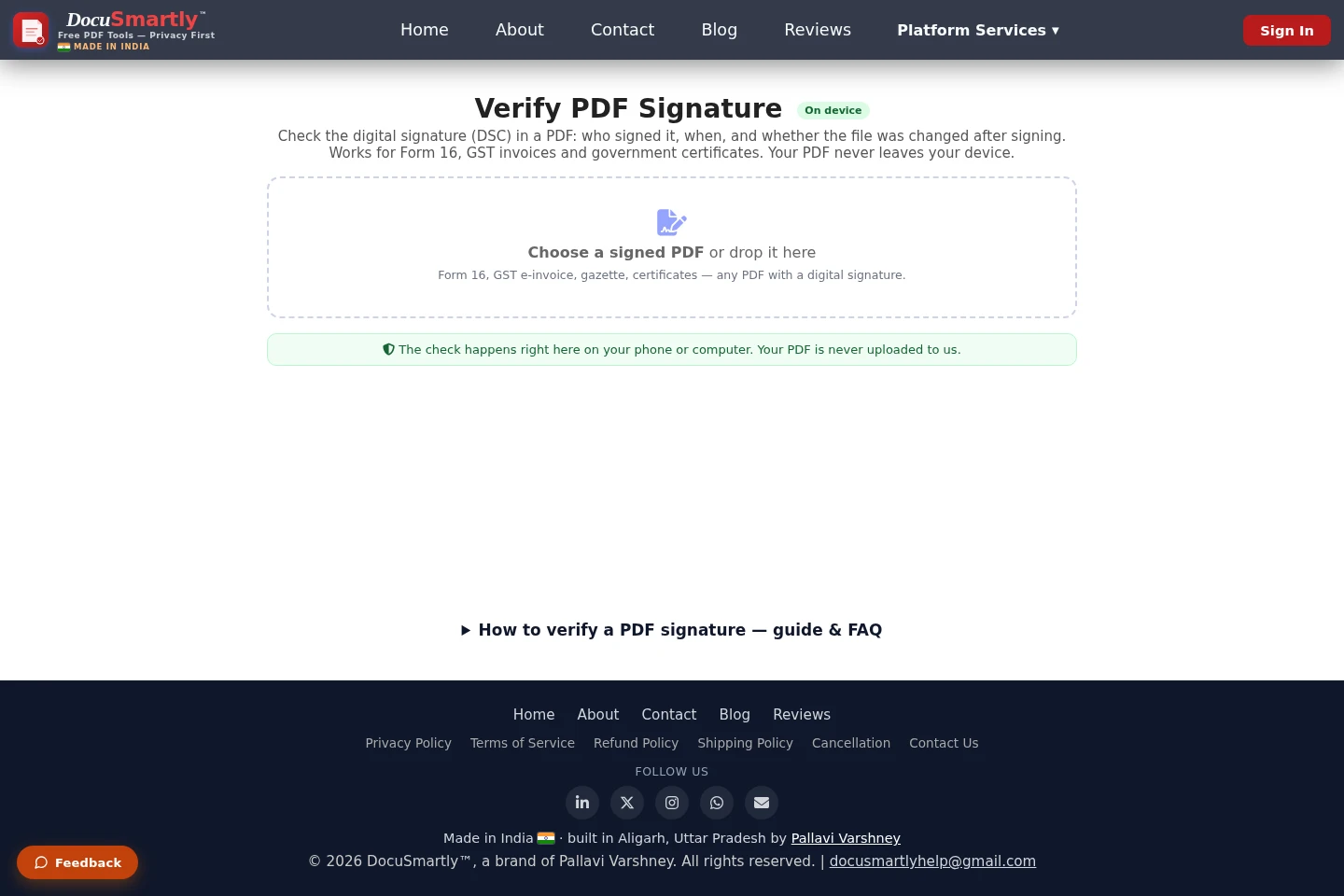
Add a signature by drawing, typing, or uploading it, or inspect a PDF's digital signature. Verification reports signer details and whether the document changed after signing, and runs on the device.
Document conversion
Convert PDFs to Word, PowerPoint, Excel, images, or TIFF, and convert those supported formats back to PDF. Tools labeled Server upload files for processing.
OCR and PDF extraction
Extract text, tables, and key fields from scanned PDFs with OCR, or describe fields for AI extraction into Excel, JSON, or Word. Saving OCR results requires sign-in.
Image and ID document tools
Convert image formats, create PDFs from images, resize exam photos and signatures, and mask Aadhaar, PAN, bank, or mobile numbers before sharing.
Pricing
The listed PDF tools are free to use, with no paid plans or recurring billing shown. Choose tools by the task and whether processing stays on your device or uses a server or AI.
Use cases
Repair a damaged or unreadable PDF
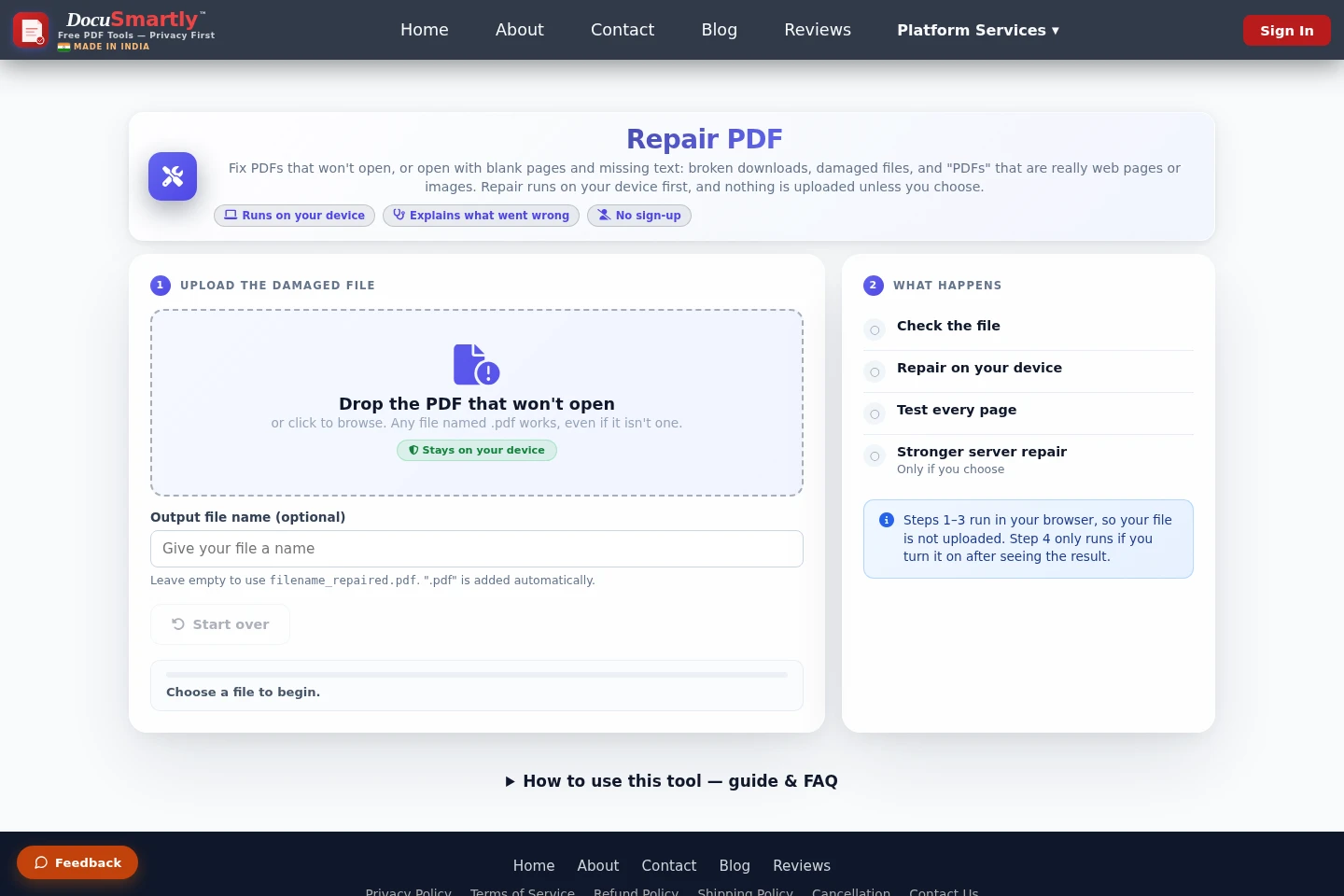
When a PDF will not open or has blank pages, select it to run diagnosis and repair in the browser, then download the result. A stronger server repair is optional and requires consent to upload the file.
Check a PDF digital signature
When checking a digitally signed PDF, open the verification tool and select the file. It reports the signer, signing date, certificate provider, and whether the file changed; the PDF stays on the device.
Convert a PDF to an editable document
When information in a PDF is needed in another format, choose a conversion tool to create a Word document, PowerPoint presentation, or Excel spreadsheet. These conversions are labeled Server and upload the file for processing.
Limitations
Server and AI tools send files to a server or AI provider for processing; check each tool's label before selecting a file.
The optional server repair requires consent and should not be used for Aadhaar, PAN, or other ID documents.
OCR results can be saved only after signing in.
A repaired PDF cannot recover pages that were never present in the downloaded file.
The CV / Resume Maker is marked Soon and is not presented as currently available.
Who it is for
People who need free tools for routine PDF editing, conversion, or file repair
People who need to check signer details or changes in a digitally signed PDF
People preparing exam photos or masking Aadhaar and PAN details before sharing
FAQ
Are DocuSmartly's PDF tools free?
Yes. The homepage describes the tools as 100% free and says no sign-up is required. OCR requires sign-in to save results, and the optional server repair requires consent to upload the file.
Does DocuSmartly upload every PDF?
No. Tools labeled On device run in the browser and keep the file on the device. Tools labeled Server or AI send the file for processing; the optional server repair runs only after consent.
What can the PDF signature checker report?
It reports who signed, when it was signed, certificate details, and whether the file changed after signing. It checks the PDF in the browser without uploading it.
Can PDF repair restore pages missing from a download?
No. It can repair some damaged file structures and recover pages that arrived, but pages that never downloaded are not in the file.
Can the repair tool remove a PDF password?
No. Password-protected files keep their password after repair.
Comments