Monthly visits
4,960
2026-10
Monthly growth +201.9%

Sermon Clips - Turn church sermons into captioned vertical clips and ready-to-post material

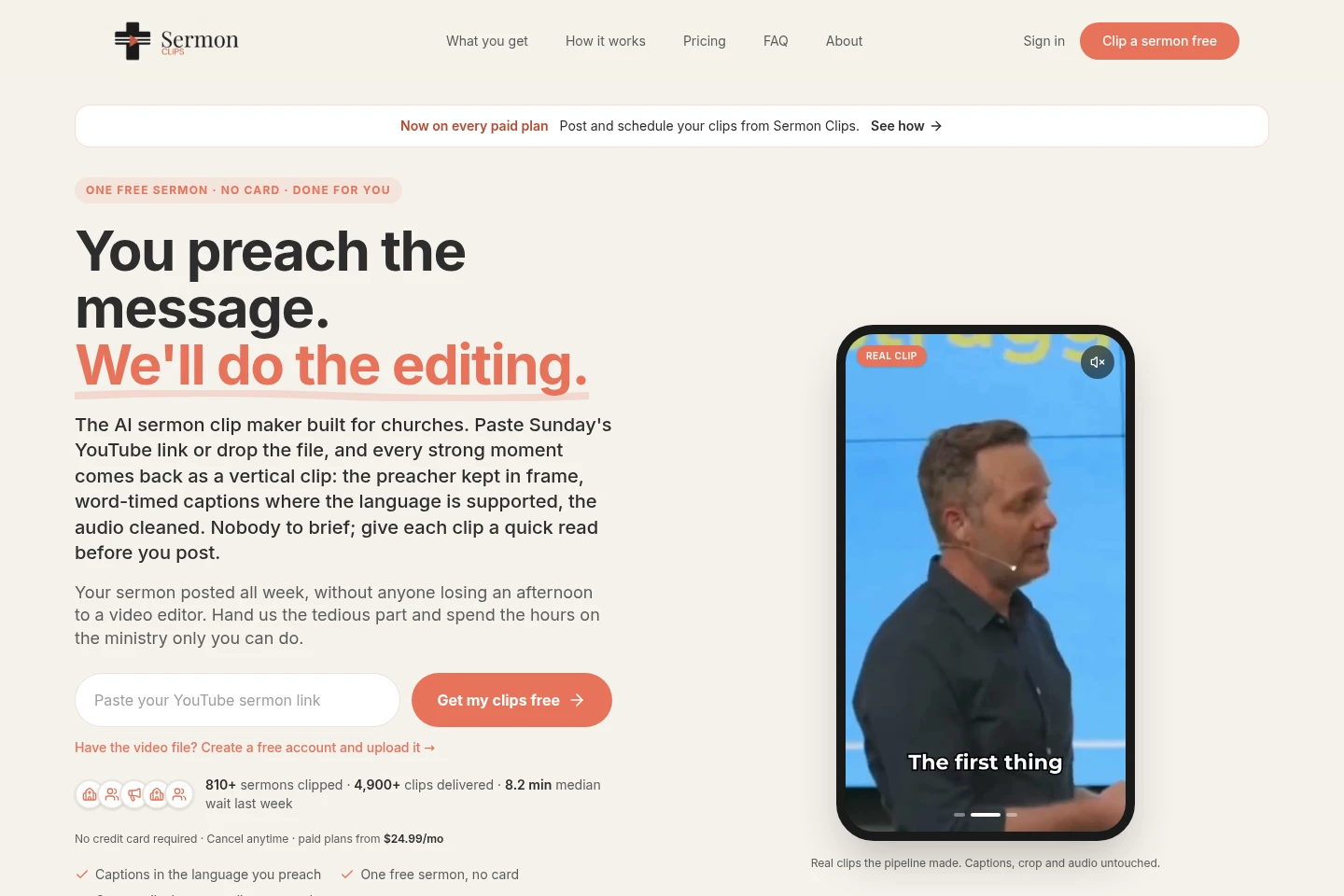
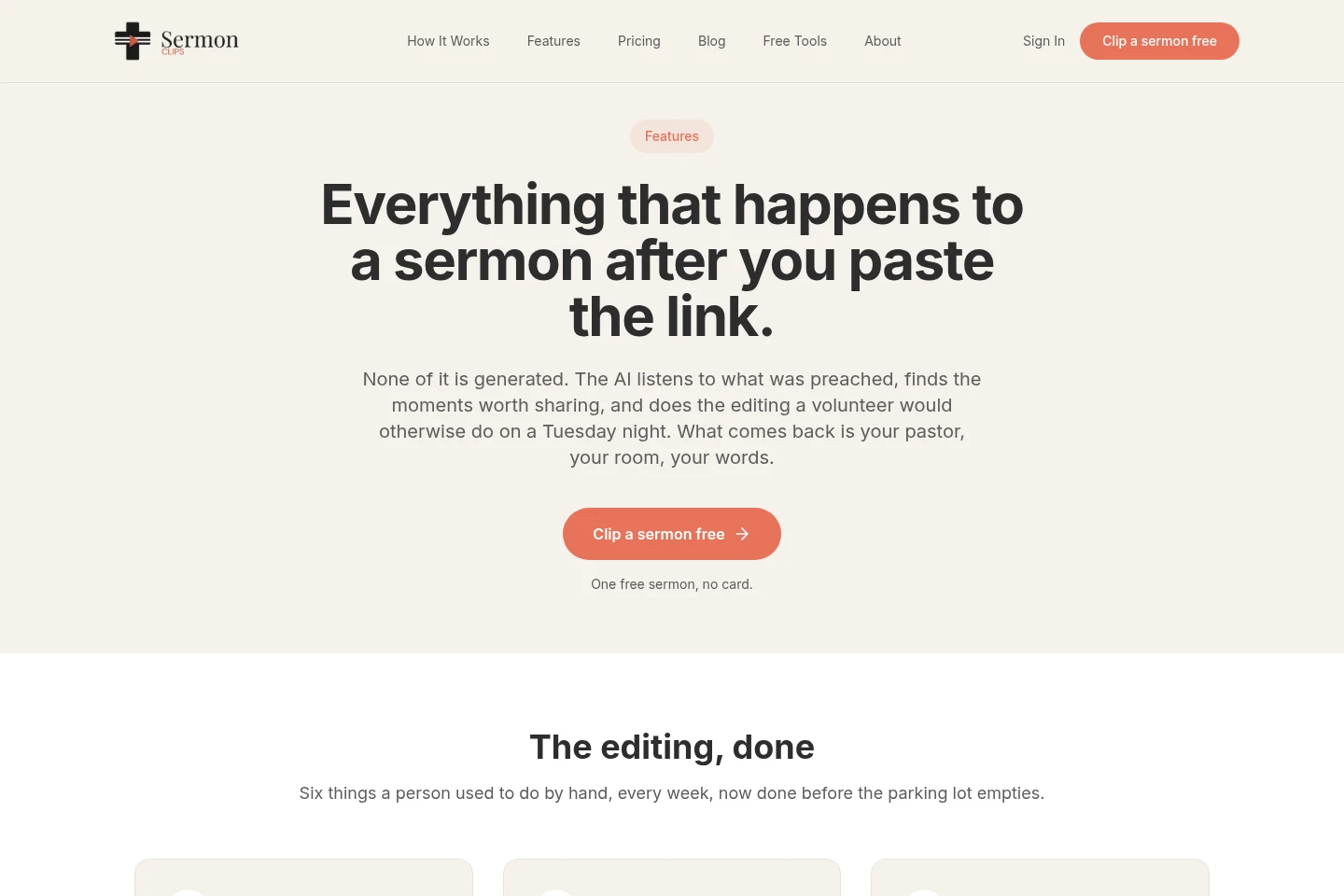
Sermon Clips turns a church sermon supplied as a YouTube link or video file into selected vertical clips with word-timed captions in the preached language, speaker tracking and cleaned audio. The dashboard also provides sermon transcripts and notes, devotional and discussion materials, and paid plans add social posting and scheduling to connected accounts.

Visit WebsiteUpdate this product

0Views

Capabilities

Sermon clip generation

Creates selected 30-to-60-second vertical clips from a sermon and provides downloadable videos with thumbnails. It accepts a YouTube link or an MP4 or MOV file, selects moments from the whole message, tracks the speaker, burns in captions in the preached language, and cleans the audio.

Sermon Packet materials

Produces a cleaned transcript and supporting study materials from a sermon. After upload, the dashboard provides sermon notes, a five-day devotional plan, key quotes, and a small-group discussion guide, based on the preacher's words.

Clip adjustments

Lets users revise individual generated clips and render the changes. In the dashboard, users can adjust clip boundaries by up to 15 seconds, framing, captions, and audio; they can render a clip up to three times and select up to three skipped moments per sermon, or 10 on paid plans, while the source is stored for 30 days.

Social posting and scheduling

Publishes or schedules selected clips to connected church social accounts. Users review the clip and caption, choose accounts and posting times in the dashboard, and can post to Facebook, Instagram, TikTok, and YouTube; this is included on paid plans.


PricingFreemium

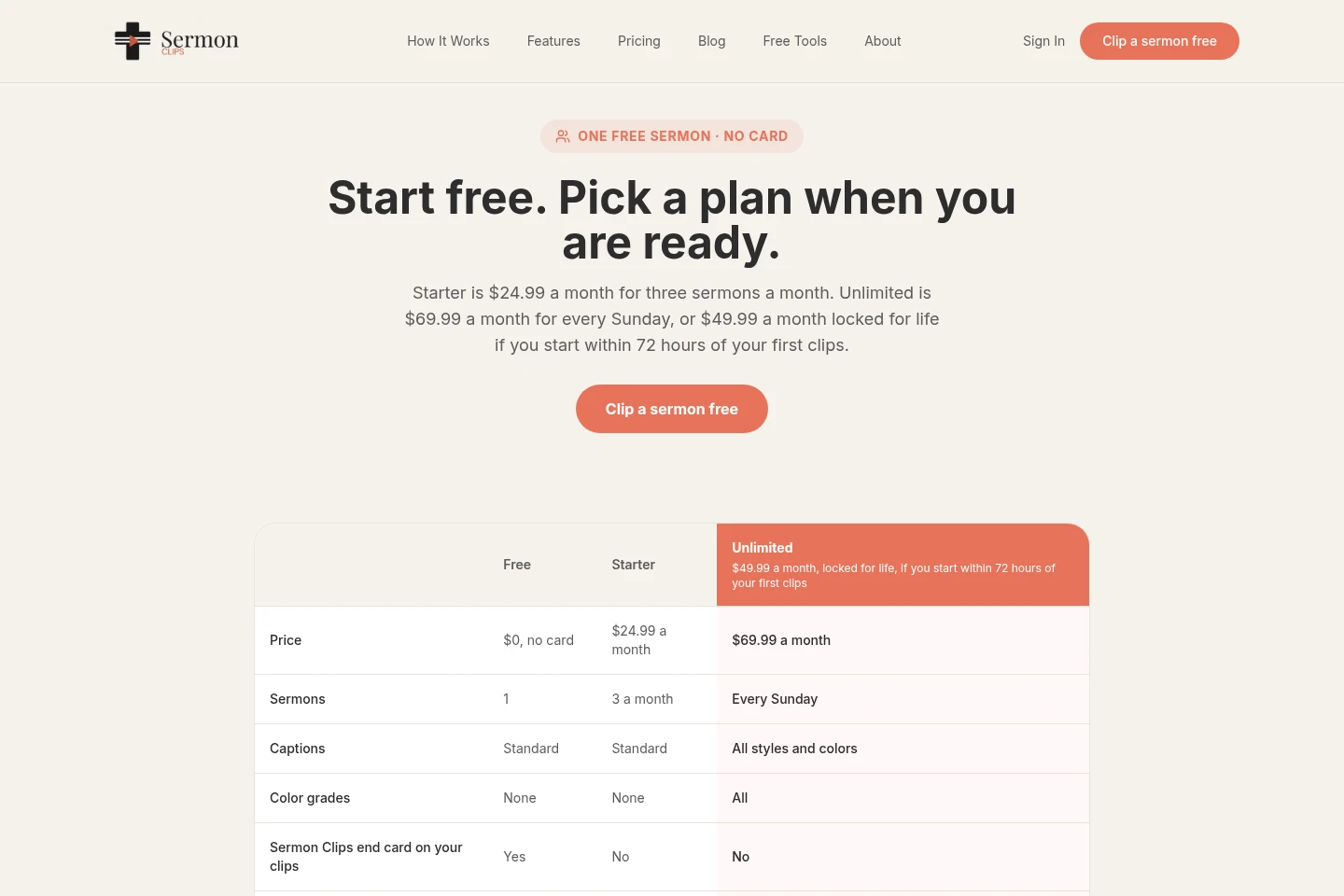
Sermon Clips offers one free sermon and monthly paid subscriptions. Compare the number of sermons, seats, caption options, transcript downloads, and social posting and scheduling included in each plan.

PlanPriceIncluded features and limits
Free

$0; no card

  • One sermon

  • One seat

  • Standard captions

  • Sermon Clips end card on clips

  • No transcript download

  • No social posting or scheduling

Starter

$24.99 per month

  • Three sermons per month

  • One seat

  • Standard captions

  • No Sermon Clips end card on clips

  • Transcript download included

  • Social posting and scheduling included

Unlimited

$69.99 per month; or $49.99 per month locked for life if started within 72 hours of first clips

  • Every Sunday

  • Five seats

  • All caption styles and colors

  • All color grades

  • No Sermon Clips end card on clips

  • Transcript download included

Paid plans can be canceled anytime. Social posting and scheduling on paid plans supports Facebook, Instagram, TikTok, and YouTube.

Use cases

Prepare sermon clips for social feeds

When a church wants to share a Sunday sermon during the week, submit its YouTube link or an MP4 or MOV file. Sermon Clips selects moments, makes vertical clips with captions in the preached language and cleaned audio, and provides them for download.

Create materials for sermon study

When a pastor or small group needs material from a sermon, upload the recording and open the Sermon Packet in the dashboard. It includes a cleaned transcript, sermon notes, a five-day devotional plan, key quotes, and a discussion guide.

Schedule church social posts

When a church wants to publish sermon clips on its social channels, connect its Facebook, Instagram, TikTok, or YouTube accounts on a paid plan. Review each clip and caption, select destinations, and post immediately or schedule a time.

Limitations

  • Clips are vertical 9:16; square and landscape exports are not currently offered.

  • Captions remain in the language preached; translation and dubbing are not offered.

  • Clips are not posted to church accounts without the user’s approval.

  • The service does not add B-roll, music beds, or motion graphics.

Alternatives

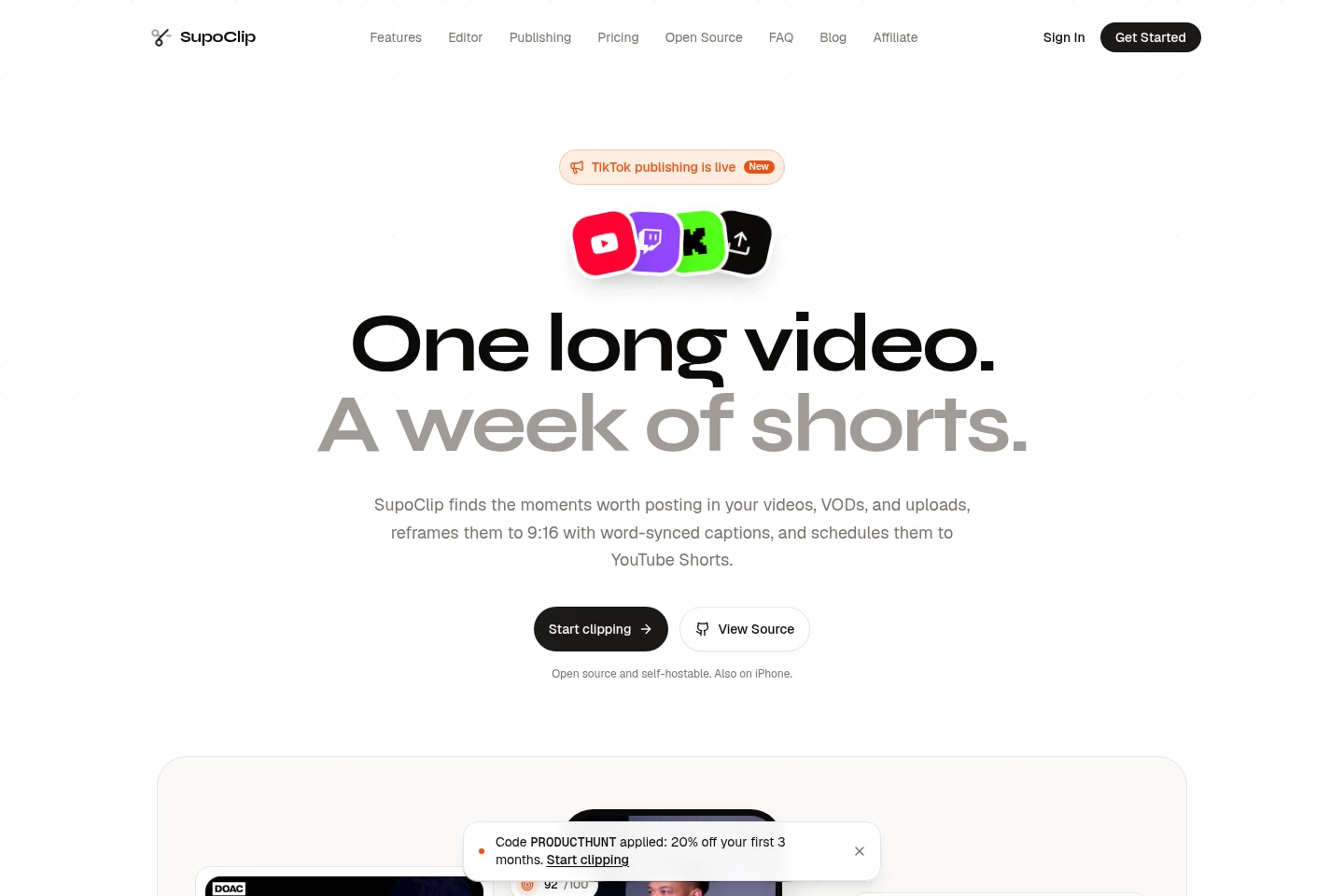
SupoClip

Turn long videos into editable, captioned short clips

SupoClip uses AI to select moments from YouTube, Twitch, Kick, or uploaded videos, then creates vertical clips with word-synced captions and face-aware framing. Edit transcripts and timelines, export platform-ready videos, or publish and schedule clips to supported social platforms. It is available as hosted plans or open-source self-hosted software.

  • Self-hosted
  • Freemium
  • Self-Hosted$0 forever
  • Pro$9.99/month
  • Creator$24.99/month
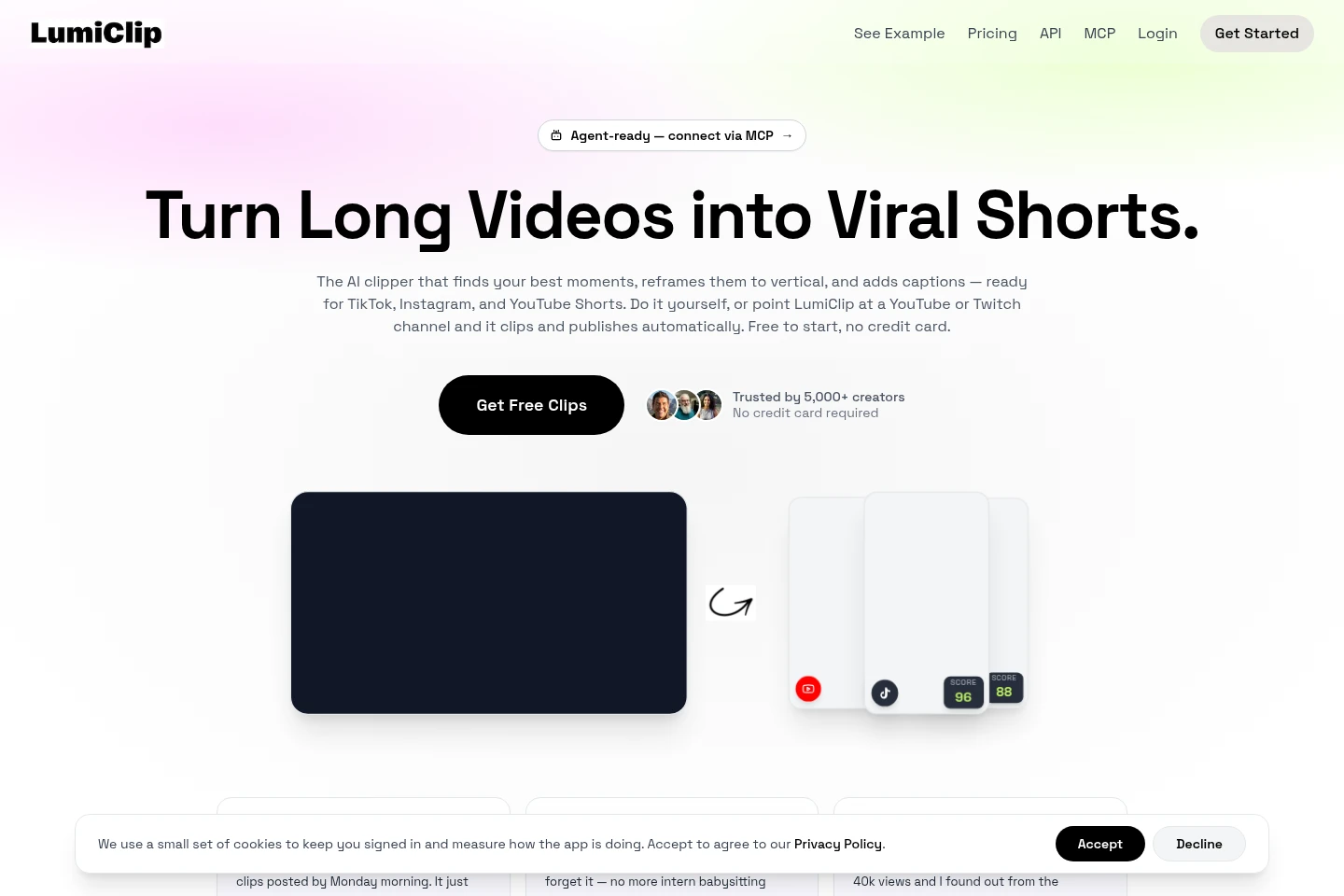
  1. LumiClip

    Turn long videos into captioned vertical clips

    Try-Out · $7.99 one-time
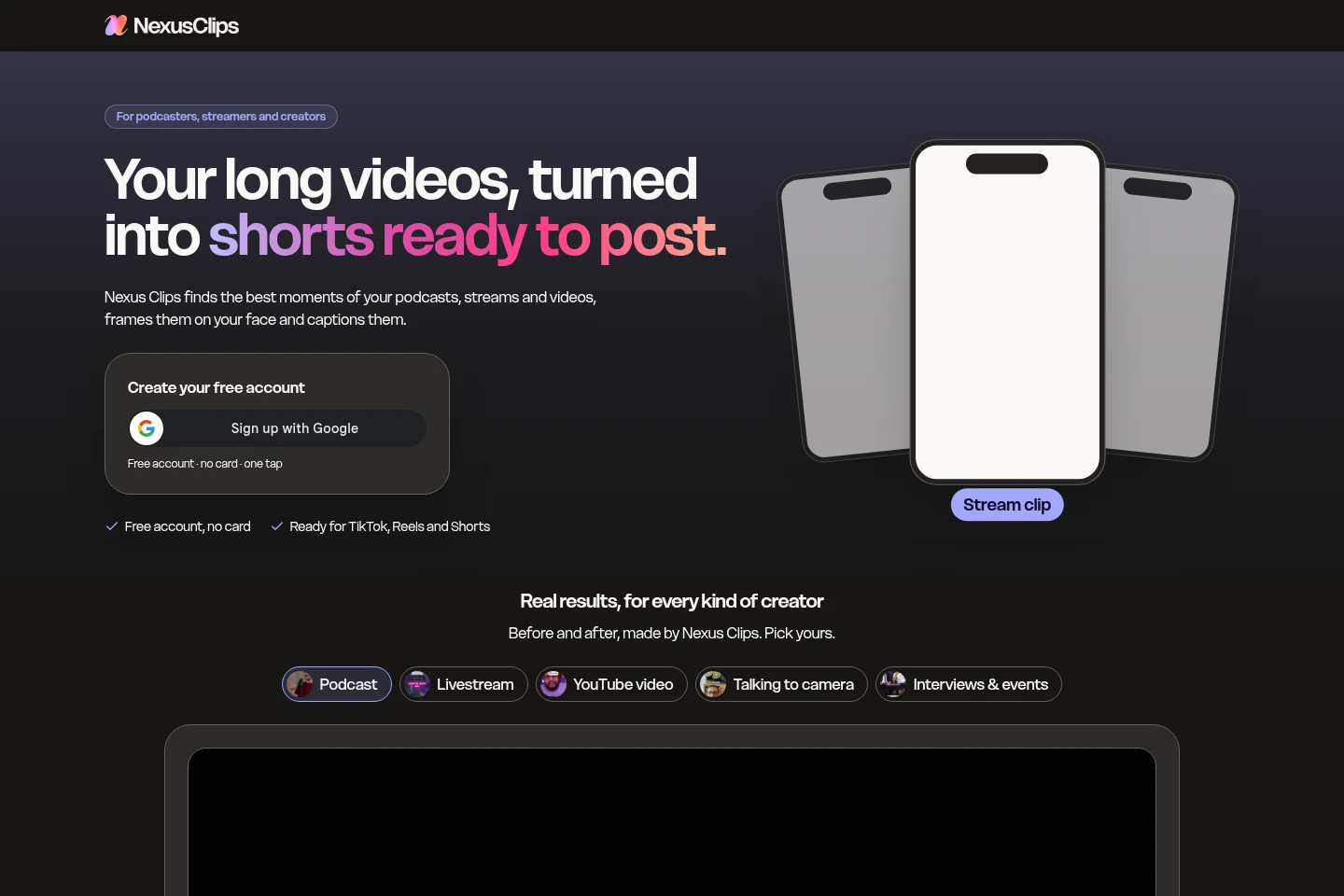
  2. Nexus Clips

    Turn long videos into captioned vertical clips

    Pro · Free account; price unstated
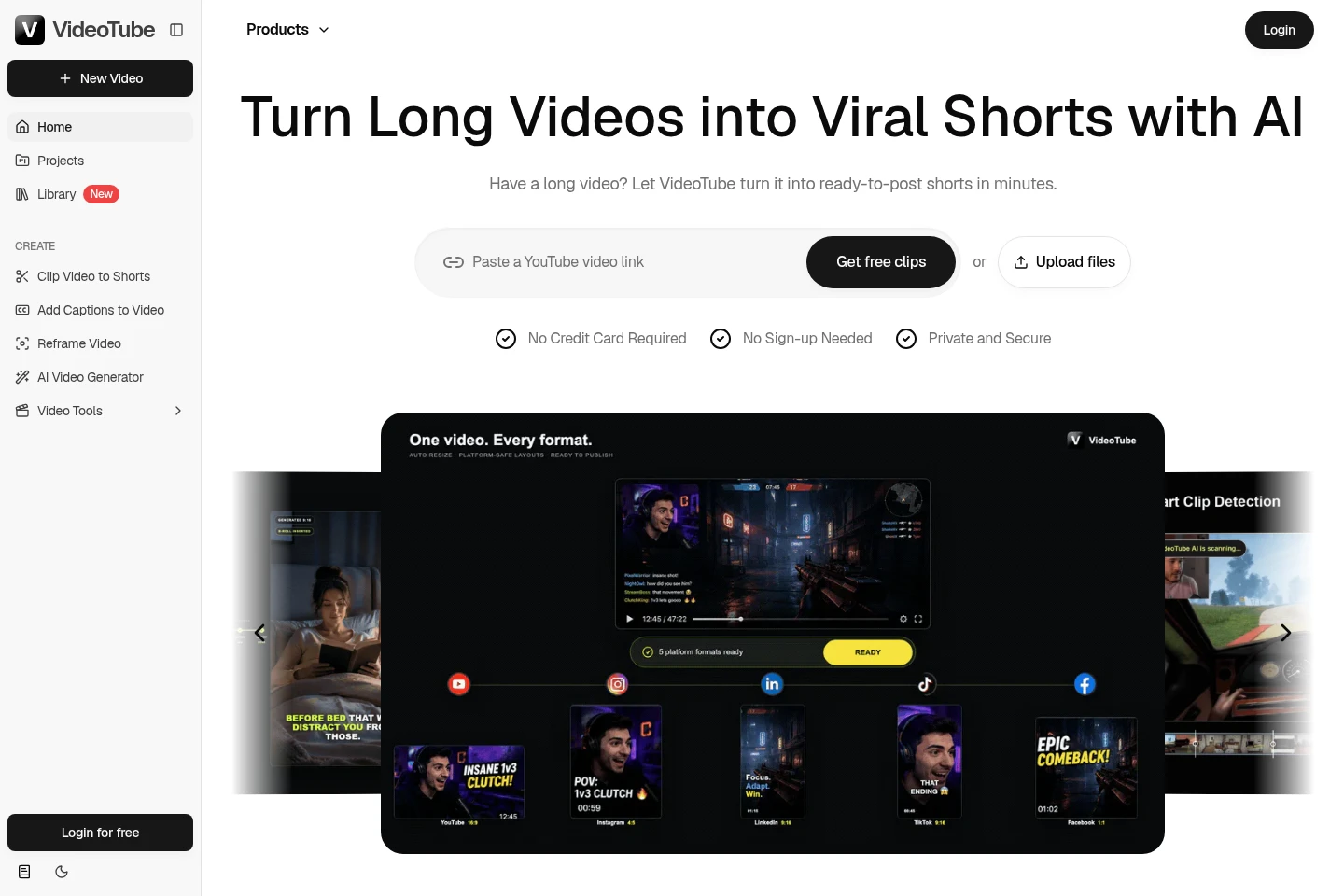
  3. VideoTube

    Turn long videos into captioned vertical clips

    Contact Sales
  4. OpenClip

    Turn long videos into captioned, scheduled social clips

    Starter · $14.99/mo
  5. VideoToShorts

    Turn selected video moments into captioned vertical clips

    Free · Free; $0

Who it is for

  • Pastors who want to share sermon content without editing video themselves

  • Church media volunteers responsible for weekly captions, cropping, and clip exports

  • Church communications directors managing sermon content and social posting

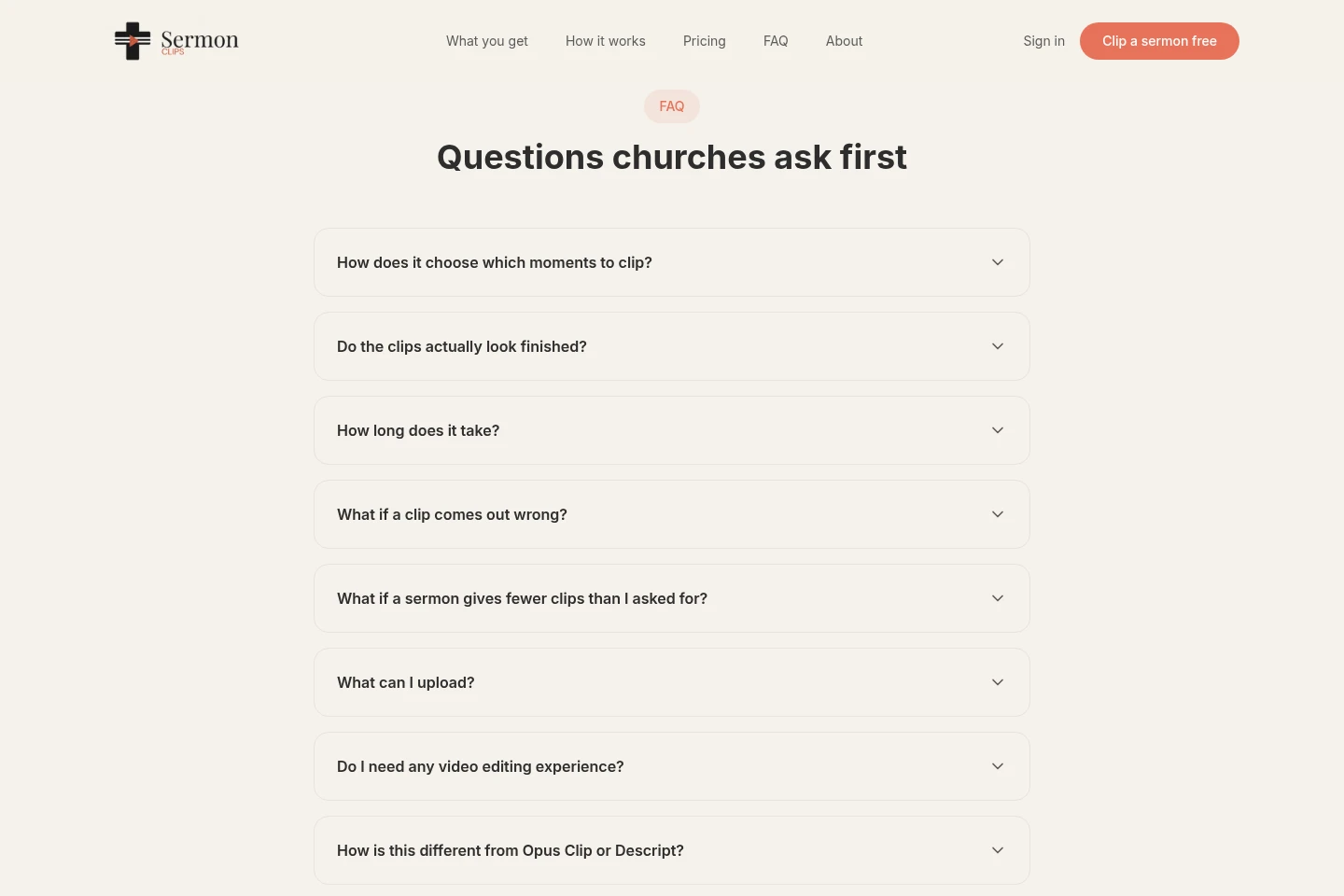
FAQ

What can I submit as a sermon?

You can submit a YouTube link or upload an MP4 or MOV video. Sermons up to four hours are accepted, and the service processes the full message.

What does the free sermon include?

The Free plan includes one sermon, one seat, standard captions, and a Sermon Clips end card on clips. It does not include transcript downloads or social posting and scheduling.

How many sermons are included in each plan?

Free includes one sermon; Starter includes three sermons per month; Unlimited covers every Sunday. The Unlimited price is $69.99 per month, or $49.99 per month locked for life if you start within 72 hours of receiving your first clips.

Can I post clips directly to social accounts?

Yes. Every paid plan includes posting and scheduling to connected Facebook, Instagram, TikTok, and YouTube accounts. You choose the clips, destinations, and times, and approve the post.

Can I change a clip or choose a moment that was missed?

Yes. You can adjust the start or end by up to 15 seconds, change framing, captions, or audio, and render a clip up to three times. You can select up to three skipped moments per sermon, or 10 on paid plans, while the source is stored for 30 days.

Comments

Please sign in to leave a comment.
No comments yet. Be the first to share your thoughts!