
Monthly visits
588
2026-10
Monthly growth +1,052.9%

ScriptGecko - Turn public video links into timestamped transcripts

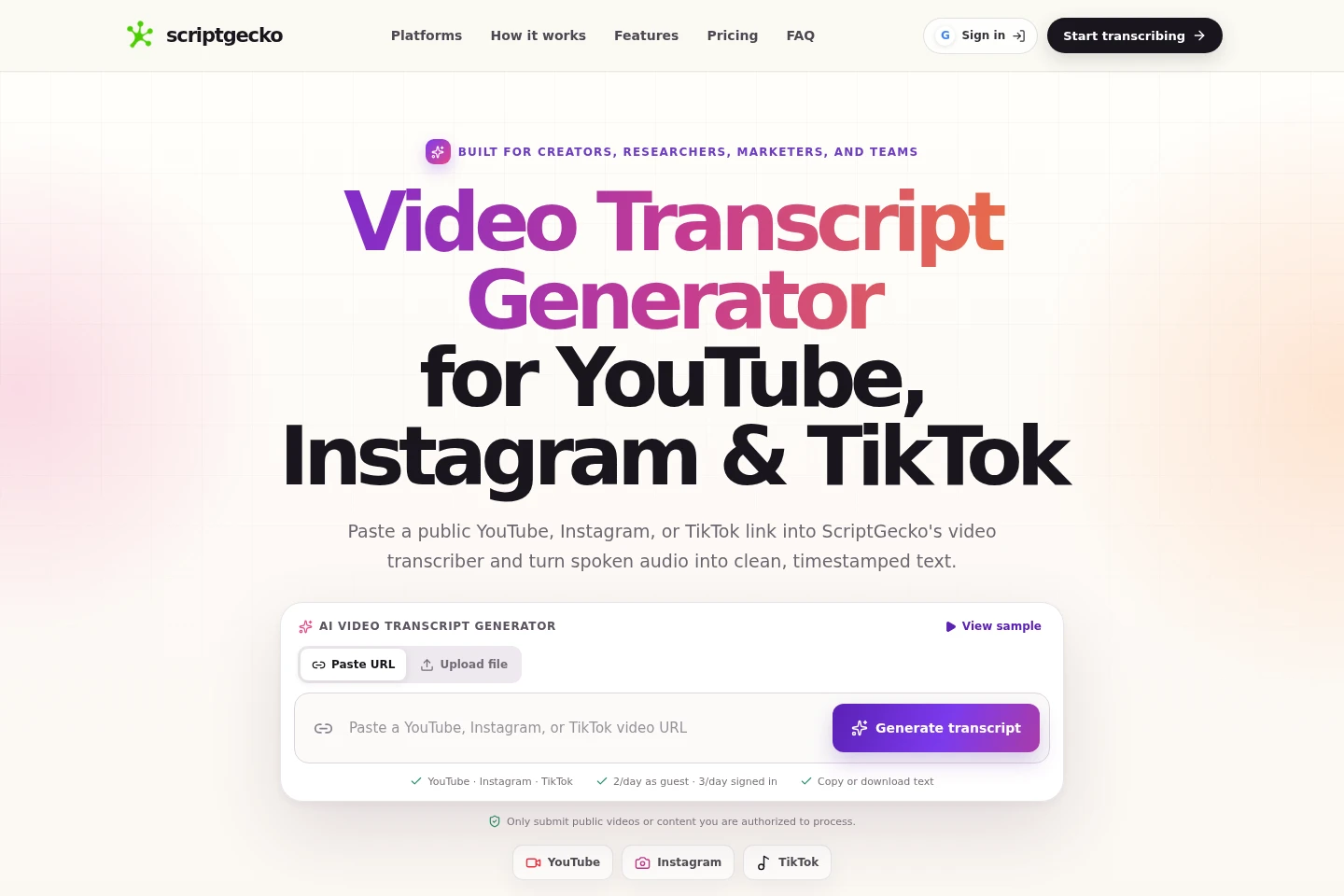
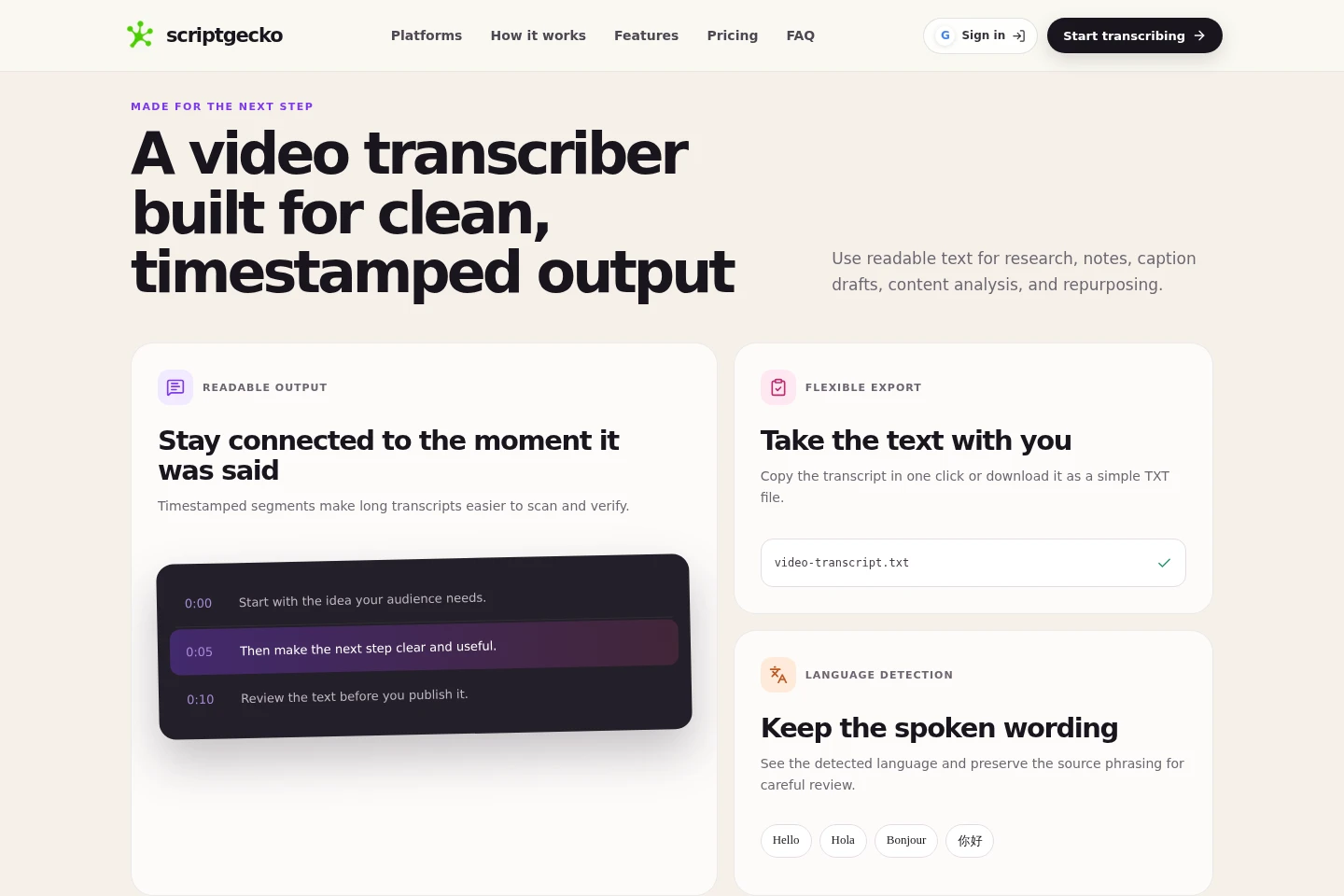
ScriptGecko transcribes spoken audio from publicly accessible YouTube, Instagram, and TikTok videos. Paste a supported link to generate timestamped text, review detected language, then copy the transcript or download it as a TXT file. Daily free limits and monthly credit plans are available.

Visit WebsiteUpdate this product

0Views

Capabilities

Video audio transcription

Converts spoken audio from supported public videos into transcript text. Paste a YouTube, Instagram, or TikTok URL; ScriptGecko detects the platform, checks YouTube and TikTok for usable captions, and prepares accessible audio when needed.

Timestamped transcript segments

Shows transcript text divided into timestamped segments for review. The generated result keeps each segment connected to its position in the video, making longer transcripts easier to scan and verify.

Transcript copying and TXT export

Lets users copy the complete transcript or download it as a plain TXT file. The transcript is available after generation, with timestamped segments visible in the result.

Spoken language detection

Displays the detected language and preserves the source wording in the transcript. Detection is applied to spoken audio so users can review the original phrasing.

PricingFreemium

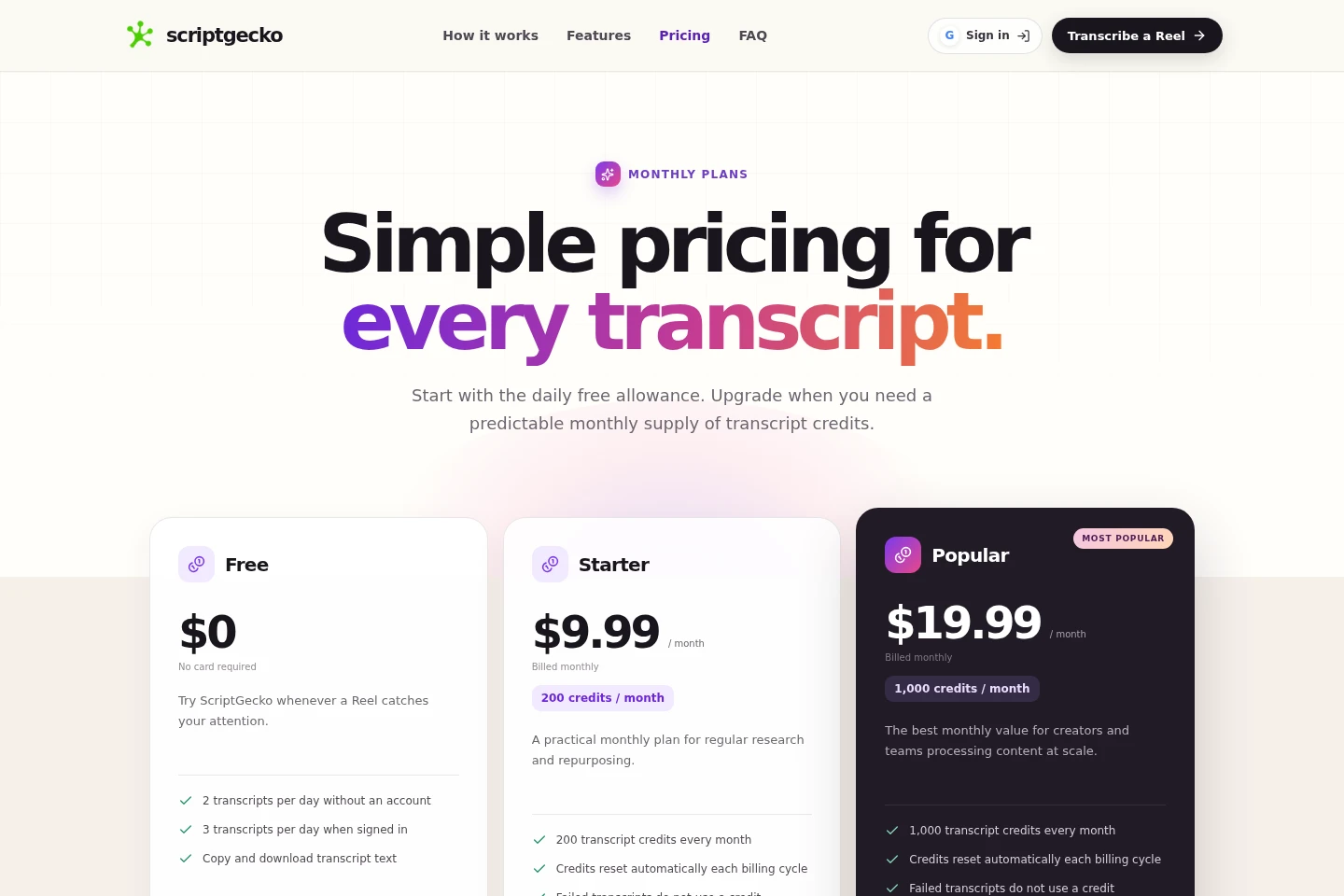
ScriptGecko offers a free daily allowance and paid monthly subscriptions. Compare the included transcript credits and daily free limits to choose the level that fits your use.

PlanPriceIncluded features and limits
Free

$0; no card required

  • 2 transcripts per day without an account

  • 3 transcripts per day when signed in

  • Copy and download transcript text

Starter

$9.99 per month; billed monthly

  • 200 transcript credits every month

  • Credits reset automatically each billing cycle

  • Failed transcripts do not use a credit

Popular

$19.99 per month

  • 1,000 transcript credits every month

  • Credits reset automatically each billing cycle

  • Failed transcripts do not use a credit

Monthly credits refresh automatically at the start of each billing cycle and unused credits do not roll over. Each started 5-minute block costs 1 credit; failed jobs are not charged. Paid plans can be canceled at period end.

Use cases

Turn spoken ideas into content drafts

When creators want to reuse their own public video speech, they can generate a transcript and copy or download it. The text can then serve as source material for captions, articles, newsletters, or future scripts.

Review interviews and explanations as text

When researchers need to examine public interviews or explanations, they can submit a supported video link and scan its timestamped transcript. This provides text to search and review without replaying every clip.

Analyze marketing videos across platforms

When marketers study public videos on supported platforms, they can transcribe the speech and review the resulting text. The transcript can be used to examine hooks, offers, objections, and creative patterns.

Limitations

  • Only publicly accessible content can be processed; private, deleted, age-restricted, members-only, and region-restricted videos are not bypassed.

  • Guests can generate up to 2 transcripts per day, while signed-in free accounts can generate up to 3 per day.

  • Each started 5-minute block uses one credit; a video lasting 5:01–10:00 uses 2 credits.

  • Unused monthly credits do not roll over, and credits reset at each billing cycle.

  • Transcript accuracy depends on audio clarity, background music, accents, speaker overlap, and specialist terms; important names, numbers, and quotations should be reviewed.

ScriptGecko alternatives

GetTheScript

Turn public short videos into editable transcripts

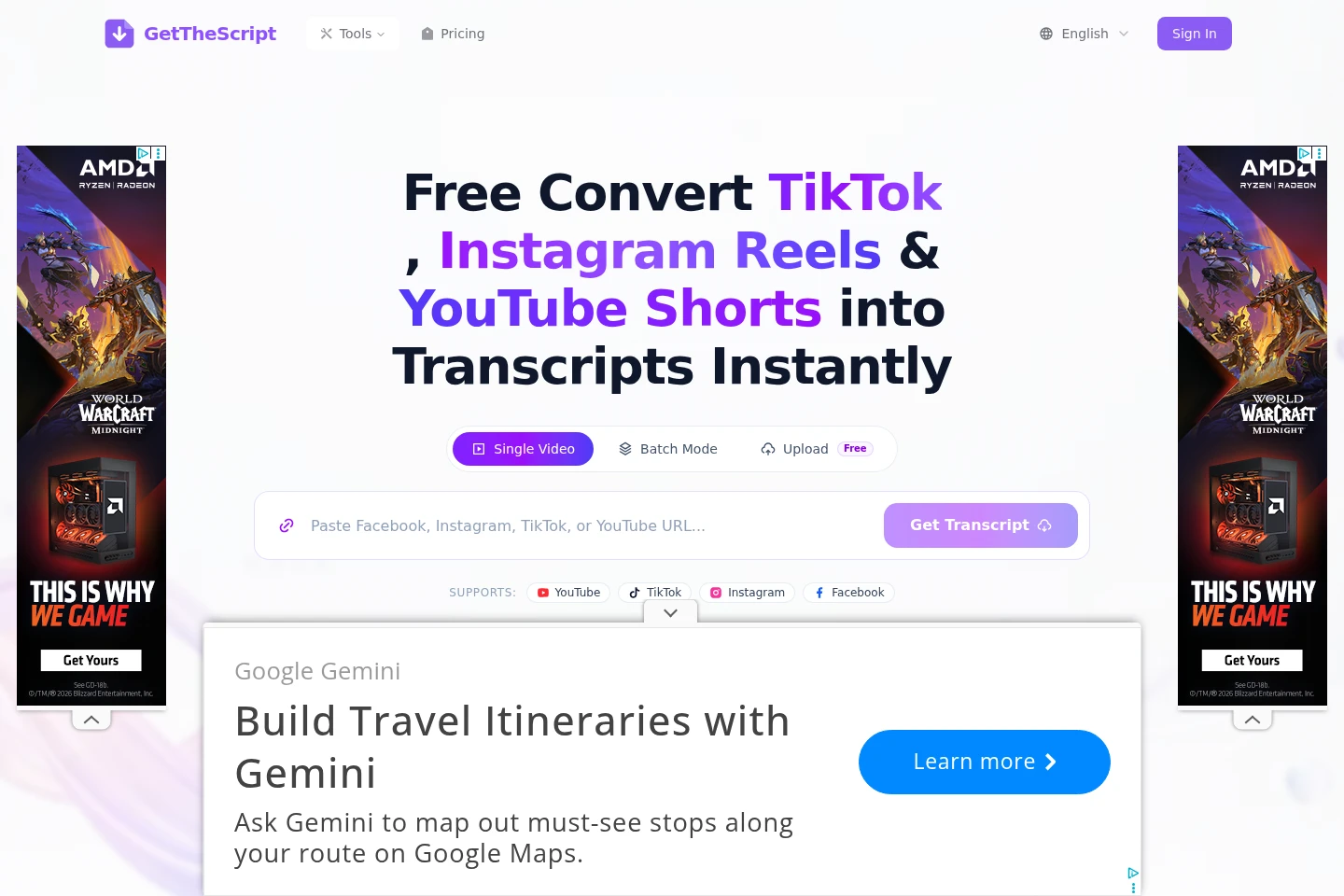
GetTheScript is a browser-based tool for transcribing public videos from TikTok, Instagram Reels, YouTube Shorts, and Facebook. Paste a video link or upload an MP3, WAV, M4A, or MP4 file to produce text. Choose a spoken language or let the tool detect it, then copy or download plain text, timestamped text, SRT, or VTT.

  • Cloud
  • Freemium
  • FreeFree
  • 200 credits$9.99 one-time
  • 1,000 credits$19.99 one-time
  • 3,000 credits$39 one-time
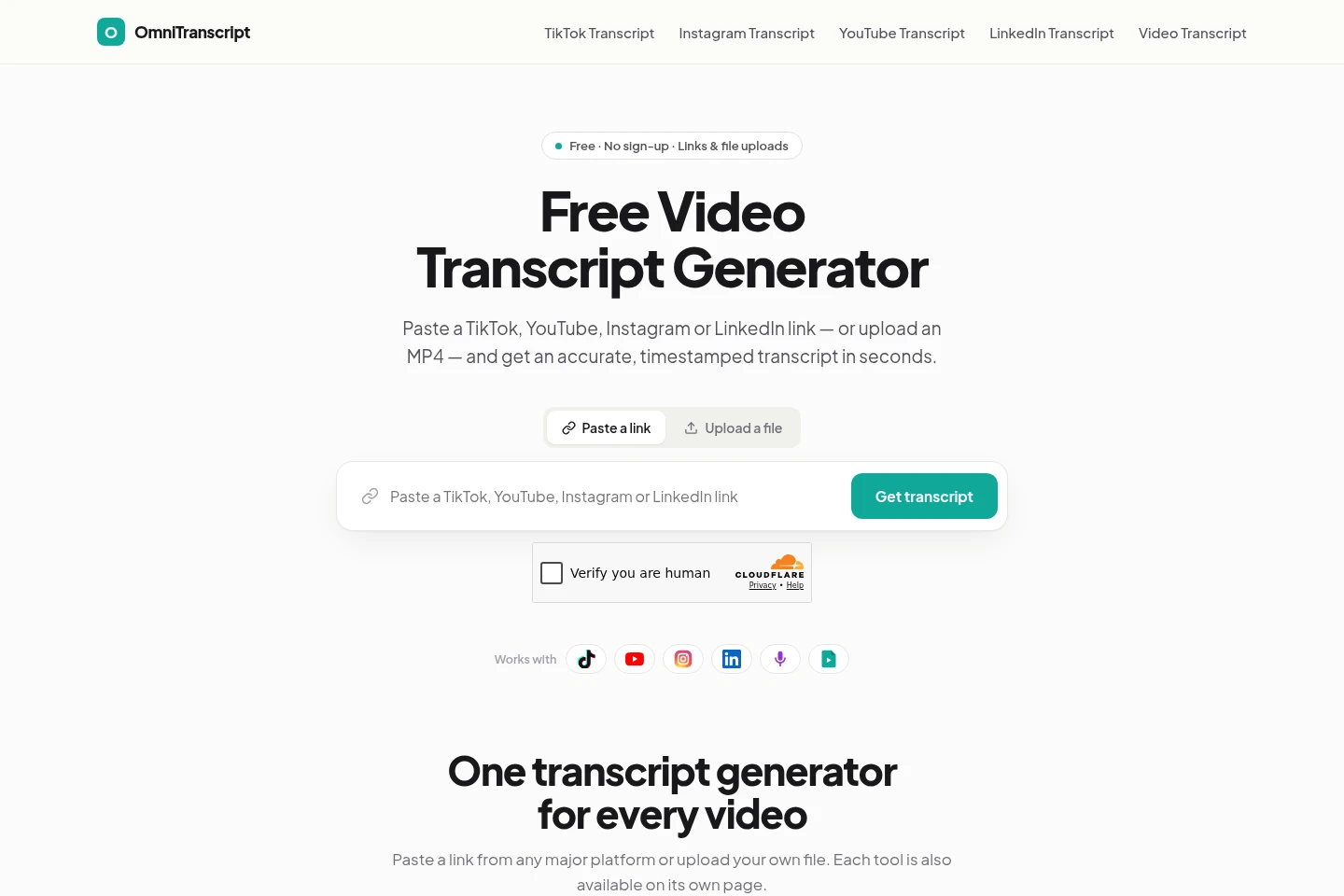
  1. OmniTranscript

    Turn video and audio links or files into timestamped transcripts

    Free
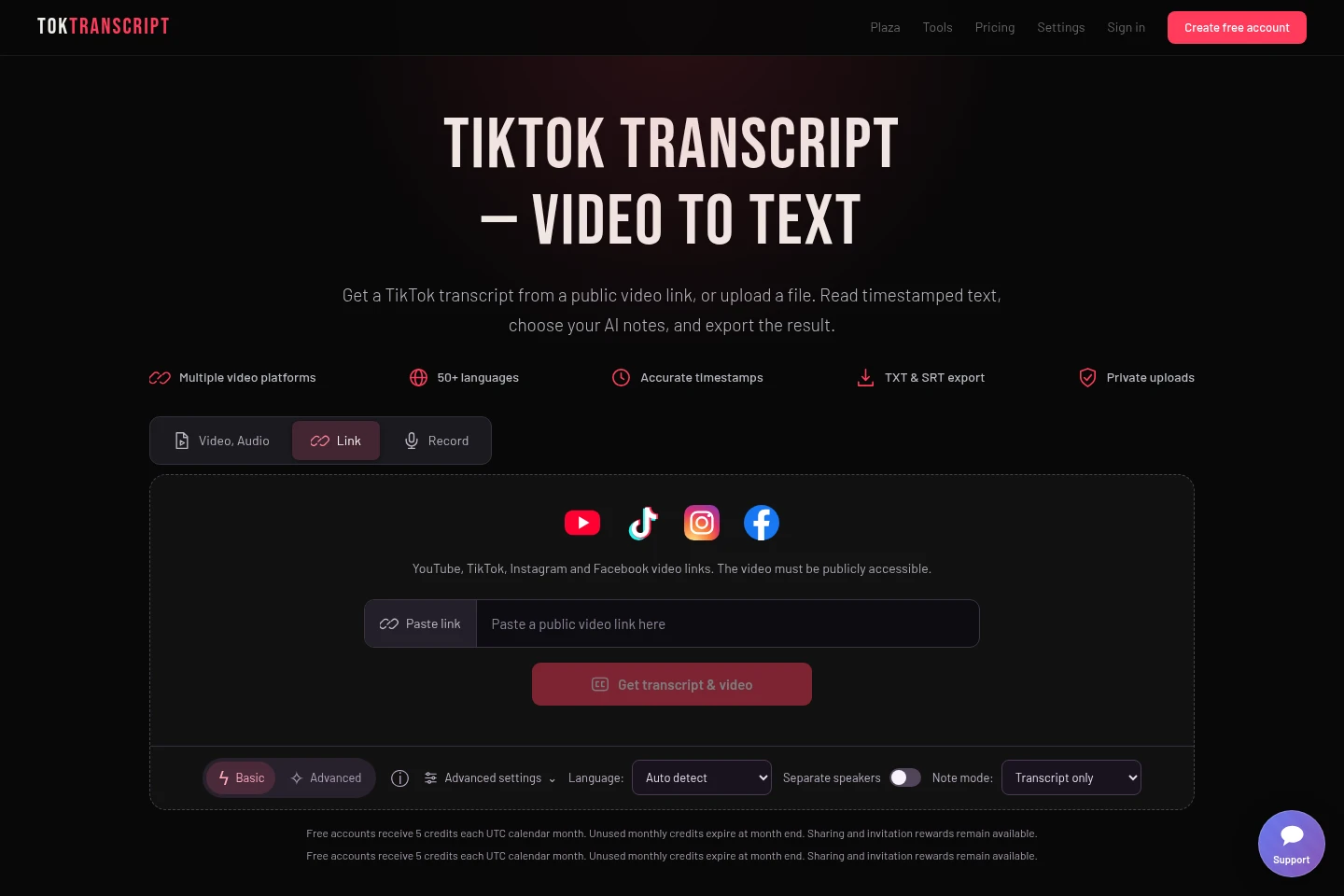
  2. TokTranscript

    Turn video links and files into usable text

    Free · $0, free
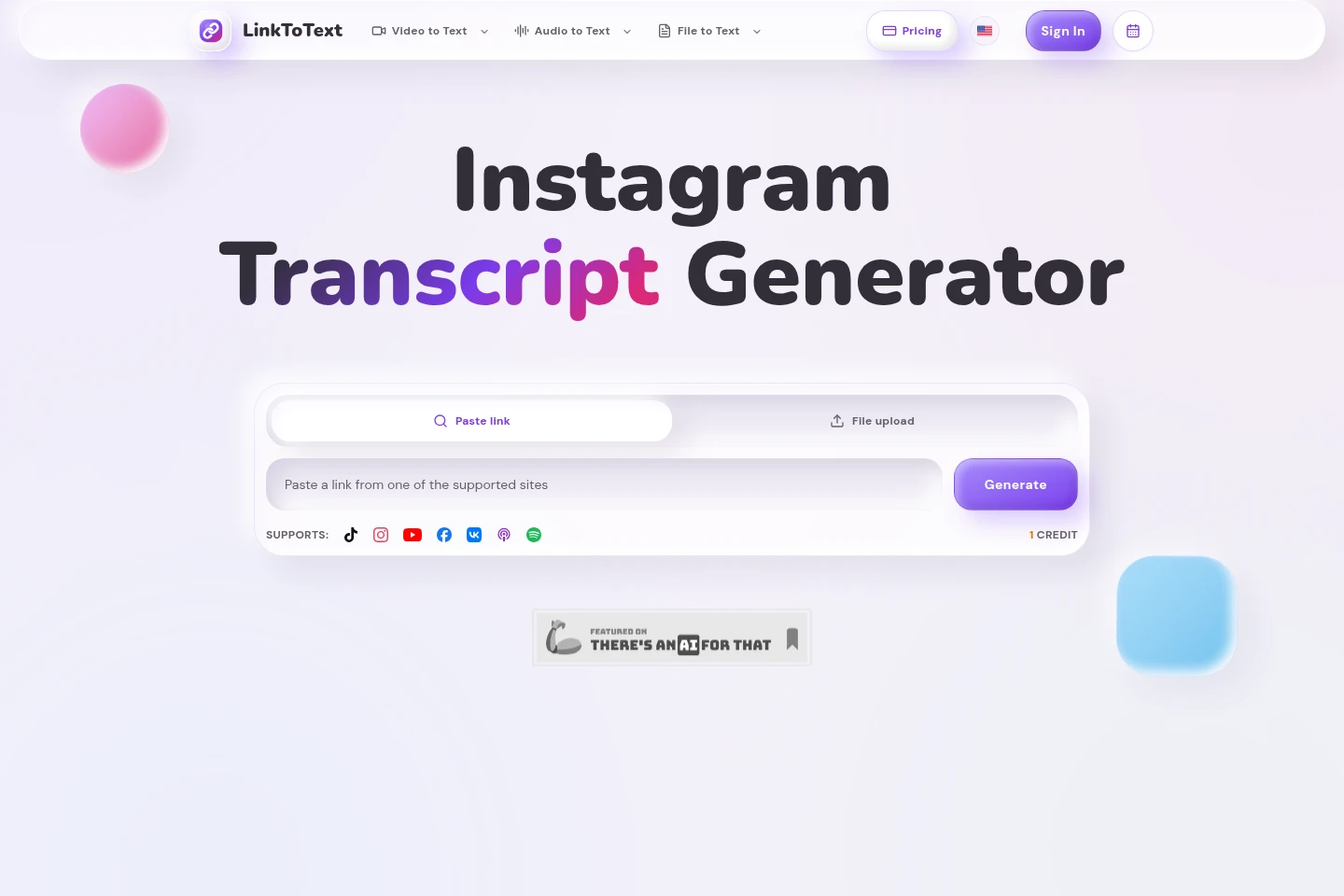
  3. LinkToText

    Turn video and audio into searchable transcripts

    Free · $0 per month
  4. Transcript.im

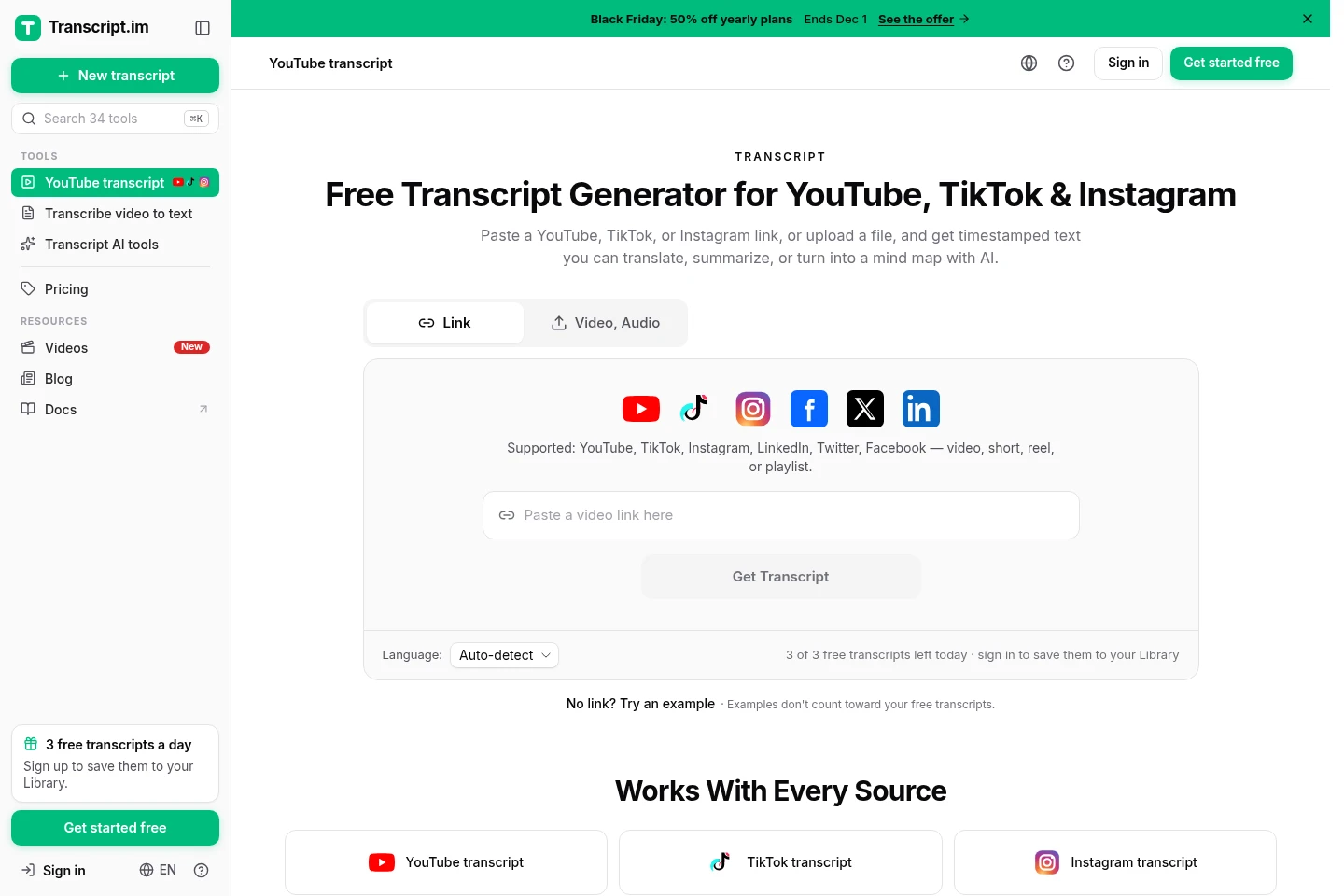
    Free AI transcript generator for Instagram, TikTok and YouTube videos

    Freemium
  5. ReelToText

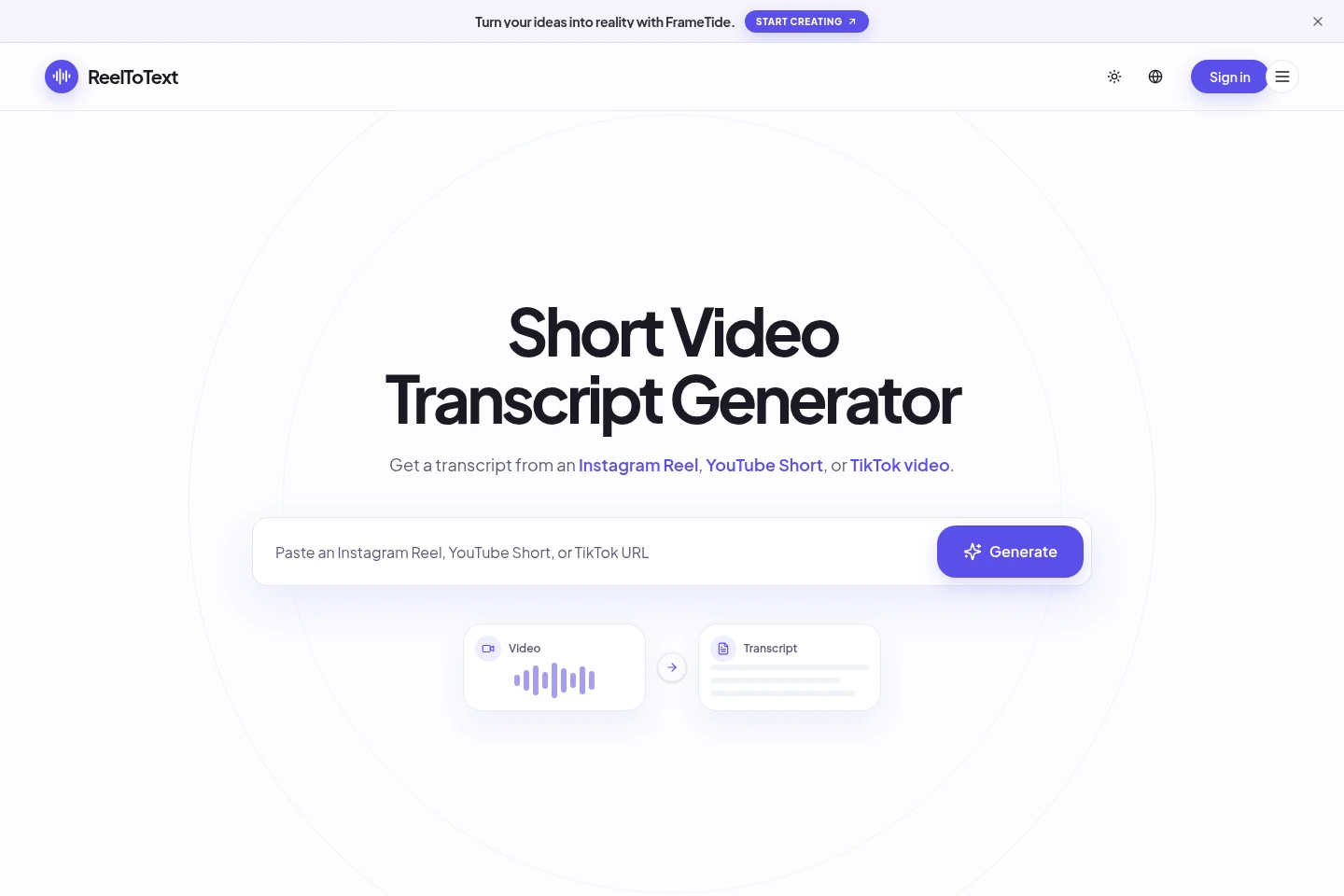
    Turn public short-video links into transcripts and captions

    5 transcripts · $1.99 one-time

Who it is for

  • Creators who need text versions of their own public video speech

  • Researchers who want to search public interviews and explanations as text

  • Marketers reviewing spoken hooks, offers, and objections in videos

FAQ

Which video URLs does ScriptGecko support?

ScriptGecko accepts public YouTube videos and Shorts, public Instagram Reels and video posts, and public TikTok videos. Common short share links are supported, including the listed TikTok short-link formats.

How does automatic platform detection work?

Paste a supported link on the homepage. ScriptGecko validates the URL, checks YouTube and TikTok for usable captions, and prepares accessible audio for transcription only when needed.

Can I transcribe private or login-protected videos?

No. The source video must be publicly accessible. ScriptGecko does not request platform passwords or bypass private, deleted, age-restricted, members-only, or region-restricted content.

Does the source video need captions?

No. ScriptGecko transcribes spoken audio, so native captions are not required. Videos without detectable speech return a clear message instead of an empty transcript.

What can I export?

You can copy the complete transcript or download it as a plain TXT file. Timestamped segments remain visible in the result for review.

Is ScriptGecko free to use?

Yes. Guests can generate up to 2 transcripts per day and signed-in free accounts up to 3 per day. Monthly paid plans provide credits for higher-volume use.

Comments

Please sign in to leave a comment.
No comments yet. Be the first to share your thoughts!