
- Monthly visits
- 2,060
- 2026-09
reminal - Access your machine’s windows, desktop, and terminal from a browser
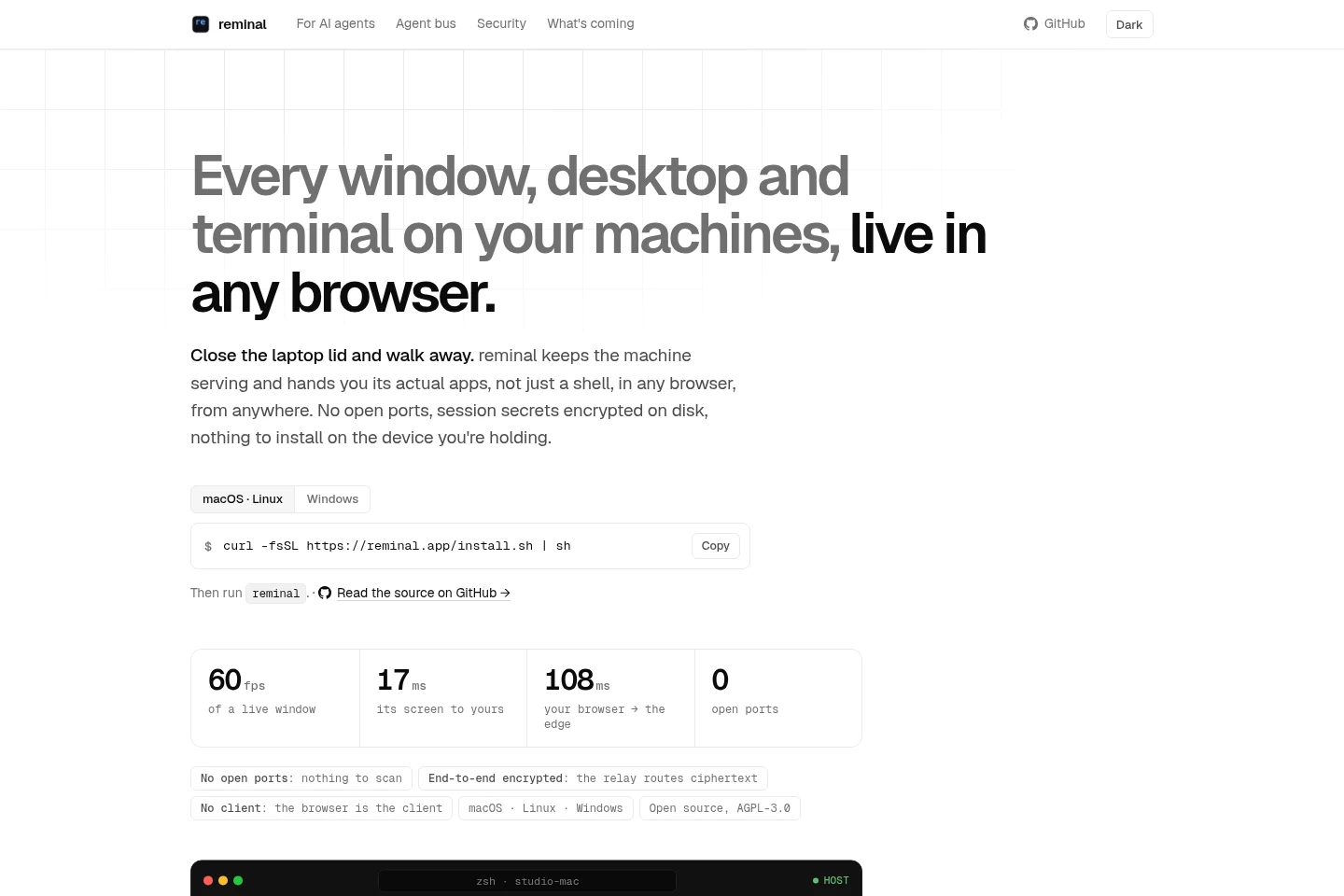
reminal is an open-source tool for accessing Mac, Linux, and Windows machines through a browser. It streams application windows or the full desktop, provides interactive terminal sessions, and lets users reconnect to sessions after restarts. It also supports file transfer between machines and an MCP server for connecting AI agent CLIs.
- AI Agents
- Desktop Automation
- MCP Servers
- Agent Hosting
- Software
- remote desktop browser access
- remote terminal sessions
- AI agent MCP server
Capabilities
Browser-based remote control
Streams an application window or the full desktop to a browser and accepts clicks, typing, scrolling, and dragging. Users can launch installed host apps, use a phone as a trackpad, and open a window separately from the browser tab.
Persistent terminal sessions
Provides interactive terminal sessions through a browser or phone, with session IDs, PINs, and QR codes for joining. Sessions can reconnect after a machine restarts with the same link and PIN, unless the user ended the session.
Machine and session management
Shows machines and their sessions, including activity and viewers, and supports attaching, renaming, spawning, and ending sessions from the CLI or browser. Devices enrolled as owners can connect without a PIN, with trust revocable per device.
AI agent MCP integration
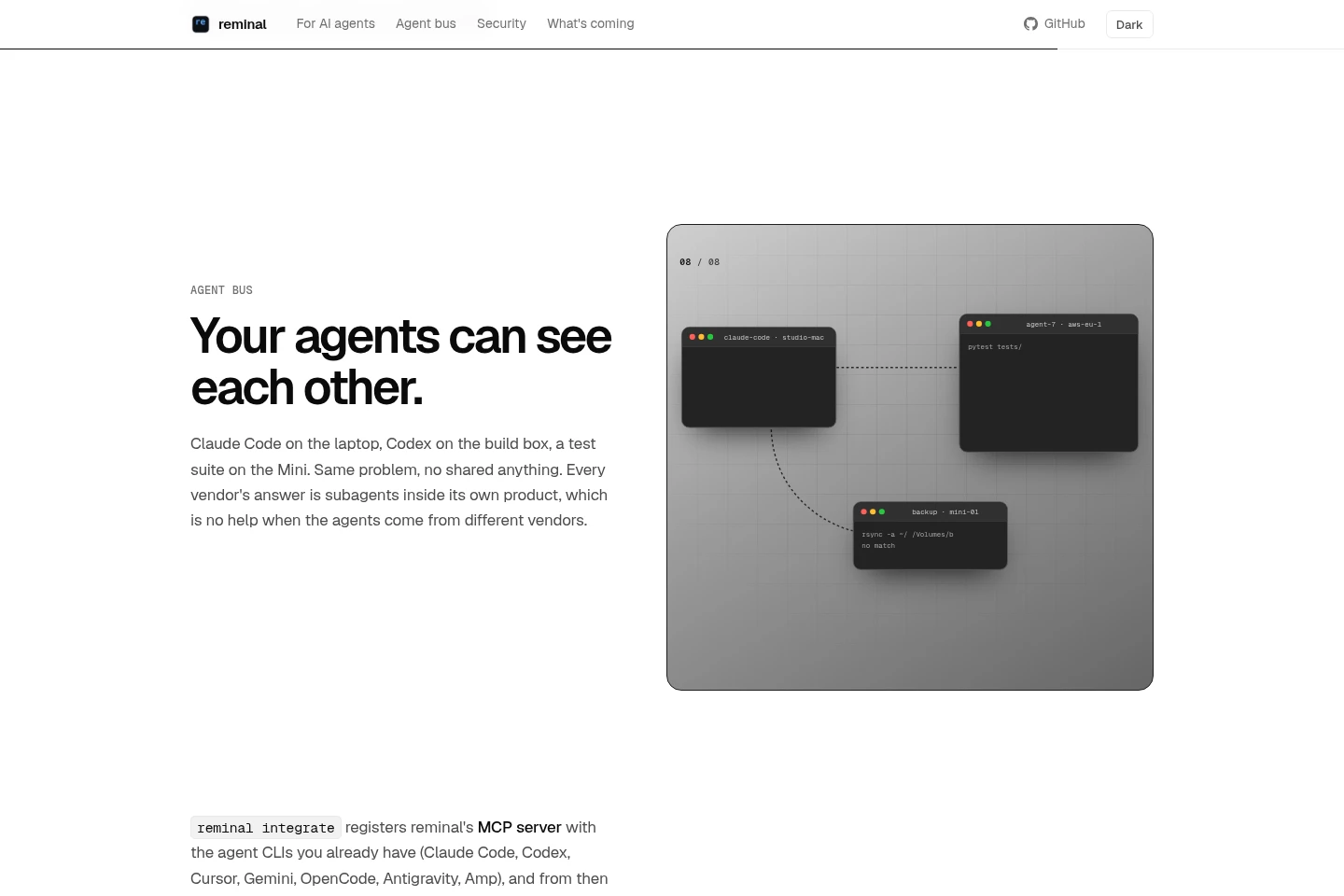
Registers reminal’s MCP server with supported agent CLIs so agents can list and search sessions, read transcripts, and send input. Agents connect to shared machines through a session ID and PIN or the MCP server.
Encrypted file transfer
Transfers a file between machines using reminal copy and paste commands and a short code. The file and its name are end-to-end encrypted; a code works for one paste while the source machine holds it, for an hour unless changed.
Closed-lid Mac mode
Keeps a Mac available with its lid closed by disabling clamshell sleep and creating a virtual display when the Mac becomes headless. The feature can be toggled off to undo these changes.
Pricing
The CLI is free and open source; commercial licences are available for workplace use. Compare whether the free AGPL-3.0 licence or a commercial licence fits the intended use.
| Plan | Price | Included features and limits |
|---|---|---|
| Free | Free; no price listed |
|
| Commercial licences | Price not stated |
|
The pages do not state commercial licence prices, billing periods, or other payment conditions.
Use cases
Use a machine’s apps remotely
When a user needs an app running on another machine, reminal streams its window or the full desktop to a browser. The user can launch installed apps and interact by clicking, typing, scrolling, or dragging.
Reconnect to terminal work after a restart
When a machine reboots, crashes, or loses power, reminal restores sessions that were still running when the user logs in. The same link and PIN return, along with the prior screen and shell location; sessions ended by the user remain ended.
Coordinate coding agents across machines
When agents run on different machines or use different CLIs, reminal’s MCP server lets them inspect sessions, search output, read transcripts, and send input. Users can watch the shared sessions in a browser while agents work.
Transfer a file between machines
When a file needs to move between machines without a shared folder, the user runs reminal copy on the source and reminal paste with its short code on the destination. The file and name are encrypted end to end, and the code is limited to one paste.
Limitations
Closed-lid mode is described for Mac; the pages do not claim the same sleep and virtual-display controls for Linux or Windows.
A copied-file code works for one paste and remains available only while the source machine holds it, for an hour unless the user changes that period.
A session ended by the user does not return after a machine reboot, crash, or power loss.
Who it is for
People who need to access and operate their own computers remotely
Developers running coding agents and terminal sessions across machines
Users who move files or resume work across Mac, Linux, and Windows machines
FAQ
Does reminal require open network ports?
No. The machine dials out, and the product says there are no open ports to expose. The relay routes encrypted ciphertext rather than readable session data.
Can I control apps through a browser?
Yes. Application windows or the full desktop can be streamed to a browser, where users can click, type, scroll, and drag. Installed host apps can also be launched from the Apps menu.
What happens to sessions when a machine restarts?
Sessions that were running return when the user logs in after a reboot, crash, or power loss. They keep the same link and PIN, but sessions the user ended stay ended.
How does reminal transfer files between machines?
Run reminal copy on the source machine and reminal paste with the printed code on another machine. The file and its name are end-to-end encrypted; each code is for one paste and lasts an hour unless changed.
Which coding agents can use the MCP server?
The page lists Claude Code, Codex, Cursor, Gemini, OpenCode, Antigravity, and Amp. reminal integrate registers its MCP server with supported agent CLIs.
Is reminal free?
The CLI is described as free and open source under AGPL-3.0. Commercial licences are available for running reminal at work; the supplied pages do not state their prices.
Comments