

- Monthly visits
- 2,596
- 2026-10
- Monthly growth +223.7%
Socialic - Plan and publish social posts from one workspace
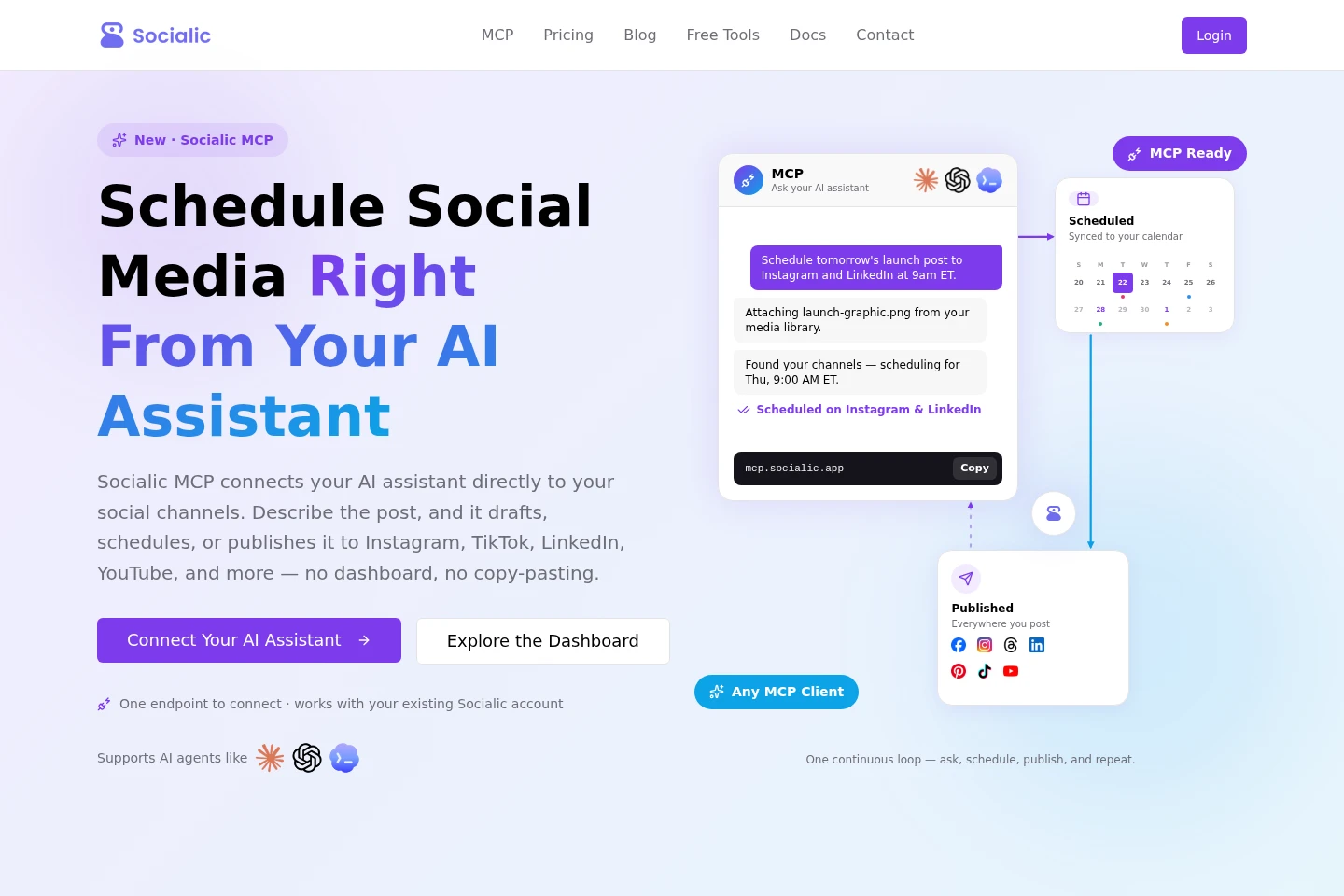
Socialic schedules posts across Facebook, Instagram, LinkedIn, YouTube, TikTok, Pinterest, and Threads. Its dashboard includes a content calendar, bulk creation, analytics, and team permissions. Socialic MCP also lets a connected AI assistant draft, validate, schedule, publish, and check posts through a hosted Model Context Protocol server.
- AI Marketing
- Social Media Management
- MCP Servers
- Marketing Automation
- social media scheduler
- socialic MCP
- social media content calendar
Capabilities
Multi-platform scheduling
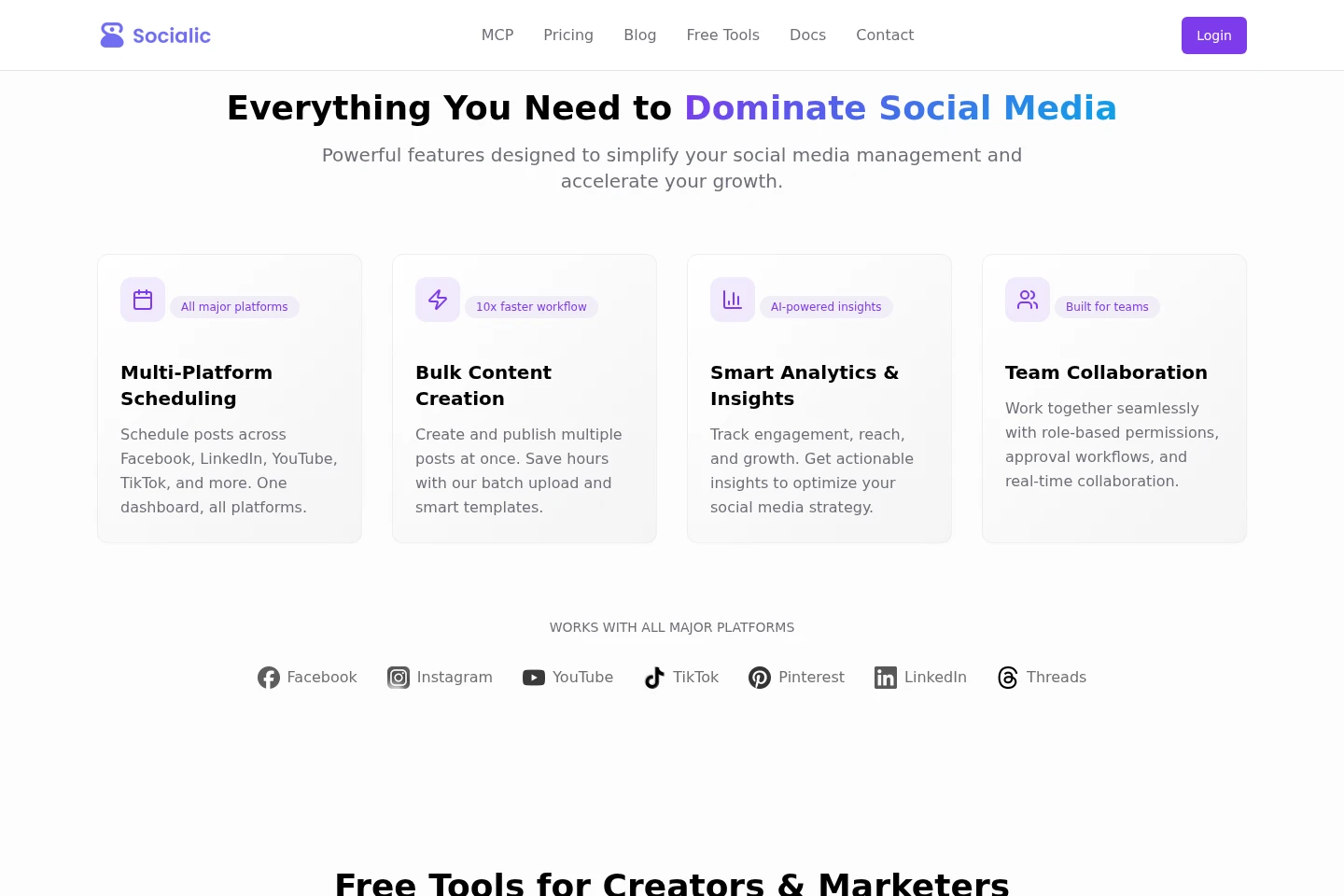
Schedule or publish social posts across connected channels from one dashboard or an AI assistant. Choose channels and timing; platform-specific required fields and caption and media rules are checked before a post goes out.
Bulk content creation
Create and publish multiple social posts at once. Use batch upload and templates to prepare content, with the bulk creator included in the listed plans.
Social media analytics
View engagement, reach, and growth information for social channels. The dashboard provides basic analytics on Free and advanced analytics on Starter and Ultimate.
Team collaboration
Coordinate social publishing with team members using role-based permissions and approval workflows. The site describes real-time collaboration as part of its team features.
Pricing
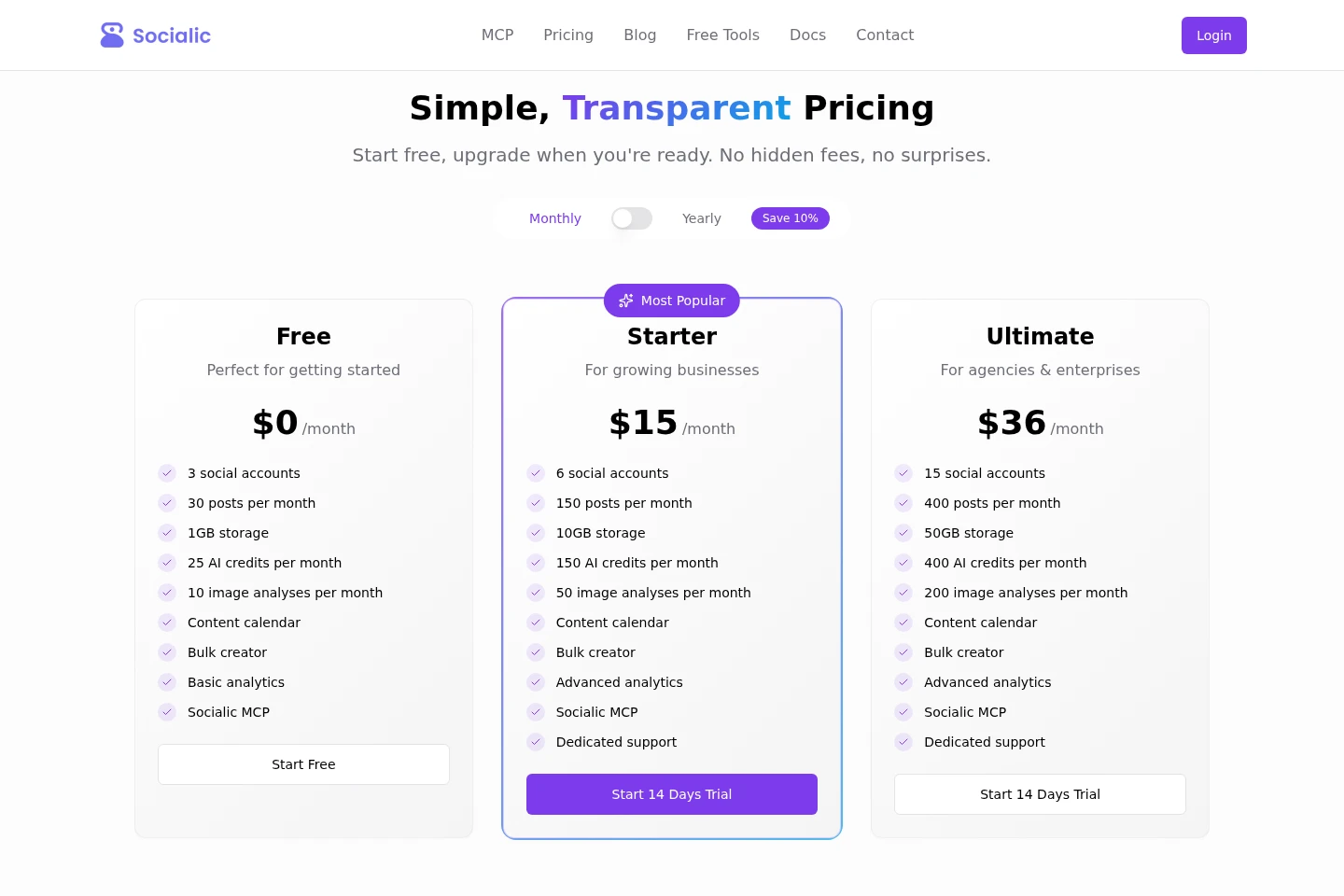
Socialic offers a free plan and paid monthly subscriptions. Compare social account and post limits, storage, AI credits, image analyses, and whether basic or advanced analytics and dedicated support are included.
| Plan | Price | Included features and limits |
|---|---|---|
| Free | $0/month |
|
| Starter | $15/month |
|
| Ultimate | $36/month |
|
Starter includes a 14-day trial. The pricing page states that the free trial can be canceled anytime and that there are no setup fees.
Use cases
Schedule posts across social channels
When content needs to go out on several social platforms, connect the channels and prepare posts in Socialic. Schedule them through the dashboard calendar or describe the post, channels, and timing to a connected AI assistant using Socialic MCP.
Prepare and publish posts in batches
When several social posts are ready together, use the bulk creator, batch upload, and templates to create multiple posts at once. Socialic can publish the batch to connected platforms.
Review social engagement and growth
When checking activity across connected social channels, use the analytics dashboard to view engagement, reach, and growth information. Basic analytics are listed for Free; advanced analytics are listed for the paid plans.
Limitations
The Free plan is limited to 3 social accounts and 30 posts per month, with 1GB storage, 25 AI credits, and 10 image analyses per month.
The Starter plan is limited to 6 social accounts and 150 posts per month, with 10GB storage, 150 AI credits, and 50 image analyses per month.
The Ultimate plan is limited to 15 social accounts and 400 posts per month, with 50GB storage, 400 AI credits, and 200 image analyses per month.
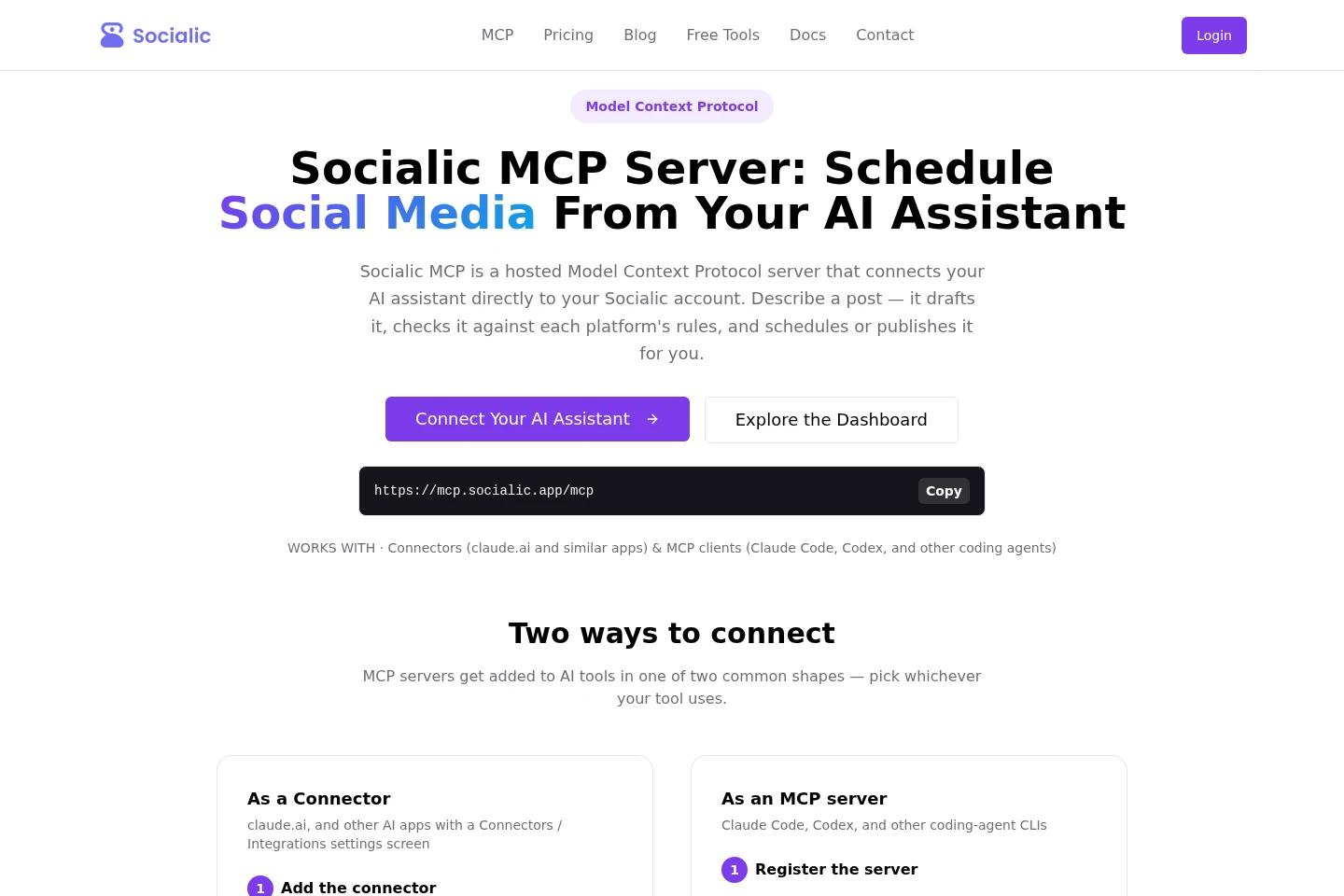
Socialic MCP requires a Socialic account and connected channels; posts are subject to each platform's caption limits, media rules, and required fields.
Who it is for
Creators who need to plan and schedule posts across their social media channels
Social media marketers who need batch publishing and channel analytics
Teams that need role-based access and approval workflows for social publishing
Agencies managing multiple social accounts and scheduled posts
FAQ
Which social platforms can Socialic schedule to?
Socialic lists Facebook, Instagram, LinkedIn, YouTube, TikTok, Pinterest, and Threads. The available channels depend on the accounts connected to Socialic.
How does Socialic MCP connect to an AI assistant?
Add the hosted Socialic MCP server to an MCP-compatible client or connector, then sign in to your Socialic account and approve access. The MCP page identifies clients such as Claude Code and Codex.
Does Socialic offer a free plan and a trial?
Yes. Free is listed at $0/month. Starter is listed at $15/month and offers a 14-day trial; the pricing page also states that the free trial can be canceled anytime and has no setup fees.
What can an AI assistant do through Socialic MCP?
It can draft, check, schedule, or publish posts and list connected channels, scheduled or published posts, available time slots, media files, and time zones. Platform requirements are checked, and required fields are confirmed before sending.
Comments