

- Monthly visits
- 0
- 2026-09
Rea Video - Reverse-engineer video locally to generate shot-by-shot AI prompt packs
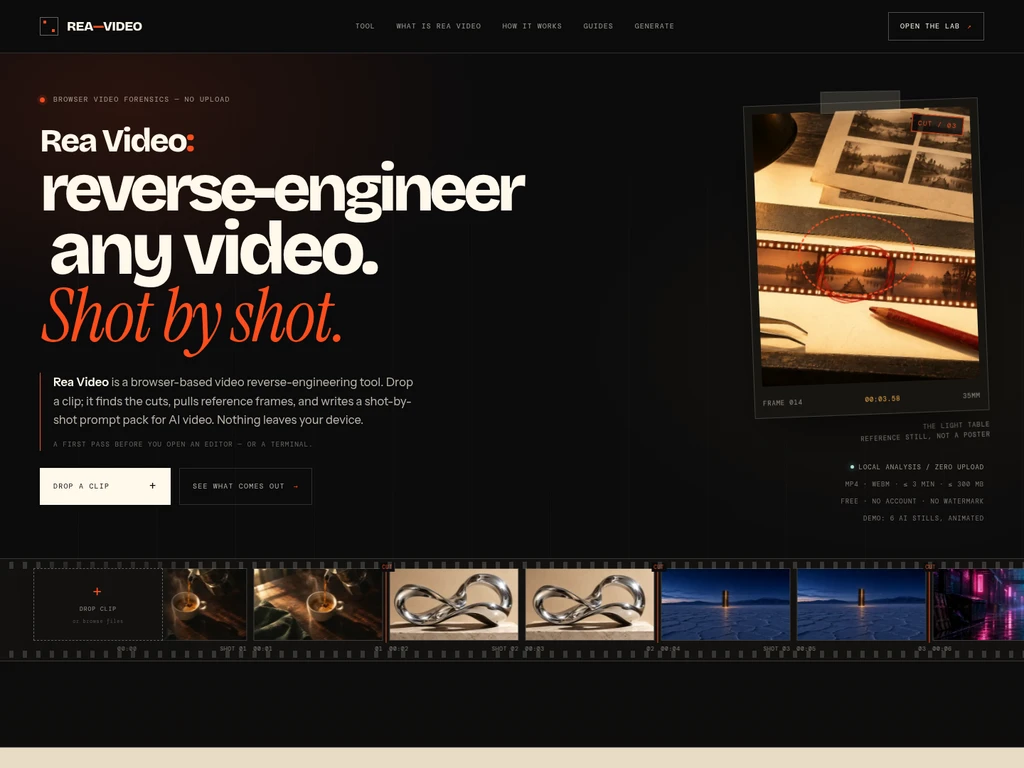
Rea Video is a browser-based, fully local video reverse-engineering workbench that requires no video upload to your device. It detects video cuts, extracts reference frames, measures per-shot properties, and generates three AI video prompt variants for each detected shot. The tool exports a downloadable ZIP pack with all analysis outputs, and runs fully offline once the browser page has finished loading. It is designed for video creators and AI video generation users who want a private, zero-install first pass analysis of short reference clips.
- AI Video
- Video Generation
- Privacy Focused
0Views
Capabilities
Shot cut detection
Detects video cuts with approximately ±0.1 second accuracy. It samples video frames, compares HSV histograms, and applies a persistence gate to reject false positives from fast motion or flashes.
Reference frame extraction
Extracts two reference frames per detected shot. It captures the first frame and the midpoint frame of each shot at up to 1280px resolution for later use.
Per-shot property measurement
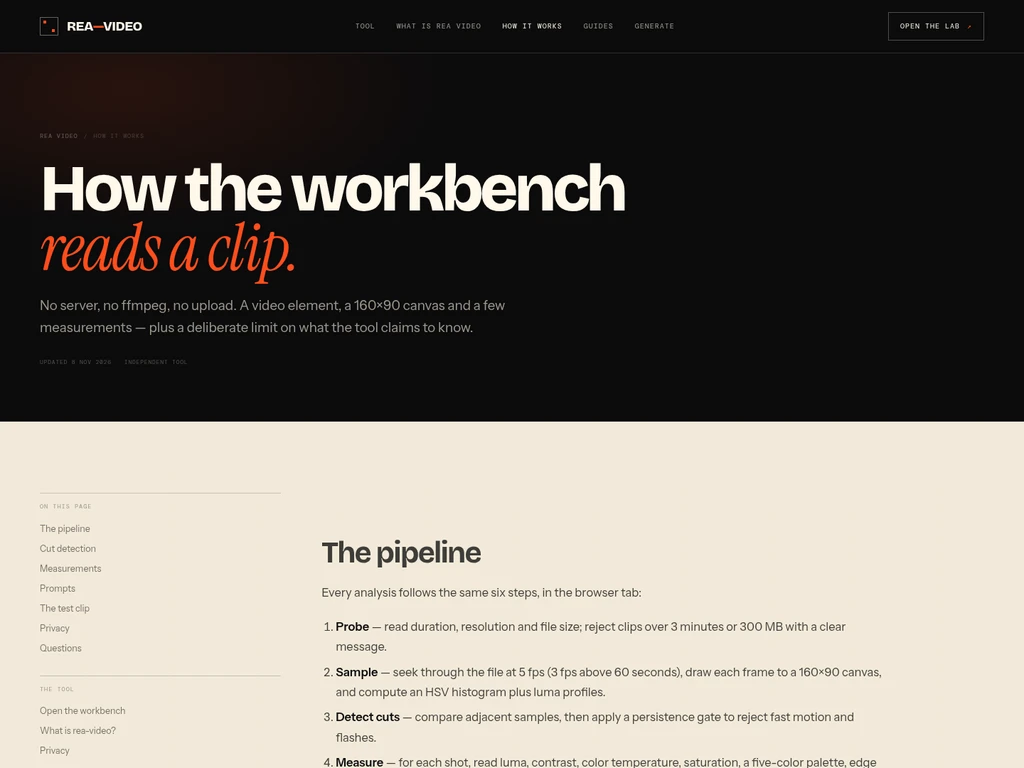
Measures a defined set of visual and audio properties for each shot. It calculates luma, contrast, color temperature, 5-color palette, estimated motion, and rhythm from sampled frames and audio data.
AI prompt variant generation
Generates three distinct AI video prompt variants for every detected shot. It creates a literal remake prompt, a same-camera new-subject swap prompt, and a stylized reinterpretation prompt using measured shot data.
ZIP analysis pack export
Exports a complete downloadable ZIP archive of all analysis outputs. It includes prompt files, a shot list CSV, breakdown JSON, storyboard image, and a self-contained HTML report.
Offline local analysis
Runs full video analysis entirely offline after the browser page finishes loading. All processing executes locally in the browser tab with no data sent to external servers.
Pricing
This tool is completely free to use with no account, payment, watermark, or daily quota required. All core features are available to every user with no paid plan tiers to compare.
No paid features, subscriptions, or usage restrictions beyond the documented technical clip limits apply to all users.
Use cases
Reverse-engineer reference video prompts
You have a short reference video clip you want to recreate with an AI video generator. Drop the clip into the tool to get a measured shot-by-shot prompt scaffold, then add your custom subject and setting to generate matching AI video.
Generate a printable shot storyboard
You need a quick contact sheet with timecodes for all shots in a reference clip. Run the local analysis to produce a ready-to-print storyboard JPG that maps every detected cut to its corresponding frame.
Build a structured shot list for editing
You are preparing a breakdown of a short clip for a video editing project. Export the generated shot list CSV with measured luma, motion, and duration values to use as a pre-editing reference document.
Private first-pass video analysis
You are working with a sensitive short video that cannot be uploaded to external servers. Process the clip entirely locally in your browser to get cut detection, frame extraction, and prompt generation without any data leaving your device.
Limitations
Maximum supported clip duration is 3 minutes
Maximum supported clip file size is 300 MB
Maximum number of detected shots per clip is 120
Does not read container metadata, AIGC tags, or C2PA manifests
Does not perform OCR or separate audio stems
Cannot certify whether a shot is AI-generated, filmed, or rendered, only provides related signals
Who it is for
AI video generation users needing measured prompt scaffolds
Video creators working with sensitive reference clips that require local processing
Editors needing a fast first-pass shot breakdown for short reference clips
Users exploring the rea-video workflow without installing CLI tools or dependencies
FAQ
Is Rea Video the official browser version of the rea-video CLI project?
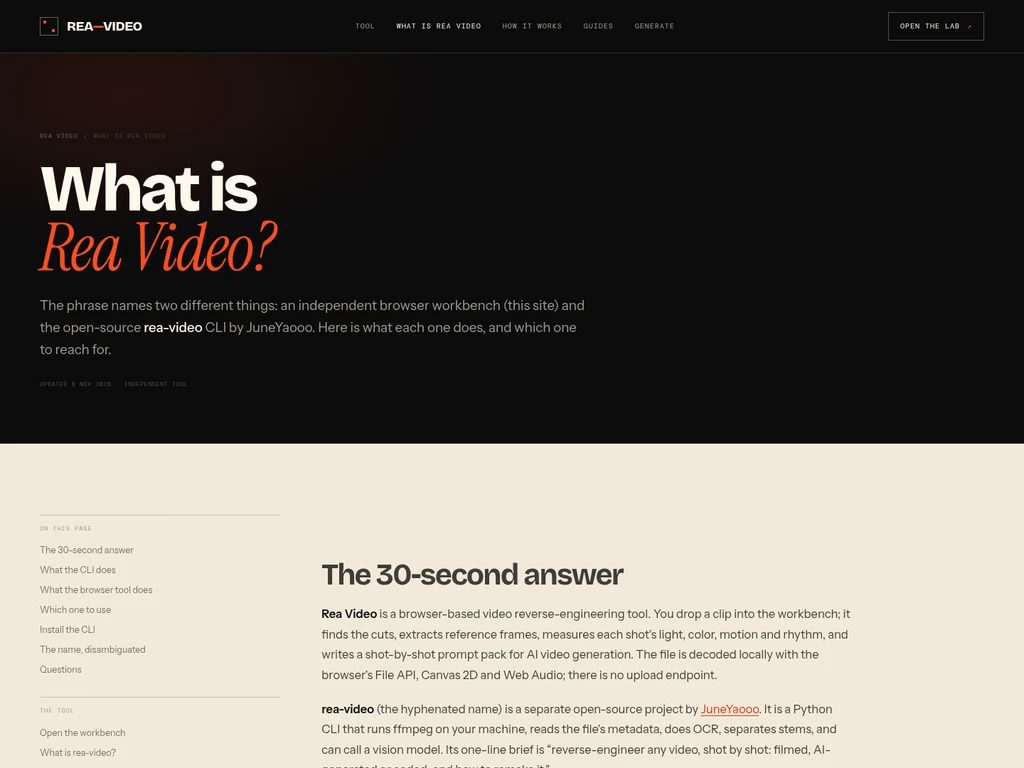
No, Rea Video is an independent browser workbench inspired by the open-source rea-video CLI. It is not affiliated with JuneYaooo or the original rea-video project.
Are my video files uploaded to external servers during analysis?
No, all processing runs locally in your browser tab using the File API and Blob URLs. There is no upload endpoint, and no video data leaves your device.
Can Rea Video confirm if a shot is AI-generated or live-action?
No, it can only output related measured signals such as flat textures or static frames. For a forensic verdict, you need to use the full rea-video CLI with metadata and vision model support.
What video formats work reliably with the browser workbench?
MP4/H.264 and WebM formats work reliably. HEVC/H.265 support depends entirely on your specific browser and operating system configuration.
Do I need to install Python or ffmpeg to use Rea Video?
No, the browser workbench uses your browser's native video decoder and canvas APIs. Python and ffmpeg are only required if you choose to run the separate open-source rea-video CLI.


Comments