Monthly visits
18
2026-10
Monthly growth -98.4%

quantized.uk - Find quantized language models that fit your hardware

quantized.uk indexes quantized language models and graphics hardware to help estimate which models fit a selected GPU or Mac. Compare formats, context lengths, estimated VRAM use, spare memory, published quality figures and measured or estimated speed, then open model details, a VRAM calculator or a run-command generator.

Visit WebsiteUpdate this product

0Views

Capabilities

Check model fit by hardware

The hardware index identifies quantized models estimated to fit a selected GPU or Mac and reports memory use and headroom. Choose hardware, model purpose, context length and batch size to compare the indexed combinations.

Calculate VRAM requirements

The VRAM calculator estimates memory requirements for a model, quantization and context combination and gives a hardware fit verdict. Select the model, quantization, hardware, context length and batch size to see the calculation.

Generate model run commands

The CLI Generator produces ready-to-run commands for supported local model runtimes. Choose a model and runtime such as llama.cpp, Ollama, vLLM or ExLlamaV2; output can be a one-line command or Docker Compose.

Compare model options

Model Compare displays VRAM, speed and quality information side by side for two models. Use the comparison to inspect the indexed differences for your GPU; figures are identified as measured or estimated where applicable.

Browse hardware benchmarks

The benchmark pages present measured runs on real hardware, including throughput and VRAM, alongside the runtime stack used. Other site sizes and most speeds are calculated, so benchmark readings should not be treated as guaranteed results for different hardware or software versions.


Pricing

The supplied pages do not present paid plans or subscription billing. The site provides an index and interactive tools; there are no official plan prices to compare.

Use cases

Choose a model for available hardware

When selecting a local language model for a GPU or Mac, browse the hardware page or choose a card in the fit tool. Compare supported quantization levels, context and estimated memory headroom to identify indexed models that fit.

Estimate memory before downloading a model

When checking whether a model fits before downloading it, enter the model, quantization, hardware and context in the VRAM calculator. Review its estimated memory requirement and hardware verdict, including the selected batch setting.

Prepare a command to run a local model

When setting up a model with a supported local runtime, use the CLI Generator to select the model and runtime. It returns a ready-to-run one-line command or Docker Compose configuration.

Compare model speed and quality figures

When comparing two candidate models for local use, open Model Compare or the benchmark pages. Review the available VRAM, throughput and quality figures while distinguishing measured hardware runs from estimates and noting the runtime used.

Limitations

  • Most model sizes and most speed figures are calculated estimates; the site identifies measured runs separately, and actual speeds can vary with runtime versions.

  • Perplexity figures are language-modeling measurements, not measures of whether a model will perform a user's task.

  • The homepage's example fit and speed figures use selected hardware and settings; different cards, context lengths and batch sizes can produce different results.

  • The indexed model and GPU counts describe the current index and can change as models and hardware are added.

quantized.uk alternatives

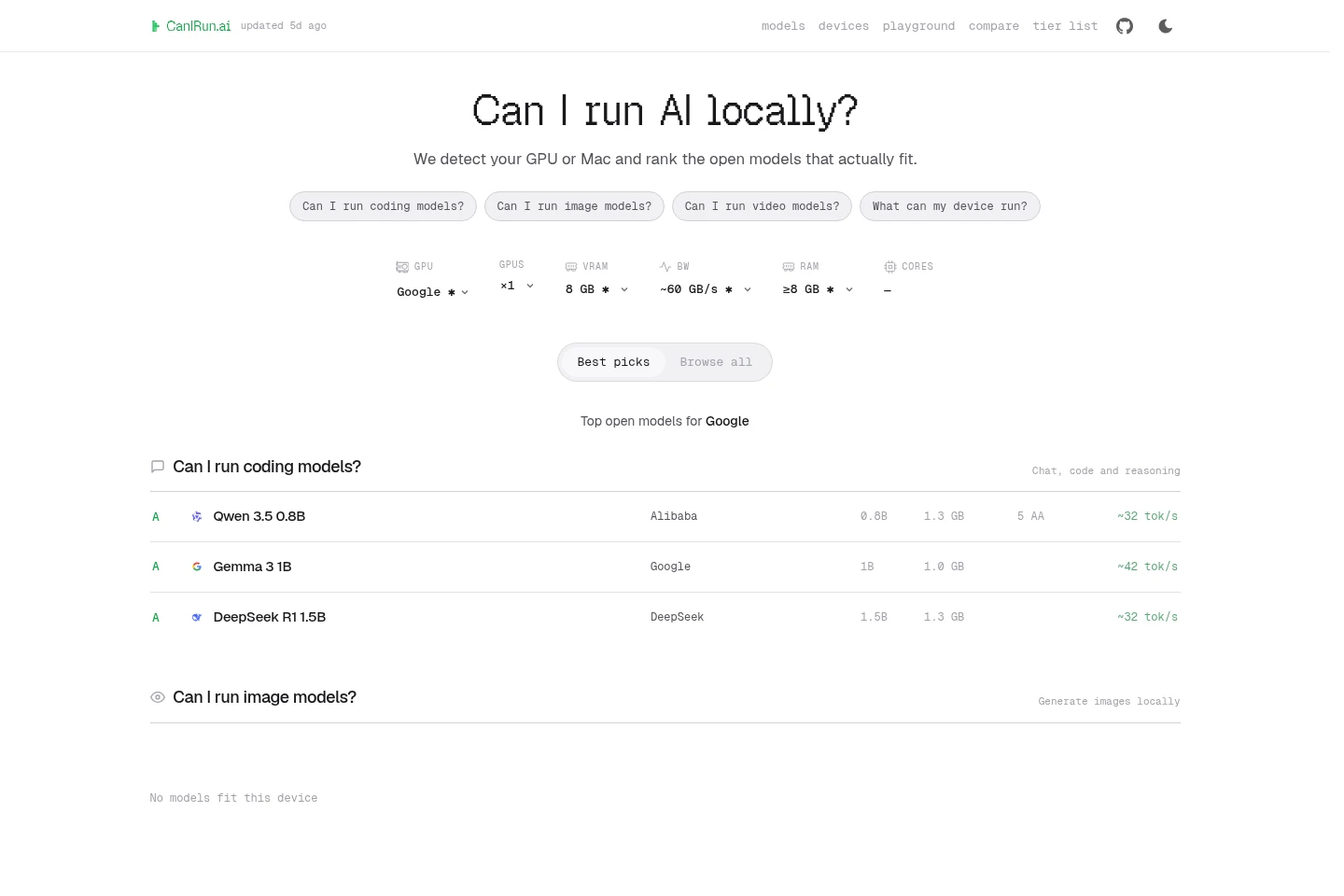
CanIRun.ai

Check which open AI models fit your device

CanIRun.ai helps you assess which open AI models your GPU or Mac can run locally. It detects device hardware and ranks models by fit, with memory requirements, speed estimates and grades. Browse models by task, including coding, image and video generation, or compare options for your device.

  • Cloud
  • Contact Sales
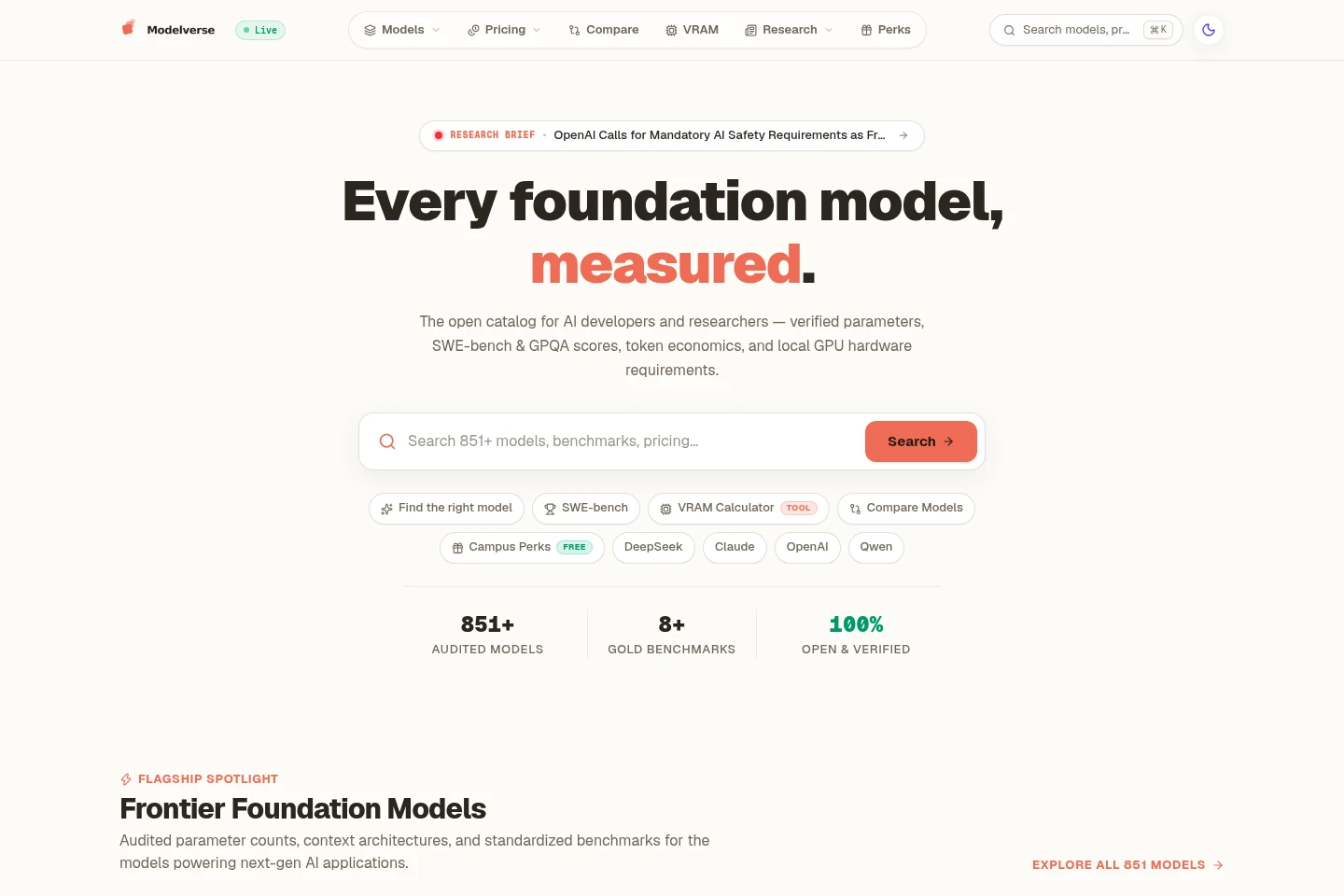
  1. TheModelverse

    Compare foundation models, benchmarks, token prices, and hardware needs

    Contact Sales
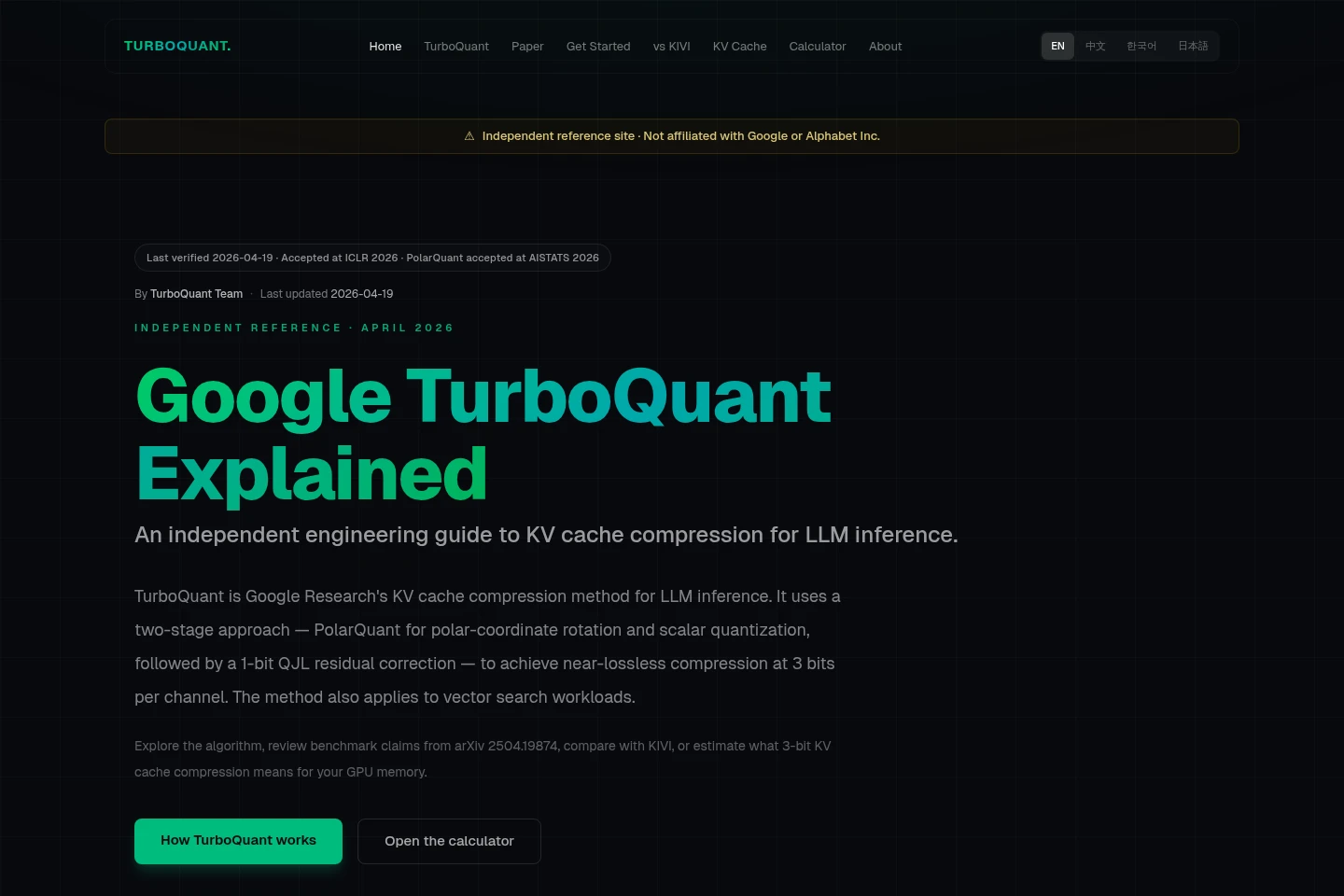
  2. TurboQuant Tools

    A developer reference for TurboQuant, KV cache sizing, and inference memory planning

    Contact Sales
  3. KI-Modelle im Vergleich

    Compare language model families for business use

    Contact Sales
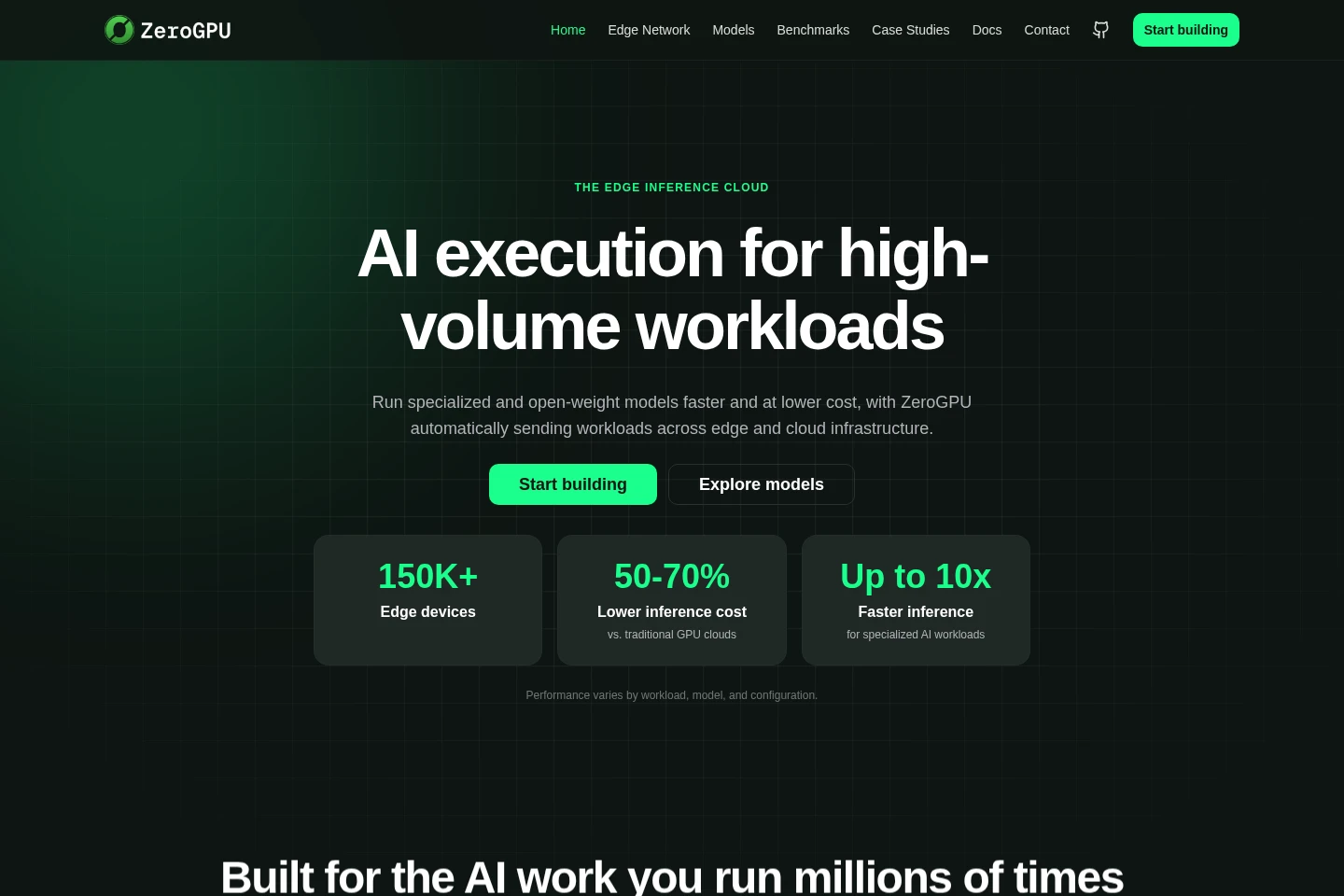
  4. ZeroGPU

    Usage-priced inference across edge and cloud

    Paid
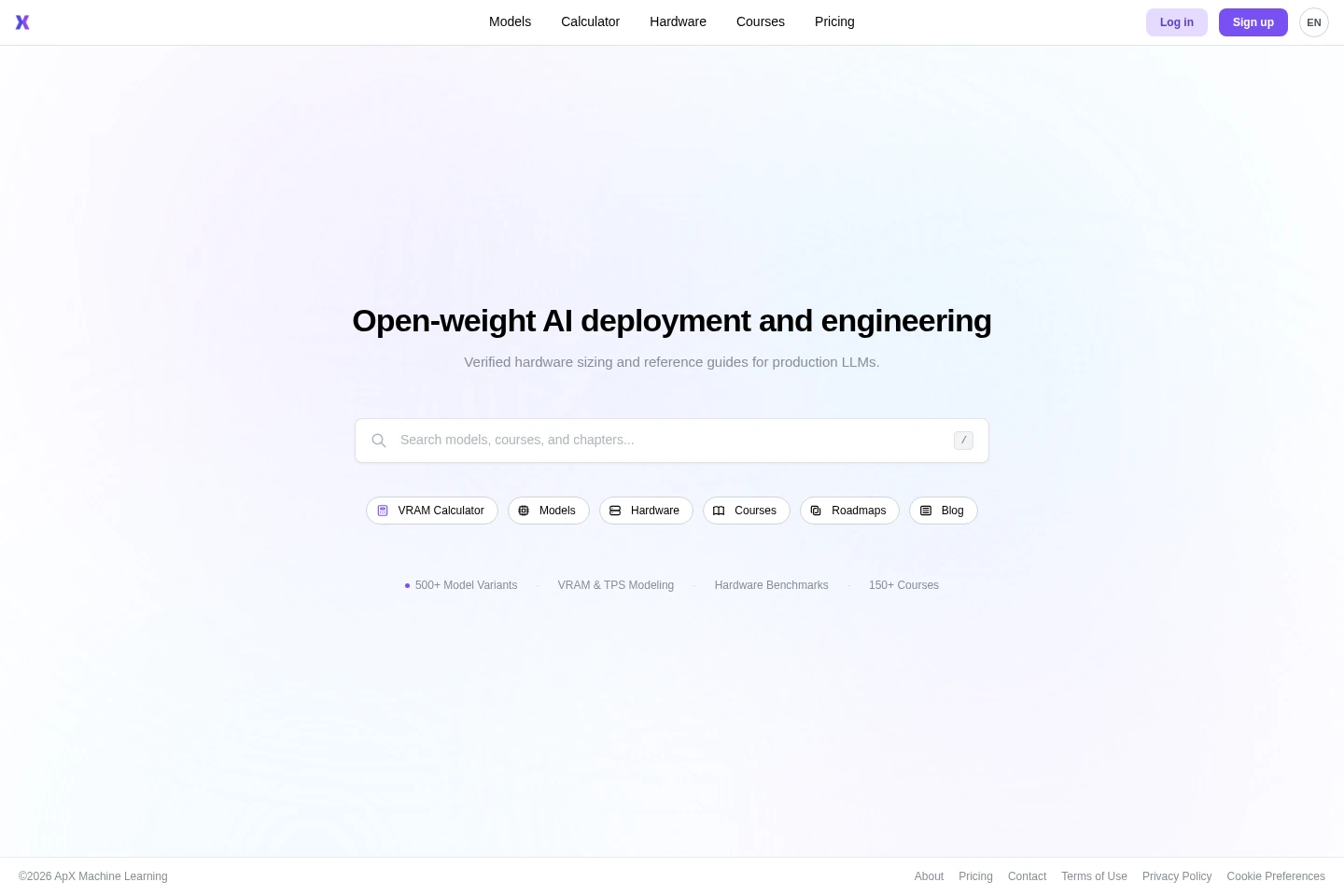
  5. ApX Machine Learning

    Size open-weight LLM deployments before choosing hardware

    Basic · $0/month

Who it is for

  • People choosing local language models for a specific GPU or Mac and needing memory-fit estimates

  • People setting up local LLM runtimes who need compatible quantization formats and run commands

  • People comparing model throughput and VRAM figures across listed hardware and runtime stacks

FAQ

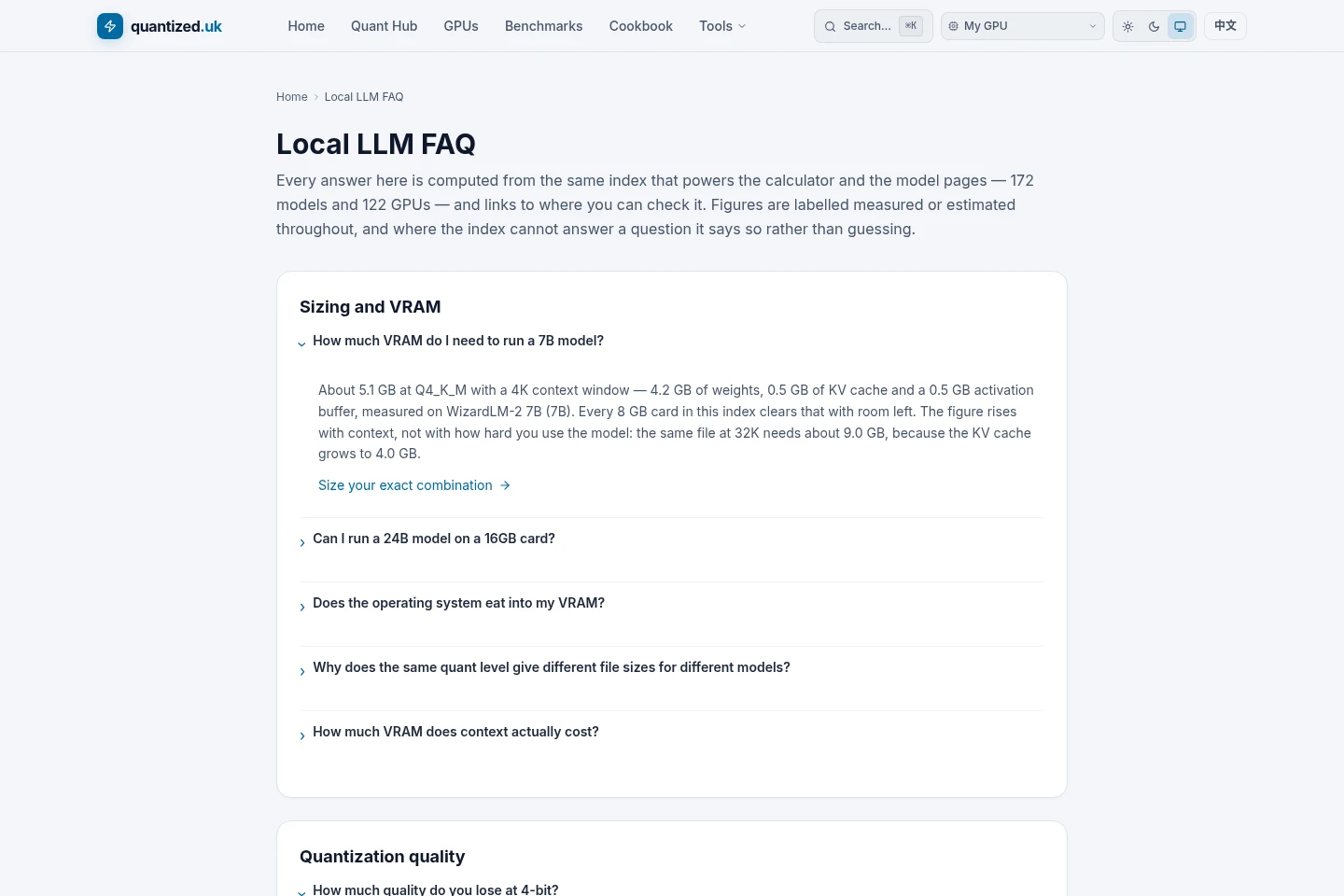
How much VRAM does a 7B model need?

About 5.1 GB for WizardLM-2 7B at Q4_K_M with a 4K context: 4.2 GB for weights, 0.5 GB for KV cache and 0.5 GB for activations. The same file needs about 9.0 GB at 32K context because the KV cache grows.

Can a 24B model run on a 16GB card?

Yes, at 4 bits and short context: Mistral Small 24B Instruct at AWQ INT4 is estimated at about 13.2 GB, leaving 2.8 GB. The Q4_K_M version needs about 15.9 GB and has little room for a longer context or other use.

How much quality is lost at 4-bit quantization?

For indexed models with published figures, Q4_K_M has a median perplexity increase of 2.9% over FP16, ranging from 1.4% to 5.2% across 79 models. Perplexity measures language modeling, not task quality, and models without published data are not assigned a figure.

Should I use GGUF or AWQ?

The FAQ recommends GGUF for general use and describes AWQ as useful for throughput with vLLM and batched requests on supported NVIDIA or Radeon hardware. The comparison depends on runtime, hardware and whether requests are batched.

Are benchmark speeds guaranteed on my hardware?

No. The site says its benchmark table includes measured runs, while most site speed figures are calculated. Measured results use specific hardware and runtime versions, and speeds can change with later runtime releases.

Comments

Please sign in to leave a comment.
No comments yet. Be the first to share your thoughts!