Monthly visits
1,178
2026-10
Monthly growth +1,166.7%

PhotoToCartoon - Turn photos into images in 57 creative styles

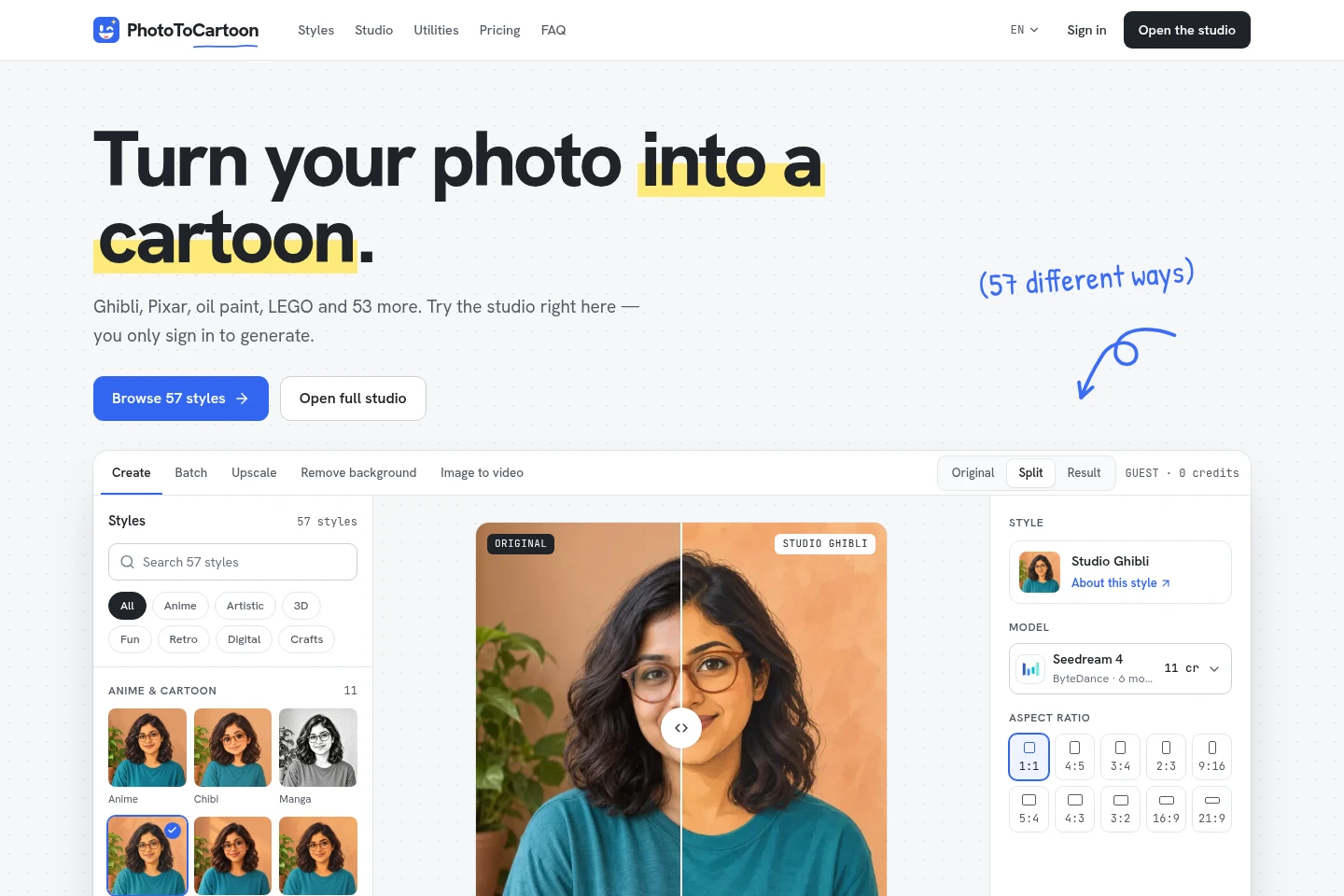
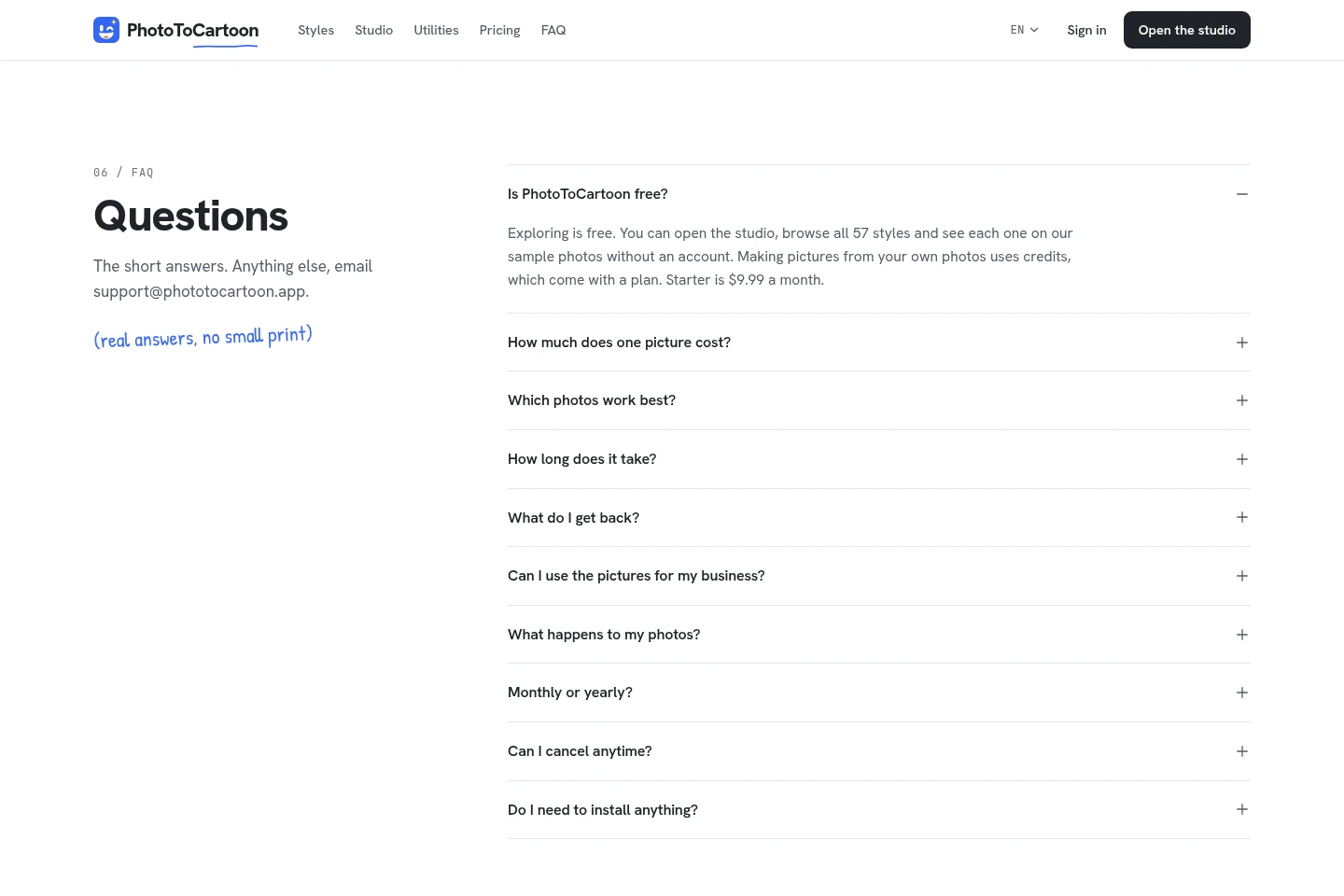
PhotoToCartoon is an online AI image studio that transforms uploaded photos into cartoon, anime, painting, 3D and other styles. Choose from 57 styles and multiple image models, then generate and download results. The studio also offers batch processing, image upscaling, background removal and image-to-video tools, using credits when a result is made.

Visit WebsiteUpdate this product

0Views

Capabilities

AI photo style generation

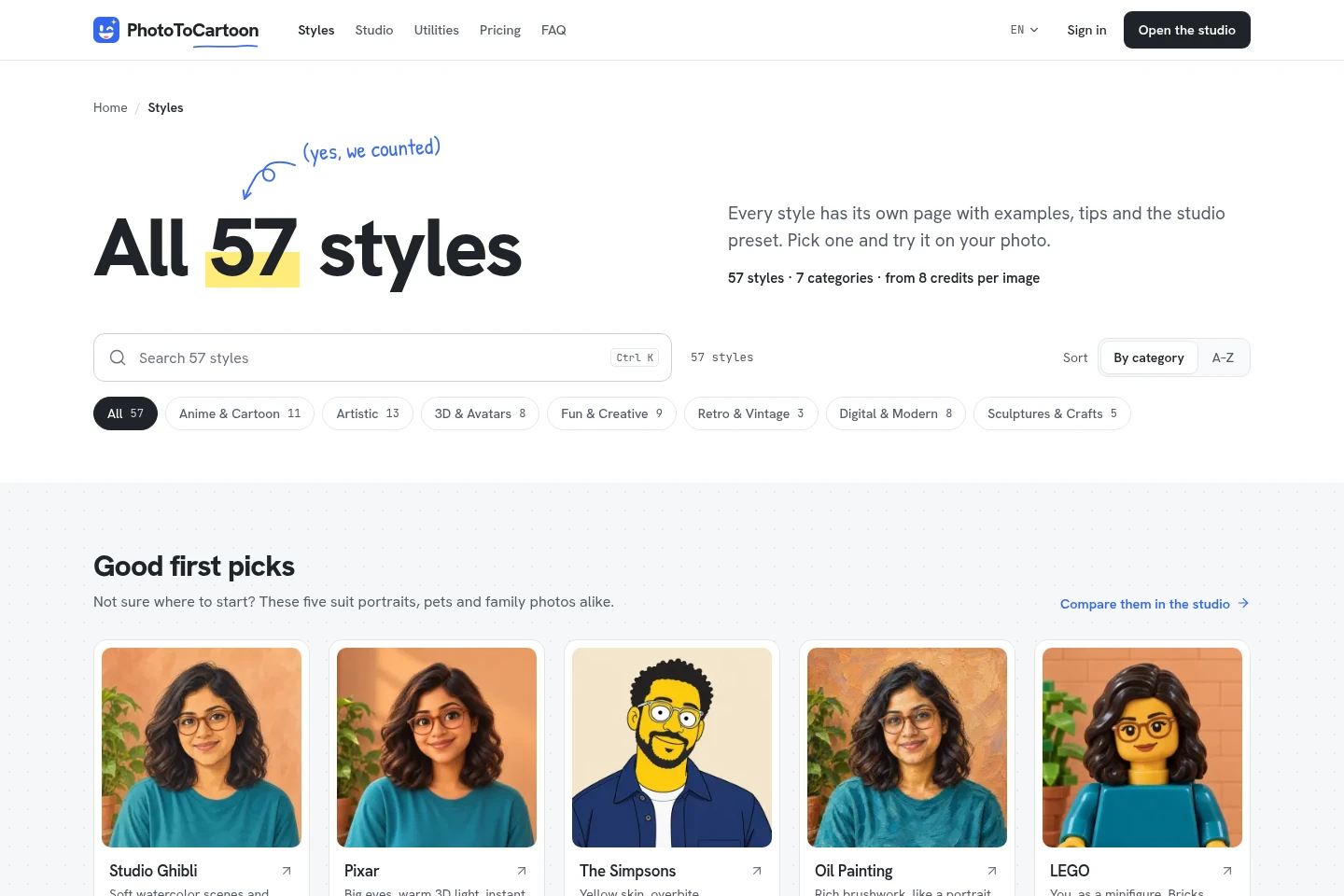
Generates a stylized image from an uploaded photo and a selected visual style. Users can choose from 57 styles, including anime, cartoon, painting, 3D and craft looks, and select among available image models; credits are used only when a result is made.

Batch photo processing

Submits multiple photos for processing in one batch and returns generated results. Batch processing supports up to 50 photos, with credit costs starting at 8 credits per photo.

Image upscaling

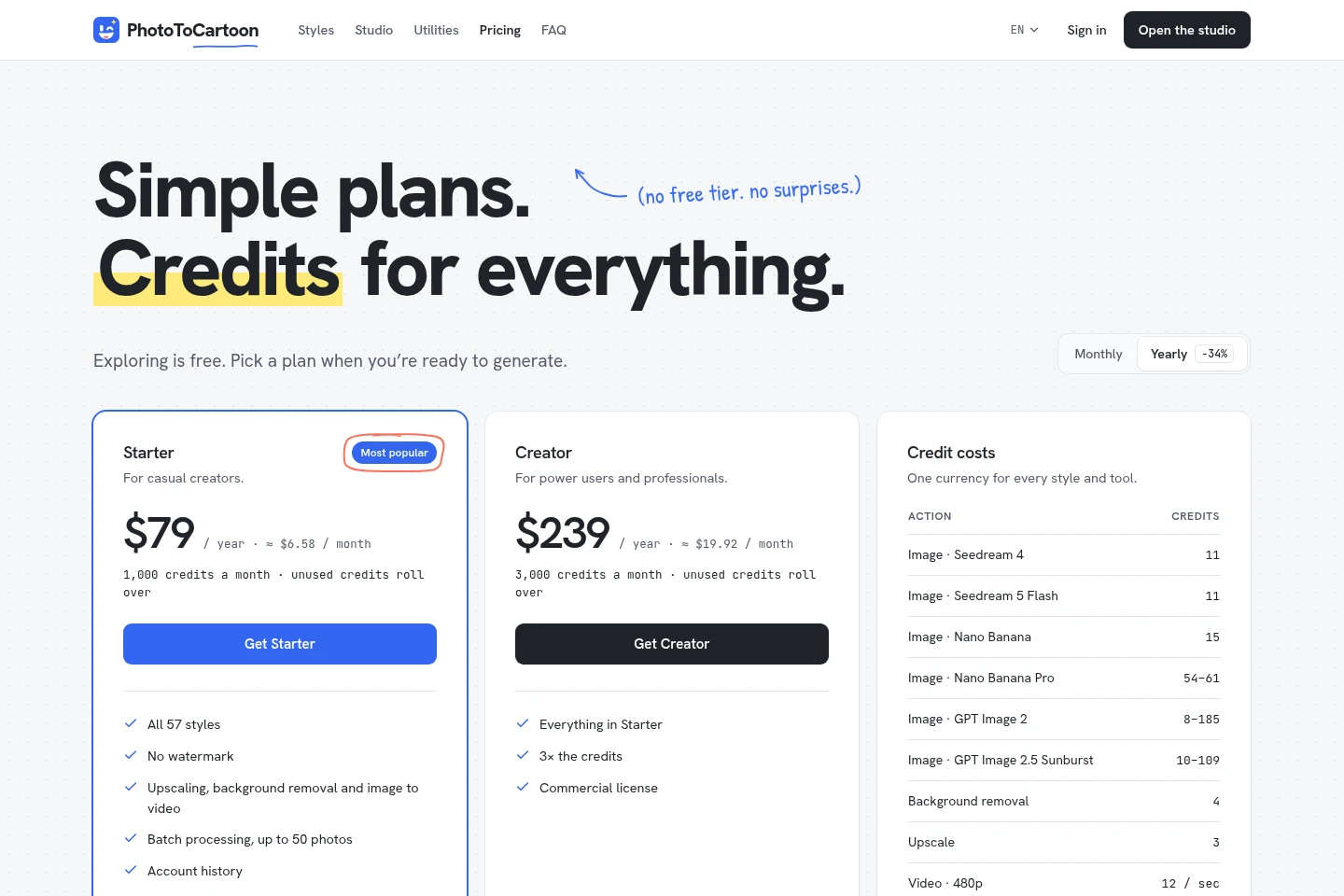
Creates a larger, sharper version of a photo or generated result. The upscaler is available in the studio and costs 3 credits per image.

Background removal

Cuts out the background from a photo, including people, pets or products. The tool is available in the studio and costs 4 credits per image.

Image-to-video generation

Turns a still image into a short moving clip. Video generation supports 480p, 720p and 1080p, with costs of 12, 23 and 57 credits per second respectively.


Pricing

PhotoToCartoon has paid Starter and Creator subscriptions, billed monthly or annually. Compare the included monthly credit allowance, rollover, and whether the Creator commercial license is needed.

PlanPriceIncluded features and limits
Starter

$9.99/month or $79/year

  • 1,000 credits per month; unused credits roll over.

  • Includes all 57 styles and no watermark.

  • Includes upscaling, background removal and image-to-video.

  • Batch processing supports up to 50 photos.

  • Includes account history.

Creator

$29.99/month or $239/year

  • 3,000 credits per month; unused credits roll over.

  • Includes everything in Starter.

  • Includes a commercial license.

Yearly plans are paid annually, while their credits are added monthly during the paid year. Plans can be canceled anytime and remain active until the paid period ends. Taxes may apply; checkout and billing are handled by Whop. Refund requests are limited to 7 days after purchase or renewal when none of that purchase's credits have been used.

Use cases

Create a stylized version of a photo

When someone wants a cartoon, anime, painting or other artistic treatment of a photo, they can upload a JPG, PNG or WebP file up to 10 MB, select a style and model, and generate a downloadable result.

Apply image processing to multiple photos

When several photos need processing, users can submit a batch of up to 50 photos through the studio. The batch tool applies the selected image workflow and charges credits per photo from 8 credits.

Prepare an image for sharing or print

When a photo or generated result needs a cleaner cutout or higher resolution, users can remove its background for 4 credits or upscale it for 3 credits, then save the processed image.

Turn a still image into a short video

When a user wants motion from a still image, the image-to-video tool generates a short clip. The user selects 480p, 720p or 1080p, with credit use charged per second at the selected resolution.

Limitations

  • Uploaded photos must be JPG, PNG or WebP files no larger than 10 MB.

  • Generating images requires signing in and using credits; exploring styles and sample photos is free.

  • Batch processing handles up to 50 photos at a time, with credit costs starting at 8 credits per photo.

  • Branded styles are for personal use unless the user has the relevant rights; the Creator plan includes the service's commercial license.

  • A refund may be requested within 7 days of purchase or renewal only if none of that purchase's credits have been used.

Alternatives

ImageToCartoon

Turn photos into AI-generated cartoon images

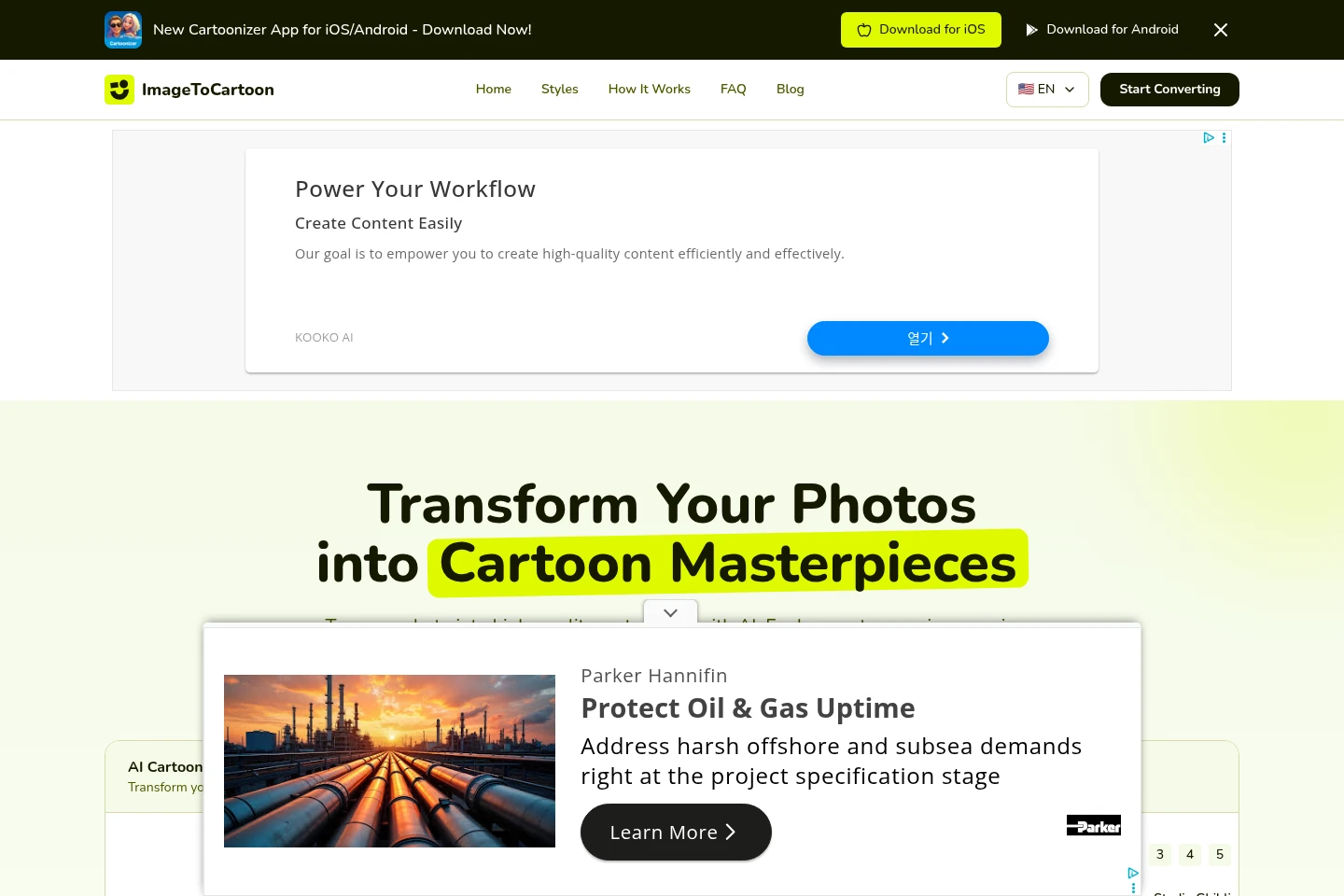
ImageToCartoon converts uploaded photos into cartoon-style images using AI. Choose from styles such as anime, manga, comic, clay, and 3D, adjust the effect, and download the result. The browser-based tool accepts JPG, PNG, and WebP images up to 10MB; no account or payment is required.

  • Cloud
  • Free
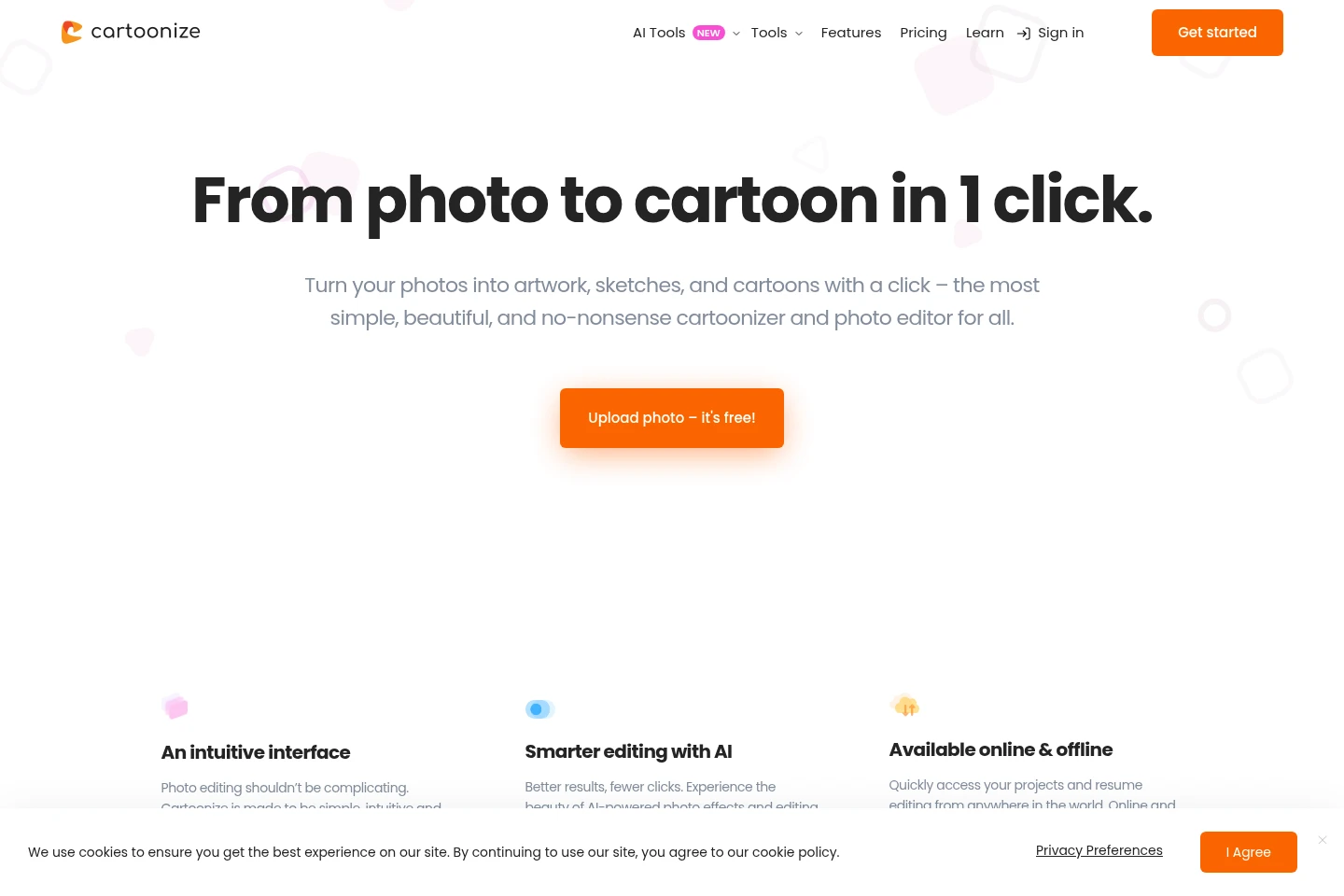
  1. Cartoonize

    Turn your photos into stunning cartoons

    Freemium
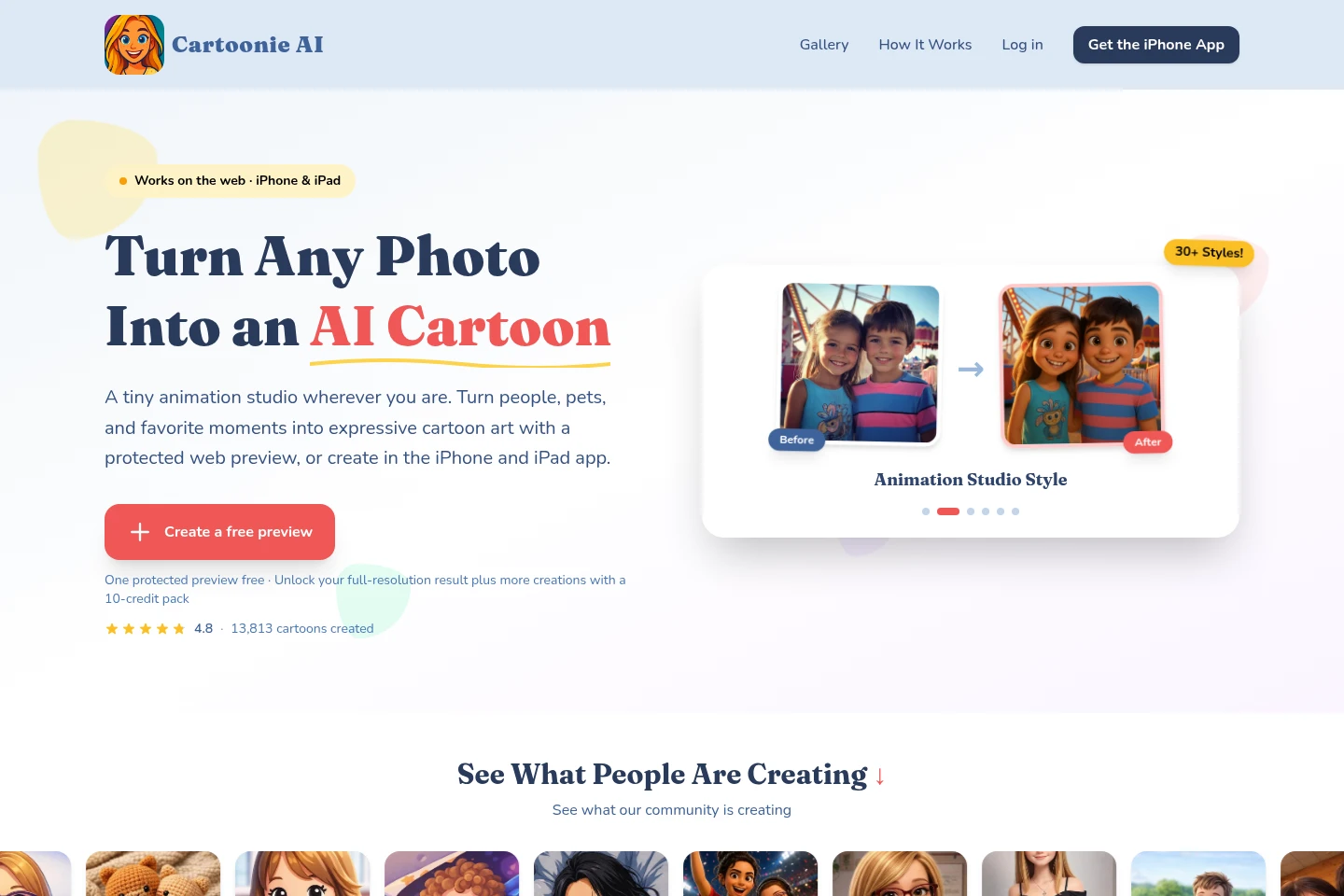
  2. Cartoonie AI

    Turn photos into cartoons with AI styles

    Paid
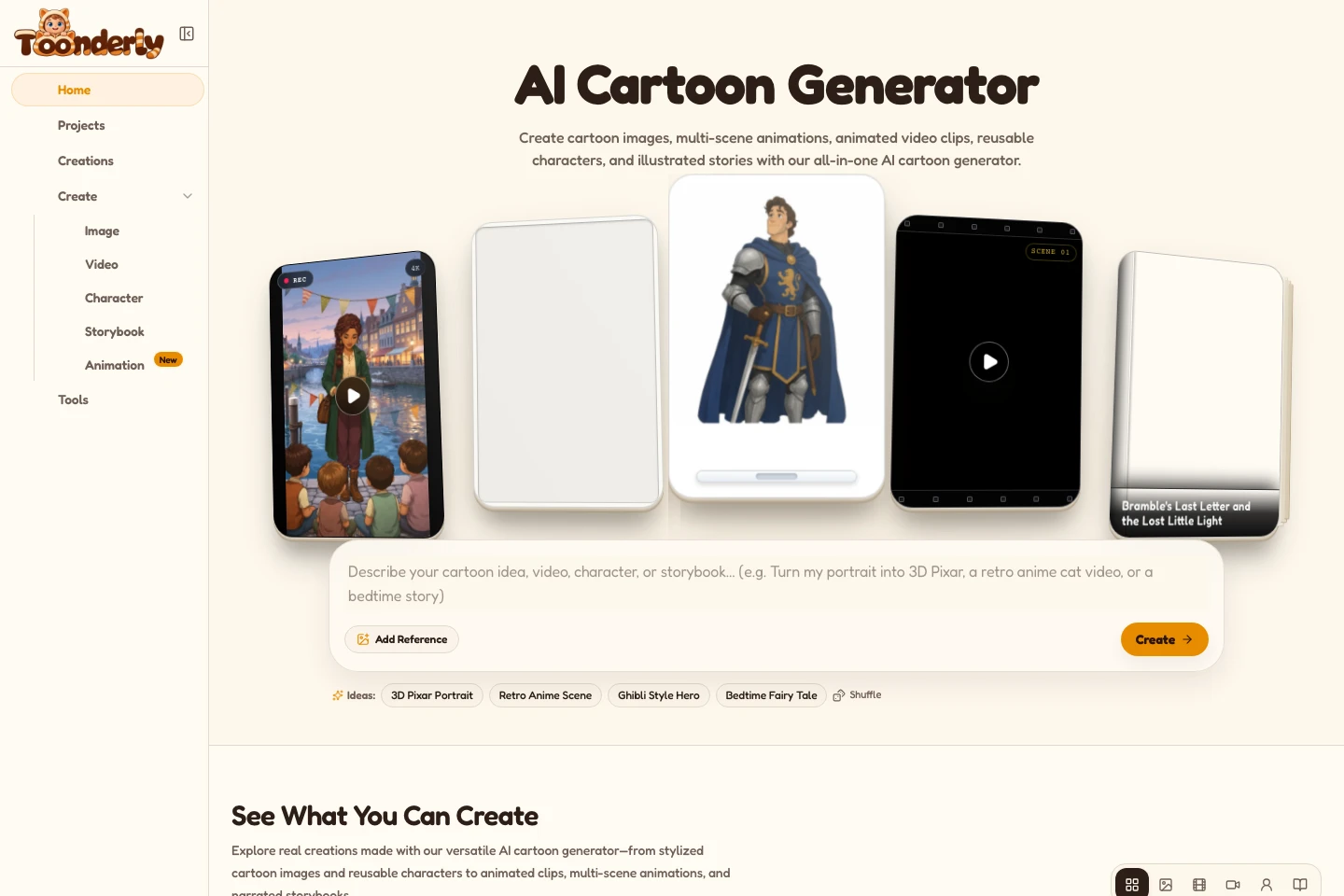
  3. AI Cartoon Generator

    Turn photos into stunning cartoon artwork in seconds

    Freemium
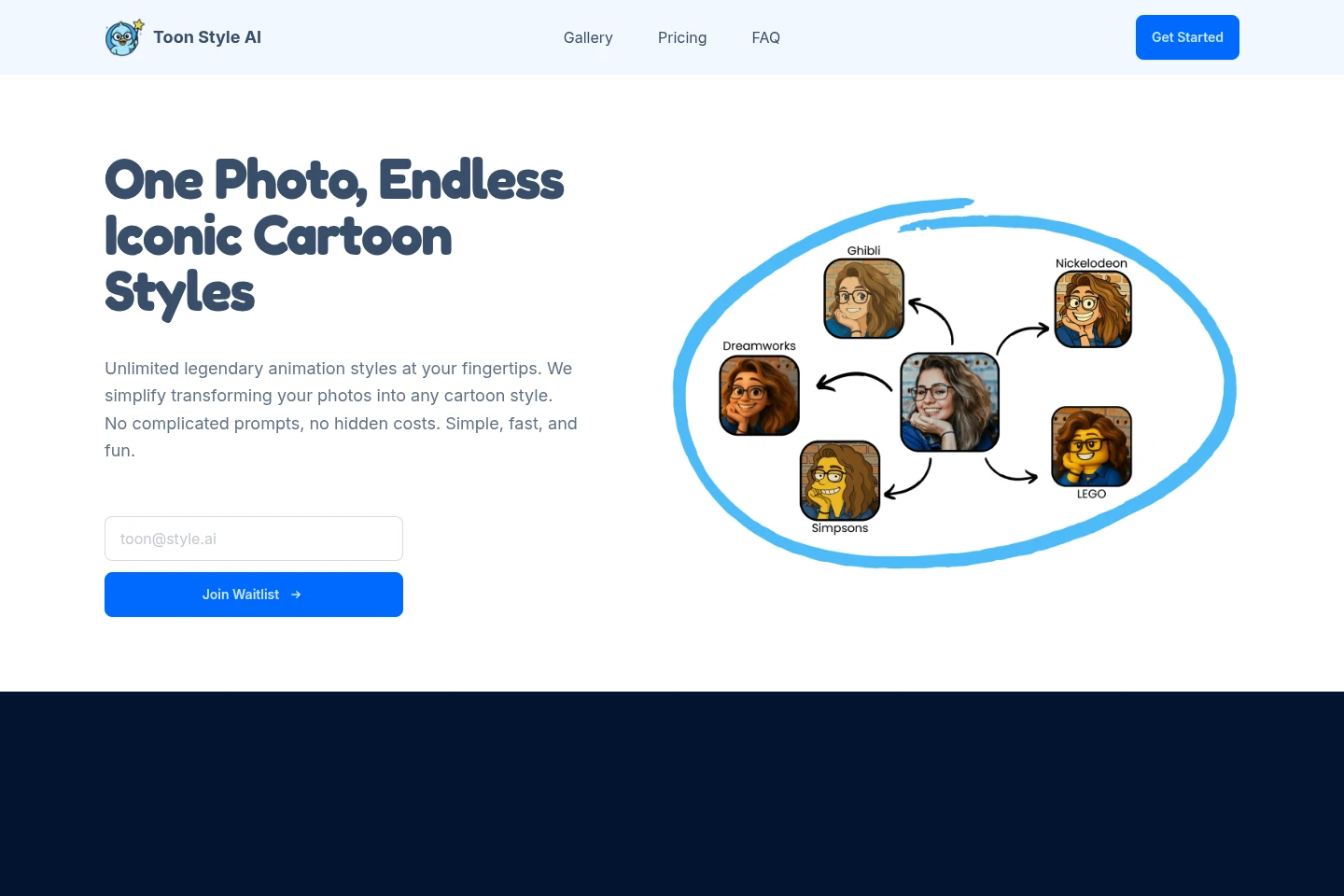
  4. Toon Style AI

    Turn uploaded photos into animation-inspired cartoon images

    Starter · $5 USD (shown with $7)
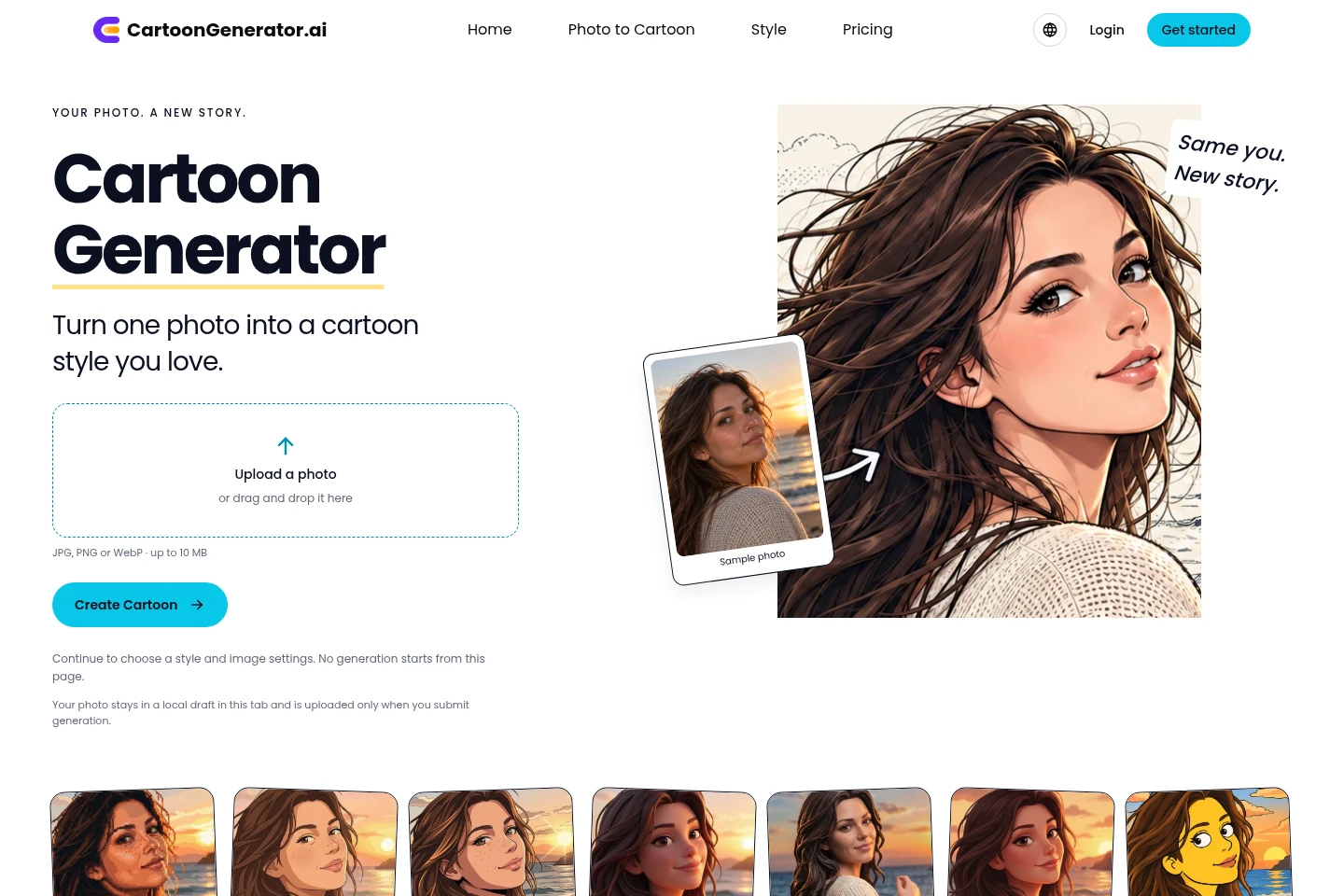
  5. CartoonGenerator.ai

    Turn photos into cartoons in styles you choose

    Free · Free

Who it is for

  • People who want to turn personal photos into cartoon, anime or art-style images

  • Creators who need styled images, cutouts, upscales or short video from still photos

  • Users who need to process multiple photos together, up to the 50-photo batch limit

FAQ

Can I explore PhotoToCartoon without paying?

Yes. Exploring is free: visitors can open the studio, browse all 57 styles and preview them on sample photos without an account. Generating an image requires signing in and credits.

What files can I upload?

The studio accepts JPG, PNG and WebP files up to 10 MB. You can also begin with a sample photo; signing in is needed to generate a result.

When are credits deducted?

Credits are used only when a result is made. The amount depends on the model or tool, such as 3 credits for upscaling, 4 for background removal, and 12–57 credits per second for video.

Do unused credits roll over?

Yes. Unused credits remain in your balance on both monthly and yearly plans. Yearly-plan credits are added monthly during the paid year.

Can I cancel my plan or request a refund?

You can cancel from your account page; the plan remains active through the paid period and will not renew. A refund can be requested within 7 days of a purchase or renewal if none of its credits have been used.

Can I use generated images commercially?

The Creator plan includes the service's commercial license. You must still have rights to your photos and any third-party content; branded styles are for personal use unless you have the relevant rights.

Comments

Please sign in to leave a comment.
No comments yet. Be the first to share your thoughts!