

- Monthly visits
- 6,566
- 2026-10
- Monthly growth +46.5%
PhotoSharpener - Sharpen, upscale, and restore photos in your browser
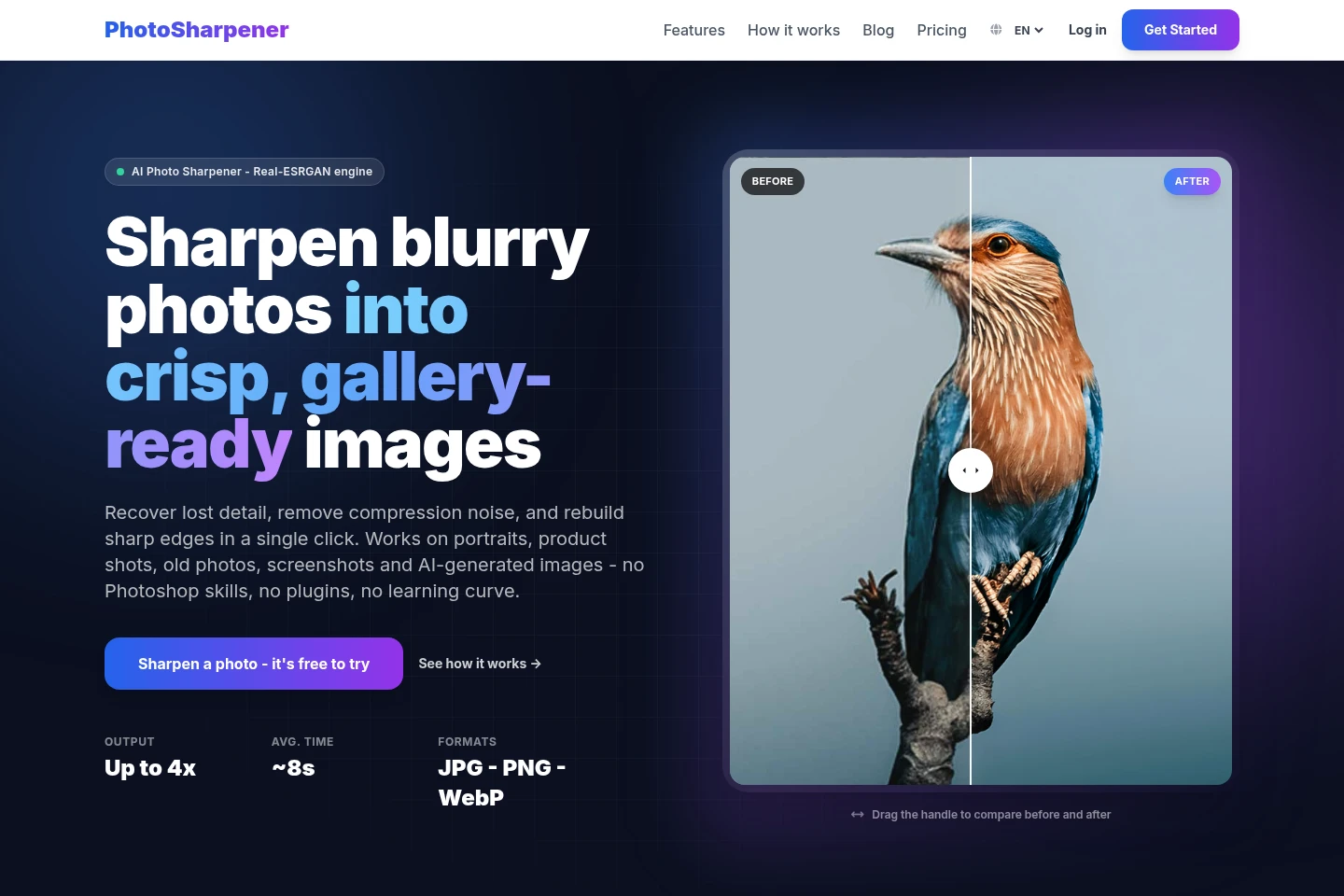
PhotoSharpener uses AI models including Real-ESRGAN to sharpen images, reconstruct detail, reduce compression artifacts, upscale up to 4x, and optionally restore faces. Upload JPG, JPEG, PNG, or WebP files, paste an image, or provide an image URL; compare the preview and download the result. The free plan allows two images each week.
- AI Image
- Image Upscalers
- Photo Restoration
- E-commerce
- Real estate
- AI photo sharpener
- image upscaler
- face restoration
Capabilities
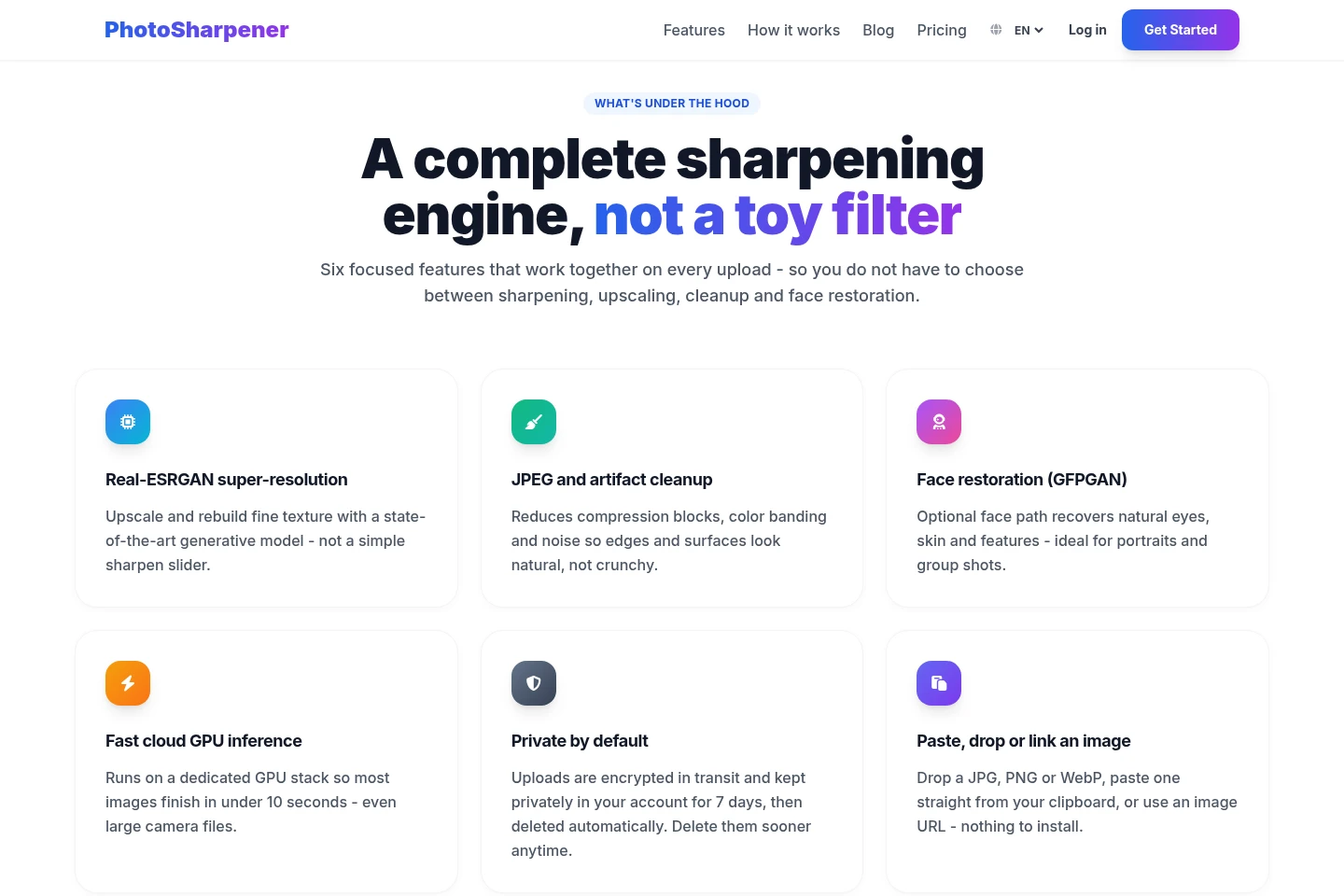
AI image sharpening
Sharpens photos and reconstructs image detail using AI. Upload a supported image or provide its URL; the neural network analyzes regions and rebuilds edges.
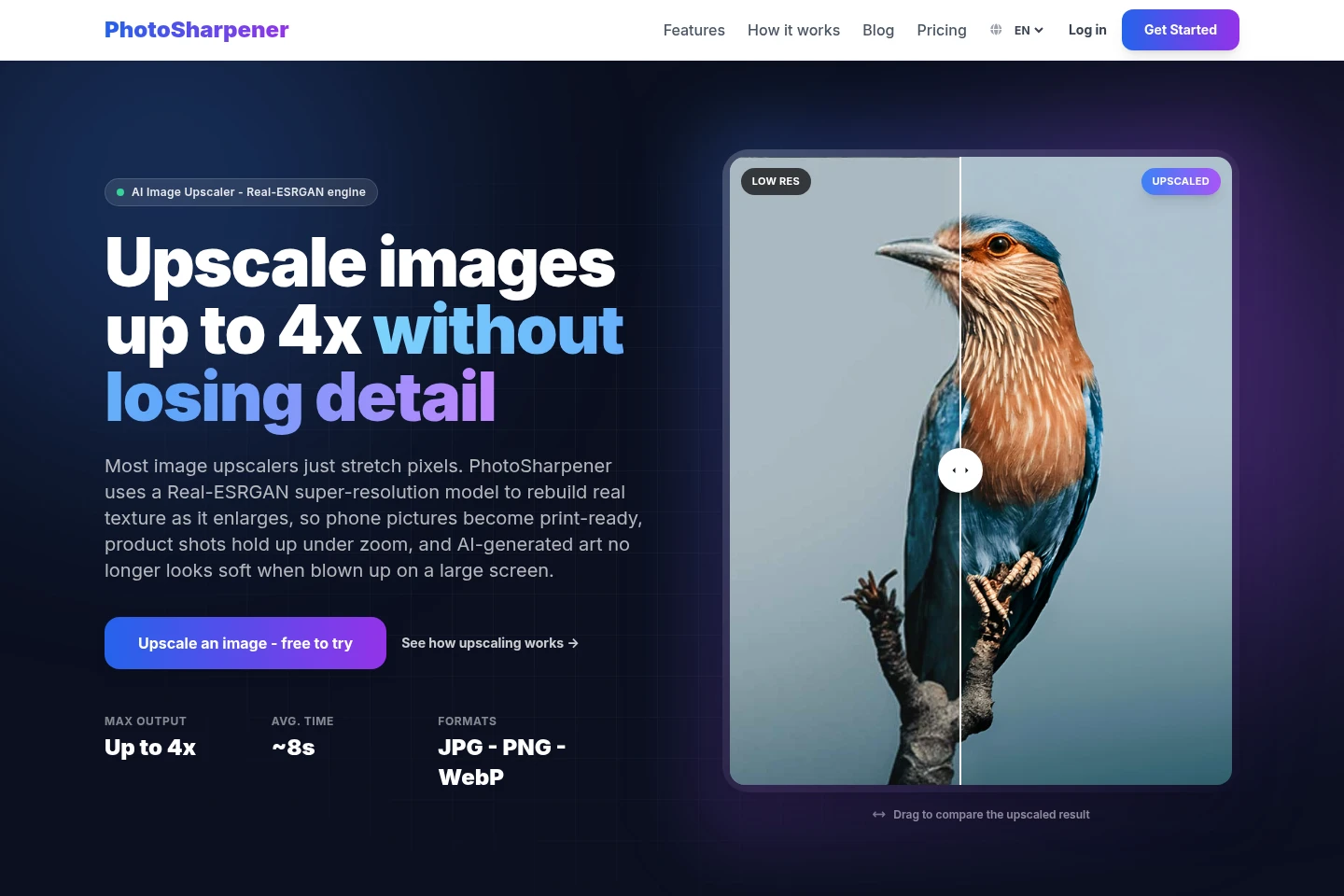
Image upscaling
Enlarges images up to 4x while reconstructing texture with Real-ESRGAN. Upload a supported image or URL, then preview and download the result.
Compression and noise cleanup
Reduces JPEG compression blocks, color banding, and noise in uploaded images. Cleanup runs as part of the image enhancement workflow.
Optional face restoration
Restores facial detail with the GFPGAN face path when enabled. It can enhance detected faces, including multiple faces in group photos.
Pricing
A free plan is available, with two images per week and no credit card required. Compare the weekly image allowance and any plan conditions when choosing; other prices and quotas are not specified in the supplied pricing evidence.
| Plan | Price | Included features and limits |
|---|---|---|
| Free | Free; no credit card |
|
Use cases
Improve old scans and family photos
When scanned, printed, or older digital family photos look soft or noisy, upload the image to reconstruct detail and reduce artifacts. Preview the result, optionally restore faces, and download the enhanced image.
Prepare product photos for online listings
When product images need clearer detail for an online listing, upload the photo to sharpen edges, reduce compression artifacts, and enlarge it if needed. Preview the result and download the processed image.
Enlarge small images for print
When a small photo needs a larger output, upload a JPG, JPEG, PNG, or WebP image and use AI upscaling up to 4x. Compare the preview with the original before downloading.
Limitations
A strong motion blur or an out-of-focus subject cannot be perfectly reversed because the original image detail is missing.
The workflow processes one photo at a time rather than sharpening multiple photos in a single batch.
Uploaded files are limited to 20 MB on every plan.
Uploaded images remain in the private account for seven days before automatic deletion; users can delete them sooner.
Who it is for
People who want to improve personal photos, scans, or screenshots
Online sellers who need clearer product images for listings
Image creators who need to enlarge AI-generated artwork
FAQ
Which image formats and file sizes are supported?
JPG, JPEG, PNG, and WebP files are supported, up to 20 MB on every plan. The image can be uploaded, pasted, or supplied by URL.
How many images can I process for free?
The Free plan includes two images every week and does not require a credit card. The supplied pricing evidence does not specify other plan prices or quotas.
Can PhotoSharpener completely fix strong blur?
No. Strong motion blur or an out-of-focus subject cannot be perfectly reversed because the original detail is absent. The AI reconstructs plausible detail, but results depend on the image.
How large can an image be upscaled?
Images can be upscaled up to 4x their original resolution. The Real-ESRGAN model reconstructs texture during enlargement.
How long are uploaded images kept?
Images are kept privately in the account for seven days and then deleted automatically. You can delete them sooner, and uploads are encrypted in transit.
Does PhotoSharpener train on uploaded photos?
No. The FAQ says uploaded photos are not used to train models or for marketing. Images are kept privately for seven days unless deleted sooner.
Comments