

- Monthly visits
- 88,026
- 2026-09
- Monthly growth +102.4%
Paraphrasing Tool - Rewrite text with modes, tones, audio, and image input
Paraphrasing Tool rewrites text using selectable modes and custom tones, including Standard, Fluency, Humanizer, and Academic. Users can enter text, upload documents or images, or use speech-to-text and recorded audio. The output includes contextual synonym suggestions, and the site also offers a grammar checker and text summarizer.
- AI Writing
- Paraphrasing Tools
- Grammar Checkers
- Summarizers
- AI paraphrasing tool
- text rewriter with tones
- speech to text paraphrasing
Capabilities
Mode-based text paraphrasing
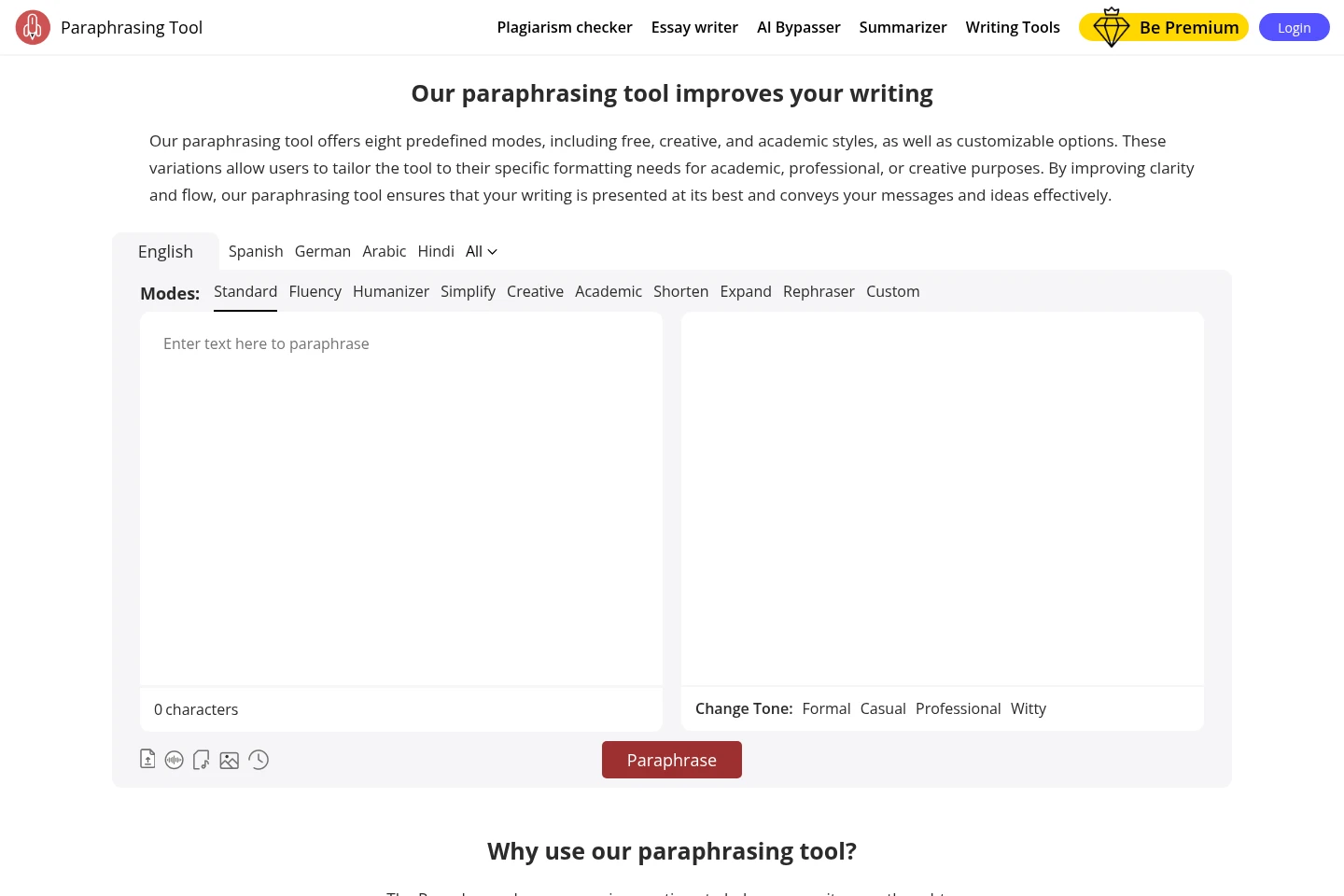
Rewrites entered text and returns a paraphrased version. Users can select predefined modes such as Standard, Fluency, Humanizer, Simplify, Creative, Academic, Shorten, Expand, and Rephraser; some modes are marked to unlock.
Custom tone selection
Applies a selected tone to the paraphrased message and returns text in that style. Available tone examples include Formal, Casual, Professional, and Witty.
Audio and image text input
Turns speech or text in an image into text for paraphrasing. Users can record speech in real time, upload audio, or upload an image containing text before paraphrasing.
Contextual word and grammar help
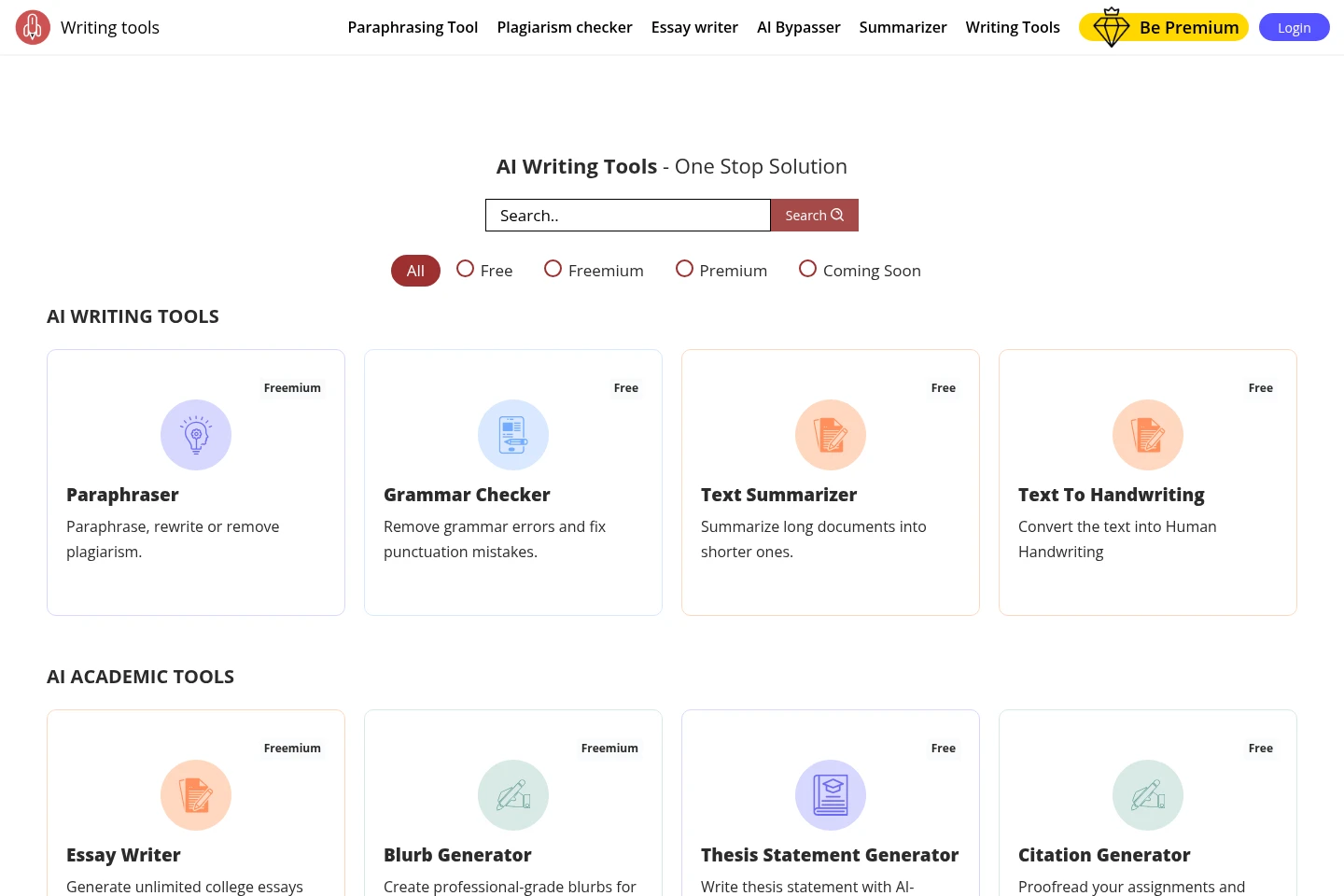
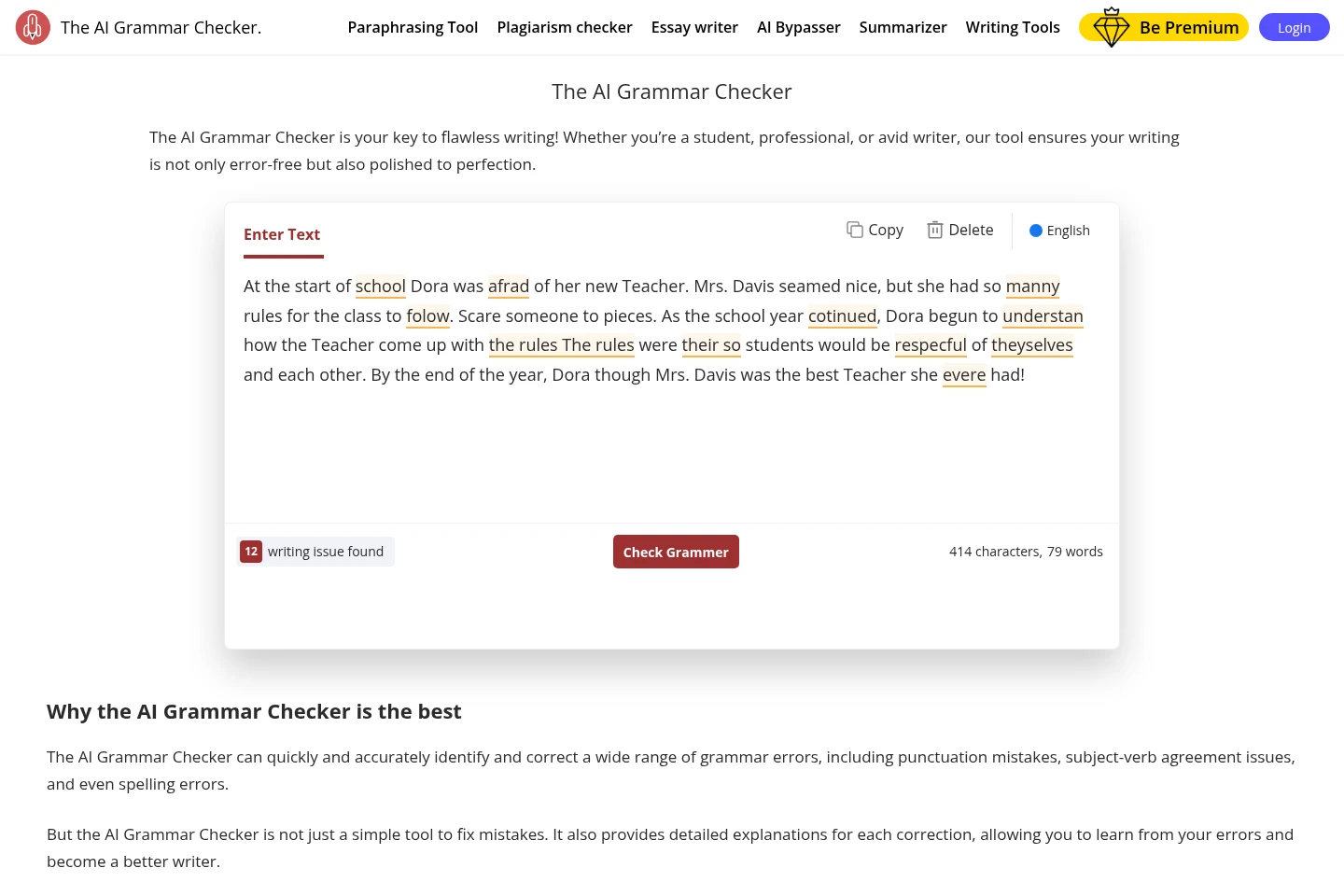
Provides synonym suggestions and word definitions alongside writing assistance. Users can click or double-click words in paraphrase output, while the separate Grammar Checker identifies and suggests corrections for writing issues.
Pricing
The supplied pages identify the tool as freemium, but do not provide plan prices or billing periods. Compare which paraphrasing modes are accessible, since some are marked to unlock.
Use cases
Rephrase text in a chosen writing style
When revising an existing passage, enter text and choose a paraphrasing mode or tone. The tool returns rewritten text, with modes for tasks such as simplifying, shortening, expanding, or producing an academic style.
Paraphrase speech or text in images
When source words are spoken or appear in an image, record or upload the audio, or upload the image to extract text. The extracted text can then be sent through the paraphrasing workflow.
Check grammar and improve word choice
When editing a draft, use the Grammar Checker to identify writing issues and view suggested corrections. In paraphrased output, select a word to see contextual synonym suggestions or its definition.
Limitations
Several paraphrasing modes are marked “Unlock This Mode,” so access to those modes depends on unlocking them.
The interface states a maximum length of 50 characters for creating a custom mode.
Who it is for
Students and researchers revising academic writing
Writers and bloggers editing articles and stories
Professionals preparing reports, proposals, or presentations
FAQ
What kinds of text can the paraphraser rewrite?
It rewrites text entered in the tool and offers modes including Standard, Fluency, Humanizer, Simplify, Creative, Academic, Shorten, Expand, and Rephraser. Some modes are marked to unlock.
Can I paraphrase speech or text from an image?
Yes. The page describes real-time speech-to-text, uploaded audio, and image text extraction. Extracted words can then be sent to the paraphrasing tool.
Can I choose a tone for the rewritten text?
Yes. The listed tone options include Formal, Casual, Professional, and Witty. The selected tone is used to shape the paraphrased message.
Does the site include a grammar checker?
Yes. Its Grammar Checker identifies writing issues such as spelling, punctuation, and subject-verb agreement, and provides suggested corrections and explanations.
Comments