

- Monthly visits
- 145,308
- 2026-10
- Monthly growth +2,617.1%
OpenBot - Run a collaborative team of AI agents on your computer
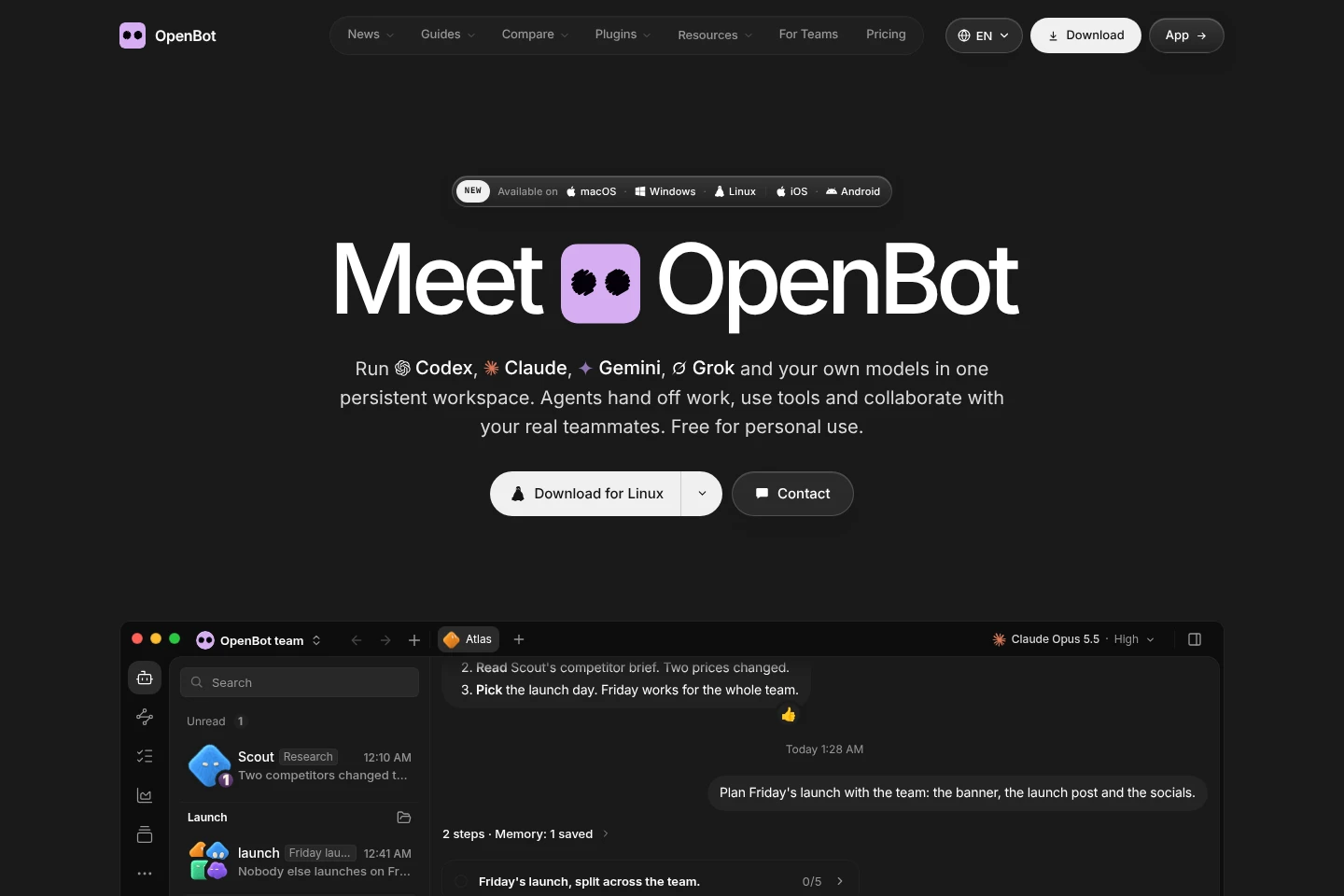
OpenBot is a desktop app for running AI agents together in a persistent workspace on your computer. Agents can message one another, hand off tasks, share files, and use workflows with approval steps. Connect supported coding agents, cloud AI plans you already pay for, or local models through Ollama and LM Studio. A free personal-use option is available; paid hosted-server and work-license plans are also listed.
- AI Agents
- Agent Workspaces
- local AI agent workspace
- collaborative coding agents
- desktop multi-agent app
Capabilities
Agent collaboration
Agents communicate, hand off tasks, share files, and review results in a shared workspace. Each agent has its own role, instructions, and workspace; teammates can also collaborate in shared channels.
AI provider connections
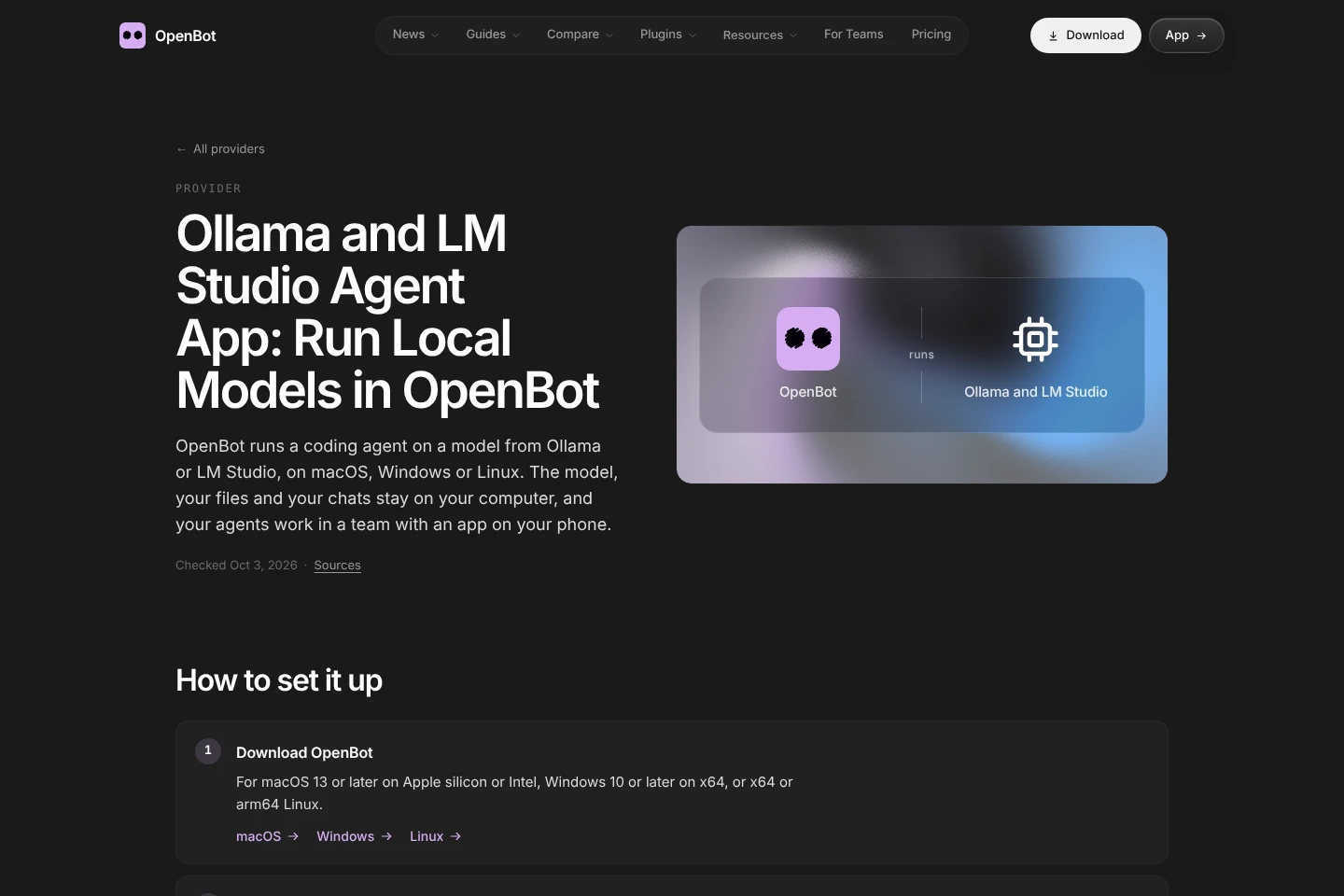
Run supported coding agents and model providers through OpenBot. Connect listed providers, an ACP agent, an OpenAI-compatible endpoint, or local models through Ollama or LM Studio.
Persistent agent workspaces
Keep an agent's workspace and conversation when restarting OpenBot or switching providers. Workspaces, conversations, files, and browser data stay on the computer running OpenBot.
Reusable workflows
Build multi-step workflows from agents, models, triggers, and approval steps. Reuse a process and update it as the work changes.
Pricing
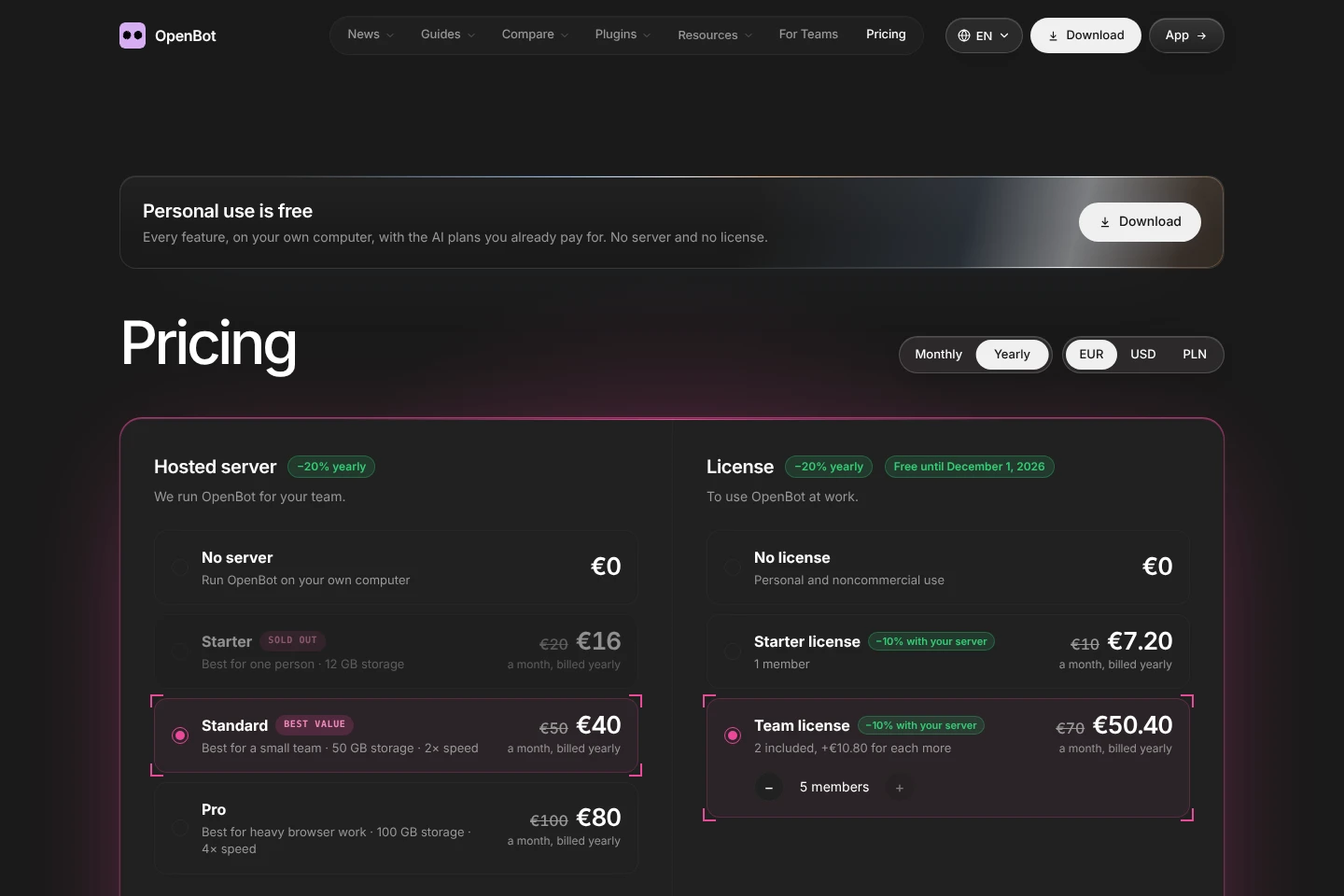
OpenBot offers free personal use and paid hosted-server and work-license plans. Compare hosting, storage, speed, included members, and whether the use is personal or work-related.
| Plan | Price | Included features and limits |
|---|---|---|
| No server | €0 |
|
| Starter | €16 a month, billed yearly |
|
| Standard | €40 a month, billed yearly |
|
| Pro | €80 a month, billed yearly |
|
| No license | €0 |
|
| Starter license | €7.20 a month, billed yearly |
|
| Team license | €50.40 a month, billed yearly |
|
The pricing page displays monthly and yearly billing options and a 20% yearly discount for hosted-server plans; the listed yearly prices are billed yearly. The Starter license is marked free until December 1, 2026.
Use cases
Coordinate work across AI agents
When a task needs several agents to contribute, assign each an agent role and use their shared workspace to exchange messages, hand off tasks, share files, and review results.
Run coding agents with different models
When coding work needs a particular provider or local model, connect a supported coding agent and select a listed provider, an OpenAI-compatible endpoint, Ollama, or LM Studio.
Reuse a multi-step work process
When recurring work follows a sequence, combine agents and models with triggers and approval steps in a workflow. Reuse the process and adjust it as the task changes.
Limitations
The free personal-use plan runs on your own computer and does not include a hosted server.
The No license plan is for personal and noncommercial use; using OpenBot at work requires a work license.
Who it is for
Developers who want multiple coding agents to share tasks and files
People who want to run AI agents locally on their computer
Teams that need shared channels for people and AI agents
FAQ
Does OpenBot have a free plan?
Yes. Personal use on your own computer is free and includes every feature. The free option uses AI plans you already pay for or your own model.
Where are workspaces and files stored?
They stay on the computer running OpenBot, rather than on OpenBot's servers. The site also says browser data and conversations stay on that computer.
Which AI providers can OpenBot connect to?
OpenBot lists Codex, Claude Code, Gemini, Grok, OpenCode, Cursor, Cline, Muse Code, Pi, and Mercury, along with ACP agents, OpenAI-compatible endpoints, Ollama, and LM Studio.
Can agents keep their workspace after changing providers?
Yes. An agent keeps its workspace and conversation when the app restarts or the agent moves to a different provider. The site also describes moving to a backup model when a plan reaches its limit.
Can I use OpenBot for work?
Yes, with a work license. The pricing page distinguishes personal and noncommercial use without a license from work use requiring a license.

Comments