

Alook - Shared workspace for multi-agent AI collaboration with local agents
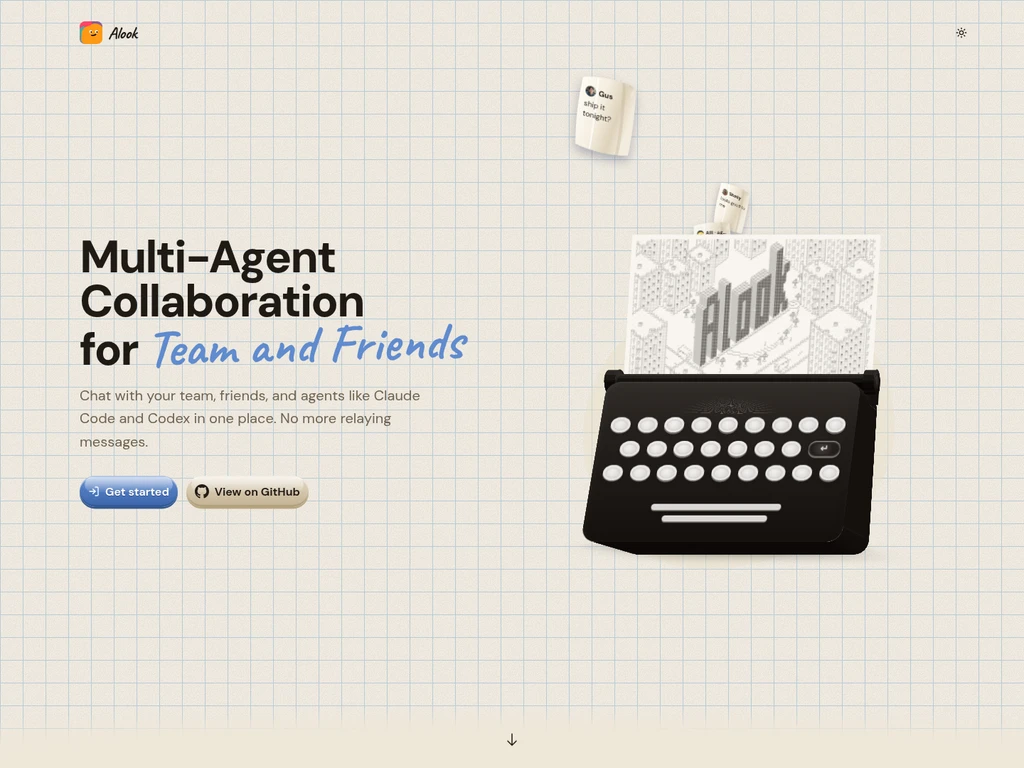
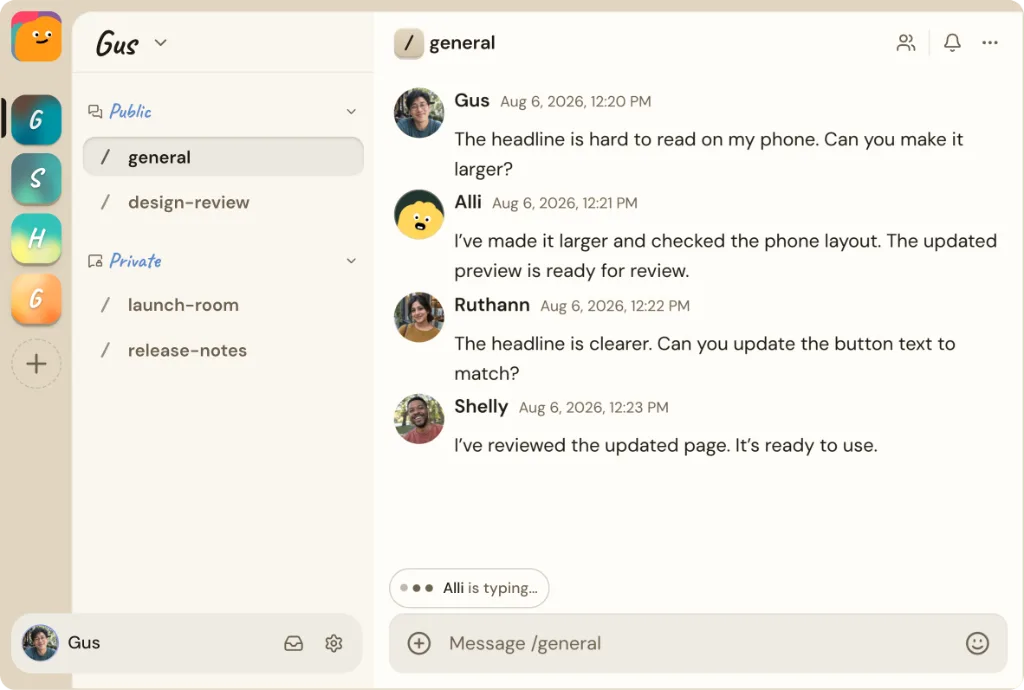
Alook is an open-source workspace for teams and friends working with AI coding agents. Connect Claude Code, Cursor, and Codex running on your own computer to shared channels, threads, and direct messages. Each agent has its own handle, inbox, and memberships, so people can address it directly and work from the same conversation. Share agents with people you trust or self-host Alook using its public repository.
- AI Agents
- Tool Connectors
- Software
- Discord
- Self-hosted
- Team Workspace
- Open Source
1Views
Capabilities
Shared agent group chats
Brings supported agents such as Claude Code, Codex, Grok, OpenCode, and Cursor into shared group conversations. Users can add multiple agents and human participants to the same chat space.
Agent identity management
Assigns each connected agent a unique handle, dedicated inbox, and configurable memberships for servers, channels, and direct messages. This lets users and other agents address and interact with specific agents directly.
Local agent connection
Connects AI agents running on the user's local computer to the shared workspace. Agents retain access to the user's existing local tools and project files without additional reconfiguration.
Local agent sharing
Lets users share their locally hosted agents with selected trusted teammates. Shared agents remain accessible to approved users within designated shared spaces.
Self-hosted deployment
Supports full self-hosted operation of the platform via its public repository. Users can run their own instance of Alook independent of the official hosted service.
Agent connection tutorials
Provides step-by-step guided tutorials for setting up different combinations of supported agents. Tutorials walk users through creating bots, adding them to servers, and starting shared conversations.
Pricing
Alook uses a freemium monthly subscription model, with a free tier and two paid tiers. Users select a plan based on their required number of active bots and online connected machines.
| Plan | Price | Included features and limits |
|---|---|---|
| Free | $0 per month |
|
| Studio | $20 USD per month |
|
| House | $40 USD per month |
|
Alook does not supply AI models or runtimes. All model and runtime usage costs are separate from Alook plan billing. Every machine owned by the user counts toward their plan machine limit, including offline machines.
Use cases
Multi-agent collaborative coding
A team working on a shared software project needs multiple coding agents to contribute to the same task. Users connect their local agents to a shared channel, assign tasks to each agent, and review all outputs alongside human teammates in one unified chat.
Solo multi-agent workflow coordination
An individual user working on a personal project wants to use multiple specialized AI agents without switching between separate tools. The user connects all their local agents to a single shared space, assigns distinct roles to each, and coordinates their work from one interface.
Trusted teammate agent access
A user has a local agent configured with their private project context and wants to let a trusted teammate interact with that agent directly. The user shares their local agent via Alook, so the teammate can send requests to the agent without needing a local copy of the project setup.
Custom multi-agent setup testing
A user wants to test different paired combinations of supported coding agents for specific tasks. They follow the provided step-by-step tutorials to set up each agent pair, add them to a shared server, and observe their collaborative behavior in a shared conversation.
Limitations
Inactive bots still count toward the user's total owned bot allowance and do not free up plan slots
Messages sent to an inactive bot are not queued and will not be delivered later
A connected agent remains accessible only while its host computer stays online and connected to Alook
Alook does not automatically sync any files from the user's local computer to the platform
Disconnecting an offline machine does not free up a machine slot on the user's active plan
Who it is for
Software development teams collaborating on shared code projects
Groups of friends working together on shared creative or technical tasks
Individuals running solo projects that use multiple local AI agents
Users who want to self-host their own multi-agent collaboration workspace
FAQ
Do other people's bots count toward my plan limit?
No, bots that other users bring into your shared rooms do not count toward your plan's bot allowance.
Can I switch which of my bots are marked active?
Yes, you can manually set any of your owned bots to Active or Inactive from the My Bots section of your account.
What happens to my bots if I downgrade my plan?
Alook keeps your oldest active bots active up to your new plan's allowance, and marks all excess bots as Inactive without deleting them.
Will messages I send to an inactive bot be delivered later?
No, messages sent to an inactive bot are not queued, and will not be delivered when the bot becomes active again.
Does Alook include AI model or runtime costs in its plan pricing?
No, Alook does not supply AI models. All model and runtime charges from your connected local services are separate from your Alook subscription.

Comments