
Monthly visits
6,549
2026-10
Monthly growth +1,019.5%

Online Word Editor - Edit documents and use AI writing tools online

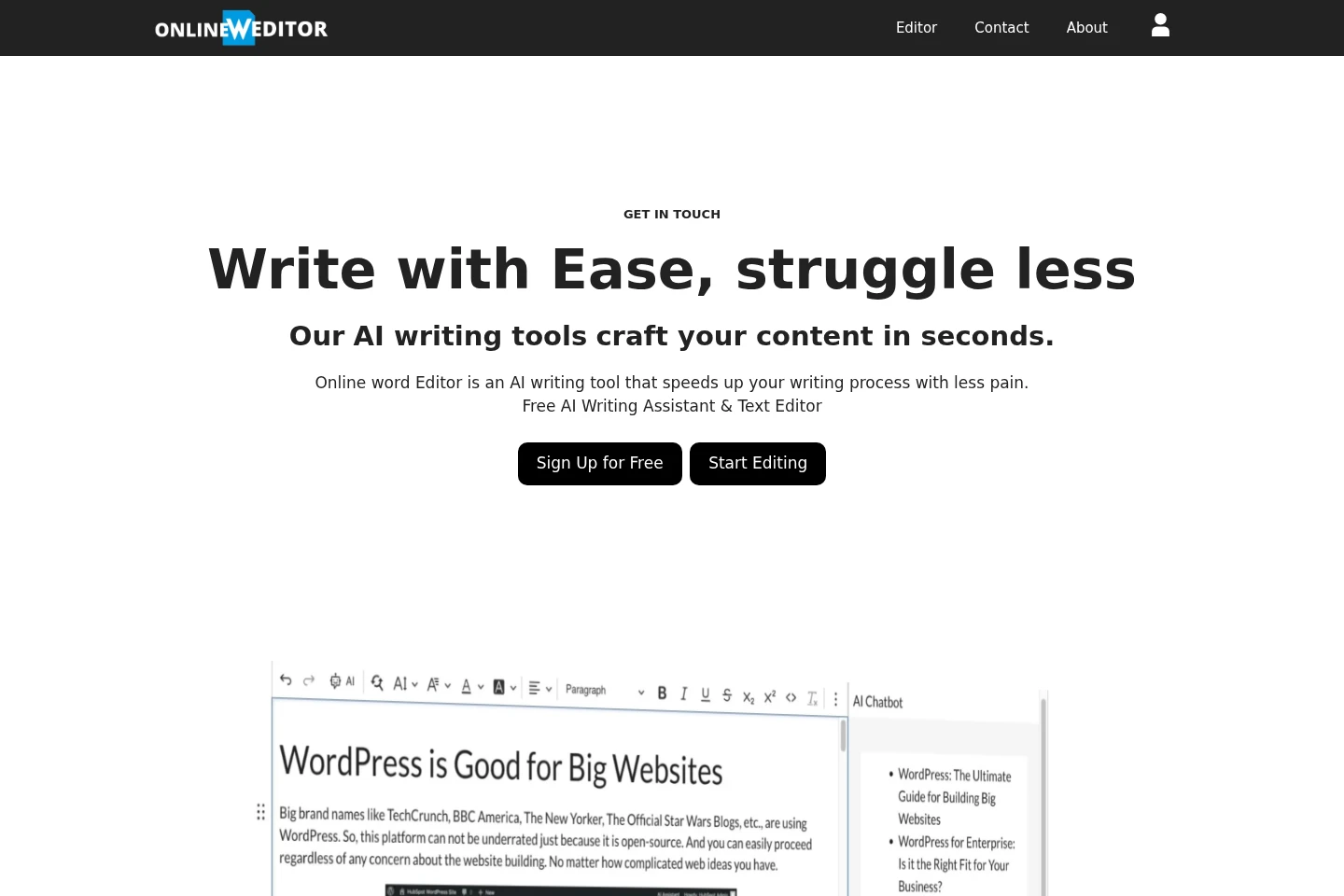
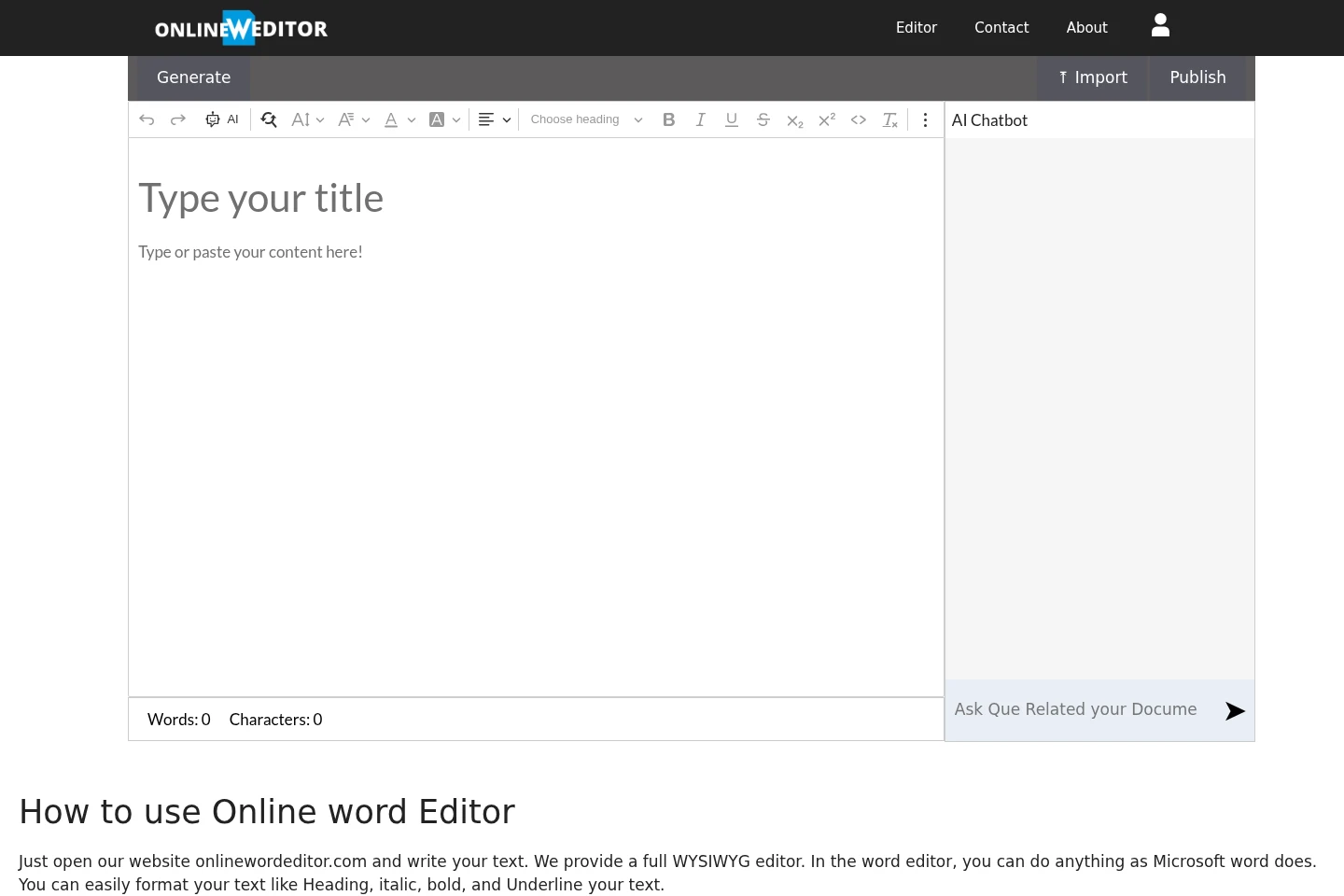
Online Word Editor is a browser-based text editor with AI tools for generating, rewriting, translating, improving, and summarizing text. Users can format documents, import DOC and DOCX files, and export or download text, Word, and HTML files. The editor also includes spelling and grammar tools, find and replace, and local-storage autosave.

Visit WebsiteUpdate this product

0Views

Capabilities

AI writing tools

Generate, rewrite, translate, and improve text in the online editor. Users provide a topic or existing text, then use the available AI actions to create or revise content.

Document editing and formatting

Create and edit text documents in a rich text editor. Users can format text, add images and tables, insert links, and use document-layout controls.

Document import and export

Import DOC and DOCX files and export or download documents as text, Word, or HTML. File import and export are available through the editor.

Document summarization

Generate a summary from a document using the summarizer. Users submit document content to produce a condensed version.

Local autosave

Save text automatically in the browser's local storage. Previously saved text is loaded when the user revisits the site in that browser.

PricingFree

The site presents the editor as free, but the supplied pages do not provide a formal plan list or billing terms. Compare the available editor functions; specific paid-plan prices and conditions are not stated.

Use cases

Draft and revise text documents

When preparing a text document, users can write in the editor and use AI actions to generate, rewrite, translate, or improve content. They can then format the document and export it in a supported format.

Summarize a document

When a document needs to be condensed, users can submit its content to the AI summarizer. The tool generates a summary for the user to review.

Edit imported Word files

When working with an existing DOC or DOCX file, users can upload it in the editor, make text and formatting changes, and export or download the result as text, Word, or HTML.

Online Word Editor alternatives

Wordpad Online

Edit and export documents in your browser

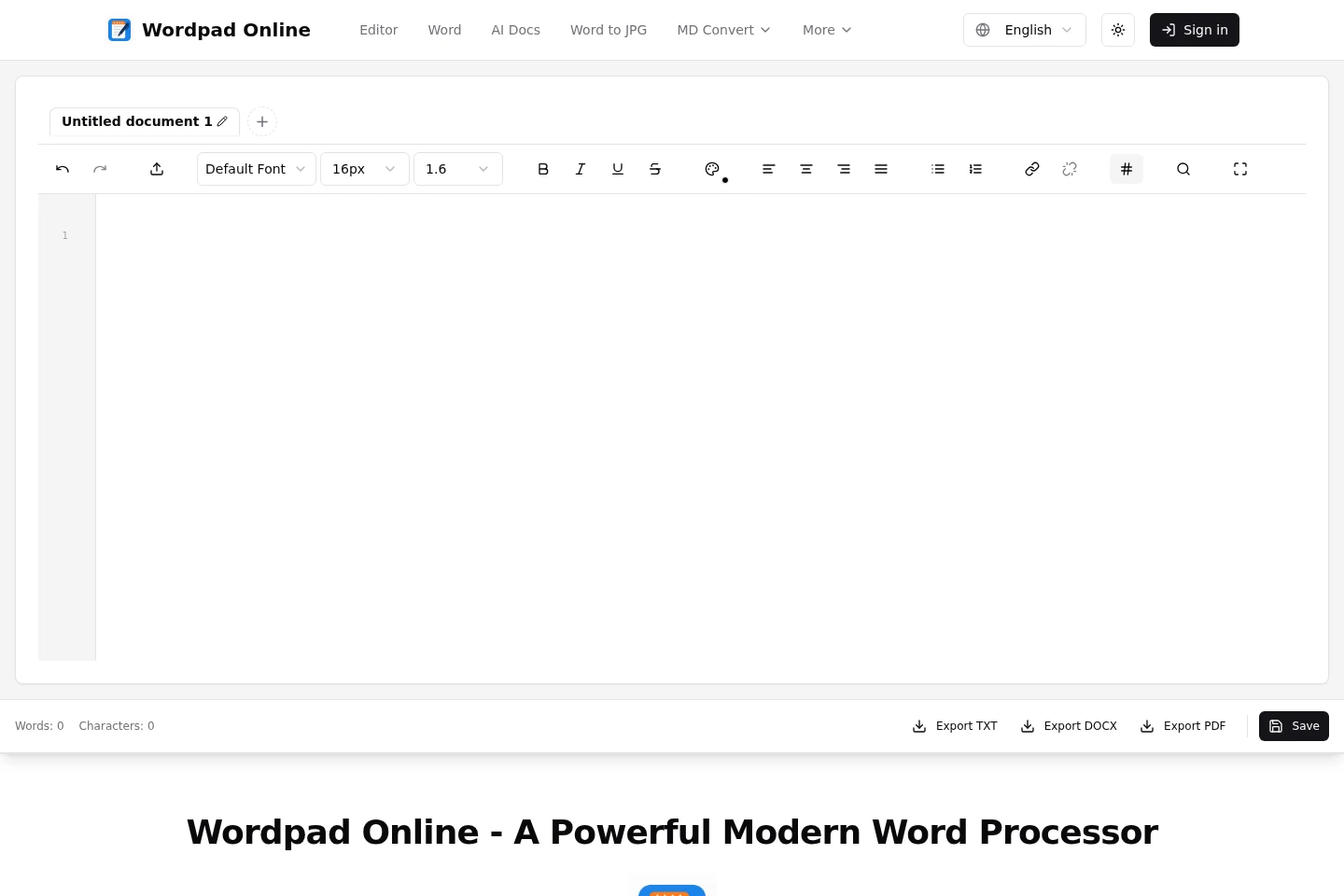
Wordpad Online is a browser-based editor for creating and editing text and DOCX documents. It provides rich-text formatting, document tabs, local autosave, printing, and export to TXT, DOCX, and PDF. Signing in unlocks cloud storage and cross-device sync; the AI Docs page also offers an AI assistant for document changes.

  • Cloud
  • Free
  • 100% Free$0; free
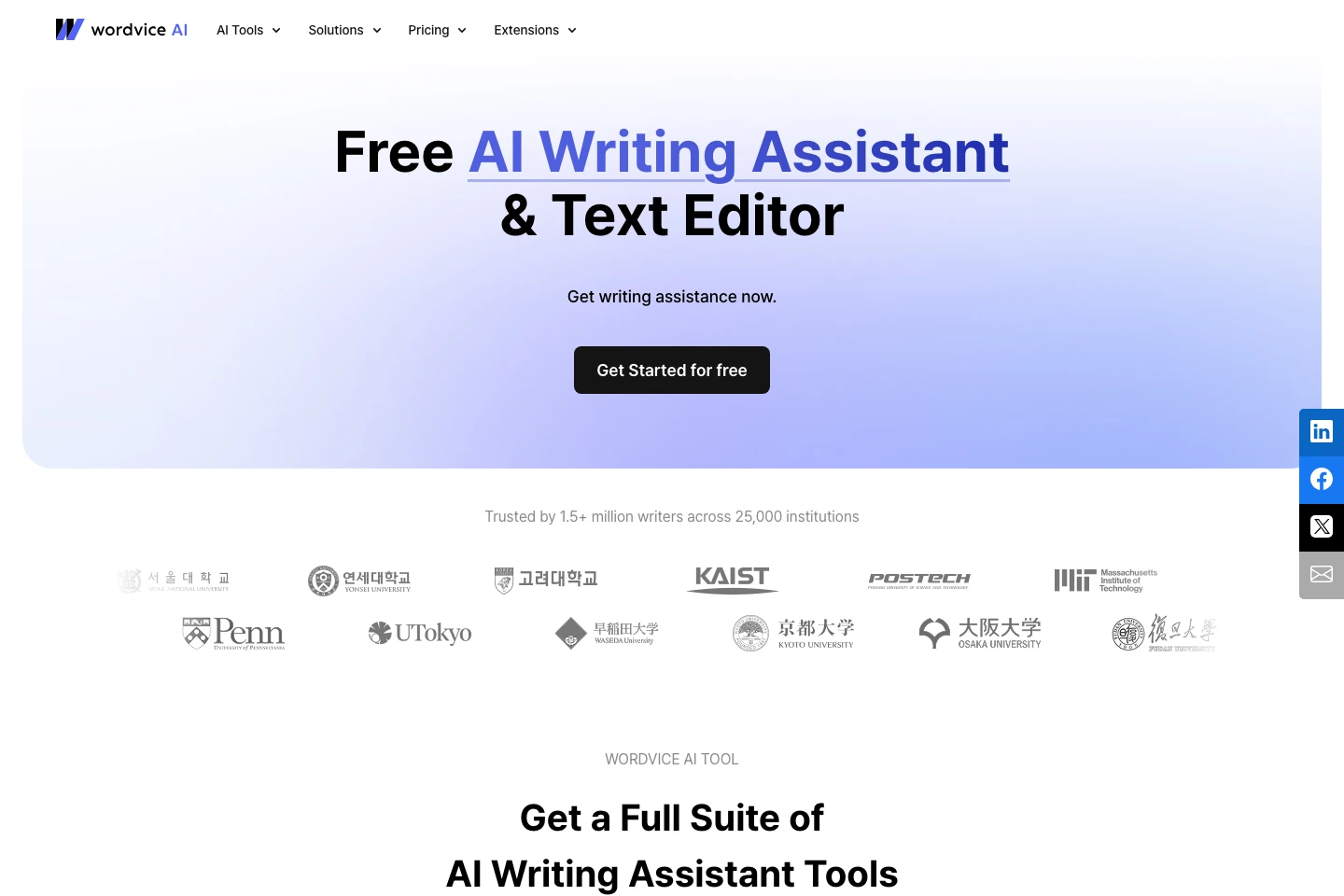
  1. Wordvice AI

    Transform your writing with AI tools

    Freemium
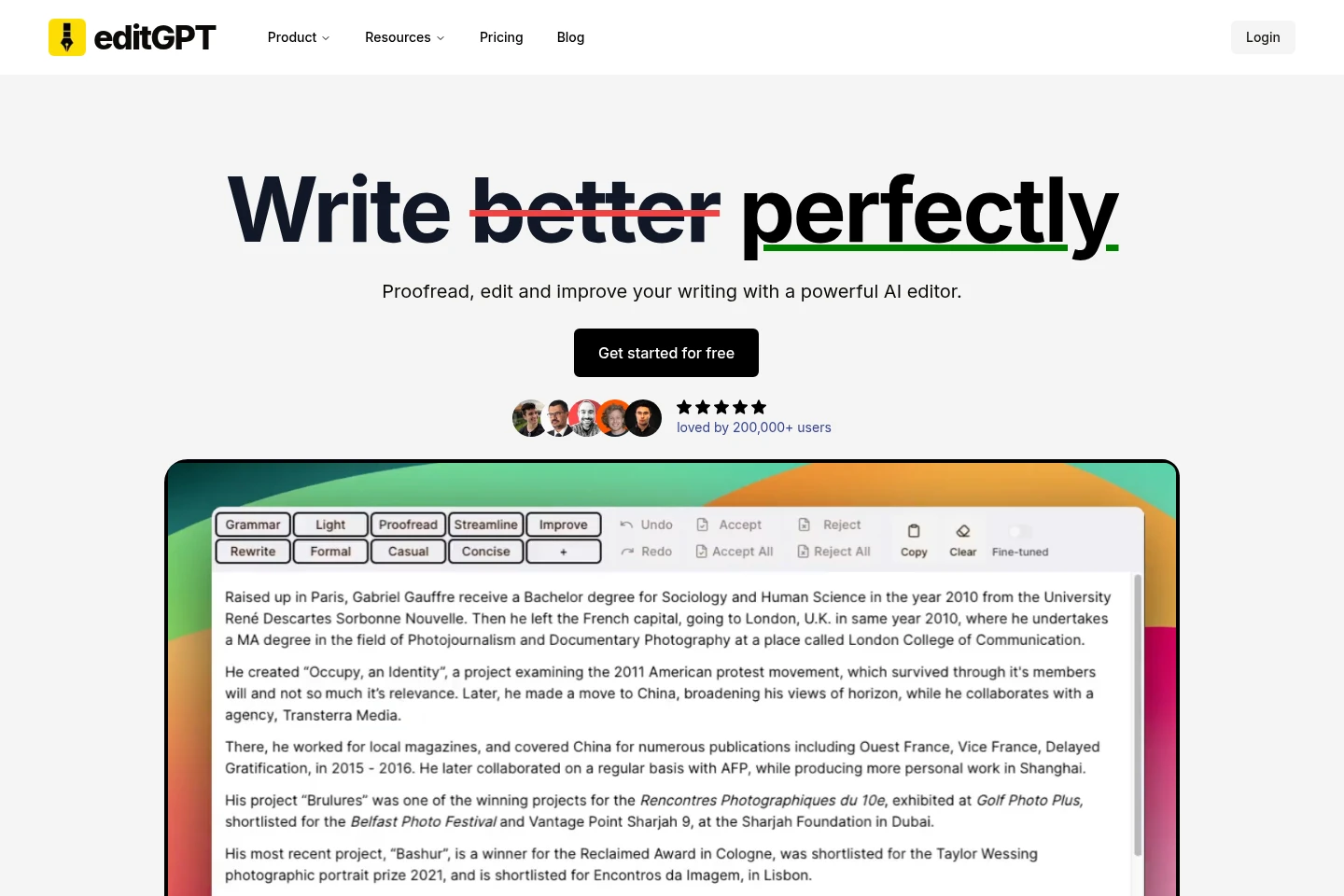
  2. EditGPT

    Enhance your writing effortlessly with AI

    Freemium
  3. 笔灵AI写作

    AI writing tools for academic, workplace, and fiction projects

    Contact Sales
  4. Textbuddy

    Browser-based AI writing tools for clear, adaptable content

    Free
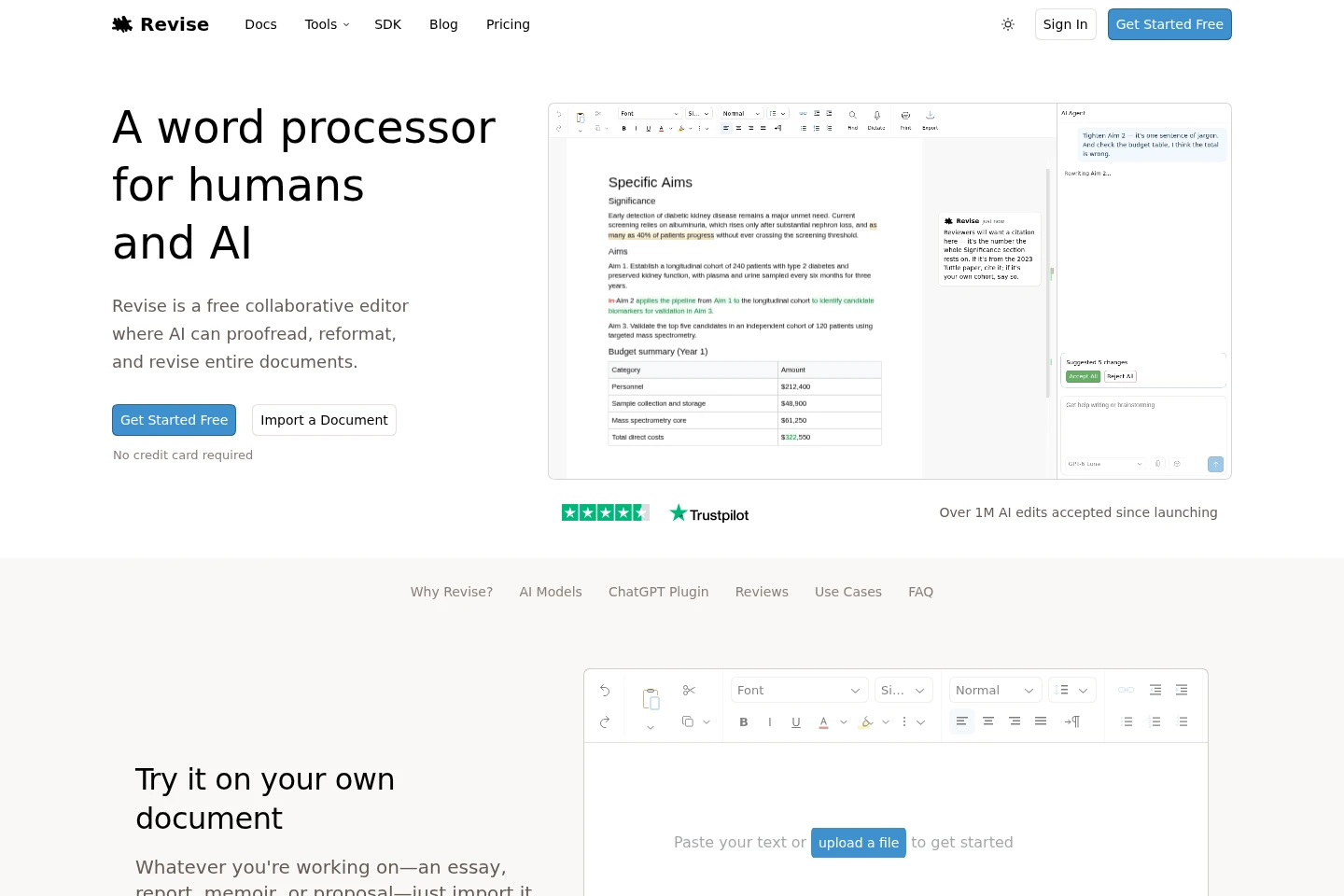
  5. Revise

    Edit documents with AI and review every change

    Free · $0/month

Who it is for

  • People who need an online editor to draft, format, and revise text documents

  • Users who need to import and edit DOC or DOCX files in a browser

  • People who need an AI tool to produce summaries of document content

FAQ

Can I use the editor without registering?

The editor page says no registration is needed to use the system. Some site actions, such as account login or registration, are also offered.

Which document formats can I import and export?

The editor provides upload for DOC and DOCX files. It lists text, Word, and HTML as export or download formats.

Does the editor include AI writing tools?

Yes. The site lists tools to generate, rewrite, translate, and improve content, as well as an AI summarizer.

Where is text saved automatically?

The editor says it saves text in local storage and reloads it when you revisit the site. This describes browser-local saving.

Comments

Please sign in to leave a comment.
No comments yet. Be the first to share your thoughts!