Monthly visits
37,211
2026-10
Monthly growth -44.2%

OCR365 - Extract editable text from images and scanned documents

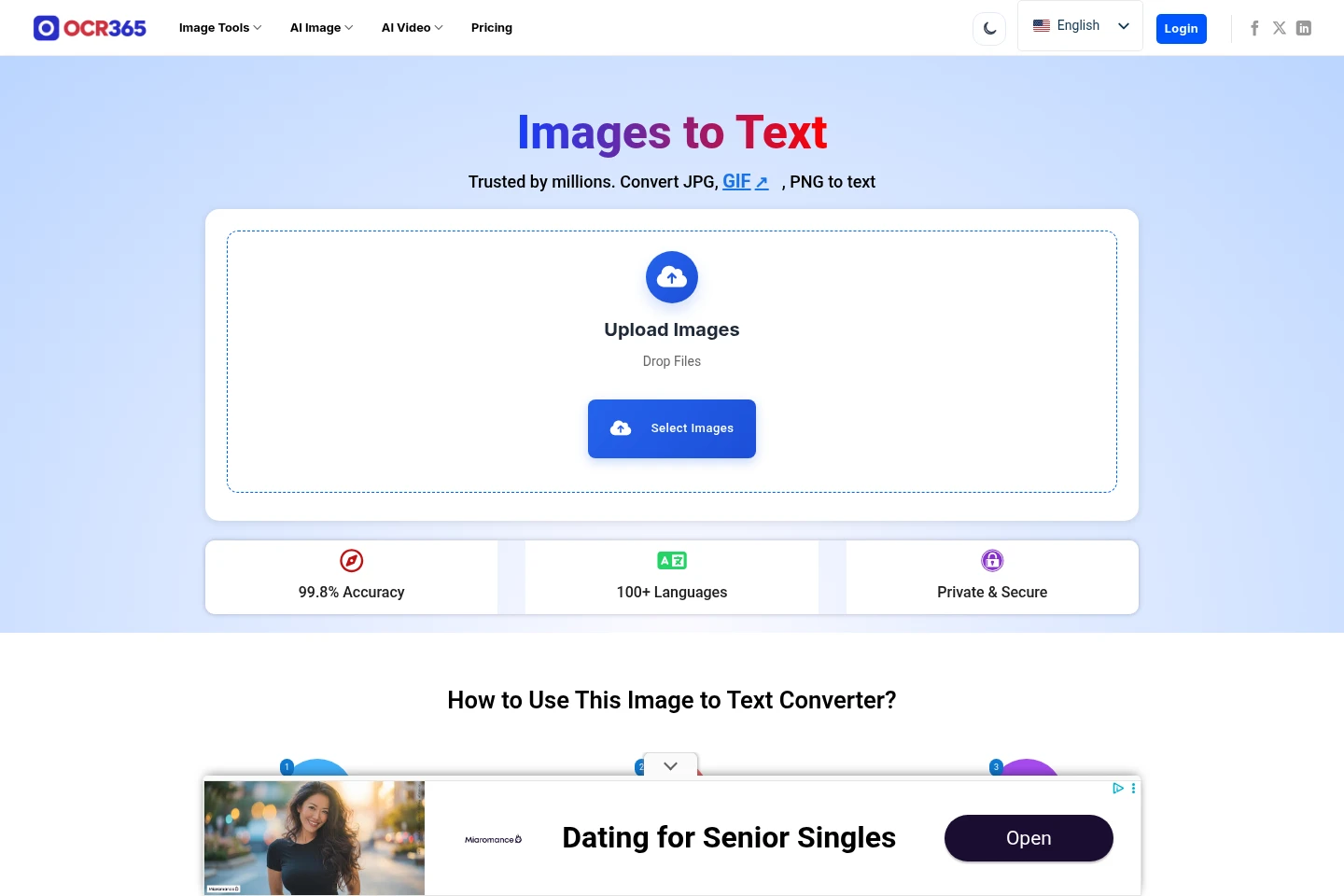
OCR365 is an online image and document toolkit centered on OCR. Upload JPG, PNG, GIF, JFIF, HEIC, or PDF files to extract text, including handwriting, then copy or download the result. It also offers image-to-Word and image-to-Excel conversion, image editing, and AI image tools. Free OCR use is limited, while paid subscriptions include monthly AI credits and unlimited OCR tools.

Visit WebsiteUpdate this product

0Views

Capabilities

Image text recognition

Extracts editable text from uploaded images and documents. Upload supported files, including JPG, PNG, GIF, JFIF, HEIC, or PDF, run OCR, and copy or download the text; handwritten text recognition is also described.

Batch OCR processing

Processes multiple images in one conversion workflow and returns text for copying or downloading. Free use is subject to daily and batch limits; paid subscribers receive unlimited OCR tools, and logged-in users with credits can batch background-removal jobs.

Image format conversion

Converts images into Word or Excel outputs using the site's image conversion tools. Users select an image and the desired conversion tool; the pages supplied identify image-to-Word and image-to-Excel options.

AI image editing

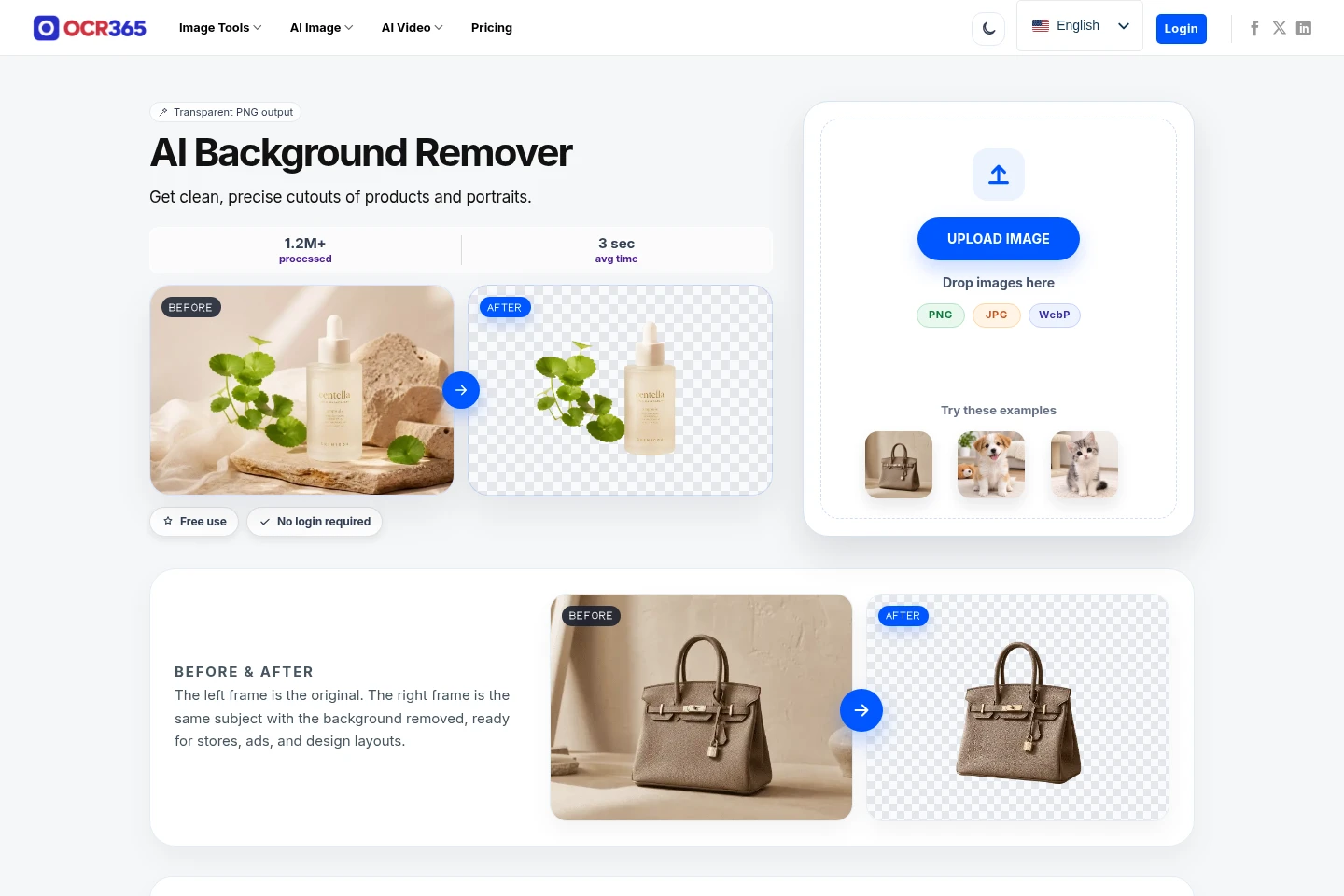
Provides image-processing tools such as background removal alongside other listed AI image tools. Upload a supported image format and process it online; background removal can produce a transparent PNG, with free-use and credit conditions shown on its page.


PricingFreemium

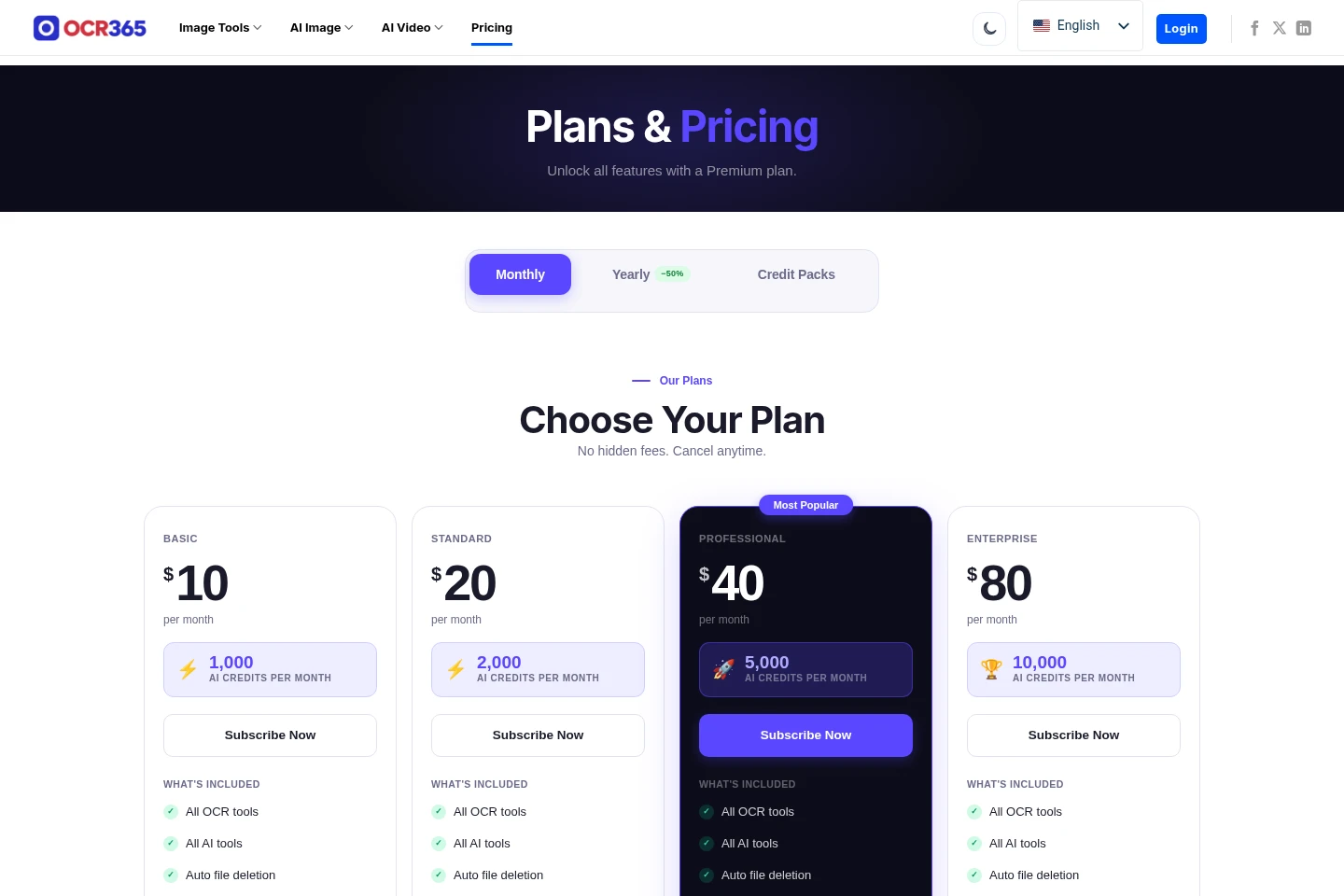
OCR365 offers free limited use, recurring monthly subscriptions, and one-time credit packs. Compare included monthly AI credits and subscription features, or choose a pack for credits that do not expire.

PlanPriceIncluded features and limits
Basic

$10 per month

  • 1,000 AI credits per month

  • All OCR tools; unlimited for subscribers

  • All AI tools

  • Batch processing and large file sizes

  • Auto file deletion; ad-free; captcha-free

  • Enhanced accuracy

Standard

$20 per month

  • 2,000 AI credits per month

  • Paid-plan subscribers get new tools and features at no extra cost

  • Cancel anytime from account settings

Professional

$40 per month

  • 5,000 AI credits per month

  • All OCR tools; unlimited for subscribers

  • All AI tools

Enterprise

$80 per month

  • 10,000 AI credits per month

  • All OCR tools; unlimited for subscribers

  • All AI tools

Starter Pack

One-time purchase; price not shown

  • 1,400 lifetime credits

  • Credits never expire

  • Credits work with any plan

Growth Pack

One-time purchase; price not shown

  • 3,000 credits

  • Credits never expire

  • Credits work with any plan

Power Pack

$60 one-time

  • 4,800 credits

  • Credits never expire

  • Credits work with any plan

Business Pack

$90 one-time

  • 7,500 credits

  • Credits never expire

  • Credits work with any plan

The pricing page advertises yearly plans at 50% savings and states that annual plans are billed annually. Credit packs are one-time purchases; packs stack with subscriptions. Subscription credits reset each billing cycle and unused credits do not carry over.

Use cases

Digitize printed and handwritten pages

When text is locked in a photo, scan, screenshot, or handwritten note, upload the file to Images to Text and run OCR. Review the extracted text, then copy it or download it for editing or storage.

Convert image content into office files

When content in an image needs to be used in an office document or spreadsheet, choose the image-to-Word or image-to-Excel tool and submit the image. The corresponding tool converts the image into the selected document format.

Remove backgrounds from image subjects

When a portrait or product photo needs a transparent background, upload a supported image to AI Background Remover and process it. Download the resulting transparent PNG; free uses and credit-based processing conditions apply.

Limitations

  • Free Images to Text use is limited to five conversions per day; the page also indicates a free batch-upload limit.

  • The Background Remover page limits free use to five uses remaining per day and charges two credits per processed image.

  • Logged-in users with credits can process up to 20 Background Remover images in one batch; the stated batch allowance is conditional on both login and credits.

  • Subscription AI credits reset each billing cycle and unused subscription credits do not carry over; top-up pack credits do not expire.

Alternatives

Image To Text OCR

Extract editable text from images and PDFs

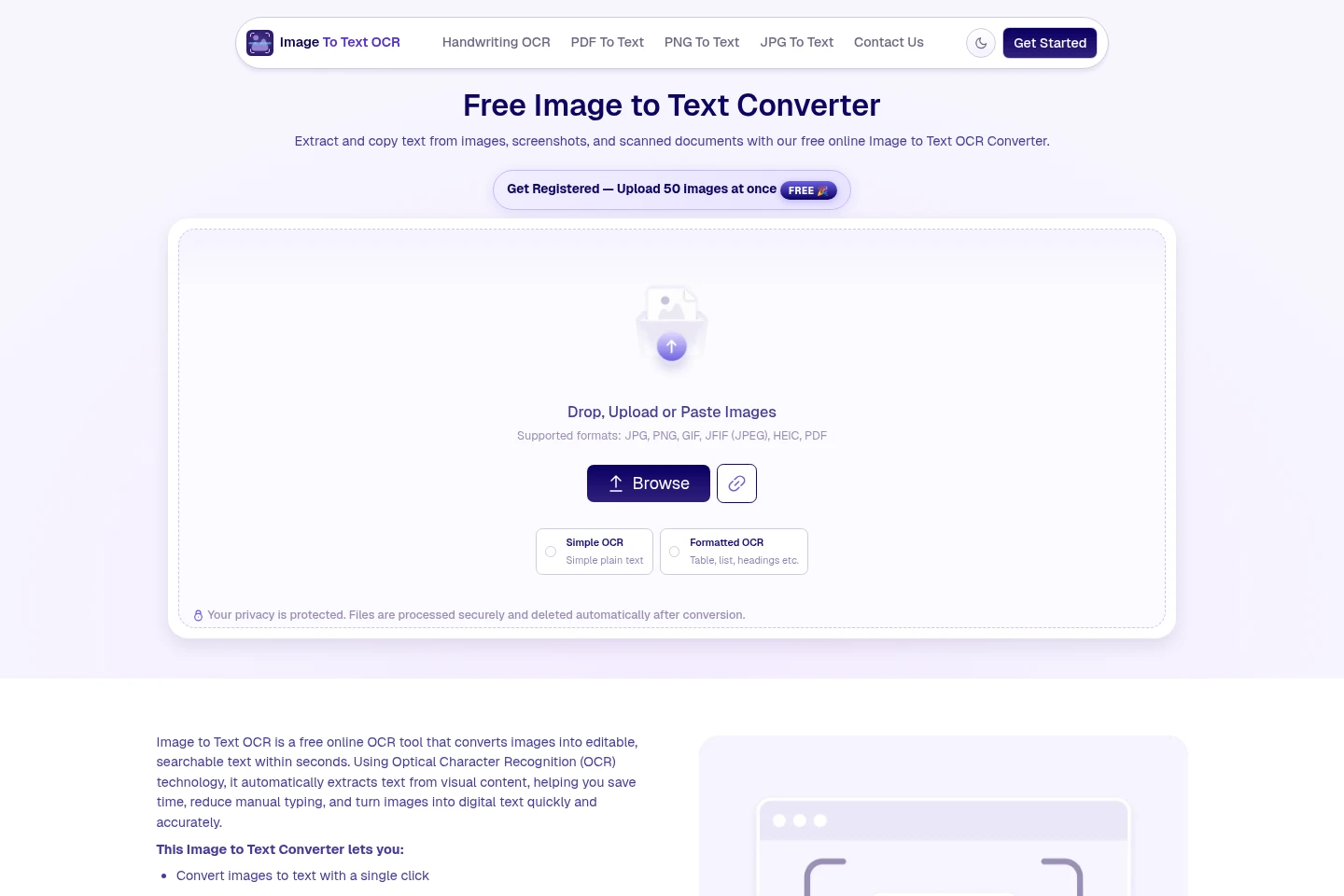
Image To Text OCR is an online OCR tool for extracting text from images, screenshots, scanned documents, and PDFs. Upload files individually or in batches, choose plain or formatted OCR where available, then copy or download the extracted text. Guest users can upload up to 10 files at once; registered users can upload up to 50 for free.

  • Cloud
  • Free
  1. Image to Text

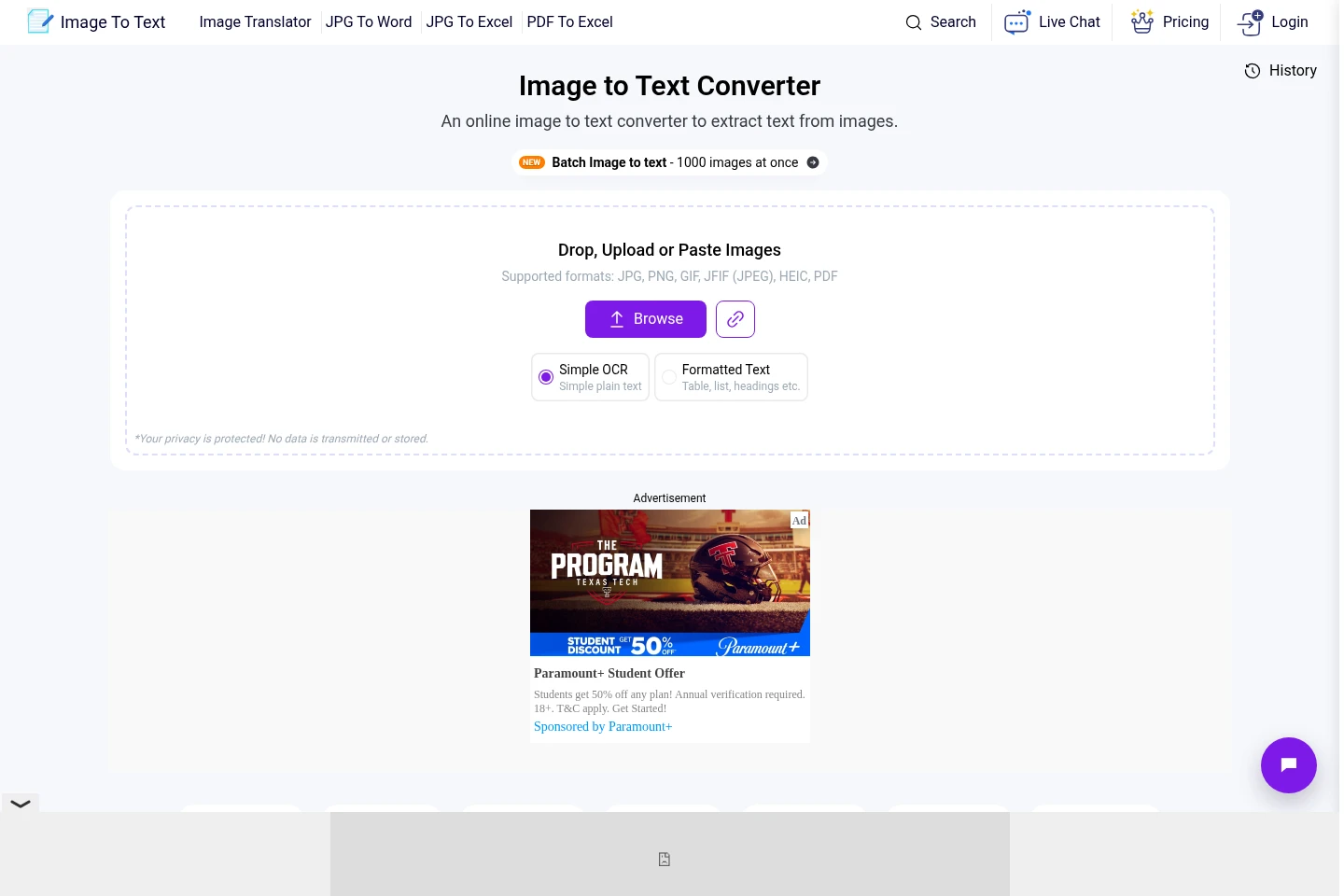
    Extract editable text from images with online OCR

    Free · $0
  2. OLOCR

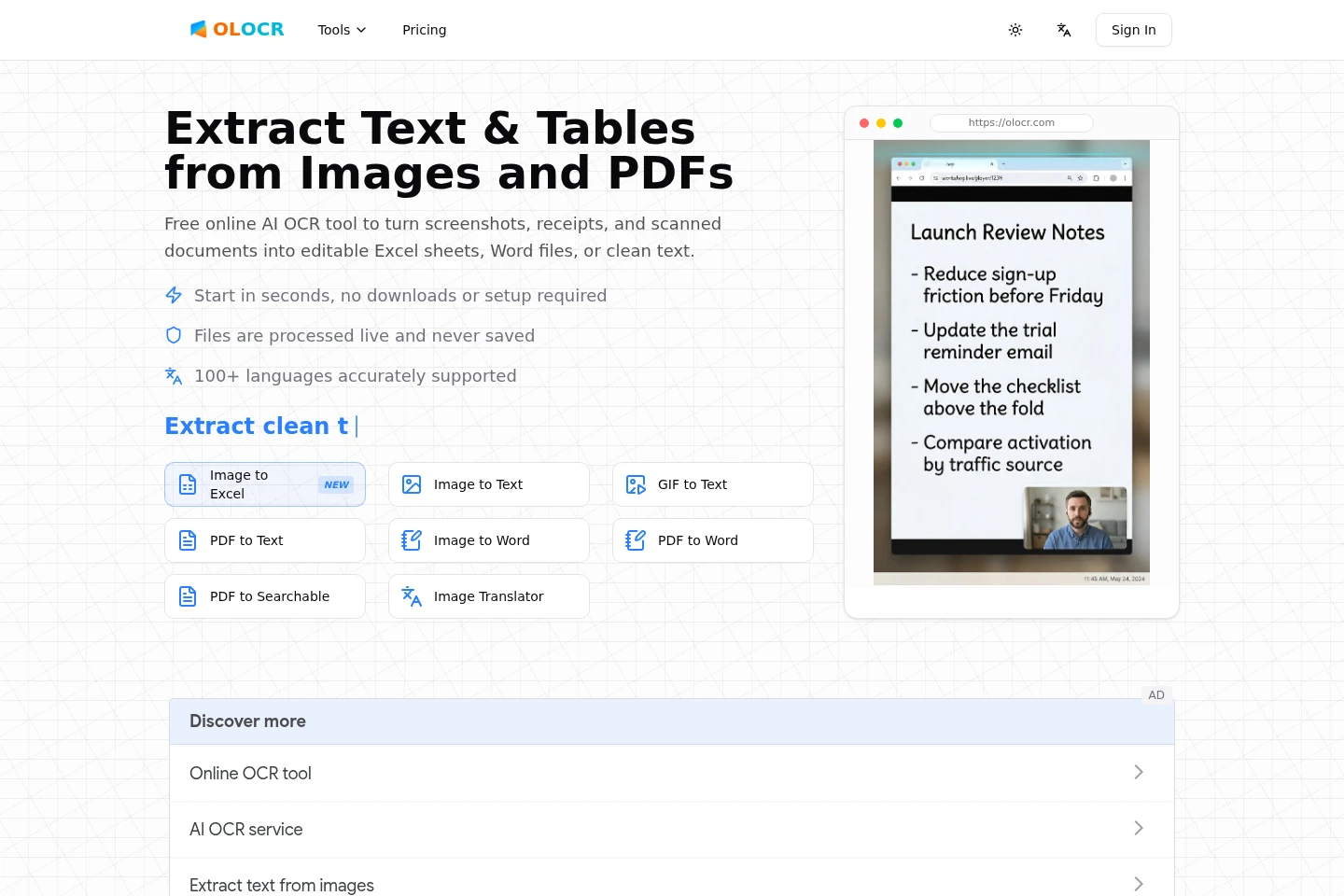
    Extract and translate text from images and PDFs

    Free · Free: free
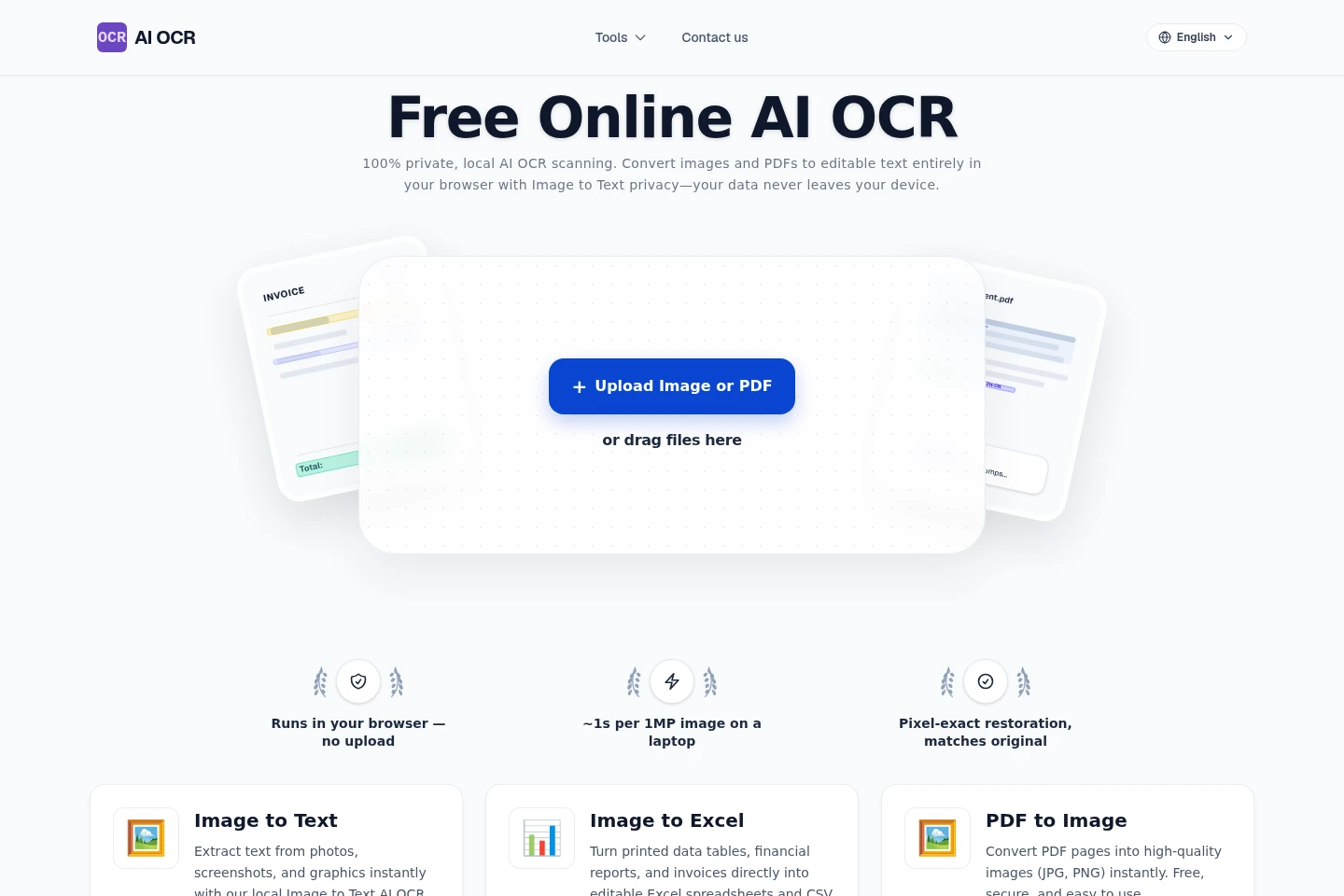
  3. AI OCR

    Convert images and PDFs into editable text in your browser

    Monthly Member · $9.9 per month
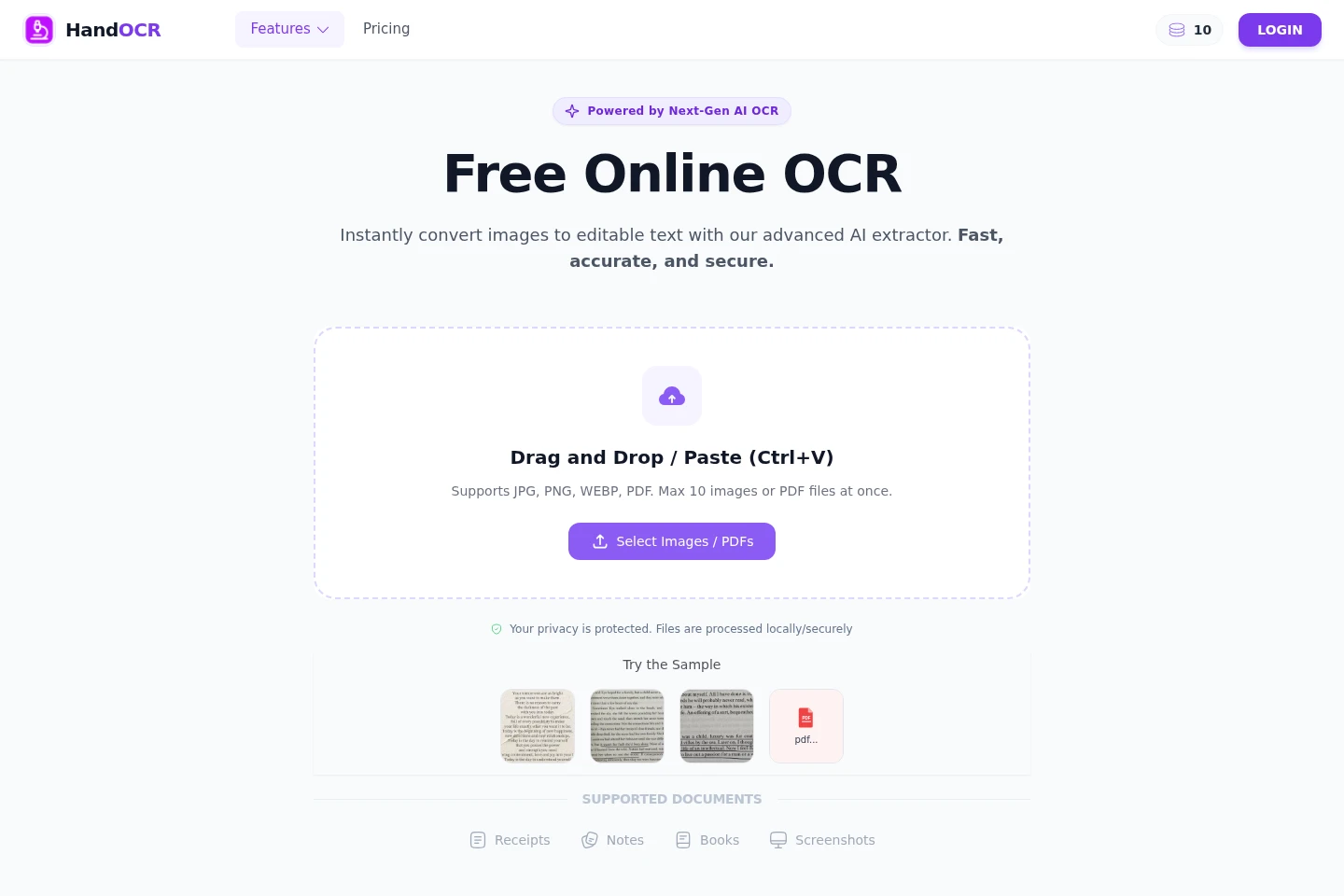
  4. Hand OCR

    Convert images and PDFs into editable text online

    600 Credits · $9.99 one-time
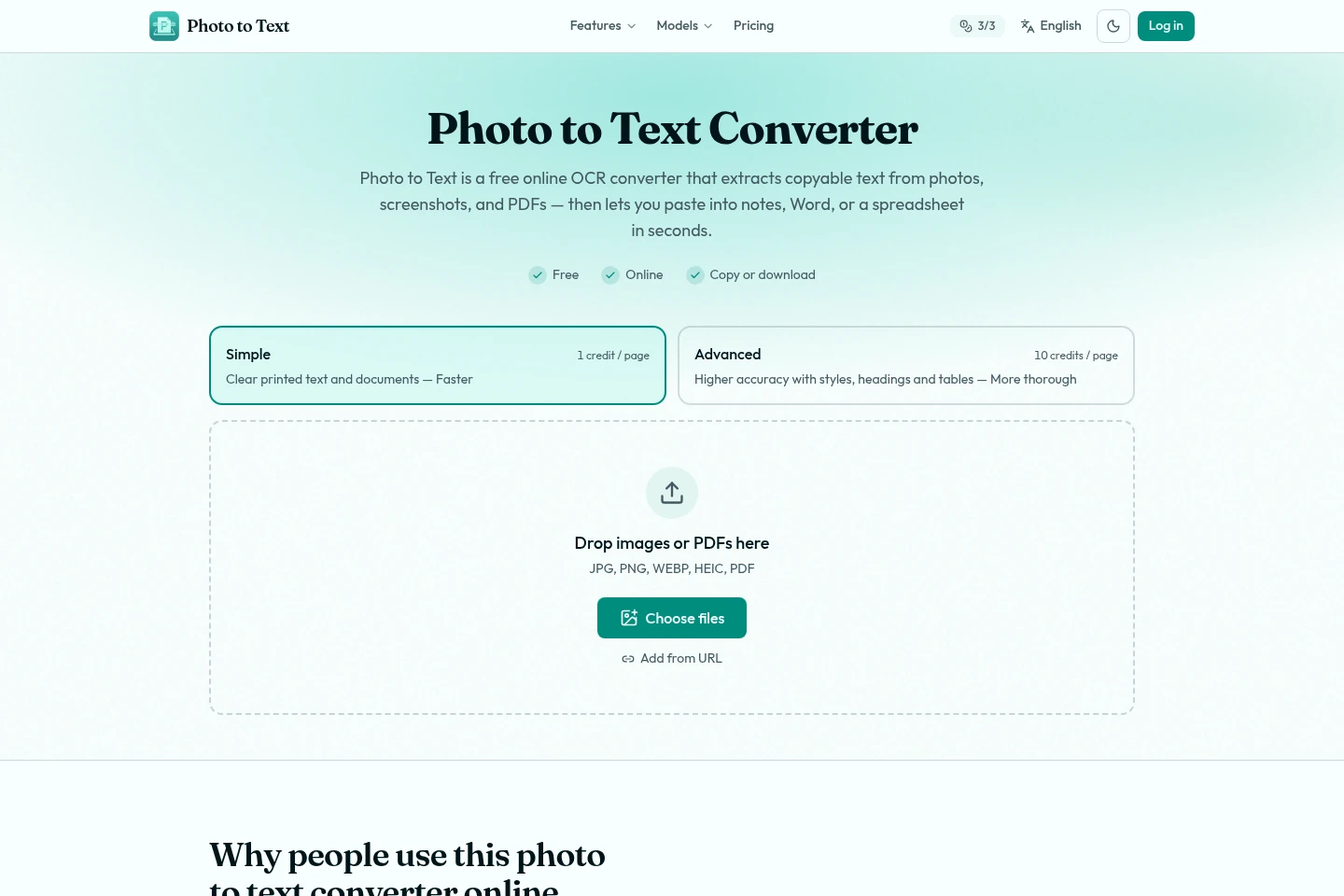
  5. Photo to Text

    Free online photo to text OCR converter with advanced models

    Freemium

Who it is for

  • People who need editable text from photos, scans, or handwriting

  • Students and teachers converting notes, worksheets, and classroom materials

  • Office professionals handling scanned reports, forms, invoices, and contracts

  • People preparing portraits or product images with transparent backgrounds

FAQ

How do I extract text from an image?

Upload an image to Images to Text, select Convert, then copy or download the extracted text. The page lists image formats including JPG, PNG, GIF, JFIF, HEIC, and PDF.

Can OCR365 recognize handwriting?

Yes. The Images to Text page describes recognition of handwritten notes and documents, with the extracted result available as editable text.

Can I process multiple images at once?

Yes, batch processing is available, but the free Images to Text workflow has daily and batch limits. The pricing page says paid subscribers receive unlimited OCR tools.

What do AI credits cover?

AI credits are used for AI-powered tools such as text refinement and smart processing. Subscribers' OCR tools are unlimited and do not consume credits.

Do subscription credits carry over?

No. Subscription credits reset each billing cycle, and unused credits do not carry over. Credits bought in top-up packs never expire.

Can I buy additional credits?

Yes. Credit packs can be purchased as one-time top-ups, added instantly, and used alongside a subscription; pack credits do not expire.

Comments

Please sign in to leave a comment.
No comments yet. Be the first to share your thoughts!