

- Monthly visits
- 10,816
- 2026-09
- Monthly growth +29.1%
AI OCR - Convert images and PDFs into editable text in your browser
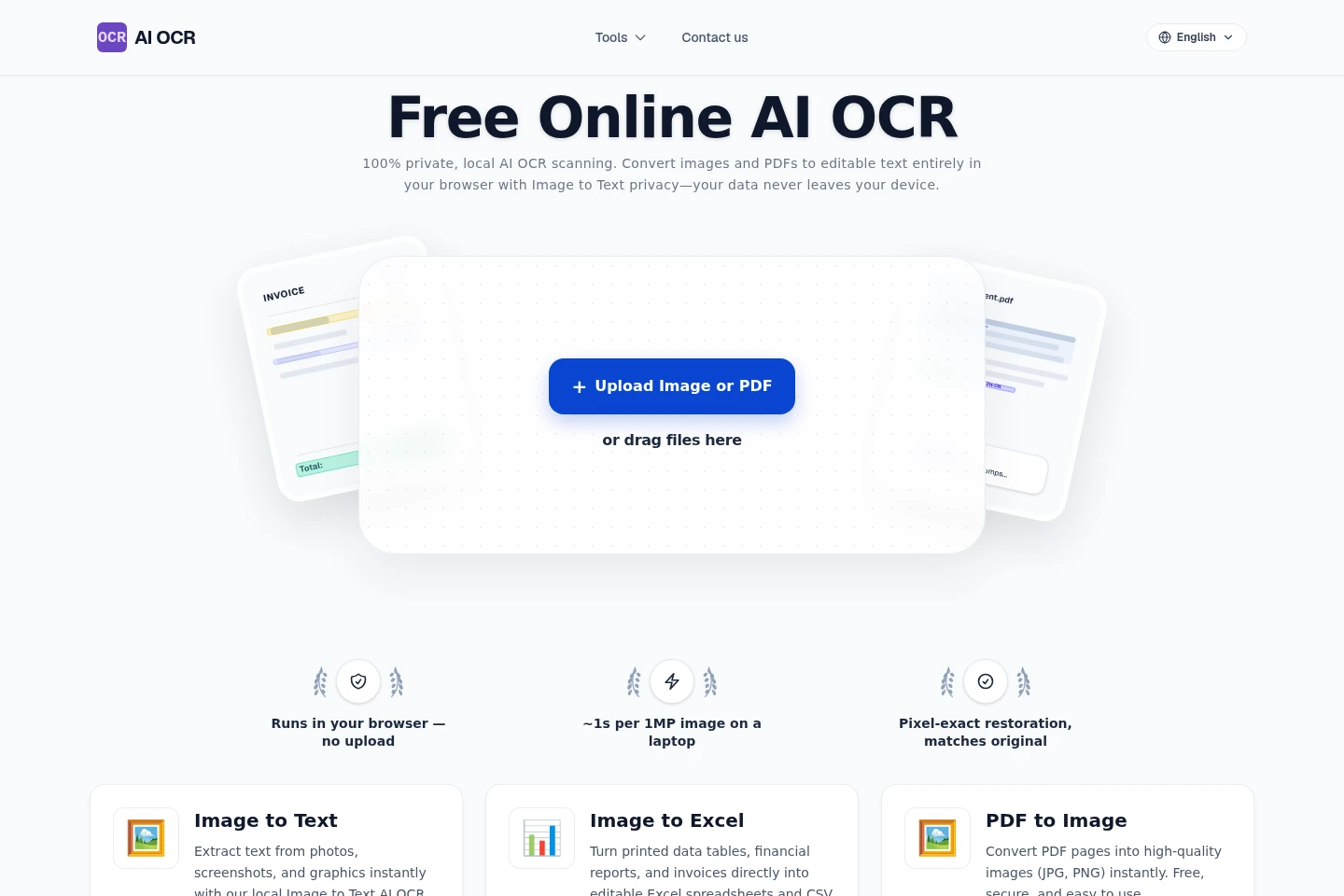
AI OCR extracts editable text from images and PDFs in a browser-based workflow. It supports more than 50 OCR languages, handwriting recognition, and table conversion to Excel or CSV. Processing runs locally in the browser, so files are not uploaded for OCR. Separate tools also convert PDFs to images and extract structured information from identity documents.
- AI Image
- OCR
- Document Parsing
- AI OCR image to text
- PDF OCR converter
- handwriting OCR
Capabilities
Image and PDF text extraction
Extracts editable text from image and PDF files in the browser. Users select or drag in a file, choose an OCR language from more than 50 options, and receive text without uploading the file.
Handwriting recognition
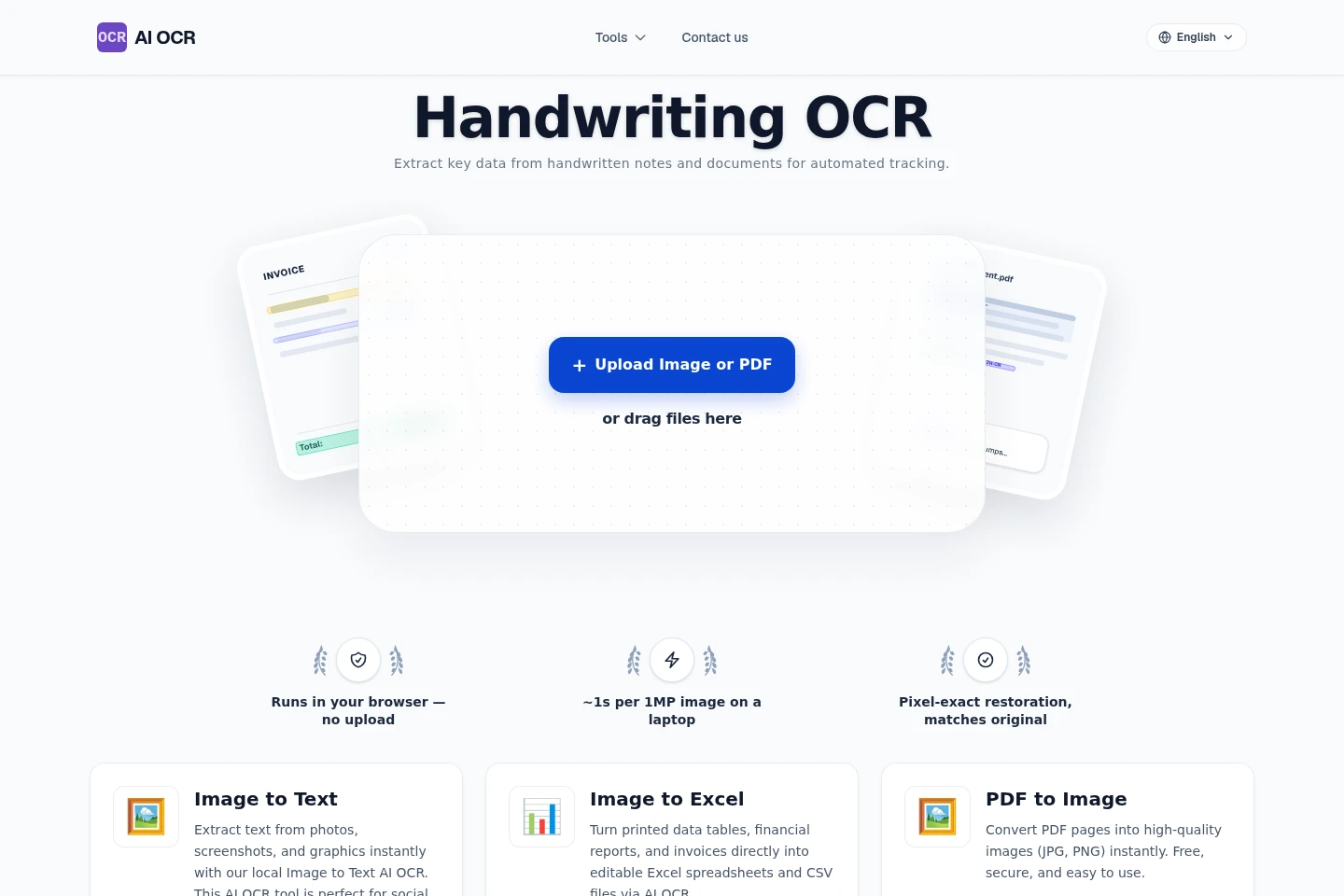
Recognizes handwritten notes and documents and returns editable text. Users provide a clear image; recognition can handle cursive, while legibility affects the result.
Table extraction to spreadsheets
Converts printed tables in images into editable spreadsheet data. Users provide a table image, and the tool exports the extracted data as Excel spreadsheets or CSV files.
Identity document data extraction
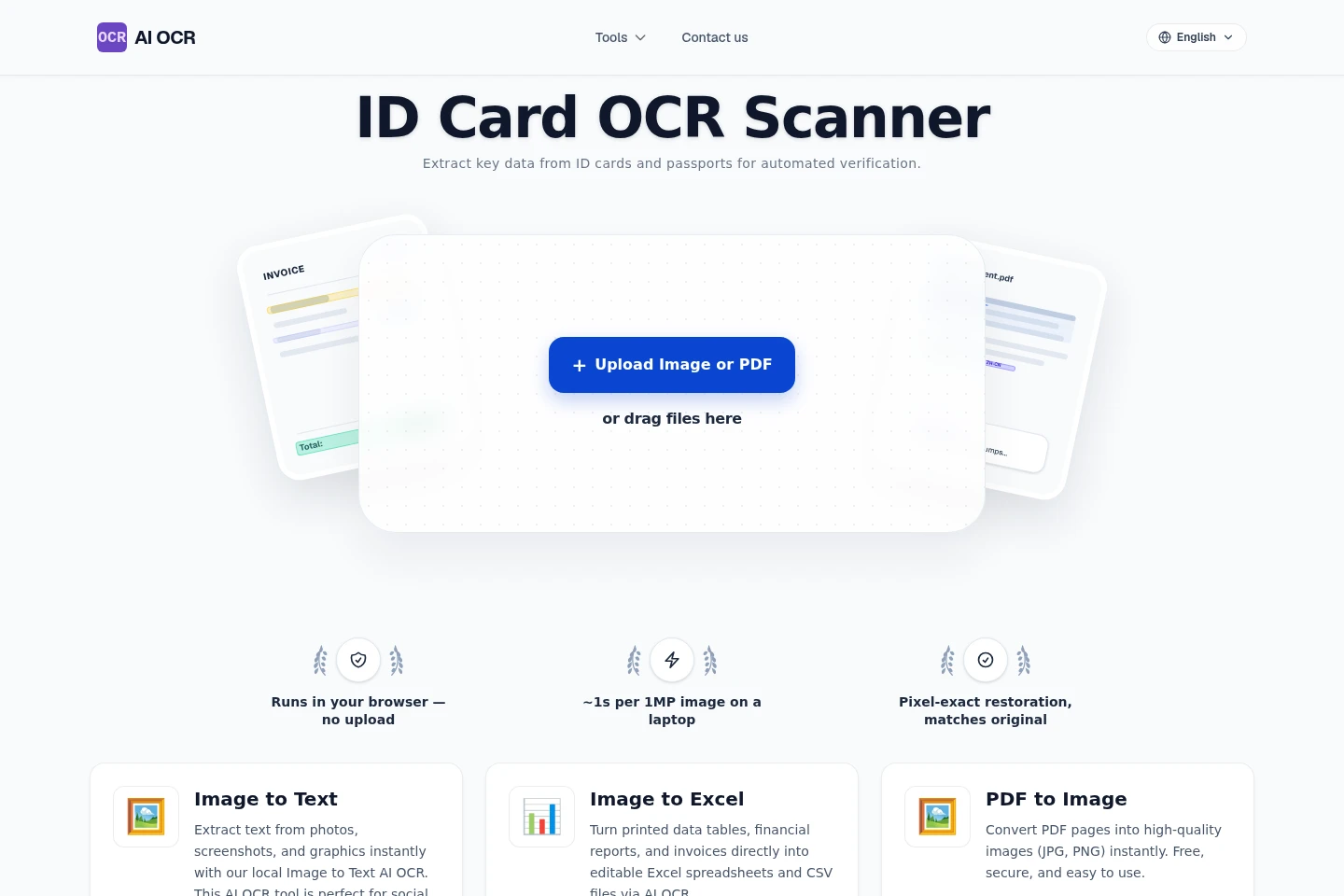
Extracts structured fields from identity cards and passports for verification workflows. The tool identifies text zones and passport MRZ data from an uploaded image and provides structured information for download.
Pricing
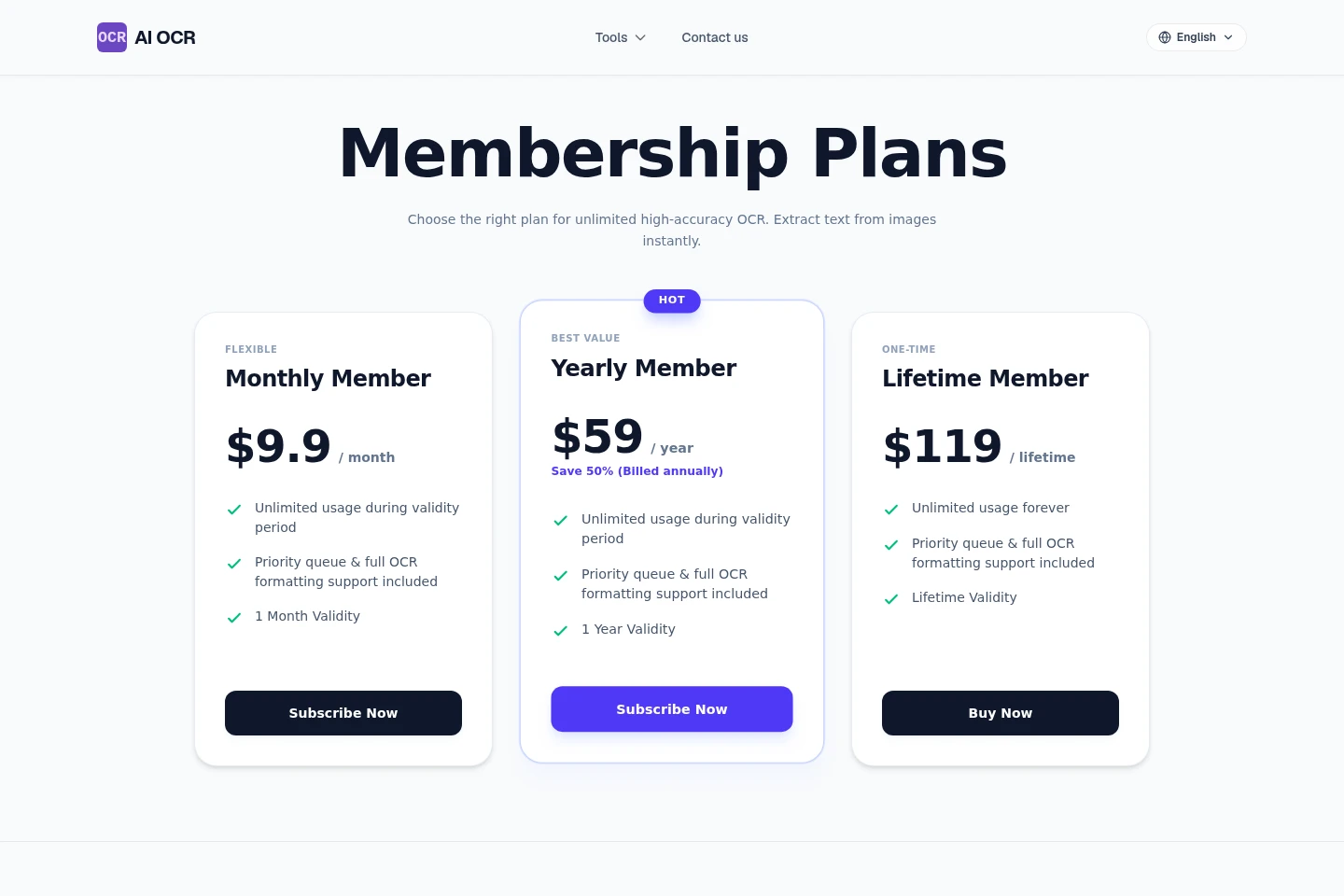
AI OCR offers a free signup credit allowance, monthly and yearly subscriptions, and a one-time lifetime purchase. Compare the validity period and whether payment recurs when choosing a plan.
| Plan | Price | Included features and limits |
|---|---|---|
| Monthly Member | $9.9 per month |
|
| Yearly Member | $59 per year, billed annually |
|
| Lifetime Member | $119 lifetime |
|
The pricing page also describes 50 free signup credits. Its homepage FAQ mentions a free tier with a daily conversion allowance, but does not state that allowance's amount.
Use cases
Make scanned documents editable
When a document is available as an image or scanned PDF, select it in the browser OCR tool to extract text. The result is editable text, with document paragraphs and formatting intended to be retained.
Turn image tables into spreadsheet data
When printed tables or invoice data are stored in an image, use Image to Excel to extract the table. The output can be downloaded as an Excel spreadsheet or CSV file.
Transcribe handwritten notes into digital text
When notes or other documents are handwritten, provide a clear photo to Handwriting OCR. It recognizes writing, including cursive, and returns text that can be edited, saved, or shared; clearer writing supports better recognition.
Extract fields from identity documents
For a workflow that needs data from an ID card or passport, submit an image to ID Card OCR. It identifies key fields, including names, dates, and ID numbers, and provides structured information for download.
Limitations
OCR runs in the user's browser; the pages state that files are not uploaded for processing, so this workflow depends on local browser processing.
Handwriting recognition depends on legibility; the product's FAQ says clearer writing gives better results.
The free signup offer is limited to 50 credits; the pricing page separately lists paid plans for continued use.
Who it is for
People who need to turn image-based documents into editable text
Users who want to digitize handwritten notes, letters, or meeting pages
People who need printed table data exported from images to spreadsheets
Operators handling identity-document data for verification or check-in workflows
FAQ
Is AI OCR free to use?
A free signup offer includes 50 credits. After those credits, the pricing page lists monthly and yearly subscriptions and a lifetime plan; the homepage also describes a free tier, but does not specify its daily quota.
What happens to files during OCR?
Image and PDF OCR runs locally in the browser, and the homepage says files are not uploaded. The ID Card OCR page also states that personal information is not stored and describes processing in memory.
Can AI OCR recognize handwriting?
Yes. Handwriting OCR recognizes handwritten text, including cursive. The result depends on legibility, and the FAQ notes that clearer writing gives better results.
Which languages can I choose for OCR?
The product lists more than 50 OCR language options. Users can choose a recognition language before converting; the listed examples include English, Chinese, Japanese, French, German, Spanish, and Portuguese.
Can I convert tables from images to Excel or CSV?
Yes. Image to Excel extracts printed table data and can provide Excel spreadsheet or CSV output. The homepage describes table extraction and reconstruction for these formats.
Comments