

- Monthly visits
- 3,597
- 2026-09
- Monthly growth -1.4%
MuseVideo - Create prompt-based videos with sound generated in the scene
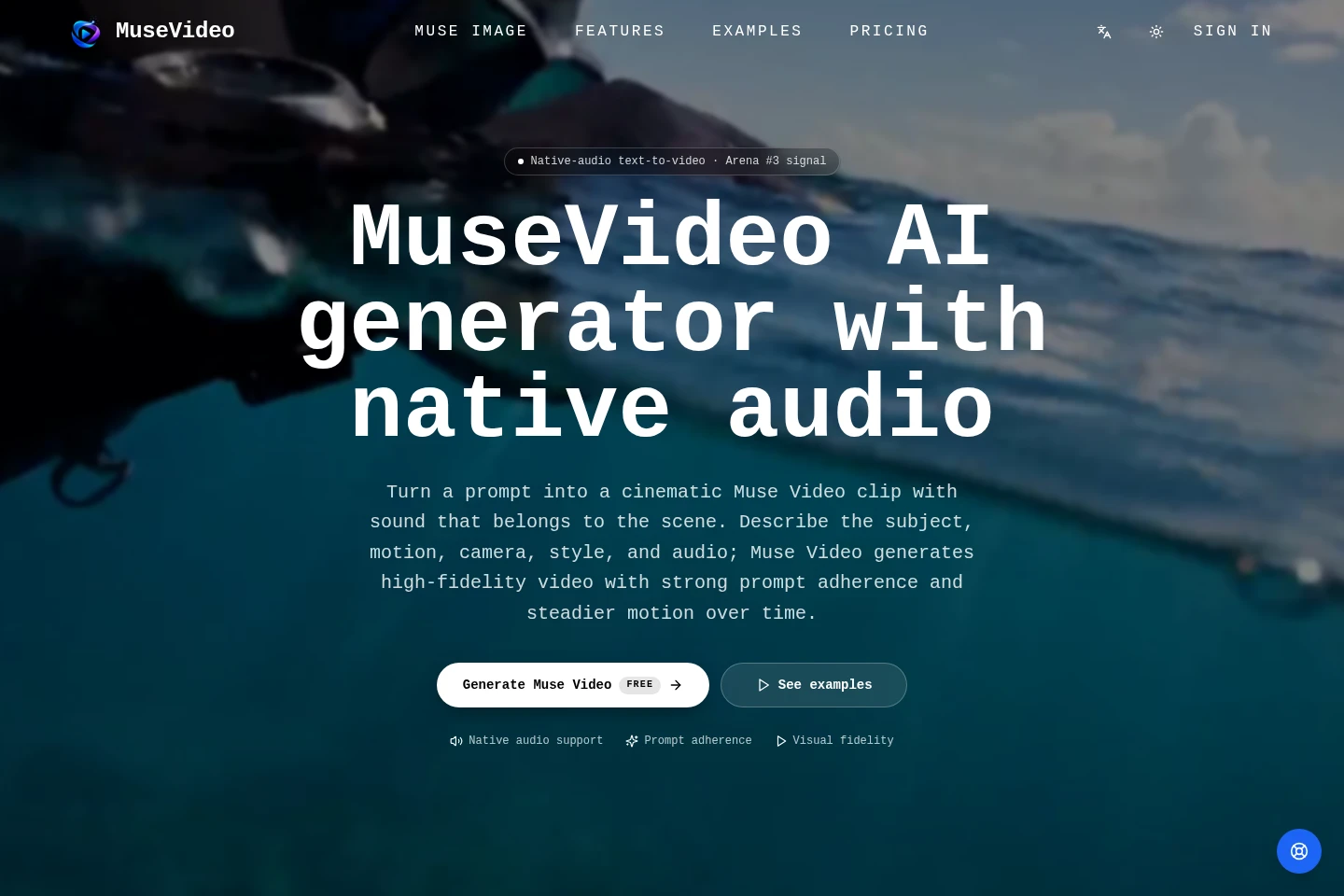
MuseVideo is a web-based AI video generator that turns text prompts into short video clips with native audio. Describe the subject, action, camera, visual style, and sound, then choose an aspect ratio, duration, and resolution. Preview and download successful renders. Generations use credits, and the site offers monthly and yearly subscriptions plus one-time credit packs.
- AI Video
- Video Generators
- Sound Effect Generation
- native-audio AI video generator
- text-to-video with sound
- MuseVideo credits
Capabilities
Prompt-to-video generation
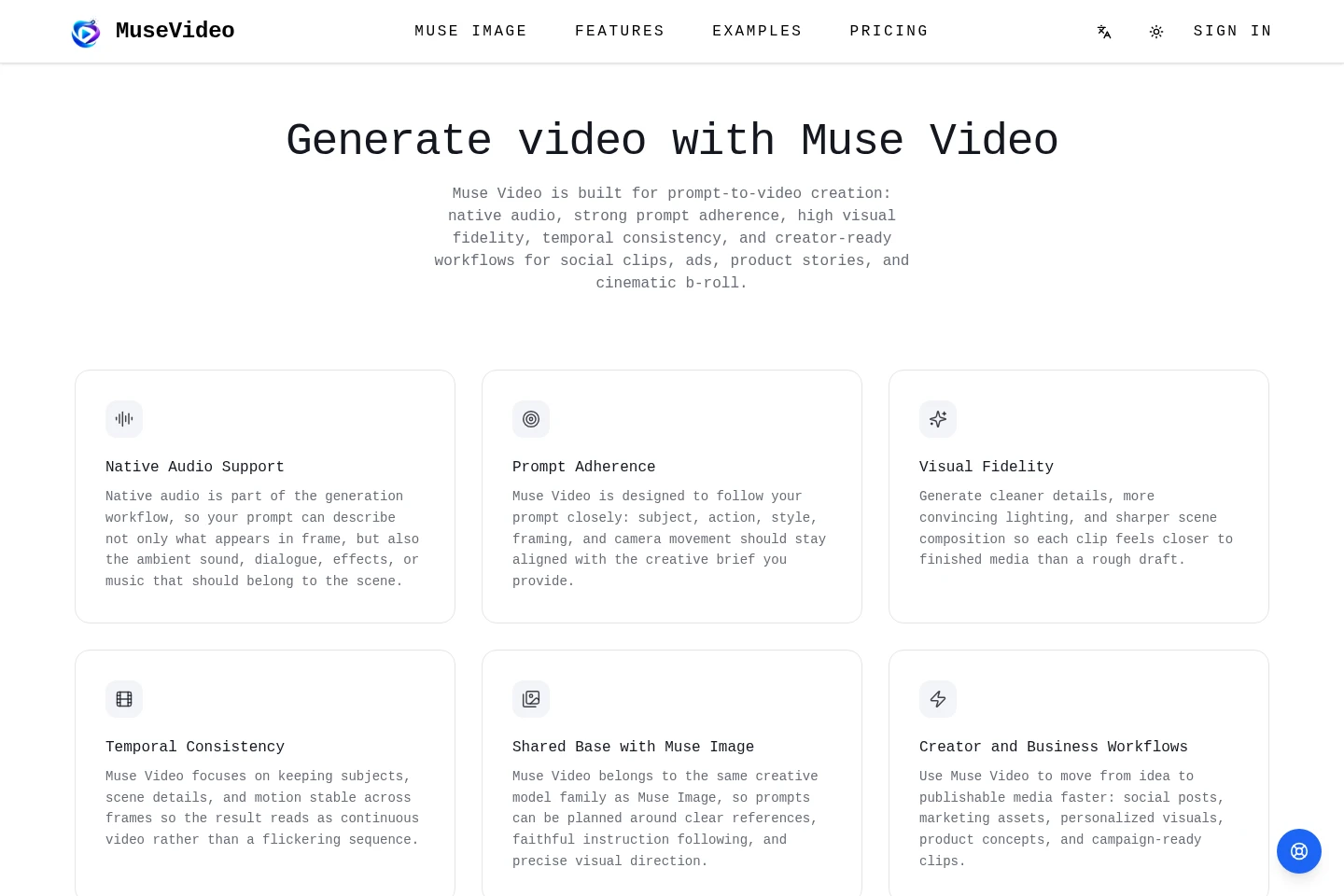
Creates a short video clip from a text prompt. Describe the subject, action, camera movement, and style; choose an aspect ratio, a duration of 4, 6, or 8 seconds, and a resolution of 720p, 1080p, or 4K.
Native audio generation
Generates scene audio as part of the video rather than as a separate soundtrack. Prompts can describe ambience, dialogue, sound effects, or music alongside the visual action.
Clip preview and download
Displays successful renders in a result panel for preview and download. Sign in, submit a prompt, and select the available video settings to generate a clip.
Pricing
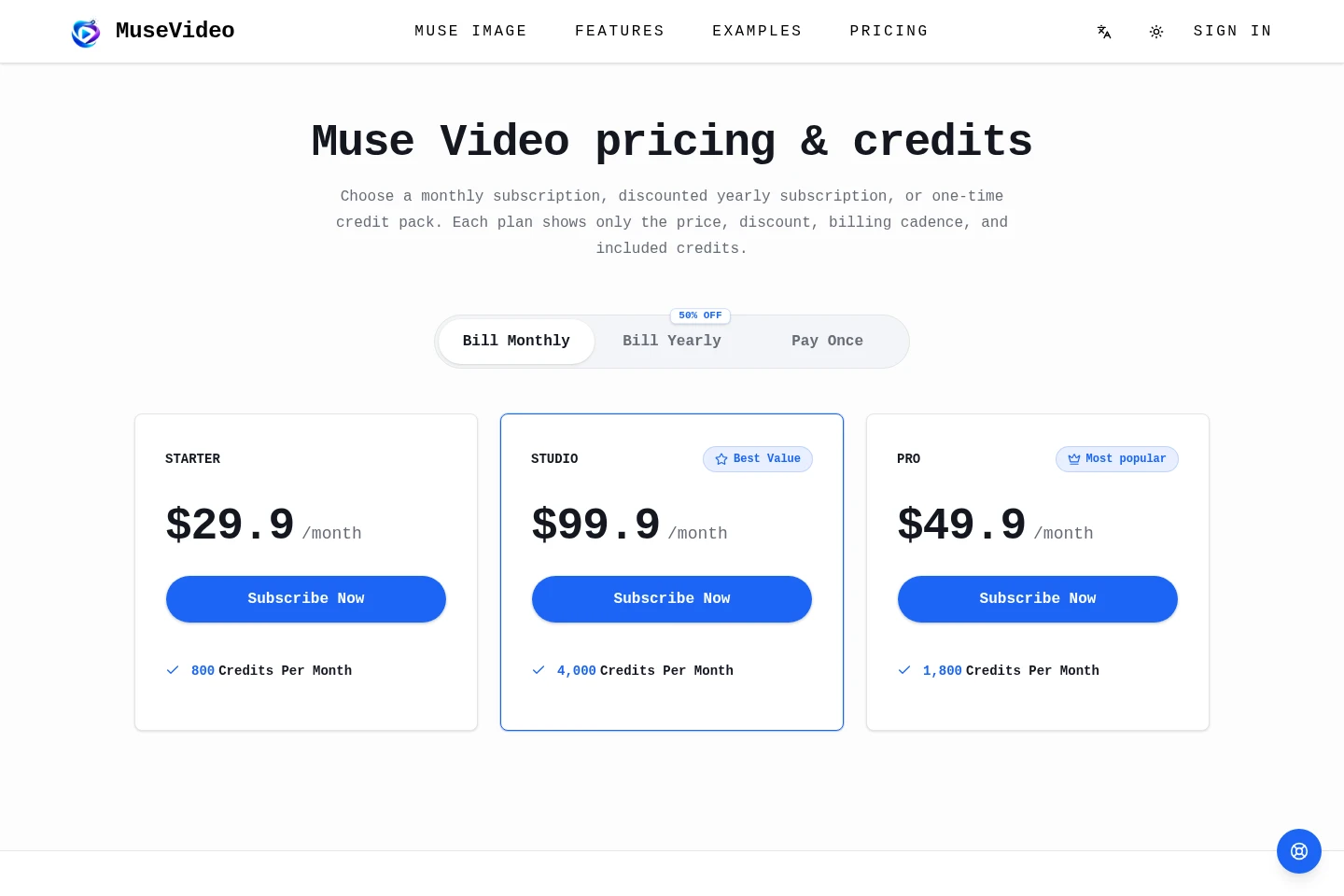
MuseVideo offers paid subscriptions and one-time credit packs. Compare the included monthly credits and billing option; the displayed subscription prices are monthly, and yearly billing is described as discounted.
| Plan | Price | Included features and limits |
|---|---|---|
| Starter | $29.9/month |
|
| Studio | $99.9/month |
|
| Pro | $49.9/month |
|
The pricing page also offers a discounted yearly subscription and one-time credit packs, but the supplied page text does not state their prices or credit quantities.
Use cases
Create short videos for social feeds
When preparing a social post or launch announcement, describe the subject, camera movement, and scene audio in a prompt. Generate a short clip for formats and channels such as TikTok, Reels, or Shorts.
Create marketing video concepts
When developing an ad, product launch, or social campaign, provide a product idea, campaign brief, or brand mood. MuseVideo generates video concepts that can be previewed and downloaded.
Create product stories and demo clips
When a website, product demo, or interactive media concept needs motion and sound, describe the scene and its style in a prompt. Generate an animated story or demo clip with native audio.
Limitations
Generation requires an account sign-in; the generator directs users to sign in before creating a clip.
Resolution options consume different credit amounts: 720p uses 12 credits, 1080p uses 18 credits, and 4K uses 60 credits.
Commercial use is stated for paid-plan outputs and remains subject to the site's terms; users are responsible for their prompts and avoiding infringement.
Who it is for
Creators preparing short, sound-led clips for social feeds
Small-business marketers developing video concepts for ads and product launches
Product and web teams creating animated stories, demos, or embedded visuals
FAQ
What does MuseVideo generate from a prompt?
MuseVideo generates short AI video clips with native audio from text prompts. Prompts can describe the subject, action, camera, style, and sound for the scene.
Can I generate and download clips on this site?
Yes. Sign in, write a prompt, choose the aspect ratio and settings, and generate a clip. Successful renders appear in the result panel for preview and download.
How is audio included in a generated video?
Audio is part of the video-generation workflow rather than a separate soundtrack step. Describe the visual action and desired ambience, dialogue, effects, or music in the prompt.
How do credits and pricing work?
Each generation uses credits from your balance, and credits are spent only on a successful render. The site describes monthly subscriptions, discounted yearly subscriptions, and one-time credit packs; resolution also affects credit use.
Can paid-plan videos be used commercially?
Yes, paid-plan outputs can be used for commercial work under the site's terms. Examples include ads, social posts, landing pages, client concepts, and campaign assets; users remain responsible for their prompts and rights.
Comments