Monthly visits
412,788
2026-10
Monthly growth +55.6%

Muapi - One API for generative image, video, and audio models

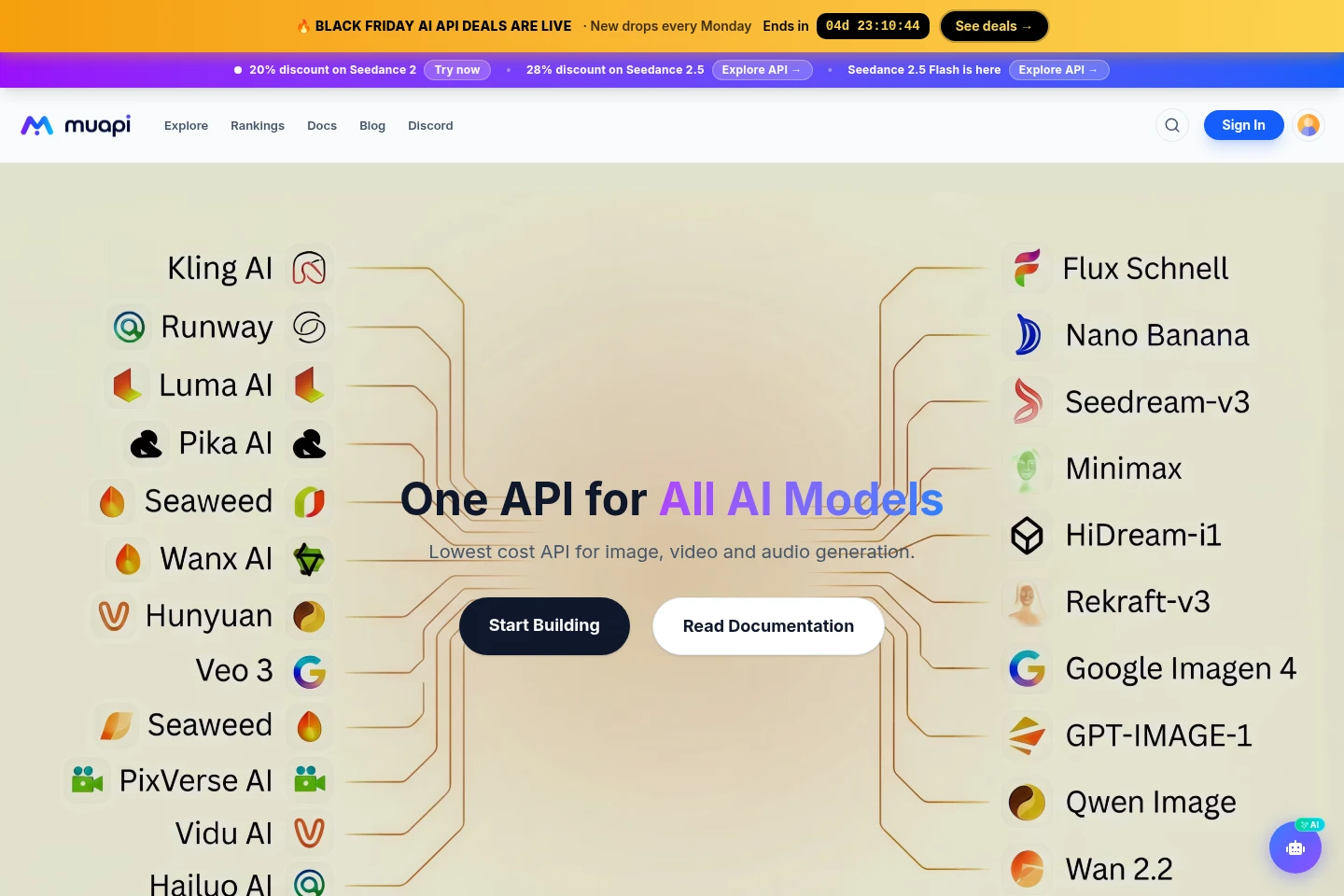
Muapi provides a unified API and browser playground for generative image, video, and audio models from providers including OpenAI, Google, Kling, and ByteDance. Users can explore model tools, create API keys, and integrate model generation into applications. Pricing is listed per model and generation, with some tools priced by second.

Visit WebsiteUpdate this product

2Views

Capabilities

Unified model API

Send requests to generative AI models through a shared API and receive generated media. Select from image, video, audio, and editing models, then use API keys to integrate supported models into an application.

Browser model playground

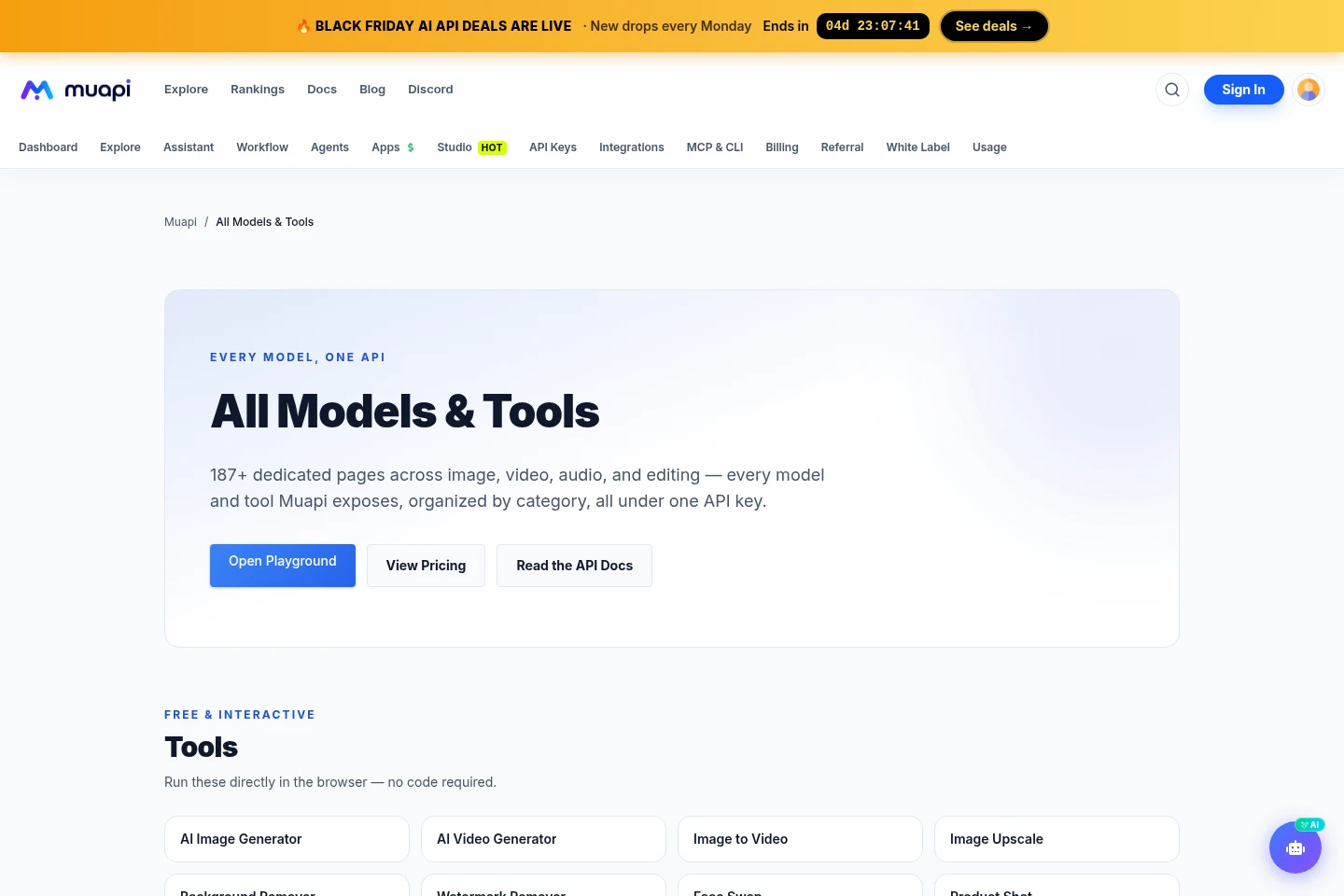
Run selected generative tools in an interactive browser playground and view their outputs. Choose available image, video, or audio tools and provide the inputs requested by that model; the page describes these tools as usable without code.

Model and tool discovery

Browse a categorized catalog of models and media tools. Filter the available listings by category and inspect dedicated model pages, with the catalog covering image, video, audio, and editing.

Per-model generation pricing

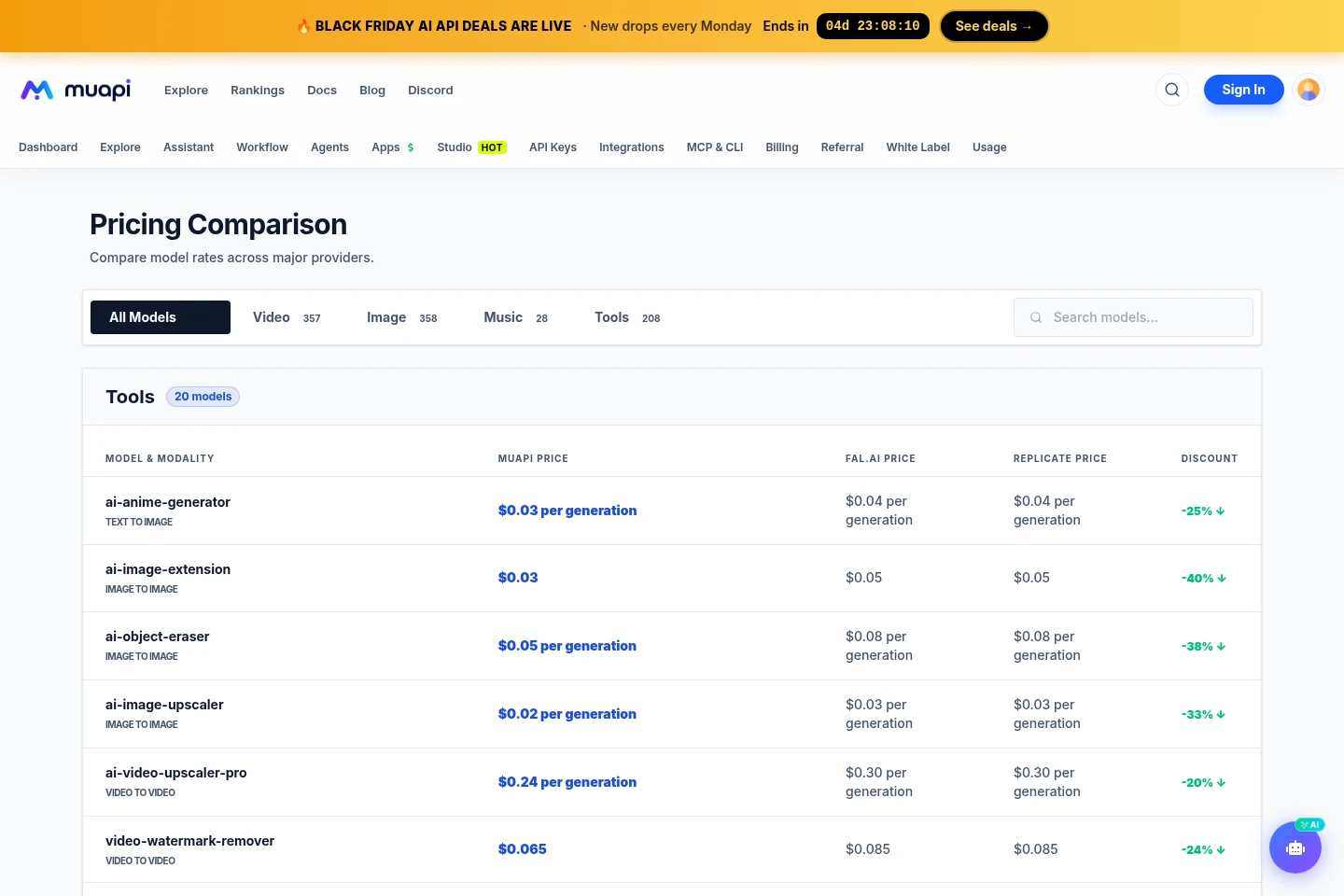
Review listed prices for individual models and tools. Prices may be per generation or per second, and the pricing page compares Muapi rates with Fal.ai and Replicate for listed entries.


Pricing

Muapi lists pay-per-generation and, for some tools, per-second prices rather than subscription plans. Compare the selected model's modality, unit, and listed rate before using it.

Use cases

Integrate media generation into an application

When an application needs generated images, video, or audio, developers can select a listed model and call Muapi through its API. API keys and documentation are linked from the product, and the chosen model determines the supported media task.

Test image and video tools in a browser

When comparing available generation or editing tools, users can open the browser playground and run supported tools without writing code. They provide the model-specific inputs and can inspect the resulting media.

Compare prices for available models

When choosing among listed models, users can consult the pricing comparison for model-level rates. The displayed entries identify the modality and may quote a per-generation or per-second price.

Limitations

  • Prices differ by model and task; some tools charge per second, and the listed pricing table does not show one uniform rate for all generations.

Alternatives

GPTProto

One API for text, image, video, and audio models

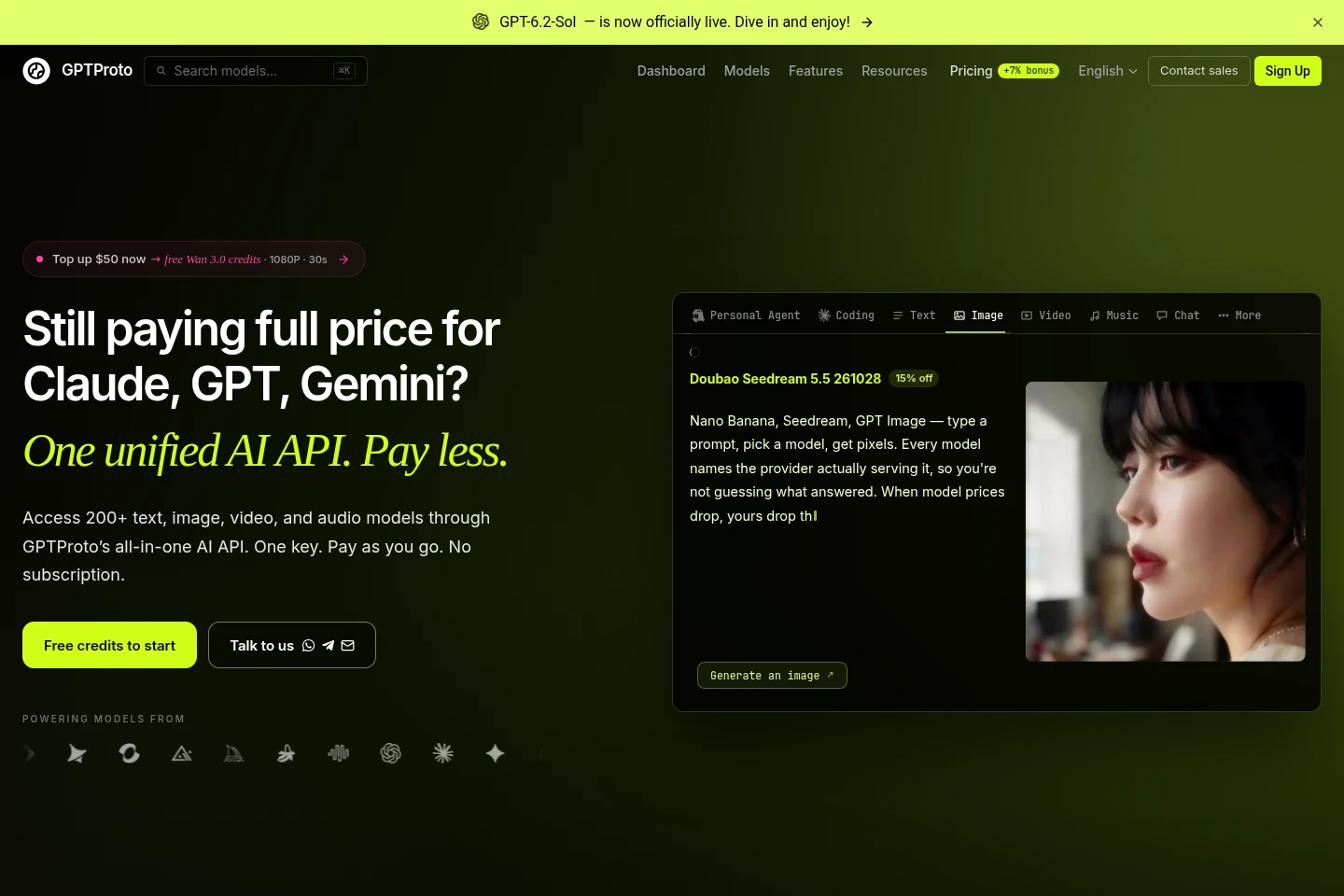
GPTProto provides a unified API for text, image, video, and audio models, alongside browser-based tools for creating content. Its OpenAI-compatible endpoint lets developers use supported models through one API key and a consistent request and response format. Pricing is pay as you go, with charges based on model usage.

  • Cloud
  • API
  • Paid
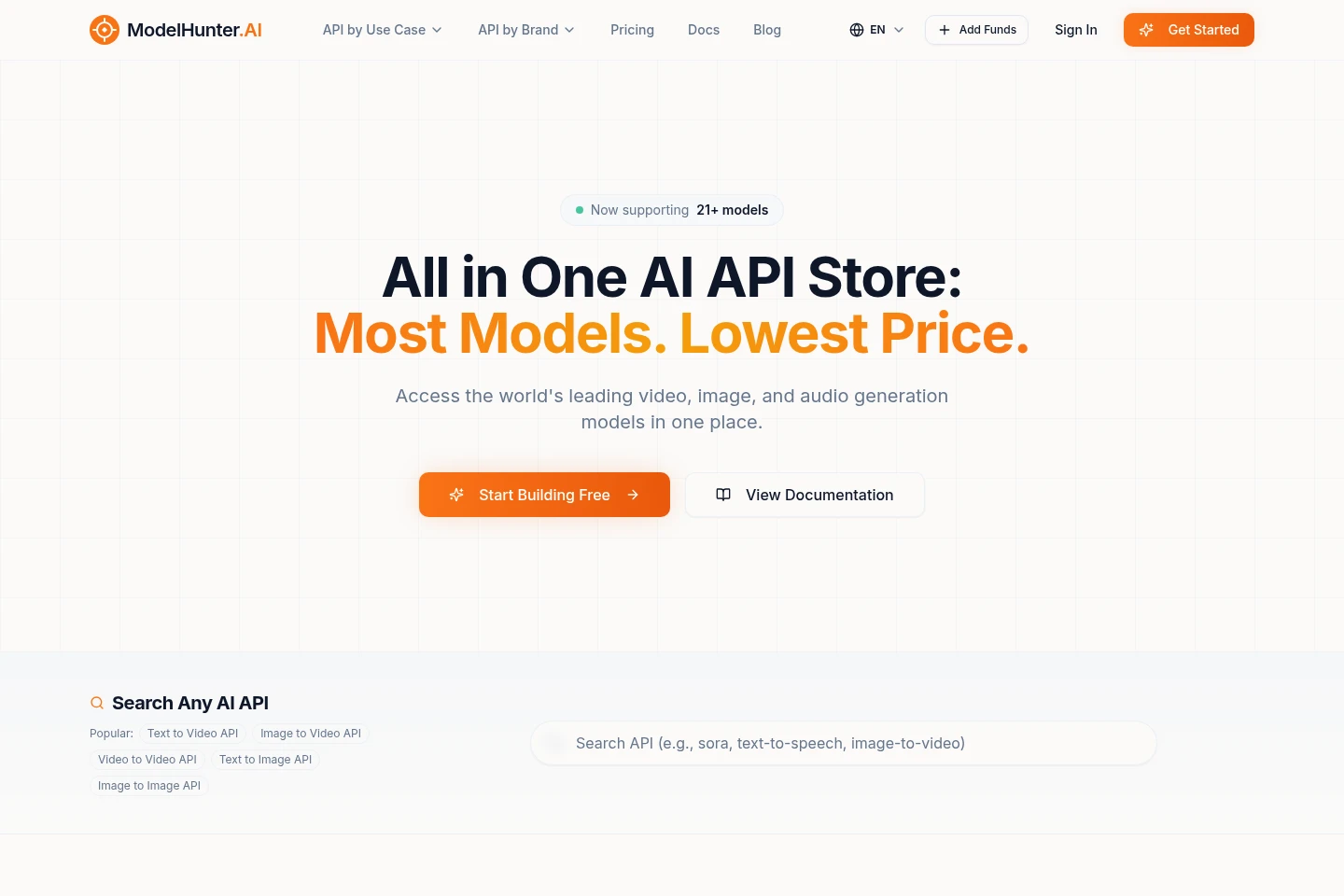
  1. ModelHunter.AI

    One API for video, image, and audio generation models

    Paid
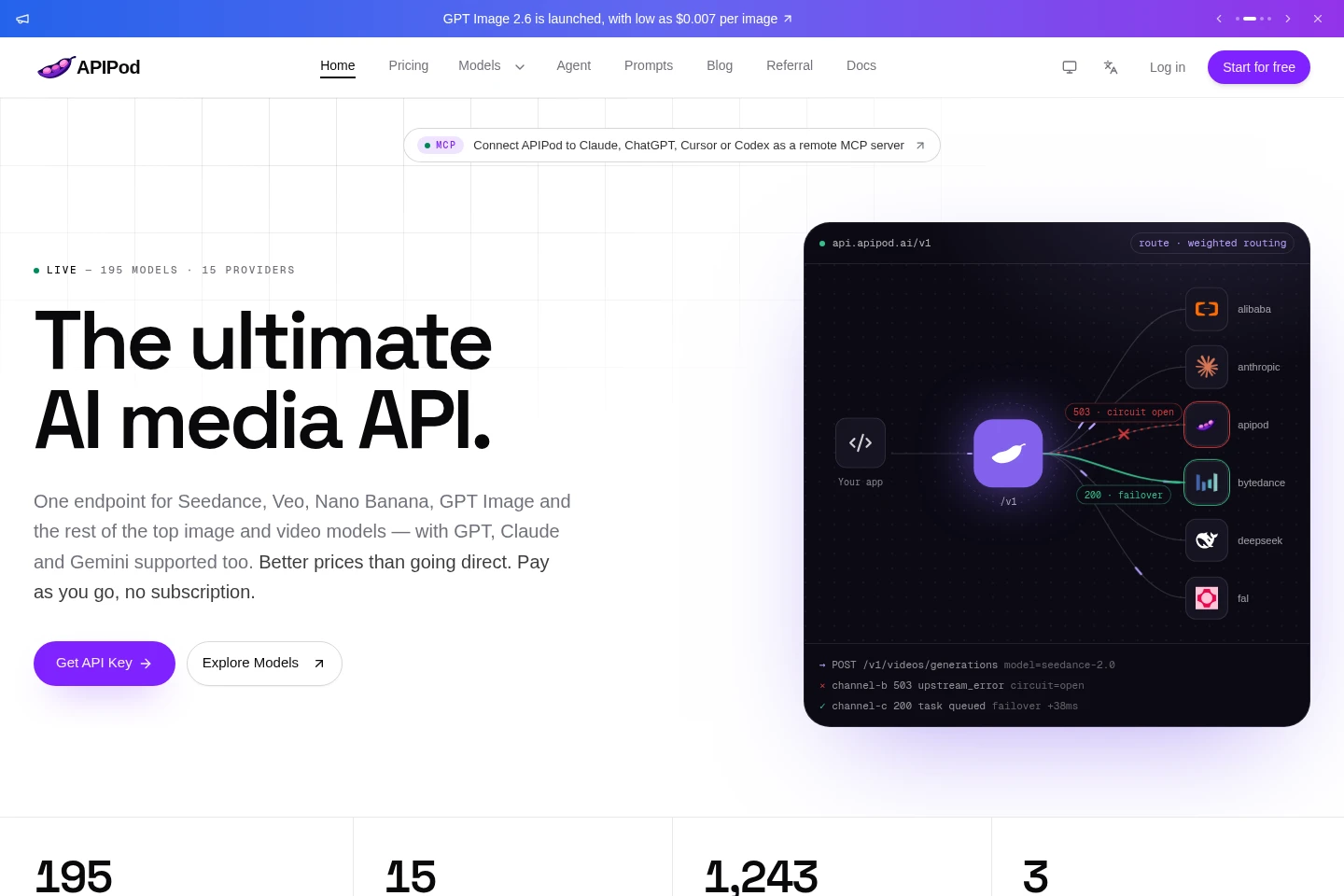
  2. APIPod

    One API for image, video, and language models, billed by use

    Paid
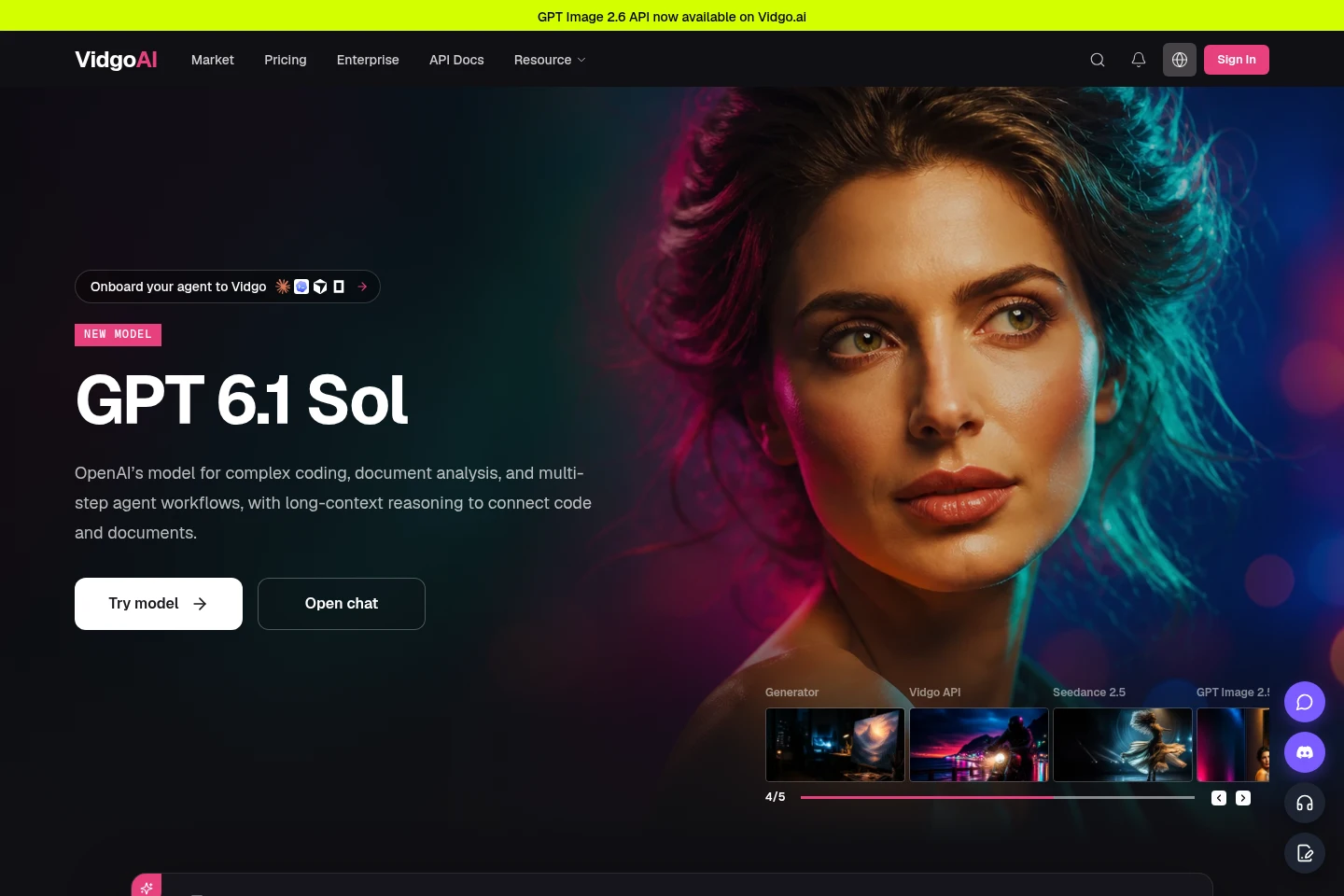
  3. Vidgo AI

    One API and workspace for generative AI models

    Paid
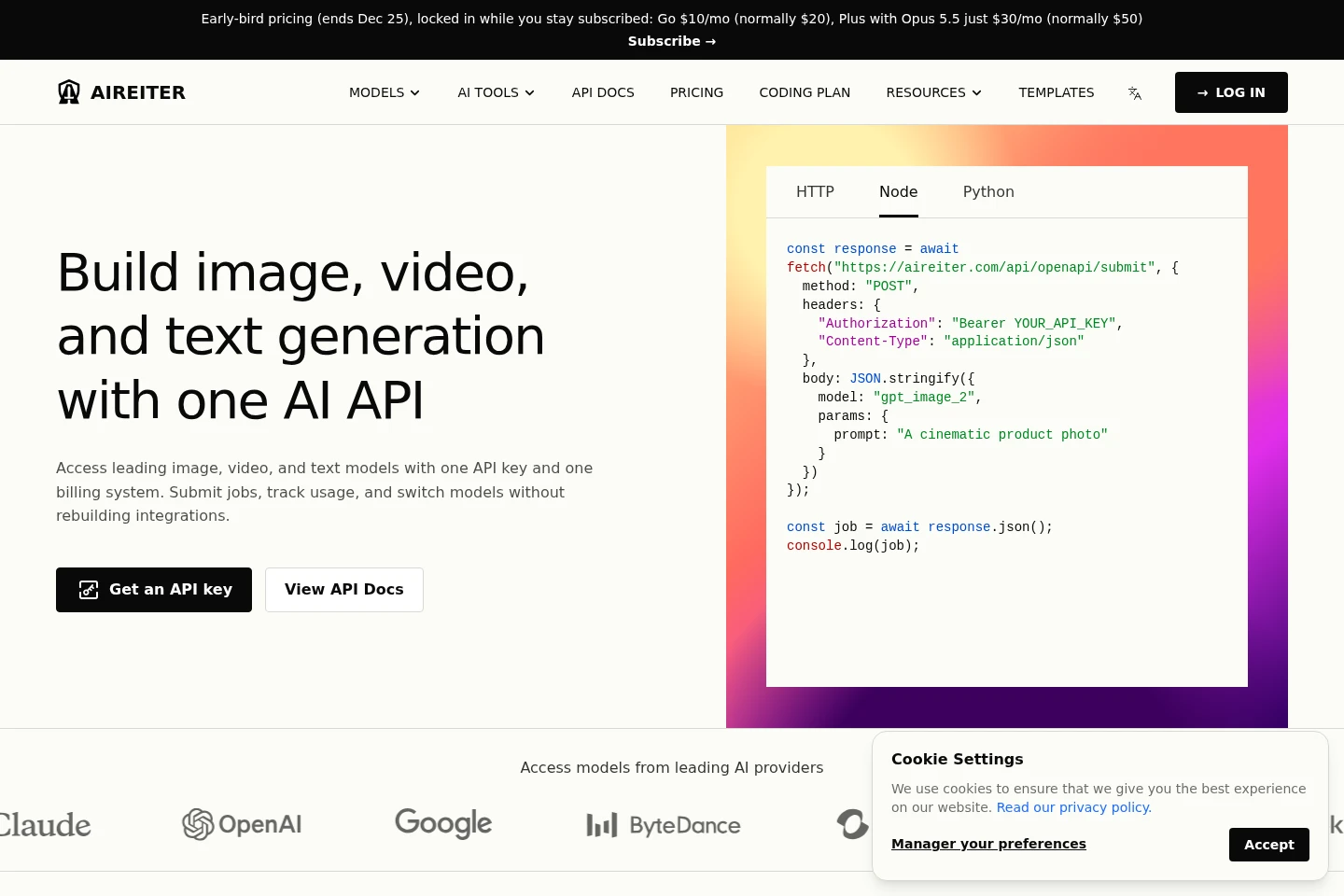
  4. AIReiter

    One API for image, video, and text generation

    Go · $10/mo early-bird; normally $20/mo
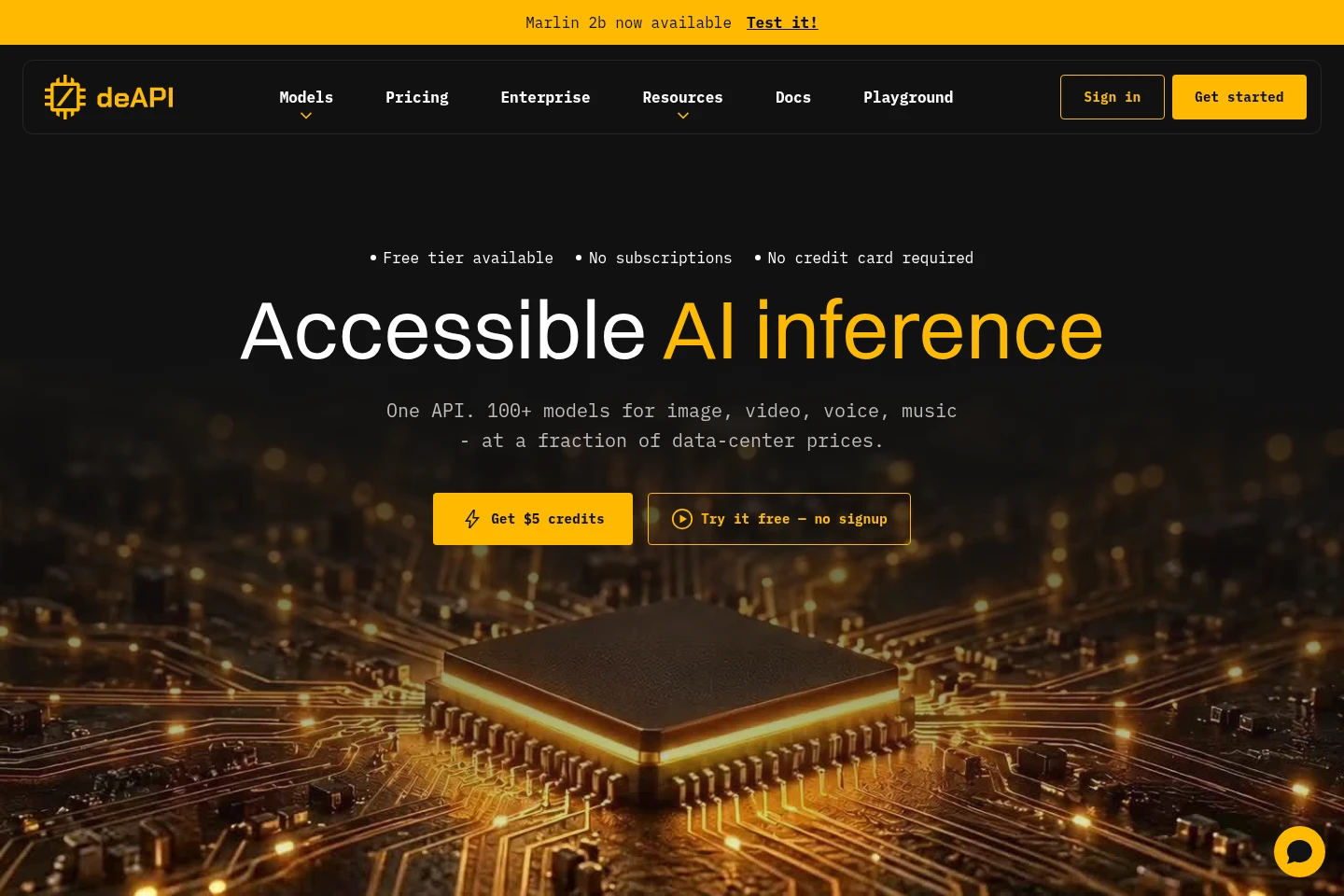
  5. deAPI

    One API for open-source generative AI models

    Paid

Who it is for

  • Developers integrating generative media models into applications

  • Creators using browser-based image, video, and audio generation tools

  • Teams comparing available generative models and their listed rates

FAQ

How does Muapi provide access to AI models?

Muapi offers a shared API for generative models, alongside a browser playground. The available models cover image, video, audio, and editing tasks.

Can I try tools without writing code?

Yes. The models and tools page describes selected tools as interactive and usable directly in a browser without code. Availability and required inputs depend on the individual tool.

How is model usage priced?

The pricing page lists rates by model or tool, commonly per generation and sometimes per second. It also displays comparisons with Fal.ai and Replicate for listed models.

Which languages are available in the interface?

The site lists 20 interface languages, including English, Simplified Chinese, Spanish, French, German, and Portuguese. The language menu provides the complete set.

Comments

Please sign in to leave a comment.
No comments yet. Be the first to share your thoughts!