
Monthly visits
1,086
2026-10

Mixinflow - Edit and prepare photos with AI tools and text prompts

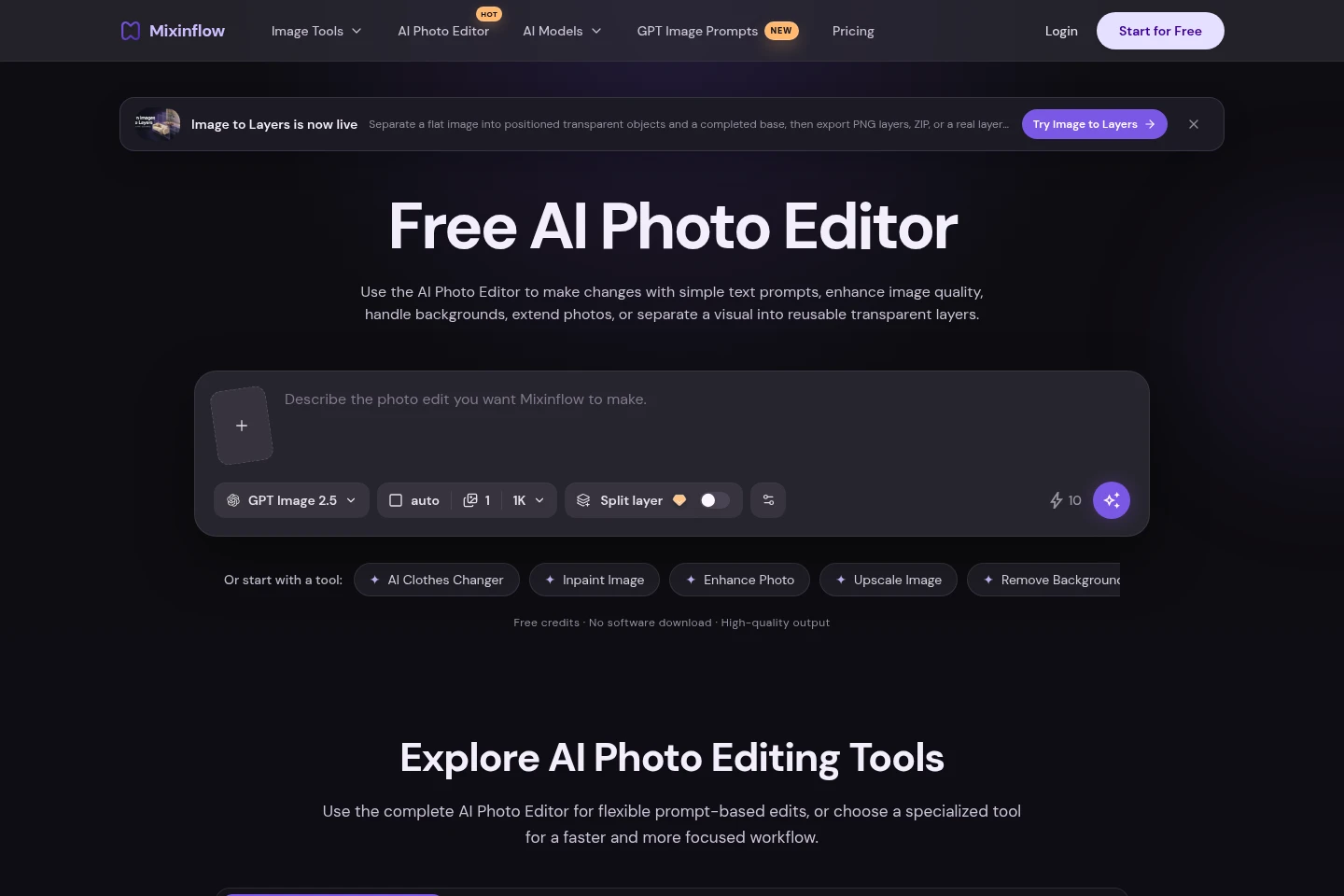
Mixinflow is an online AI photo editor with prompt-based editing and specialized tools for image enhancement, background removal and replacement, image extension, resizing, restoration, and object cleanup. It can also separate a flat image into transparent layers for export as PNG files, ZIP, or layered PSD. Paid subscriptions and one-time credit packs are available alongside free credits.

Visit WebsiteUpdate this product

3Views

Capabilities

Prompt-based photo editing

Text prompts edit photos by changing backgrounds, lighting, colors, objects, composition, or visual style. Users describe a desired change in the AI Photo Editor and can choose among image models.

Specialized image tools

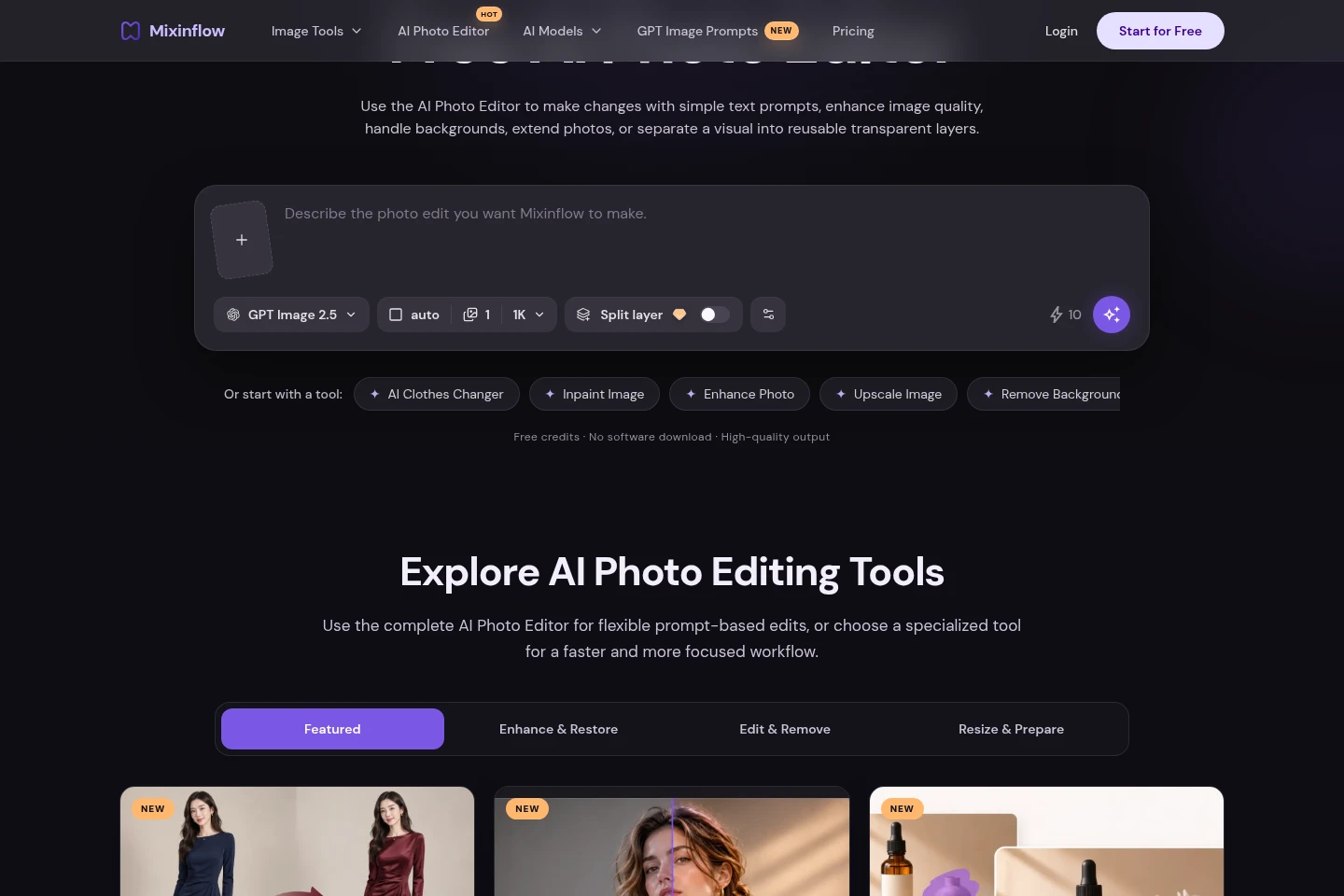
Dedicated tools produce edits such as background removal, object removal, restoration, enhancement, resizing, and image extension. Users select a tool and provide an image; some tools offer focused controls such as selecting an area or choosing dimensions.

Image-to-layers export

Image to Layers separates a flat image into positioned transparent objects and a completed base. The result can be inspected in a placement-aware preview and exported as PNG layers, ZIP, or layered PSD.

PricingFreemium

Mixinflow offers free credits, recurring monthly subscriptions, and one-time credit packs. Compare credit volume, image limits, generation speed, concurrent jobs, model access, and watermark terms when choosing.

PlanPriceIncluded features and limits
Free

$0

  • 30 credits daily for signed-in accounts; 10 credits without signup

  • Up to 3 images daily with GPT Image 2 at 1K resolution

  • 1 concurrent job

  • Standard generation speed

Starter

$9.90/month

  • 2,000 credits/month

  • Up to 340 GPT Image 2 images monthly

  • Up to 4 concurrent jobs

  • Standard generation speed

  • No watermark on paid generations

Studio

$19.90/month

  • 5,000 credits/month

  • Up to 850 GPT Image 2 images monthly

  • Up to 8 concurrent jobs

  • Faster generation speed

  • No watermark on paid generations

Pro

$39/month

  • 12,000 credits/month

  • Up to 7,000 GPT Image 2 images monthly

  • Up to 8 concurrent jobs

  • Fastest generation speed

  • No watermark on paid generations

Mini Pack

$4.90 one-time

  • 350 credits

  • Credits do not expire

  • Works with every paid model

Starter Pack

$9.90 one-time

  • 900 credits

  • Credits do not expire

  • Works with every paid model

Studio Pack

$19.90 one-time

  • 2,200 credits

  • Credits do not expire

  • Works with every paid model

Pro Pack

$49 one-time

  • 6,500 credits

  • Credits do not expire

  • Works with every paid model

Business Pack

$199 one-time

  • 35,000 credits

  • Credits do not expire

  • Works with every paid model

Credit use depends on model, resolution, and number of outputs. Subscription credits reset each billing period. Credit packs are one-time purchases, do not expire, and may be added to a subscription. The pricing page also displays an annual option, but the supplied evidence does not show its price or payment conditions.

Use cases

Retouch a photo with a targeted edit

When a photo needs a visual adjustment, users can describe a change in the AI Photo Editor or select a focused tool. The workflow can alter lighting or colors, remove objects, or repair a selected area, producing an edited image.

Prepare an image for a new layout

When an image needs a different composition or output size, users can extend its borders, crop it, or resize it to exact pixel dimensions or percentages. These tools prepare images for banners, thumbnails, websites, or social platforms.

Separate an image into editable layers

When a flat image needs separated elements for further raster editing, users submit it to Image to Layers. The tool separates transparent objects and a base, then provides PNG layers, a ZIP, or a layered PSD.

Limitations

  • Subscription credits reset each billing period, while the number of image generations varies by model, resolution, and output count.

  • The free plan allows up to 3 images per day with GPT Image 2 at 1K resolution; signed-in users receive 30 credits daily, while users without signup receive 10 credits.

  • The stated no-watermark benefit applies to paid generations; the pricing comparison does not promise watermark-free outputs on the free plan.

Alternatives

Pixfy AI

AI-powered conversational image editor

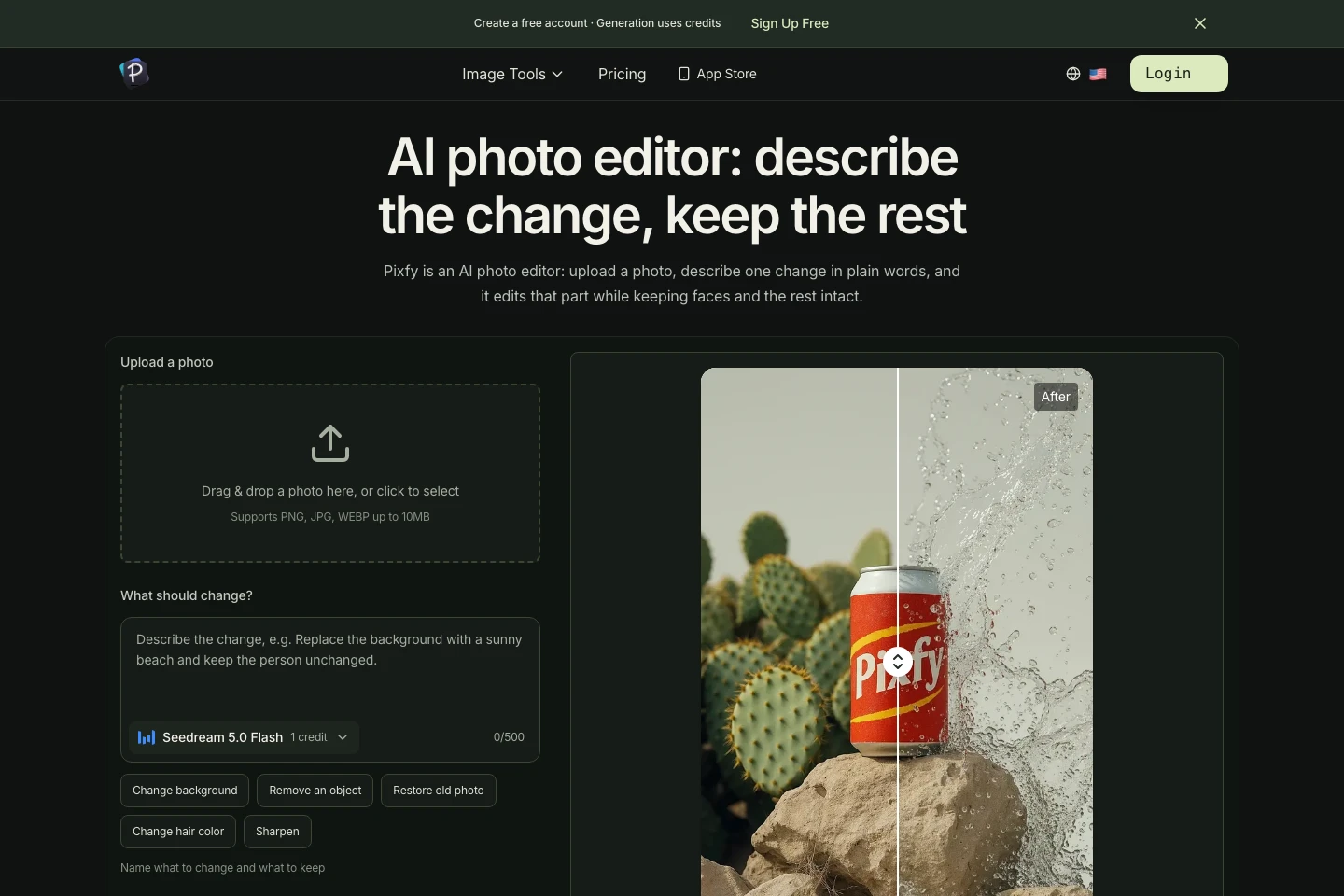
Pixfy AI revolutionizes photo editing with its intuitive conversational interface. The platform offers a comprehensive suite of AI tools including background removal, object erasure, and quality enhancement. Designed for e-commerce professionals, content creators, and personal users alike. Features text-to-image generation capabilities for creative projects. Provides both free and premium subscription plans with varying credit allocations. Delivers professional-grade results in under 10 seconds. Trusted by over 387,000 users for 1.5 million+ image processing tasks.

  • Free
  1. EditIMG AI

    AI-powered professional image editor

    Free
  2. Image Editor Online

    Edit and transform photos with AI prompts online

    Free
  3. AI Image Editor

    Generate and refine images with AI online

    Free · 0 / month
  4. Image to Image AI

    Transform uploaded images with AI and text prompts

    Freemium
  5. AI Photo Editor

    Edit photos with text prompts and AI-powered tools

    Free Plan · Free

Who it is for

  • People who need to edit and retouch photos using text prompts or focused image tools.

  • Creators preparing image variations, resized compositions, or layered assets for publishing.

FAQ

How are Mixinflow credits used?

Credits are spent when you generate or edit images. The amount varies by model, resolution, and output count; subscription credits reset each billing period, and one-time credit packs remain as backup balance.

Do credit packs require a subscription?

No. Credit packs can be bought once without changing a plan, and the pricing page says they can also be added on top of a subscription.

Can a Mixinflow subscription be canceled?

Yes. The pricing page says subscriptions can be canceled anytime.

Can paid Mixinflow results be used commercially?

Yes. The pricing page states that commercial use is included and that paid plans include a Commercial AI license.

Comments

Please sign in to leave a comment.
No comments yet. Be the first to share your thoughts!