

- Monthly visits
- 22,149
- 2026-09
- Monthly growth -0.2%
MinutesLink - AI meeting recording, transcripts, and organized notes
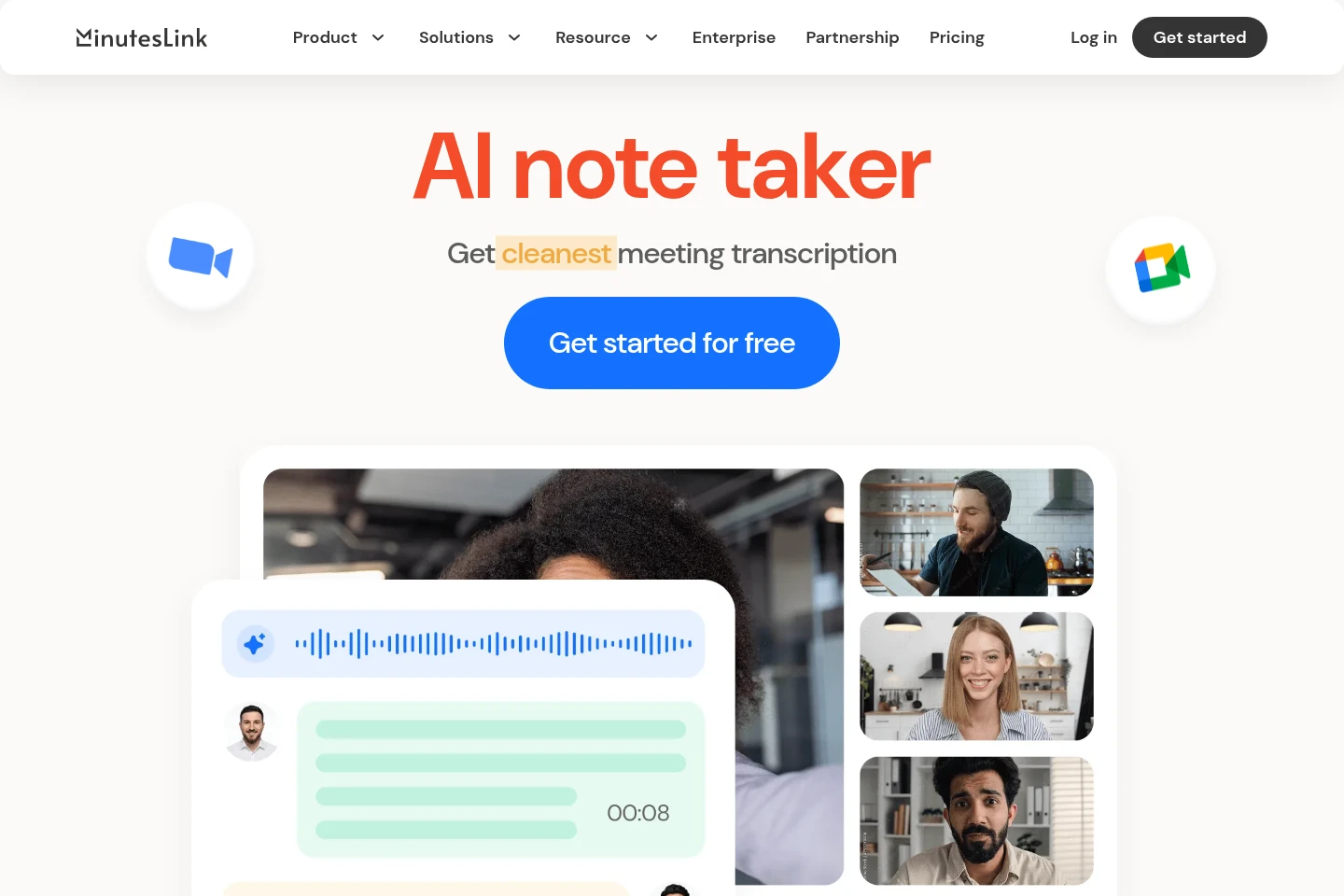
MinutesLink records scheduled online meetings through a bot or Chrome extension, then provides speaker-labeled transcripts and AI-generated summaries of topics, decisions, and action items. Users can organize, edit, and share notes, connect calendar events, and ask questions about past meetings. The service describes support for transcription in more than 100 languages.
- AI Productivity
- Meeting Notes
- Transcription
- AI meeting transcription
- meeting notes assistant
- meeting recording software
Capabilities
Meeting recording
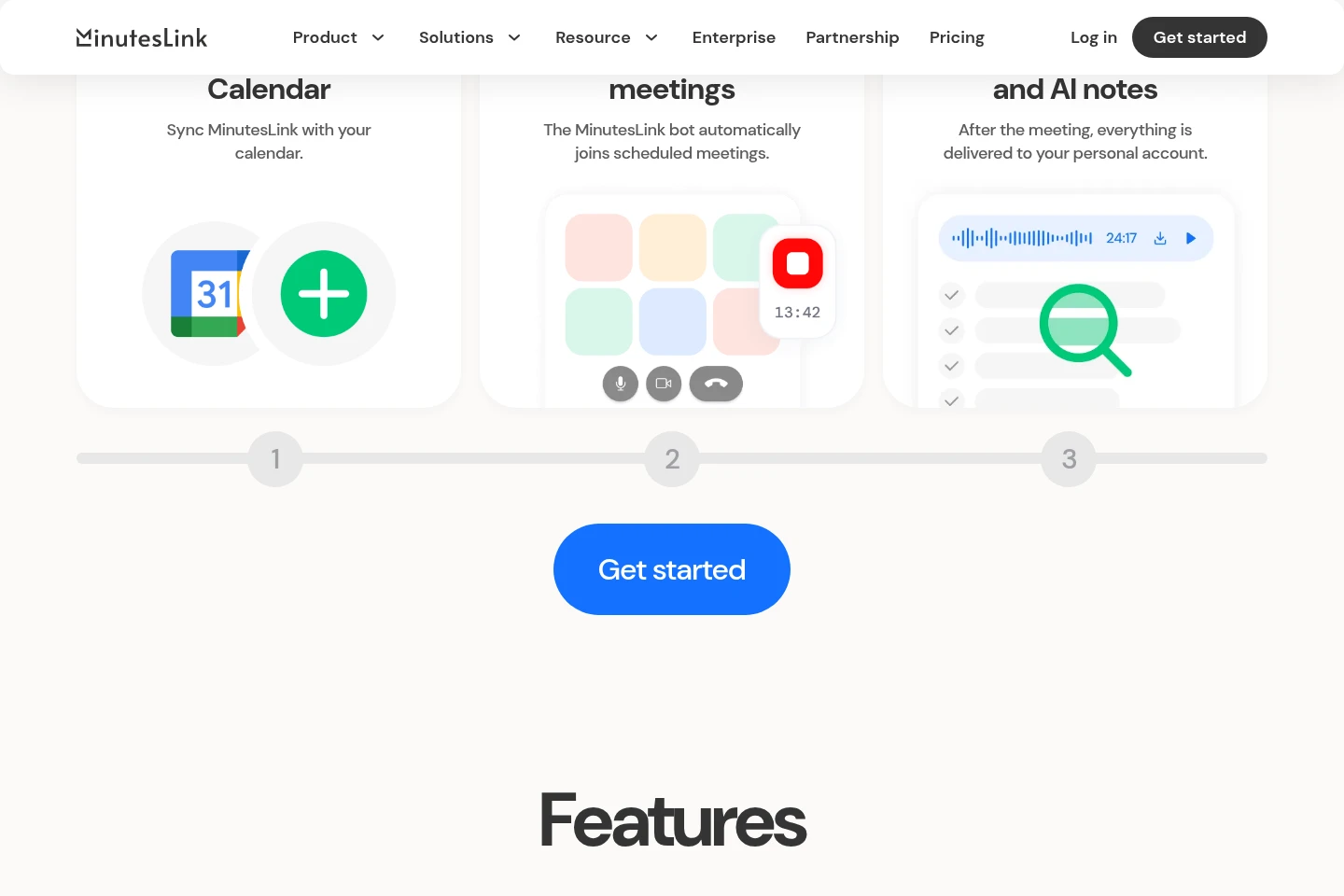
Records meetings and stores the resulting audio. Users can choose the MinutesLink Chrome extension to record without a bot or connect a calendar so the bot joins scheduled meetings.
Speaker-labeled transcripts
Produces automatic transcripts formatted as dialogue with speaker labels. MinutesLink says it understands and transcribes more than 100 languages.
AI meeting summaries
Creates summaries that identify meeting topics, decisions, and action items. The summaries are generated from recorded meeting content.
Meeting notes workspace
Keeps recordings, transcripts, and notes together in a personal account. Users can edit notes, add information or marks, and share links to notes and transcripts.
Questions about meetings
Answers questions about past meetings using their context. Users ask the AI assistant about meetings available in their MinutesLink account.
Pricing
MinutesLink lists a free Basic plan and a free Business plan set up for a team after submitting contact details. Compare the stated monthly meeting-minute and transcription allowance and the plan-specific features before choosing.
| Plan | Price | Included features and limits |
|---|---|---|
| Basic | $0 forever |
|
Use cases
Record and transcribe scheduled meetings
When a user needs a record of an online meeting, they can connect a calendar for the bot to join scheduled meetings or use the Chrome extension without adding a bot to the call. MinutesLink then provides a recording and transcript.
Review meeting decisions and action items
After a meeting, users can consult the AI-generated summary to find key topics, decisions, and action items. The transcript and notes remain organized with the recording in the account.
Ask questions about past meetings
When someone needs information from an earlier meeting, they can ask the AI assistant a question based on that meeting's context. The assistant returns an answer using the available meeting content.
Edit and share meeting notes
When participants need to correct or circulate meeting records, users can add information or marks to notes and send links to notes and transcripts. The pages also state that notes can be accessed without signing up.
Limitations
Microsoft Teams support is labeled as coming soon, so the page does not establish it as currently available.
Who it is for
People who attend scheduled online meetings and need transcripts and notes
Teams that need shared recordings, meeting summaries, and follow-up notes
Sales and customer-facing teams that need to review conversations and meeting follow-ups
FAQ
How does MinutesLink record a meeting?
It can record through the MinutesLink Chrome extension or a bot that joins scheduled meetings. The extension is described as recording without adding a bot to the call; the bot workflow requires calendar connection.
What does MinutesLink provide after a meeting?
It provides a recording, an automatic speaker-labeled transcript, and AI-generated notes or summaries. Summaries highlight topics, decisions, and action items.
Which languages can MinutesLink transcribe?
MinutesLink describes support for more than 100 languages. The supplied pages do not identify the complete language list.
Can users ask questions about earlier meetings?
Yes. The AI assistant answers questions about past meetings based on their context and available meeting content.
Can meeting notes be shared or edited?
Yes. Users can correct notes, add information or marks, and share links to notes and transcripts. The site also says notes can be accessed without signing up.
Is Microsoft Teams currently supported?
The site labels Microsoft Teams support as coming soon. It therefore does not establish current availability.
Comments