

- Monthly visits
- 2,282
- 2026-09
MiniMax H3 Max - Create directed videos from text prompts or still images
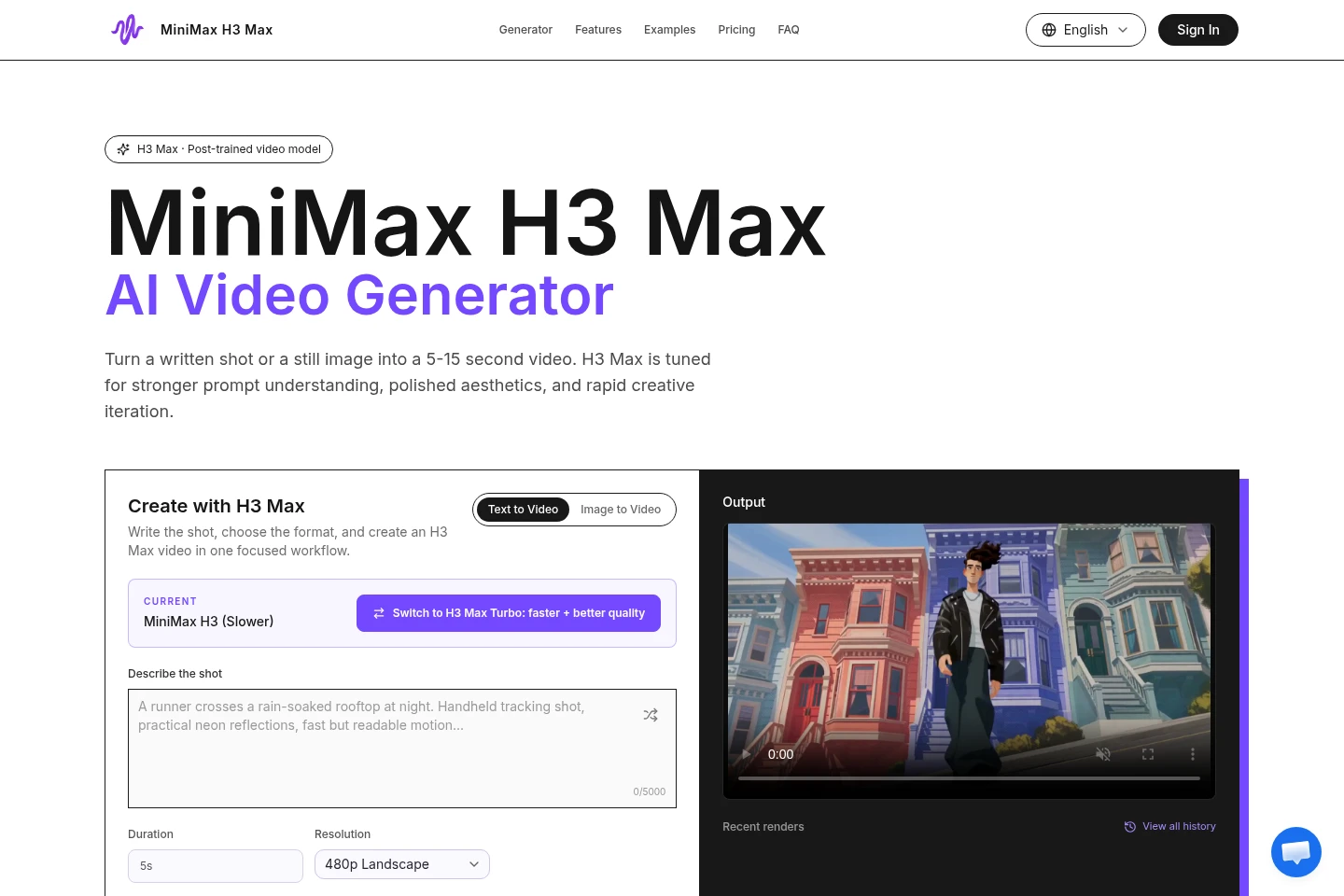
MiniMax H3 Max is an online AI video creation workspace for turning written shot descriptions or still images into 5–15-second videos. Choose text-to-video or image-to-video, set duration, resolution and aspect ratio, and guide motion with camera direction, prompt expansion, seed and optional first and end frames. Current output options are 480P and 768P; 1080P, 2K and 4K are not currently available.
- AI Video
- Video Generators
- MiniMax H3 Max video generator
- text to video AI
- image to video generator
Capabilities
Text-to-video generation
Creates a short video from a written shot description. Enter a prompt of up to 5,000 characters, then choose generation settings such as duration, resolution and aspect ratio.
Image-to-video generation
Animates a supplied still image into a video. Use the image as a first-frame reference and optionally set an end frame to guide the final composition.
Shot and camera controls
Shapes the generated scene using shot direction and camera movement. Describe subject, action, lighting, timing and movement, then adjust settings and render another take.
Video output settings
Lets users select supported duration and resolution options before rendering. Current generations are 5–15 seconds at 480P or 768P; higher resolutions and longer clips consume more credits.
Pricing
Paid credit packs are sold as one-time purchases, not subscriptions. Compare the included credit balance, price and estimated video range; actual output depends on duration and resolution.
| Plan | Price | Included features and limits |
|---|---|---|
| Plus pack | $19 one-time |
|
| Standard | $49 one-time |
|
| Pro pack | $99 one-time |
|
| Max pack | $199 one-time |
|
Credit use varies with the duration and resolution selected, and higher resolutions or longer clips consume more credits. The shown video counts are estimates, not guaranteed output.
Use cases
Test a product advertising concept
When a campaign direction is still being considered, create a short product shot or visual hook from a written direction or source image. Review the render and compare variations before locking a full campaign production.
Create short social video drafts
When preparing a clip for social feeds or a launch, generate a vertical, square or wide video from a prompt or still image. Download and review the short render as a creative draft.
Visualize a storyboard scene
When a treatment, pitch or early edit needs a moving reference, turn a written beat or storyboard image into a short video. Use shot and frame controls to explore motion and composition.
Animate a still image
When an existing image already contains the desired subject or composition, use image-to-video to add movement. Set the image as the first-frame reference and optionally guide the result with an end frame.
Limitations
Current video generations are 5–15 seconds long and offer 480P or 768P output; 1080P, 2K and 4K are listed as future options only.
Generation credit use varies with selected duration and resolution, so the displayed video counts are estimates rather than guaranteed output quantities.
Purchased credit packs are one-time purchases, and their credits remain available for up to 12 months from purchase.
Who it is for
Video creators exploring shot direction before committing to a full production.
Marketing creatives preparing short product or campaign video concepts.
Social media creators making vertical, square or wide video drafts.
FAQ
Which video generation modes are available?
Text-to-video and image-to-video are available in the workspace. Supported controls and model availability determine the options shown for a generation.
What duration and resolution can I choose?
Current generation durations are 5–15 seconds, with 480P and 768P output options. 1080P, 2K and 4K are future options, not currently available.
Can I control the first and end frames?
Yes. For image-to-video, you can provide a source image as the first frame and optionally set an end frame to guide the final composition.
How are generation credits used?
Credit use changes with the duration and resolution selected for a render. Pack video ranges are estimates for short generations, not a fixed output guarantee.
Are credit packs recurring subscriptions?
No. The listed packs are one-time purchases, with no recurring subscription charge; purchased credits remain available for up to 12 months.
How much do the credit packs cost?
The one-time packs are Plus pack for $19, Standard for $49, Pro pack for $99 and Max pack for $199. Each includes a different credit balance, and estimated video ranges depend on generation settings.
Comments