

- Monthly visits
- 3,797
- 2026-09
- Monthly growth +175.3%
LoreAI - Turn scanned documents into translated, editable Word files
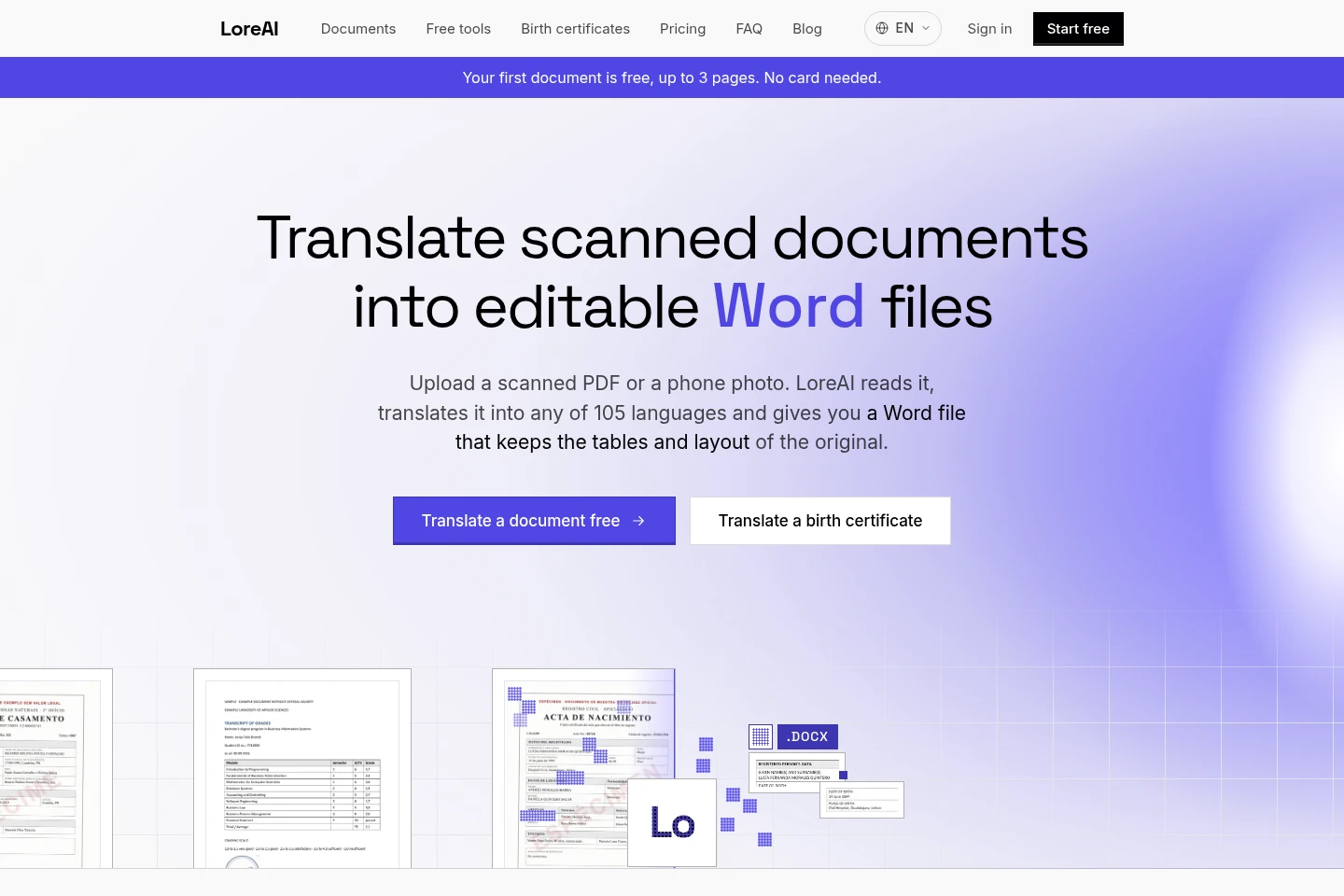
LoreAI uses OCR to read scanned PDFs and phone photos, translates the text into one of 105 target languages, and returns an editable Word file that preserves the original layout, tables and headings. It supports document types including birth certificates, marriage certificates and academic transcripts. The first document is free, up to 3 pages.
- AI Writing
- Translators
- OCR
- scanned document translation
- PDF to Word translation
- birth certificate translation
Capabilities
OCR and document translation
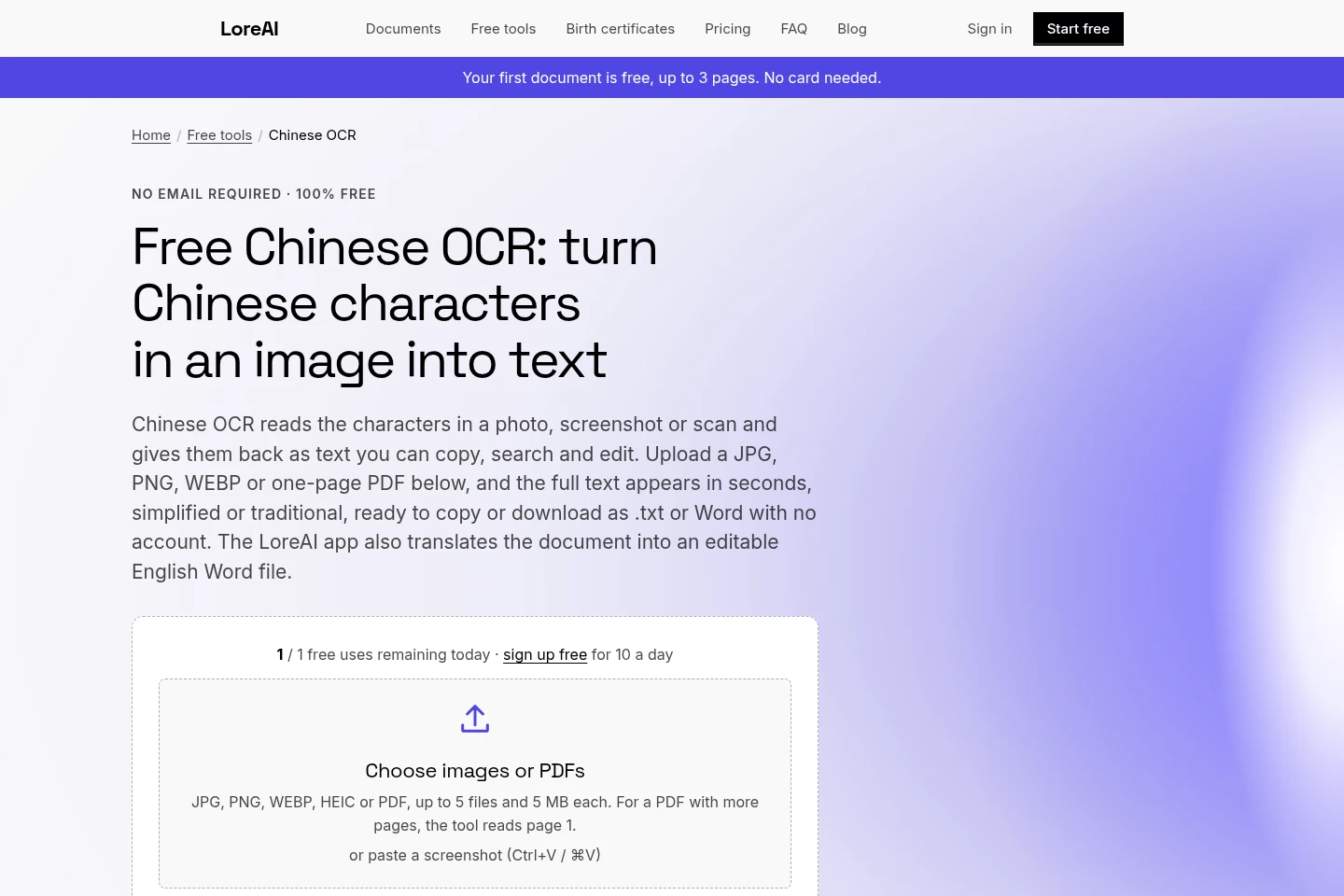
Reads scanned PDFs and JPG or PNG photos, recognizes text and page structure, and translates into a selected target language. Users can choose the target language or let LoreAI detect the source.
Layout-preserving Word output
Returns an editable .docx with translated text and the original tables, headings and paragraphs in place. Users can review and edit the file after downloading it.
Document-specific translation
Translates birth certificates, marriage certificates and academic transcripts while retaining their form layout or grade tables. Names on birth certificates stay as written.
Pricing
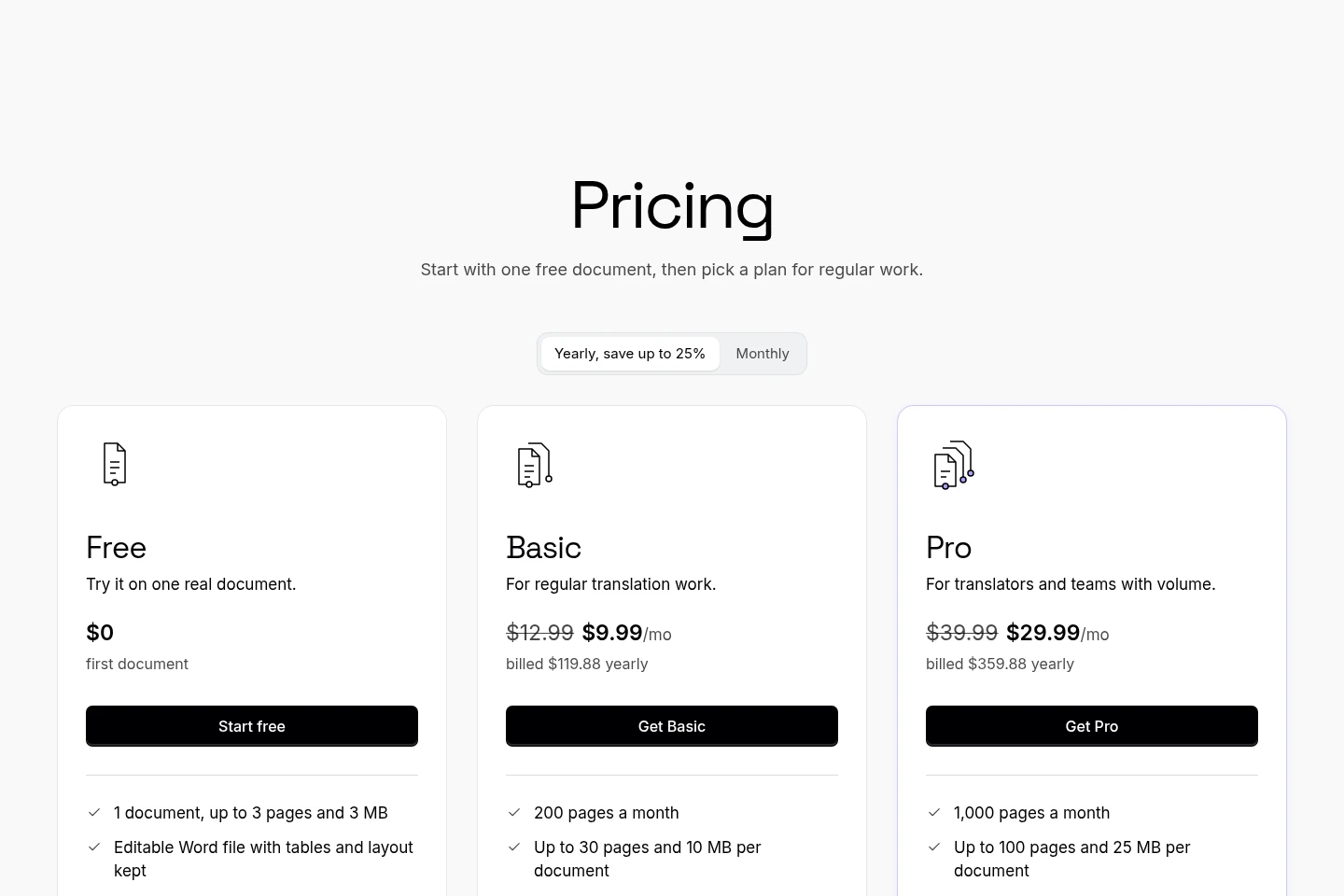
LoreAI offers one free document and recurring paid plans, with annual billing shown at discounted monthly equivalents. Compare monthly page quotas and per-document page and file-size limits.
| Plan | Price | Included features and limits |
|---|---|---|
| Free | $0 for first document |
|
| Basic | $9.99/mo, billed $119.88 yearly |
|
| Pro | $29.99/mo, billed $359.88 yearly |
|
Prices are in US dollars. Volume pricing or an invoice can be requested by emailing [email protected].
Use cases
Translate a scanned PDF into Word
When a PDF contains scanned pages, upload it to have OCR recognize the text and structure, translate it into a chosen language, and download an editable Word file.
Translate a certificate for submission
When preparing a birth or marriage certificate for a visa, name change or foreign registry, upload the document to receive a translated Word file that follows its layout. The recipient may require certification, which users arrange separately.
Translate an academic transcript for evaluation
When submitting an academic transcript for admissions or evaluation, upload it for translation and download a Word file with the grade tables kept intact.
Limitations
LoreAI is a translation tool, not a certified or sworn translation service; certification must be arranged separately if the recipient requires it.
The Free plan covers one document, up to 3 pages and 3 MB; larger monthly page quotas and per-document limits require Basic or Pro.
Who it is for
People preparing scanned documents for submission to a registry, visa process or other recipient
Translators who need editable translated Word files from scanned source documents
Applicants submitting translated academic transcripts for admissions or evaluation
FAQ
How do I translate a PDF into another language?
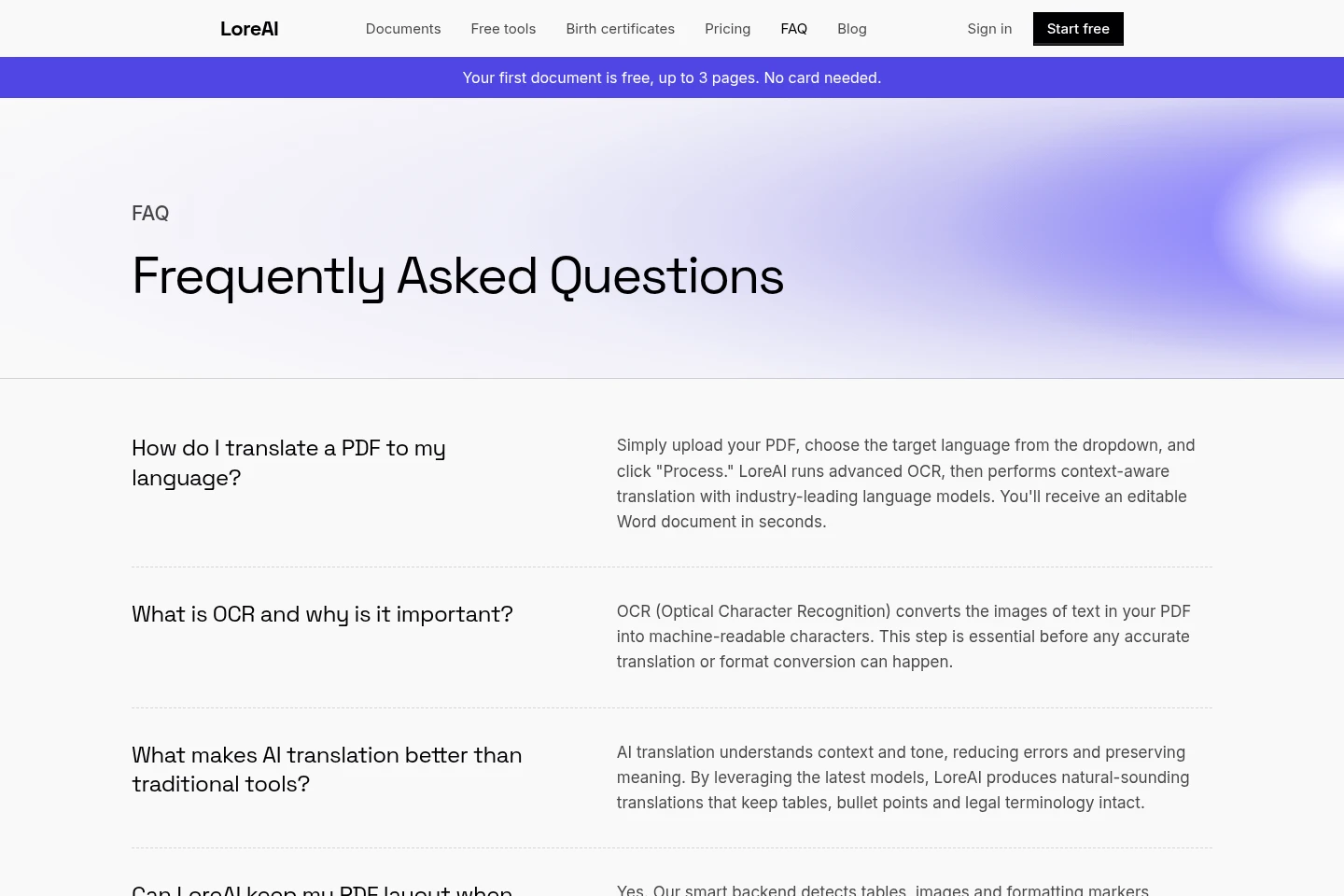
Upload the PDF, choose a target language, and process it. LoreAI uses OCR to recognize the text and structure, then returns an editable Word document.
Does LoreAI preserve the original document layout?
It returns an editable Word file with tables, headings and paragraphs in place. Birth certificate names remain as written, and academic transcript grade tables are kept.
Is LoreAI a certified translation service?
No. LoreAI provides a translation tool, not a certified or sworn translation service. Check the recipient's requirements and arrange certification separately if needed.
What are the document limits on each plan?
Free covers one document up to 3 pages and 3 MB. Basic includes 200 pages a month and a per-document limit of 30 pages and 10 MB; Pro includes 1,000 pages a month and a limit of 100 pages and 25 MB.
Comments