
- Monthly visits
- 1,132,326
- 2026-09
- Monthly growth +7.1%
UPDF - Edit, convert and work with PDFs using AI tools
UPDF is a PDF application for editing, annotating, organizing, converting, signing and protecting documents. Its AI features can summarize, translate and answer questions about PDFs, and create mind maps. UPDF is offered through desktop, mobile and online experiences.
- AI Productivity
- PDF Editing
- Chat with PDF
- Translators
- PDF editor
- AI PDF assistant
- PDF converter

Capabilities
PDF editing and annotation
Edit PDF text and pages, add annotations, and fill or sign forms. Users can also create PDFs and add links using the available document tools.
PDF conversion and OCR
Convert PDFs to formats including Word, Excel and images, and use OCR to recognize text. Conversion and OCR are part of the PDF toolset.
AI assistance for PDFs
Summarize, translate and chat with PDF content, with outputs such as answers and mind maps. Users provide PDF files or ask questions through the AI features.
Pricing
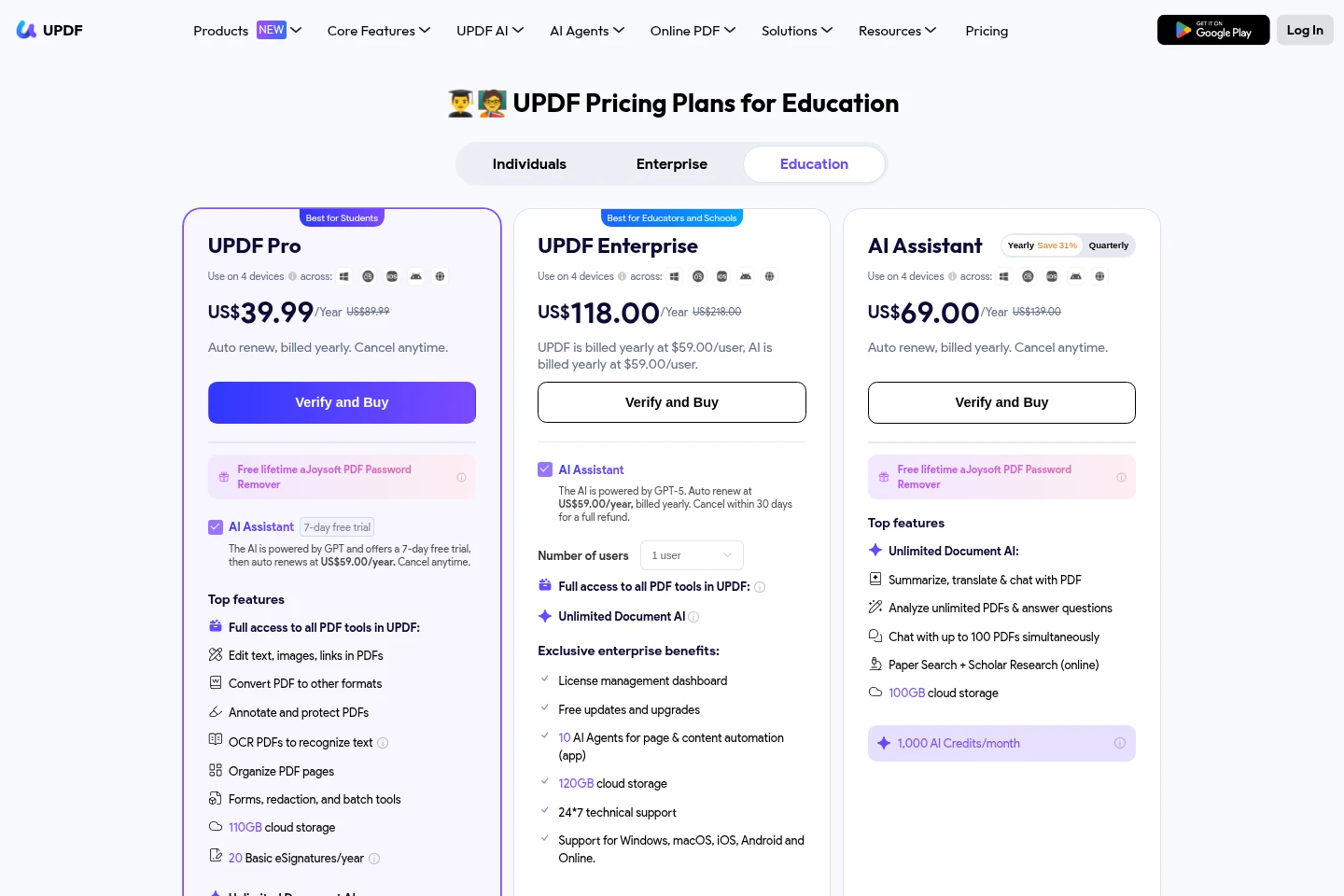
UPDF offers paid plans, but the supplied pricing-page content does not provide reliable plan prices or full plan details. Compare the applicable PDF and AI features before choosing a plan.
Use cases
Edit and organize PDF documents
When a document needs changes or page rearrangement, use UPDF to edit and annotate it, organize pages, merge or split files, and save the revised PDF.
Summarize and question PDF content
When a PDF is lengthy or contains information to review, use UPDF AI to summarize it or ask questions about its contents and receive AI-generated responses.
Convert PDFs and recognize text
When a PDF needs to be reused in another format or contains scanned text, use conversion tools or OCR to produce an editable or recognized-text output.
Limitations
The UPDF AI online upload form accepts PDF, JPG, PNG and JPEG files, with a maximum file size of 10 MB and up to five files at a time.
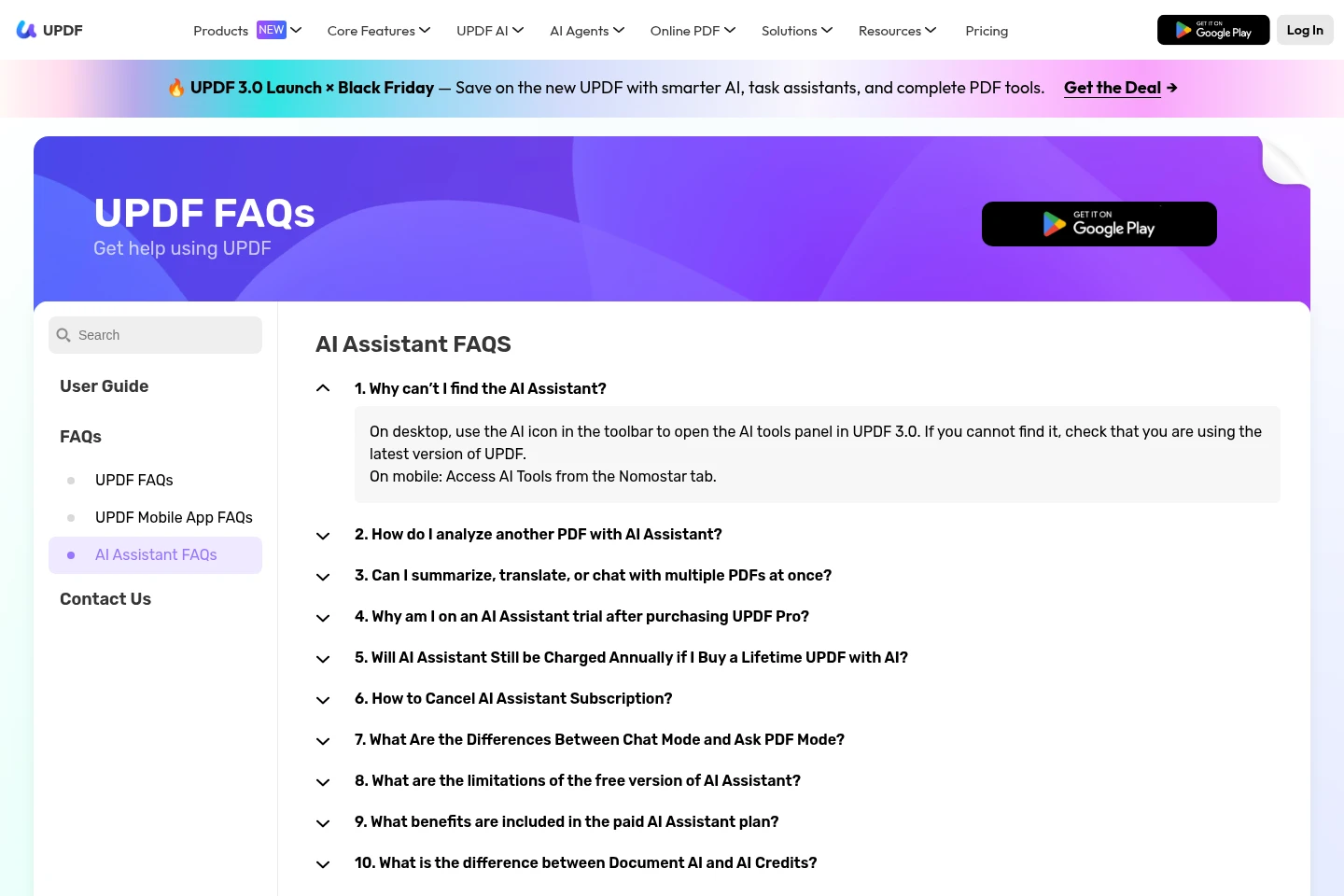
AI Assistant access alone does not include UPDF Pro PDF tools; the AI Assistant plan covers AI features rather than UPDF Pro benefits.
Who it is for
People who need to edit, convert, organize or protect PDF documents
Readers, students and researchers who need AI help understanding PDF material
FAQ
Which file types can be uploaded to UPDF AI online?
The online form lists PDF, JPG, PNG and JPEG. It allows files up to 10 MB each and a maximum of five files at a time.
Does the AI Assistant plan include UPDF Pro tools?
No. The AI Assistant plan includes AI features and does not cover UPDF Pro benefits. Access to the Pro PDF tools requires the applicable UPDF Pro plan.
Which platforms can I use to install UPDF?
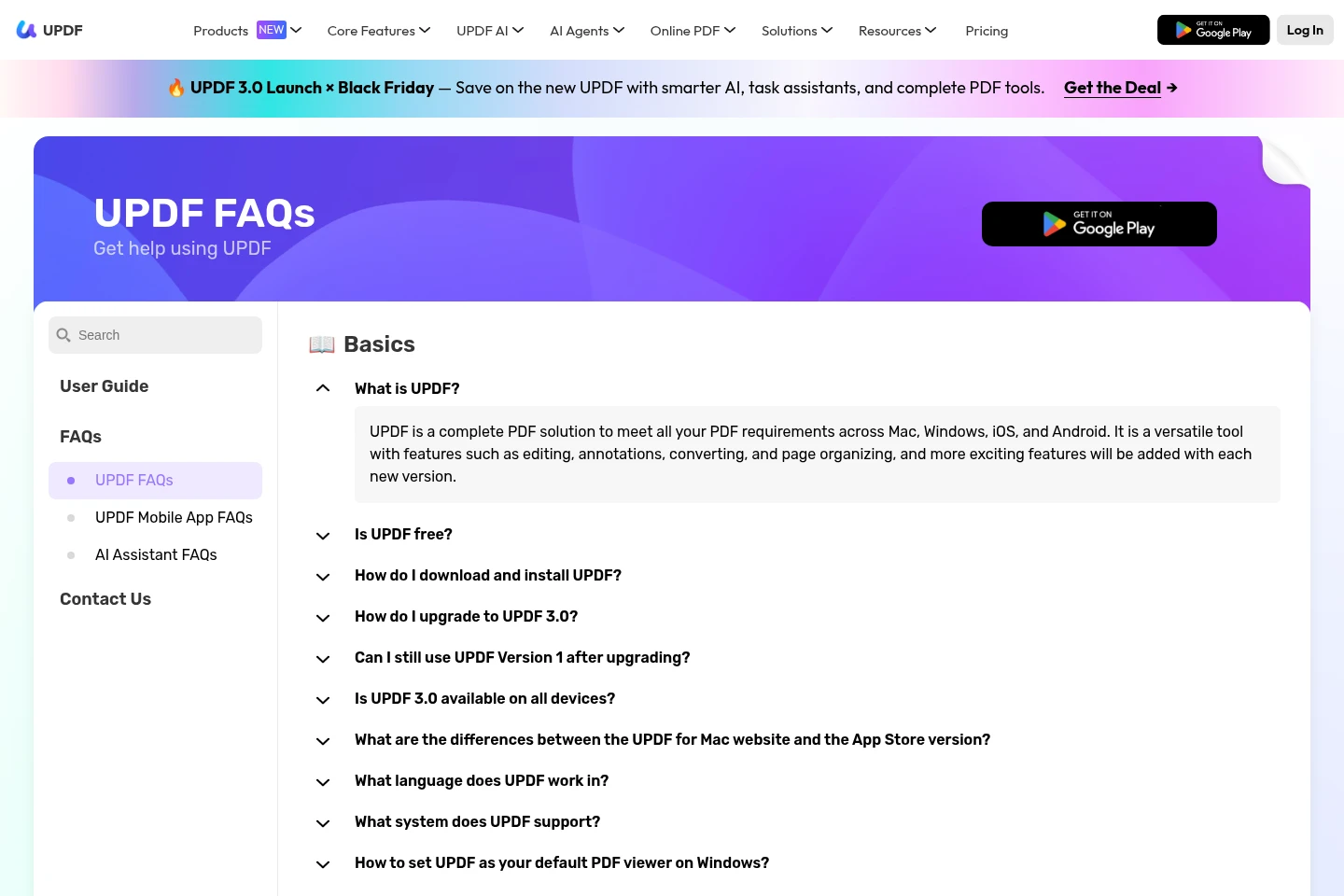
UPDF lists downloads for Windows and Mac, plus apps for iOS and Android. The Mac options include a website download and an App Store version.
Official links
Official pricing · https://ai.updf.com/pricing/
Official pricing · https://updf.com/pricing-education/
Contact · https://updf.com/contact-us/
Documentation · https://updf.com/updf-windows-user-guide/introduction-updf/
Download · https://download.updf.com/updf/installer/mac/web/updf-9110100000-mac-installer.zip
Documentation · https://updf.com/updf-ai-user-guide/introduction/
Comments