

- Monthly visits
- 7,727
- 2026-09
- Monthly growth +76.9%
LoraAI.pro - Generate consistent AI characters, styles, product photos and videos using LoRA models
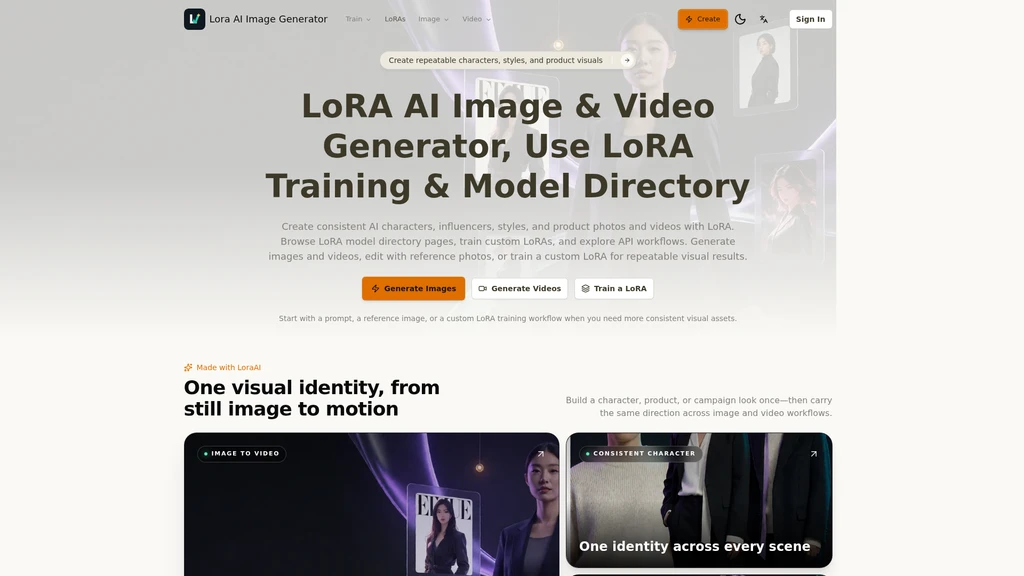
LoraAI.pro is an all-in-one platform for creating consistent AI visuals and motion content using LoRA technology. It lets creative users, marketers and brand teams generate images, edit with reference photos, train custom LoRAs for repeatable identity results, and produce matching AI videos without switching between multiple tools. The platform includes a public LoRA model directory, pre-built use case workflows, and step-by-step guidance for every generation task.
- AI Image
- Image Generation
- CLI Tool
- Video Generation
- Fine-tuning
95Views
Core Workflows on LoraAI
The platform combines three core functions into a single interface, so users do not need to move between separate generation, editing, and training tools. Users can start from a public LoRA model, a text prompt, or an uploaded reference image, and move from static images to video while keeping the same visual identity intact.
Image Generation Process
The standard image generation workflow runs in four clear steps:
Write a prompt that describes the subject, scene, lighting, camera style, colors, and target output format
Switch to image-to-image mode and upload source references when the output needs to match an existing layout, pose, product shape, or character face
Run the model, compare generated variants, and adjust prompt wording to refine results
Download finished images or save successful prompts to reuse for related creative tasks later
LoRA Model Directory
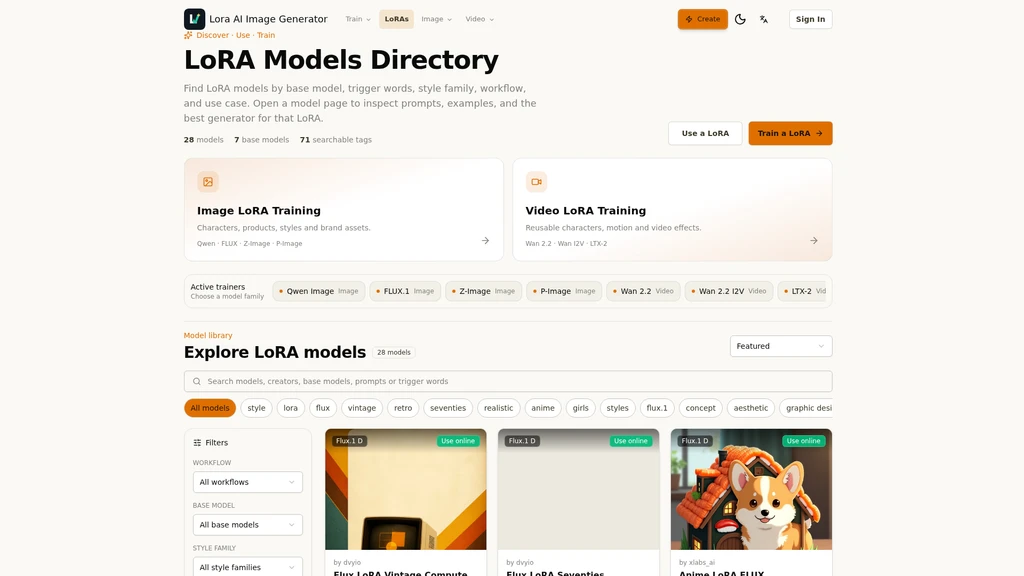
The public model directory hosts curated pre-trained LoRA models built on base architectures including Flux.1 D and SDXL 1.0. Each listing shows the base model type, required trigger word, recommended scale setting, sample prompts, and example generation results. Users can compare models for styles including vintage ad aesthetics, 70s photography, anime illustration, billboard mockups, medieval art, and product shot formats before opening the corresponding generation tool.
Custom LoRA Training
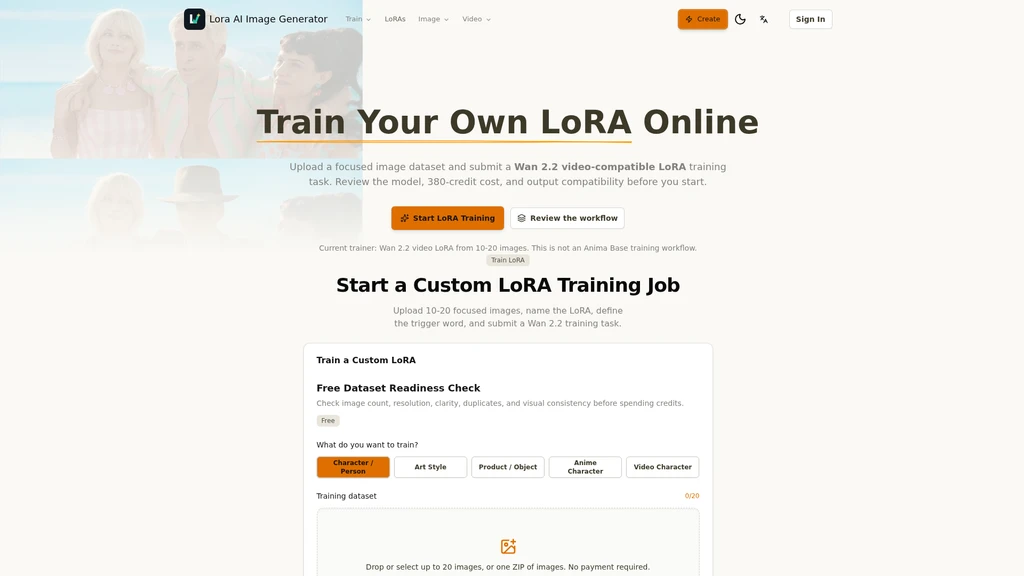
Users can train a reusable custom LoRA when prompts and reference images alone are not enough to preserve consistent identity across dozens of outputs. The current training workflow works with image datasets, and produces LoRAs compatible with both image generation and the supported Wan 2.2 video pipeline. Trained LoRAs can be reused for character projects, influencer content, brand style systems, product lines, apparel visuals, and recurring campaign assets.
Supported Use Cases
Each use case has a dedicated focused workflow page pre-configured for the task:
Consistent character generation that preserves face identity across different poses, outfits, scenes, and styles
AI influencer content generation for social posts, profile visuals, and brand collaborations
Style LoRA tools for applying a fixed visual look to posters, illustrations, concept art, and brand assets
Product photo generation that locks in product shape, material, and lighting for store listings and ad creatives
AI fashion model generation for lookbooks and outfit campaign visuals
Clothing LoRA workflows that keep garment fit, fabric texture, and color consistent
Video character consistency tools for short dramas and multi-shot story content
Video Generation Capabilities
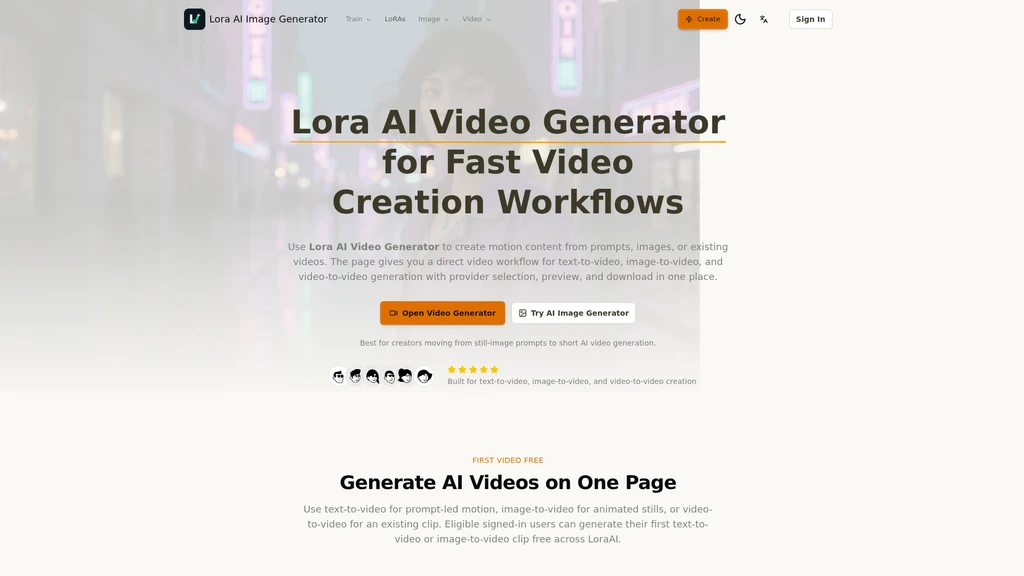
Users can carry a LoRA trained for a specific character, style, or product into the platform's AI video workflow. It supports text-to-video, image-to-video, and video-to-video generation, and can produce 720P output. The free tier lets users generate one initial 720P video before paid credit usage applies.
Key Features
Two generation modes: text-to-image and image-to-image
Built-in AI upscaling for image sharpening, detail recovery, and texture improvement
Output aspect ratio presets for square social posts, vertical stories, wide banners, product listings, and editorial layouts
Fast iteration controls to generate, compare, and refine batches of visuals without manual external editing
No external tool switching required for the full end-to-end LoRA workflow


Comments