

- Monthly visits
- 3,754
- 2026-09
- Monthly growth +154%
Ledger AI - Analyze bank statements and understand your spending
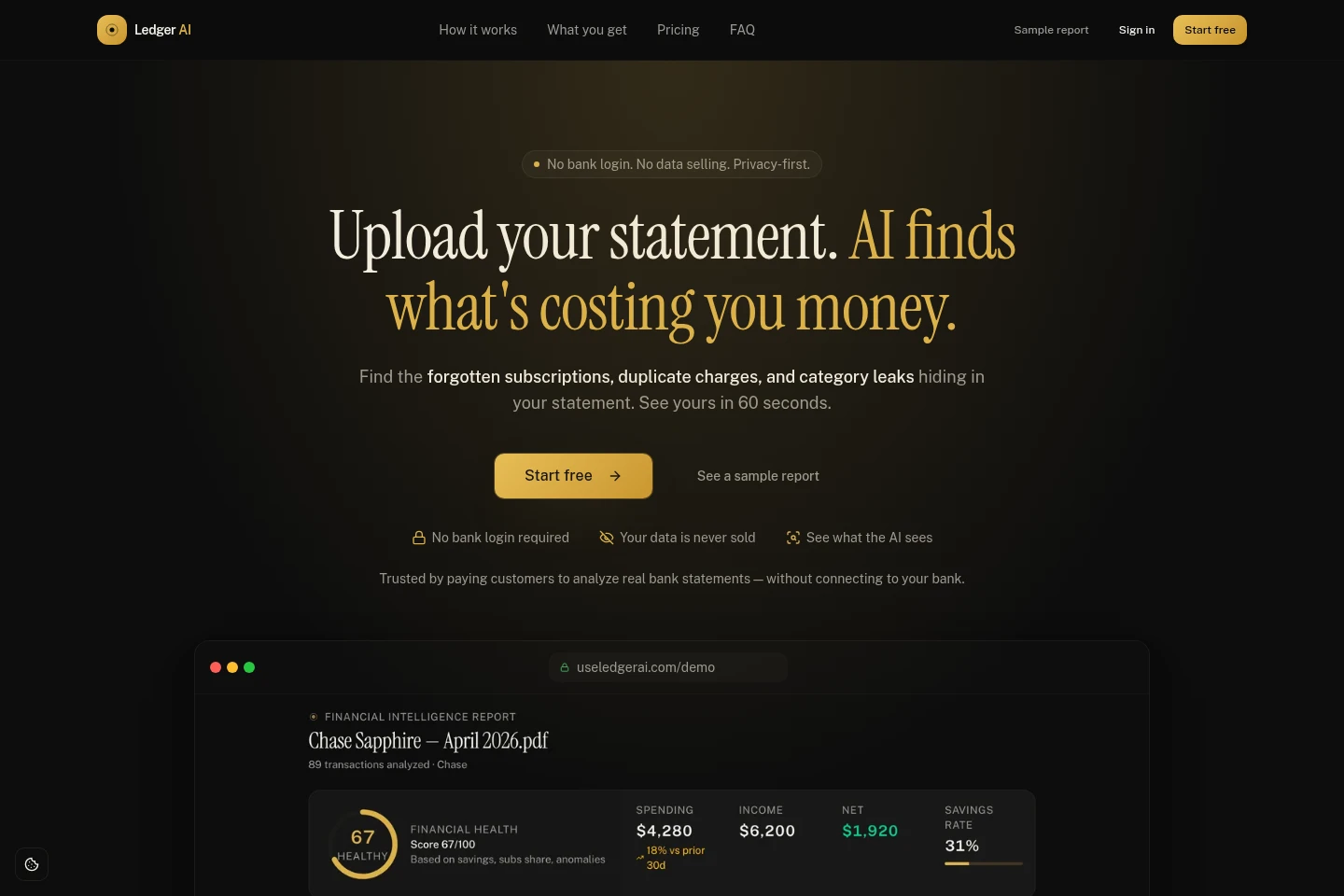
Ledger AI analyzes uploaded PDF or CSV bank and credit card statements without requiring bank credentials. It extracts and categorizes transactions, detects subscriptions and anomalies, and creates reports with spending insights. Users can ask follow-up questions, search transactions, and export data; available features depend on the plan.
- AI Business Tools
- Bookkeeping
- Data Analysis
- Document Parsing
- Finance
- AI bank statement analyzer
- bank transaction categorization
- subscription detection
Capabilities
Bank statement analysis
Extracts transactions from uploaded PDF or CSV bank and credit card statements and produces a financial report. No bank login is required; statements may be in any currency.
Transaction categorization and insights
Categorizes spending and summarizes changes, spending patterns, and potential next steps. The analysis uses transaction data from uploaded statements.
Subscription and anomaly detection
Identifies subscriptions and flags anomalies in statement transactions. Availability of subscription detection and anomaly detection depends on the selected plan.
Financial questions and search
Lets users ask follow-up questions in plain English and search transactions using natural language. AI Copilot chat and smart search are included in Pro and higher plans.
Financial forecasting
Provides cash-flow forecasting and a financial health score. These features are listed in the AI Premium plan and above.
Business expense and tax tools
Tags business expenses, detects tax deductions, estimates quarterly taxes, and provides accountant-ready exports. These tools are listed in the Business plan.
Pricing
Ledger AI offers a permanent free plan and paid monthly subscriptions. Compare statement limits, history, AI chat and search, forecasting, anomaly detection, and business tax tools to choose a plan.
| Plan | Price | Included features and limits |
|---|---|---|
| Free | $0 forever |
|
| Pro | $12 CAD / month |
|
| AI Premium | $20 CAD / month |
|
| Business | $25 CAD / month |
|
Prices are in Canadian dollars. The Pro plan includes a seven-day free trial. The site states that plans can be canceled anytime.
Use cases
Review spending from bank statements
When someone wants to understand spending without connecting a bank account, they upload a PDF or CSV statement. Ledger AI categorizes transactions and generates a report with spending insights.
Find subscriptions and unusual transactions
When reviewing statement activity for recurring charges or anomalies, users upload a statement for analysis. Ledger AI detects subscriptions and flags anomalies where those features are available on their plan.
Ask questions about personal finances
When a user needs clarification about their transactions or spending, they can ask follow-up questions in plain English using AI Copilot on Pro and higher plans. The tool responds using totals and transaction information.
Organize business expenses and tax estimates
When freelancers or consultants review business statements, the Business plan can tag expenses, detect tax deductions, estimate quarterly taxes, and create accountant-ready exports.
Limitations
The product analyzes statements that users upload; it does not connect to bank accounts or use bank login credentials.
For PDF statements, the whole file is read by Google Gemini, including printed personal details such as a name or account number.
For CSV statements, transaction dates, merchants, and amounts are sent to the AI for categorization; if a format cannot be read, the file text may be sent to identify rows.
The Free plan limits statement coverage to three months per month and retains 90 days of history.
Subscription detection and smart natural-language search are listed for Pro and higher plans; they are not listed among Free plan features.
Cash-flow forecasting and anomaly detection are listed for AI Premium and higher plans, not the lower plans.
Who it is for
People who want to review spending without sharing bank login credentials
Freelancers and consultants who need business expense tagging and tax estimates
People who want to analyze bank or credit card statements across currencies
FAQ
Why doesn’t Ledger AI connect to my bank?
Ledger AI analyzes statements you upload instead of connecting to a bank. You do not provide bank credentials or use OAuth; this avoids relying on a bank connection.
Which banks and statements work with Ledger AI?
The service accepts PDF or CSV statements from any bank or credit card, in any currency, according to its homepage. No bank login is needed.
Does Ledger AI see my name and account number?
For a PDF, the whole statement is read once by Google Gemini, including details printed on it such as your name and account number. For CSV, transaction dates, merchants, and amounts are sent for categorization; the original file is not sent with Copilot questions.
Can I delete my uploaded financial data?
Yes. The site says you can delete your files and transactions in one click at any time.
Can I cancel a paid plan?
Yes. The pricing page says you can cancel anytime; Pro includes a seven-day free trial.
What does the Free plan include?
Free costs $0 forever and includes three months of statements per month, a 90-day history, a basic dashboard, AI categorization, and CSV export.
Comments