

- Monthly visits
- 4,463
- 2026-09
- Monthly growth +117.1%
Postqued - Schedule and publish social posts with AI agents or a shared team calendar
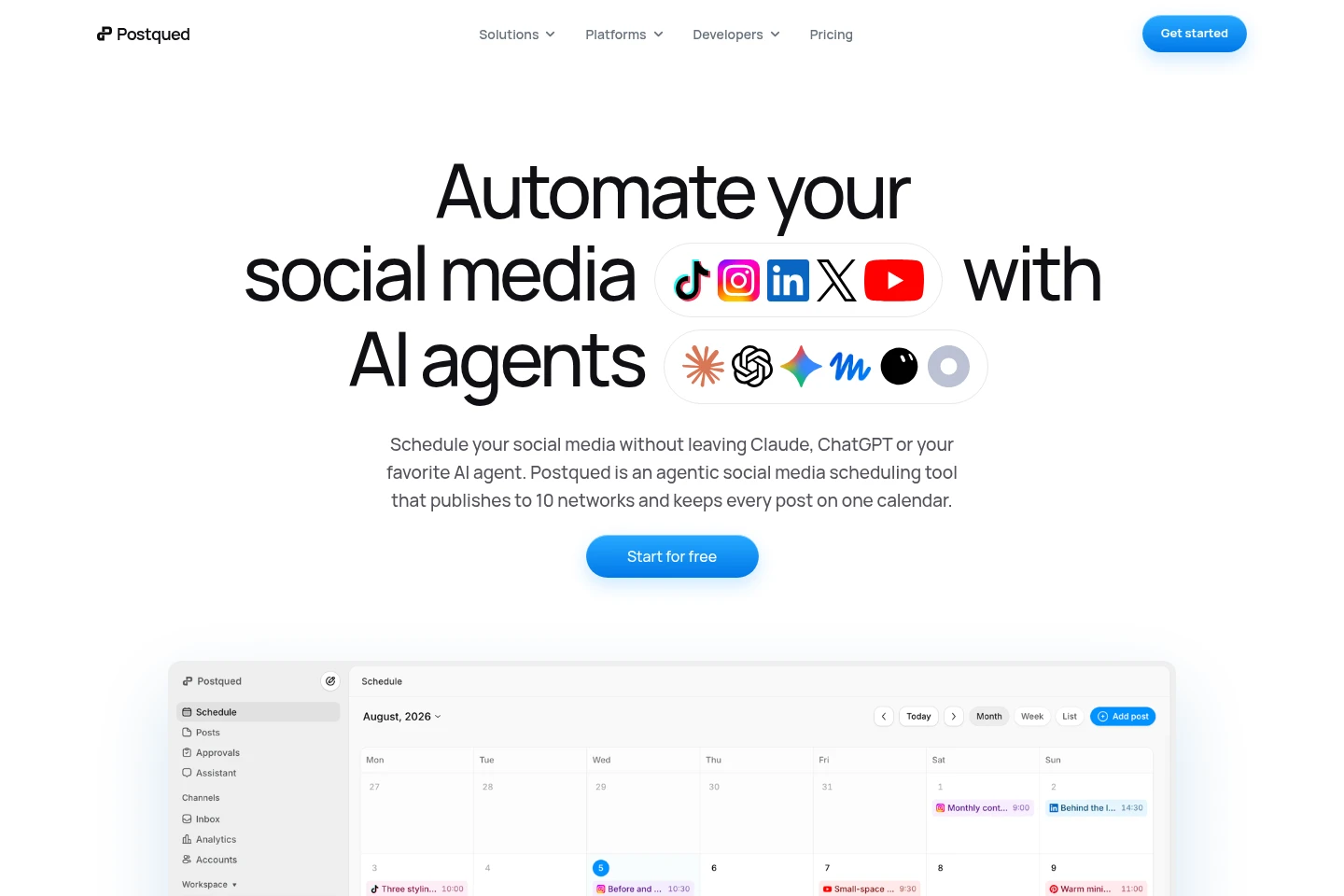
Postqued is a social media scheduling and publishing service for ten networks. Teams can plan content in a dashboard, review approvals, track analytics, and manage comments. AI agents and developers can use MCP or the API to work with connected accounts, calendars, and publishing workflows.
- AI Marketing
- Social Media Management
- MCP Servers
- Data Analysis
- AI social media scheduler
- social media publishing API
- multi-platform content calendar
Capabilities
Multi-network scheduling
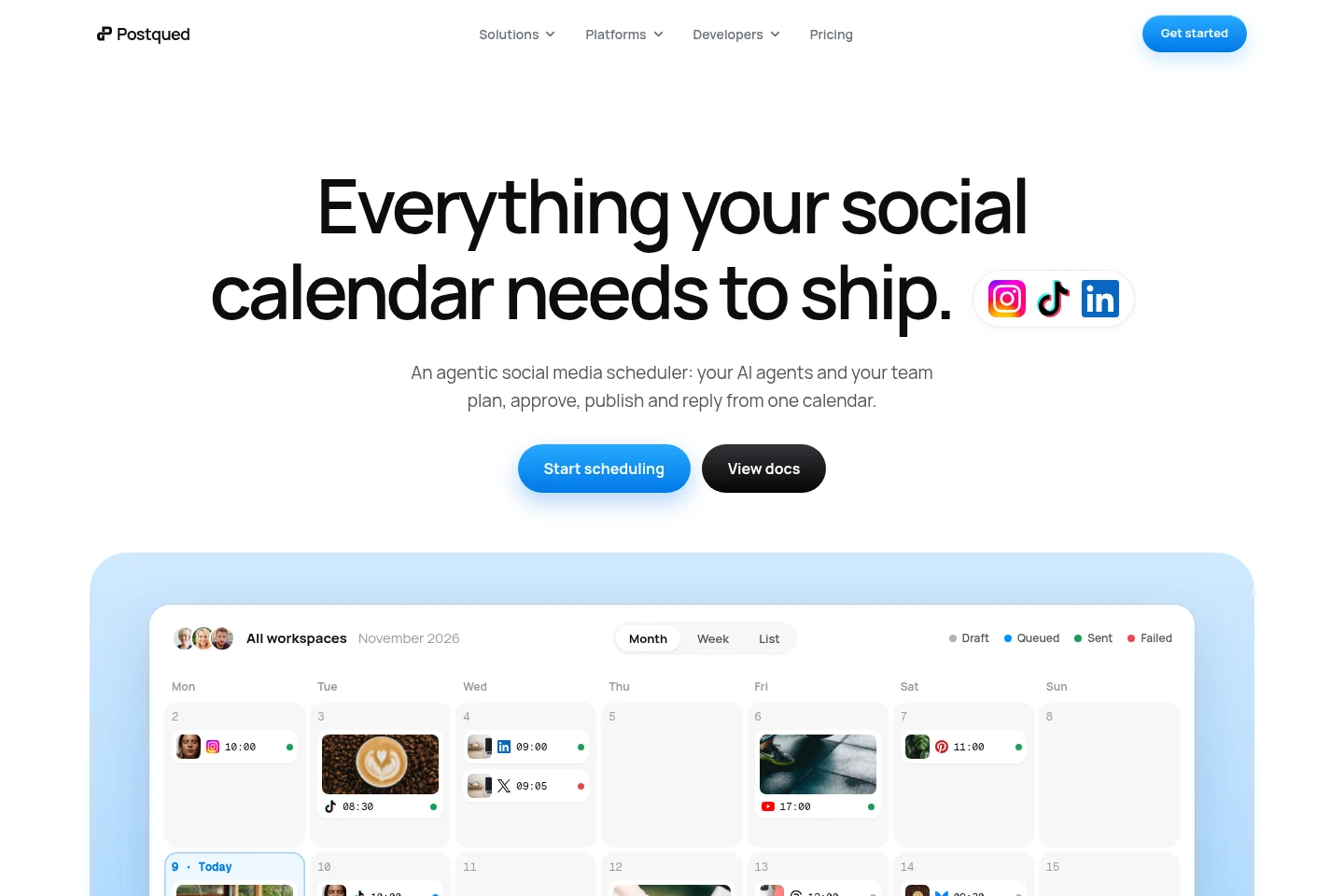
Schedule and publish posts across ten connected social networks from one calendar. Choose destinations and provide captions, media, and timing; available formats and publishing controls vary by platform.
Agent and API publishing
AI agents and developer tools can access workspace publishing workflows through MCP or the API. Connect with workspace permissions to upload content, create publishing requests, and check request status.
Post review and approval
Share content for review and record feedback, requested changes, and approvals. Team members and clients can review posts securely, with final publishing decisions remaining under the account's control.
Analytics and engagement inbox
View post and account performance metrics and handle connected-network comments in one place. Metrics include views, reach, engagement, comments, and account growth; available analytics vary by platform.
Workspaces and team roles
Organize accounts, calendars, and assets into separate workspaces and invite teammates with assigned roles. Pro and Agency include unlimited workspaces; team access follows organization and workspace permissions.
Pricing
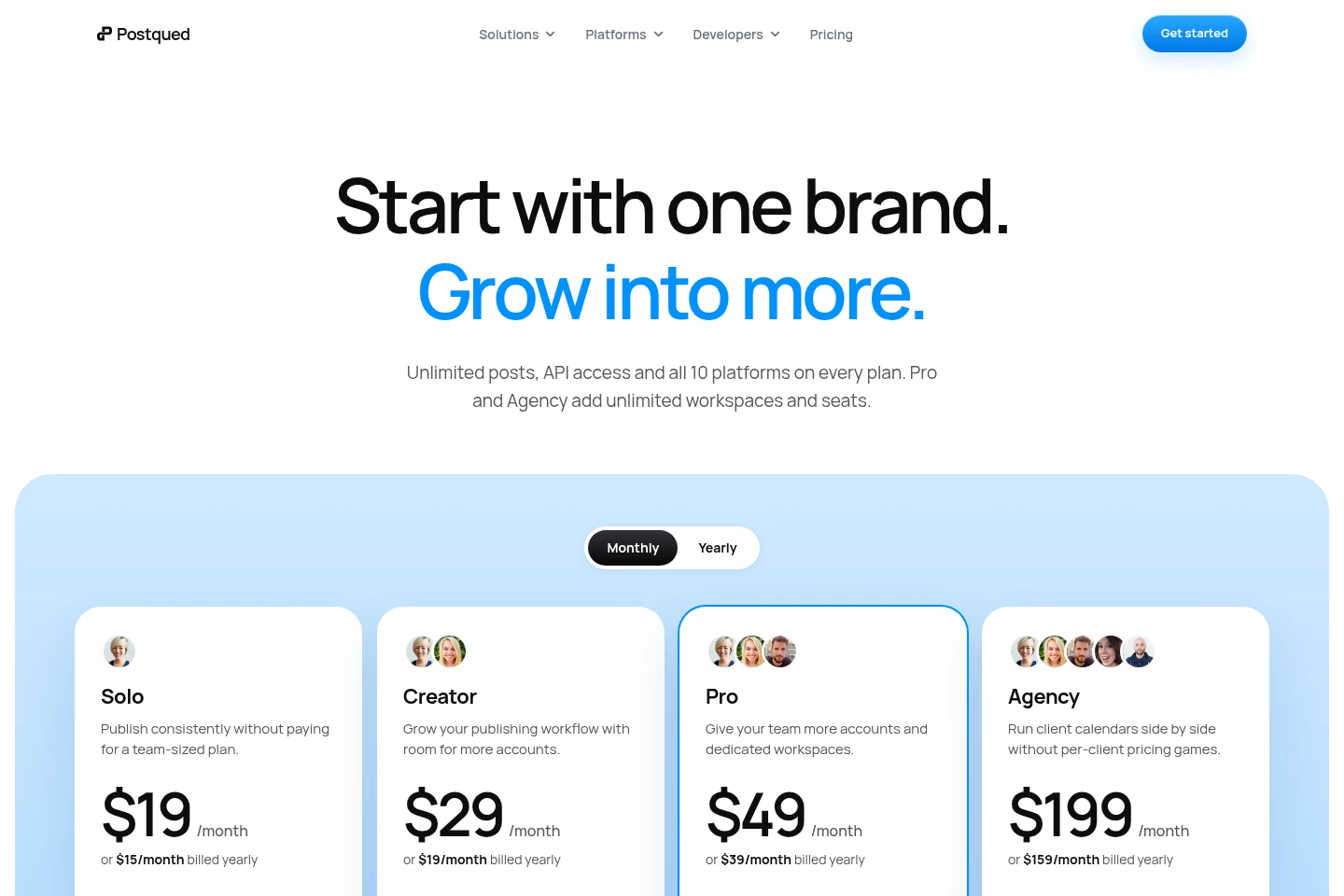
Postqued is paid by monthly or yearly subscription, with a seven-day free trial. Compare connected-account limits, workspace and seat allowances, support, and the monthly cap on X posts containing links when choosing a plan.
| Plan | Price | Included features and limits |
|---|---|---|
| Solo | $19/month; or $15/month billed yearly |
|
| Creator | $29/month; or $19/month billed yearly |
|
| Pro | $49/month; or $39/month billed yearly |
|
| Agency | $199/month; or $159/month billed yearly |
|
The yearly figures are stated as monthly equivalents billed yearly. The pricing page also says there is no long-term contract and canceled access continues through the end of the current billing period.
Use cases
Schedule posts across social networks
When content needs to reach several social channels, create and schedule posts from a shared calendar. Select connected destinations, adjust channel-specific content and media, and track queued or published posts in the workspace.
Publish content through AI agents
When a team wants an agent or its own developer tools to handle publishing, connect through MCP or the API. The agent can work with authorized accounts and create publish requests, while workspace permissions and review controls apply.
Collect client feedback and post approvals
When agencies or teams need client review before publishing, share posts for secure review and collect feedback or approval in the workflow. The decision stays attached to the post rather than being scattered across email.
Review post performance and comments
When managers need to check results and respond to conversations, use analytics beside posts and the shared engagement inbox. Inspect supported performance metrics and like, reply to, hide, or delete comments where available.
Limitations
Posts to X that include a link have monthly caps of 20 on Solo, 40 on Creator, 80 on Pro, and 200 on Agency; other posts are described as unlimited.
Available formats and publishing controls vary by network, and each destination's platform-specific requirements still apply.
Social account connections use each provider's official authorization flow where available.
Who it is for
Social media managers coordinating calendars, publishing, analytics, and replies across connected channels
Marketing agencies managing separate client workspaces, review steps, and publishing calendars
Developers and AI agent builders connecting authorized social publishing workflows through MCP or an API
FAQ
Which social networks can Postqued publish to?
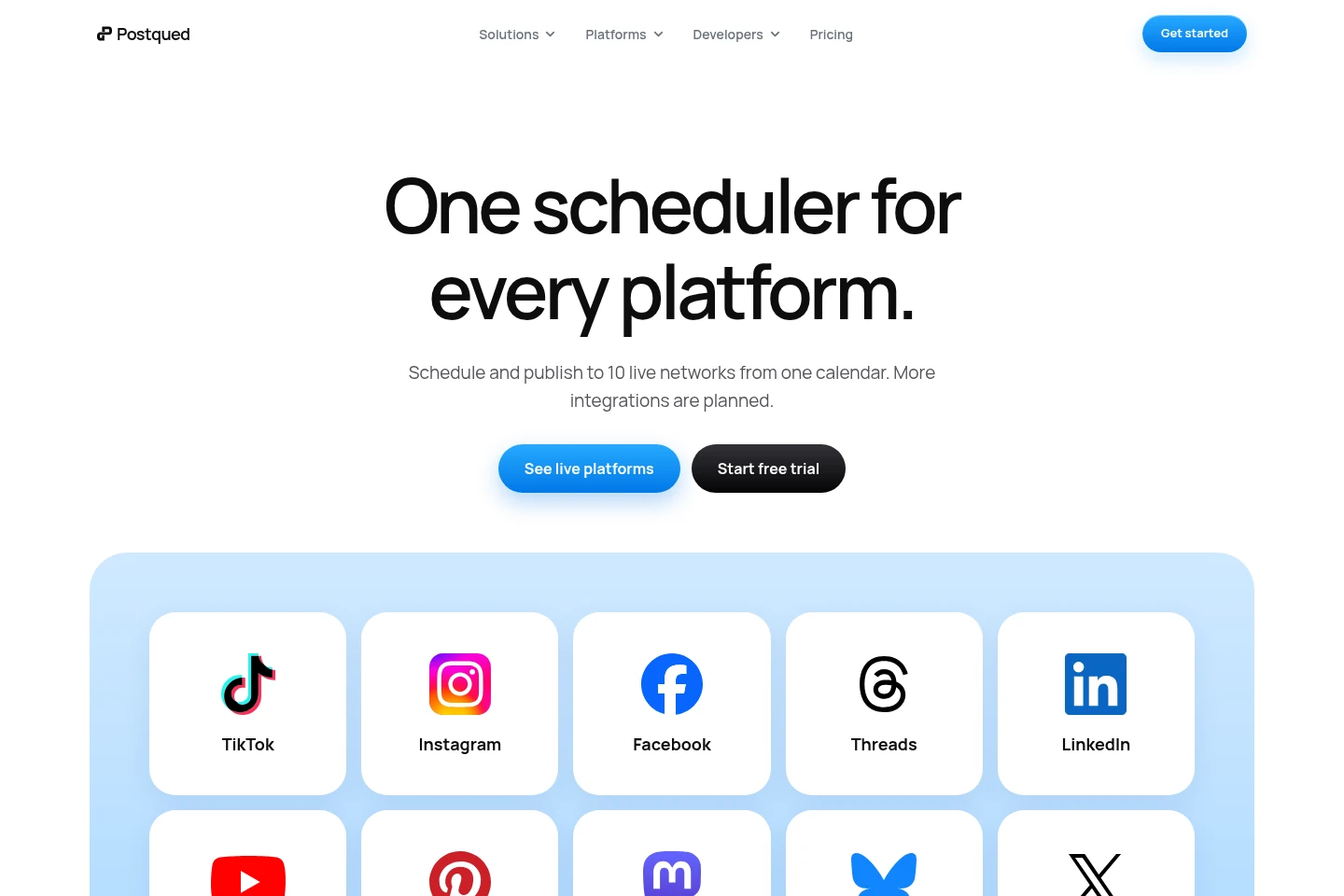
Postqued supports TikTok, Instagram, Facebook, Threads, LinkedIn, YouTube, Pinterest, Mastodon, Bluesky, and X. Each plan includes all ten networks, while formats and publishing controls vary by platform.
Can AI agents publish through Postqued?
Yes. Compatible agents can connect through MCP, and developers can use the API. Access follows organization and workspace permissions; content remains reviewable and under the account's control before it goes live.
Does Postqued offer a free trial?
Yes. Current plans include a seven-day free trial. Paid plans are billed monthly or yearly, and the pricing page says customers can cancel without a long-term contract.
How are posts to X limited?
Only X posts that include a link have a stated monthly cap: 20 on Solo, 40 on Creator, 80 on Pro, and 200 on Agency. The pricing page says other posts are unlimited.
Can clients approve posts without logging in?
Yes. Posts can be shared securely for client review and feedback without requiring a client login, and the final decision remains attached to the work.
Can I cancel, and when does access end?
Yes. You can cancel without a long-term contract; access remains available through the end of the current billing period.
Comments