

- Monthly visits
- 228,628
- 2026-09
- Monthly growth +50%
Layer - Generate and refine creative assets across image, video, 3D and audio
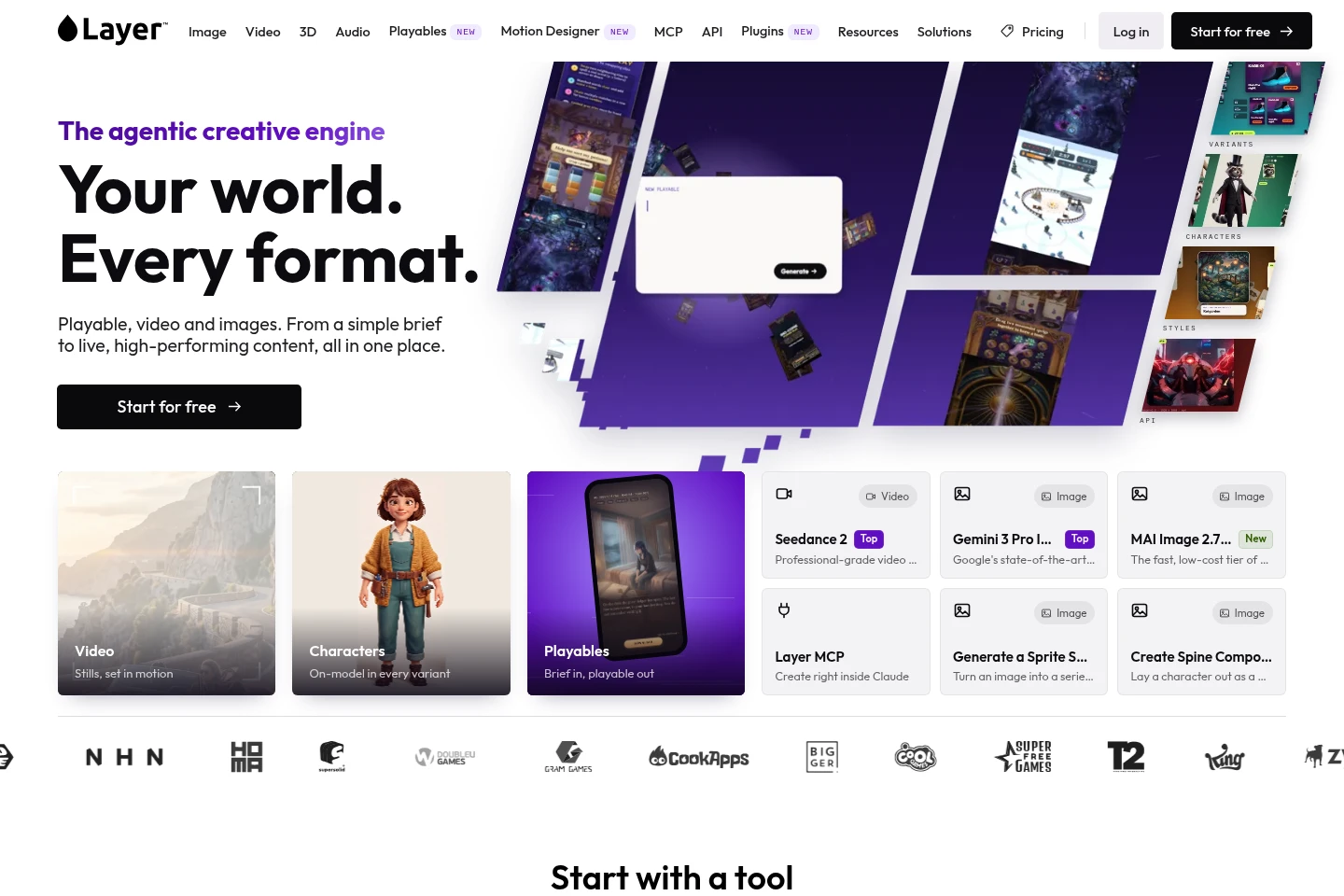
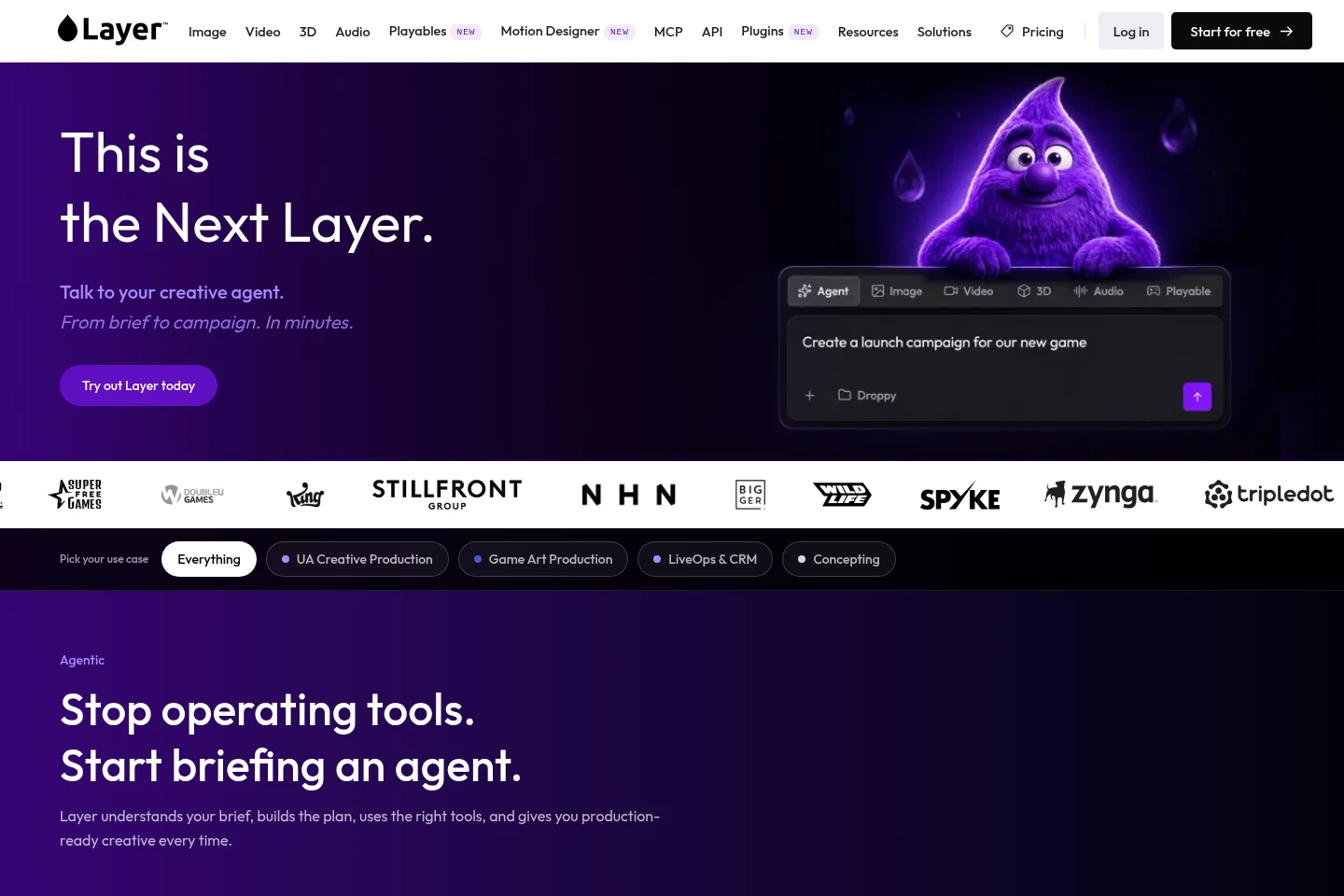
Layer is a browser-based creative production platform for generating and editing images, video, 3D assets and audio. It provides AI models and tools for tasks such as image upscaling, background removal, video editing and 3D rigging. Motion Designer turns briefs into trailers and ads, while Layer MCP and API support developer workflows. Pricing includes subscriptions and usage-based charges measured in Creative Units.
- AI Image
- Image Generators
- Video Generators
- 3D Model Generators
- Gaming
- AI creative asset generation
- game art production tools
- AI video ad creation
Capabilities
Multimodal asset generation
Generates images, video, 3D assets and audio from prompts or references. Users can choose from available models and use the outputs as creative assets.
Image editing and enhancement
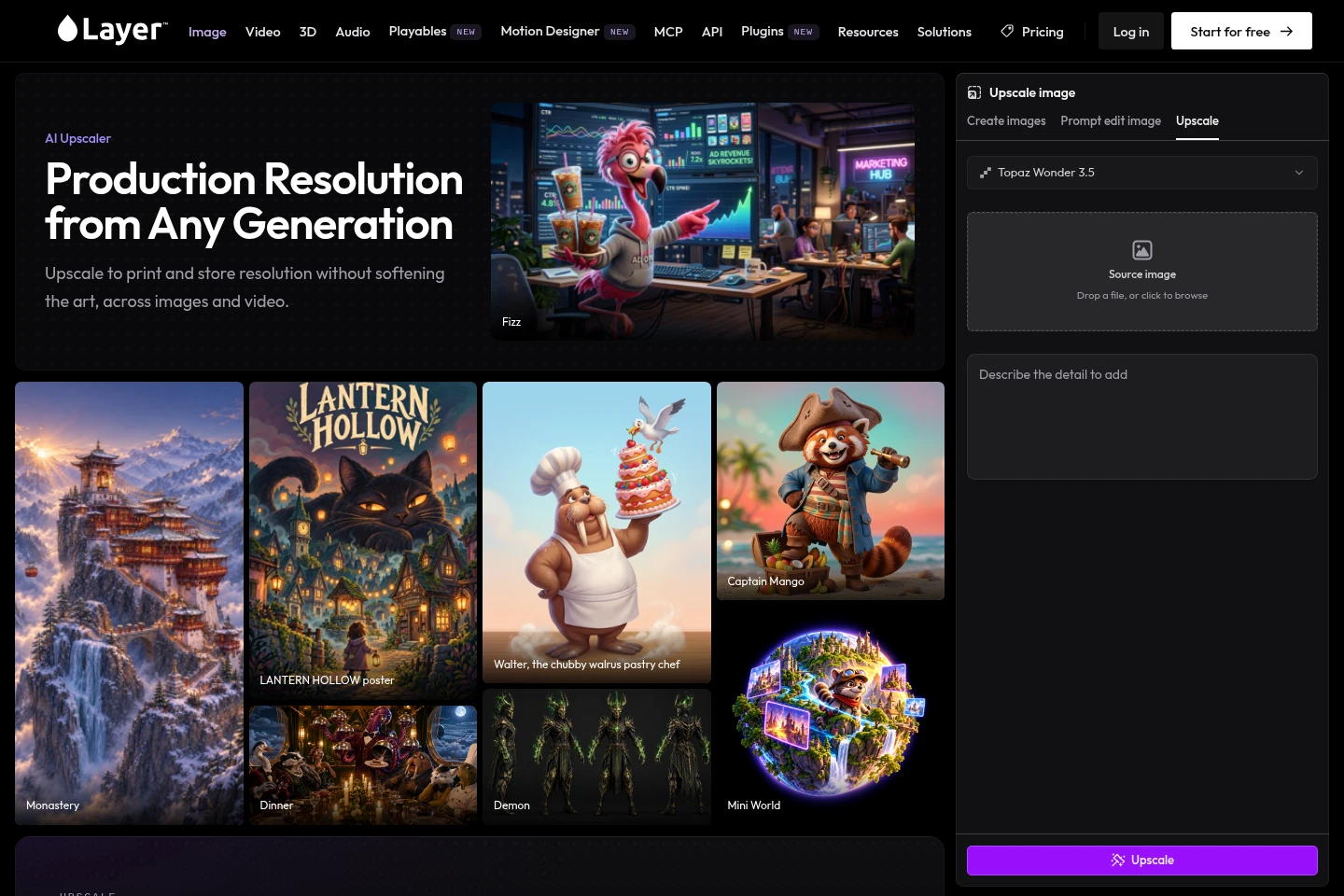
Edits or enhances images with tools including background removal, upscaling, inpainting, recoloring and vectorization. Users provide an image and select an operation; upscaling supports images and video.
AI video production
Creates and edits video, including extending clips, reframing, adding camera moves, lip-syncing and subtitles. Motion Designer can turn a brief into trailers or ads, with approval steps described for the production process.
3D asset workflows
Creates and modifies 3D assets, including retexturing, remeshing, rigging, UV unwrapping, animation and segmentation. A prompt or image can be used to start asset generation.
Developer access
Layer provides MCP and API access for developers and AI clients. The documented workflows include connecting clients such as Claude and managing workspace projects, files and members.
Pricing
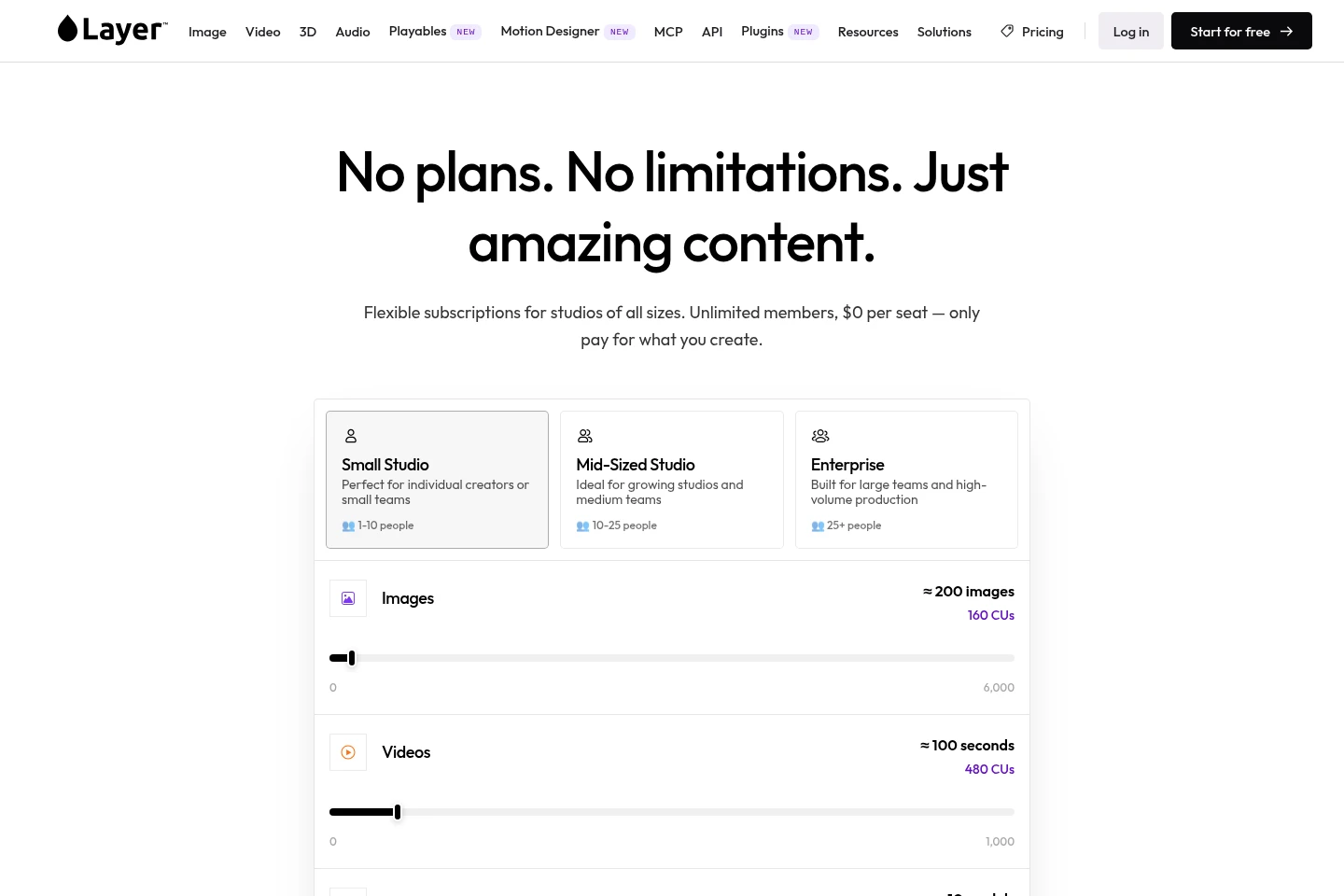
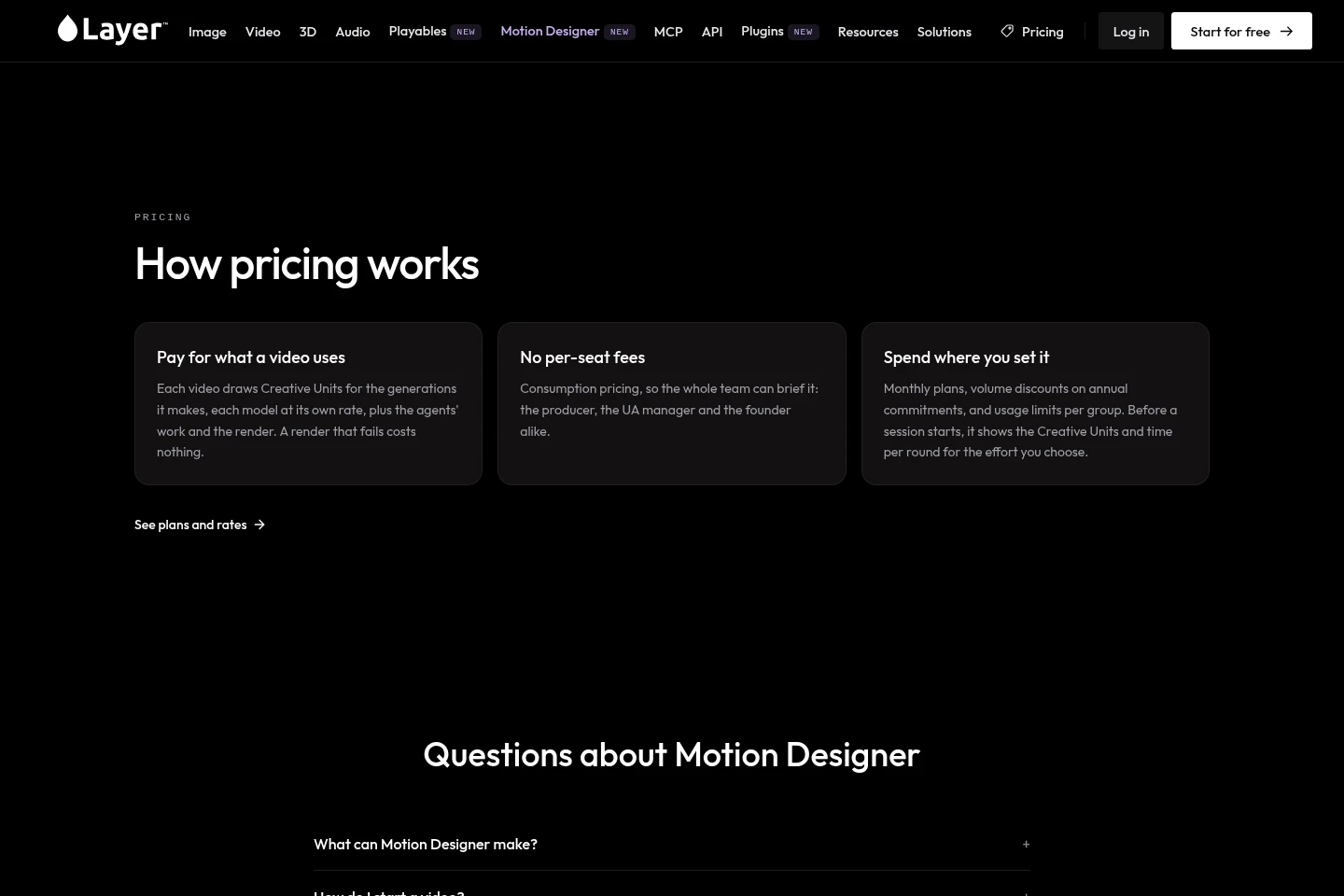
Layer is paid through subscriptions, with charges tied to Creative Units used for creative work. Compare the subscription price, included CUs and rollover conditions when choosing a plan.
A page excerpt states that plans start at $10 per month for 300 CUs and that 10% of unused CUs roll over each period. The complete plan list and additional pricing conditions are not established by the supplied excerpts.
Use cases
Create and refine game art assets
When a game team needs characters, environments or other visual assets, it can generate images from prompts or references and refine them with editing and enhancement tools. The result is a collection of editable creative assets.
Produce trailers and video advertisements
When a team needs a trailer or ad for a game or campaign, it can submit a brief to Motion Designer, review the proposed work and approve steps such as a storyboard. The workflow creates footage, music and edits for placements.
Build a playable advertisement
When a team needs an interactive ad, it can start from a brief or a playable template. Layer's playable workflow creates an interactive ad that can be reviewed in the playable gallery.
Limitations
Layer's account history and generated assets remain accessible after subscription cancellation, but new generation requires available Creative Units.
Motion Designer's production workflow includes approval steps; the supplied description says users approve the storyboard when they request one.
Who it is for
Game studios producing game art, playable ads and promotional video assets
Creative teams that need image, video, 3D or audio generation and editing
Developers connecting Layer workflows to Claude, Claude Code or other supported clients
FAQ
What kinds of creative assets can Layer generate?
Layer generates images, video, 3D assets and audio. Its listed tools also cover editing, enhancement and production tasks across those media types.
How does Motion Designer make a trailer or ad?
Motion Designer starts from a brief and writes, shoots, scores and edits a video, then recuts it for placements. The process includes user approval, including storyboard approval if a storyboard is requested.
How is Layer pricing calculated?
Layer offers subscriptions and charges for creative work using Creative Units. A supplied page excerpt says plans start at $10 per month for 300 CUs and that 10% of unused CUs roll over each period.
Can a team keep generated assets after canceling a subscription?
Yes. Generated assets and account history remain accessible after cancellation. Generating new assets requires available CUs in the account.
Does Layer offer developer access?
Yes. Layer lists MCP and API access and documentation for setting up clients, available MCP tools, and workspace management.
Comments