
- Monthly visits
- 539
- 2026-09
iconkit.dev - Generate project-ready icon and design asset libraries with AI
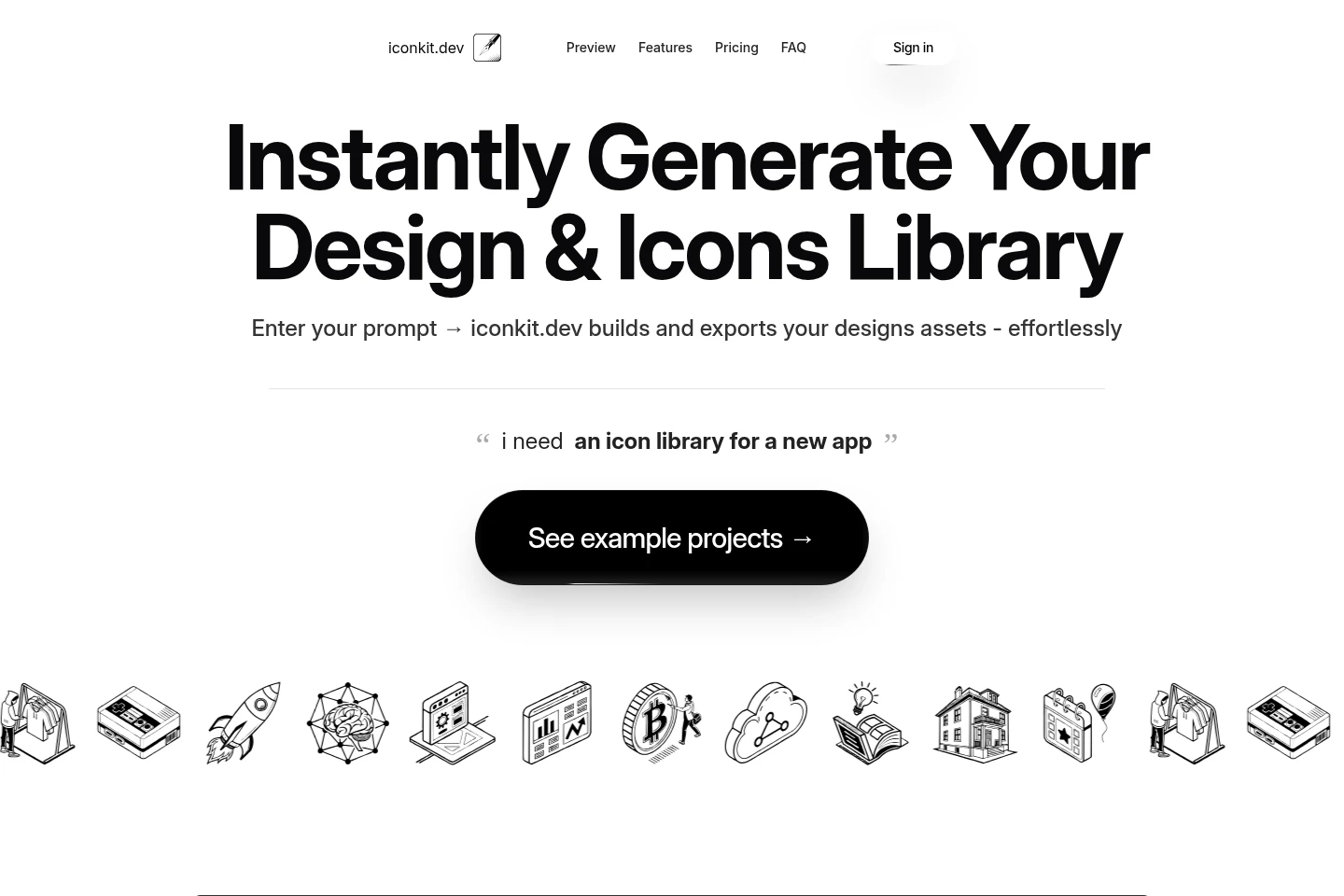
iconkit.dev turns prompts into libraries of icons and design assets, including logos and illustrations. Organize libraries by project, manage versions, generate variations in bulk, and export assets in multiple formats, including SVG. Developers can build and use libraries with frameworks such as React, Next.js, v0, Svelte, and React Native.
- AI Design
- Illustration Generators
- Logo Makers
- SVG Generators
- AI icon library generator
- React icon library
- SVG design assets
Capabilities
Prompt-based asset generation
Generate icon and design asset libraries from a text prompt. The service builds the requested assets, including icons, logos, and illustrations, for a project.
Project library management
Organize design asset libraries by project and manage versions at a granular level. This keeps each project's assets grouped and lets users track changes.
Bulk variations and updates
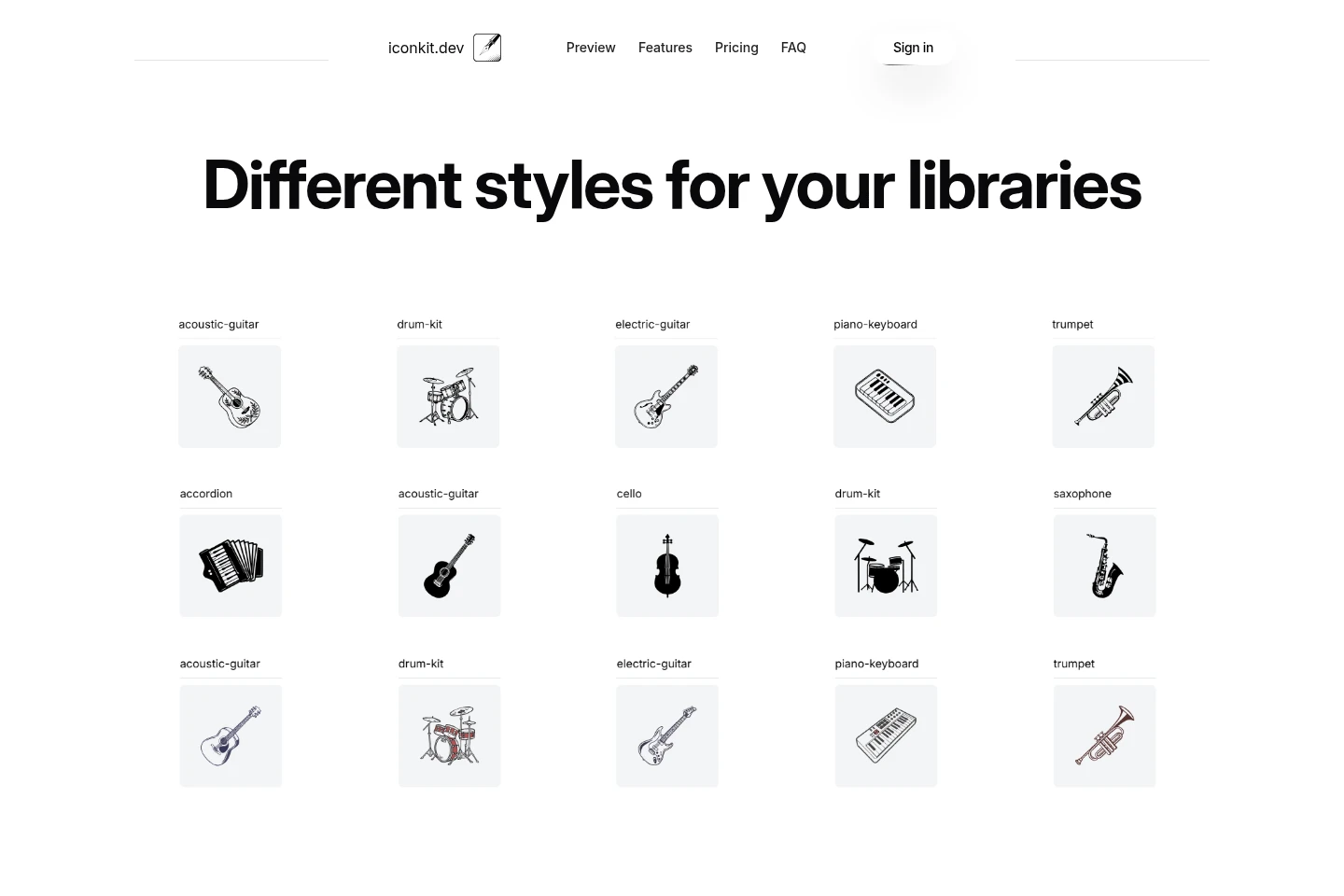
Generate variations and updates for design assets in bulk. Use the resulting assets as starting points or ready-to-use designs.
Multi-format asset export
Export design asset libraries in multiple formats, including vector SVG for icons. The exported assets can be used in projects and design workflows.
Framework-compatible builds
Build icon libraries for frameworks including React, Next.js, v0, Svelte, and React Native. The site describes automatic builds and plug-and-play use without configuration.
Pricing
Paid options include a one-time credit purchase and a recurring monthly Subscription. Compare the credit allowance, storage and build access, and the price of additional credits.
| Plan | Price | Included features and limits |
|---|---|---|
| Lite Credits | $5.00, pay once |
|
| Subscription | $20.00 monthly |
|
Use cases
Create an icon library for an app
When an app project needs a set of icons, enter a prompt to generate a project library. Build the icons for supported frameworks and export them for use in the app.
Prepare design assets for a project
When a design project needs icons, logos, or illustrations, generate a library from a prompt and organize it by project. Export assets in multiple formats, including SVG icons, for use as starting points or finished assets.
Update and adapt an asset library
When a project's visual needs change, generate variations and updates in bulk, then manage library versions. Export the revised assets for design work or supported framework builds.
Who it is for
Designers who need project-specific assets for prototypes and proposals
App developers who need framework-compatible icon libraries
Content editors who need distinct visuals for their material
Marketers who need logos and visuals for different brand contexts
FAQ
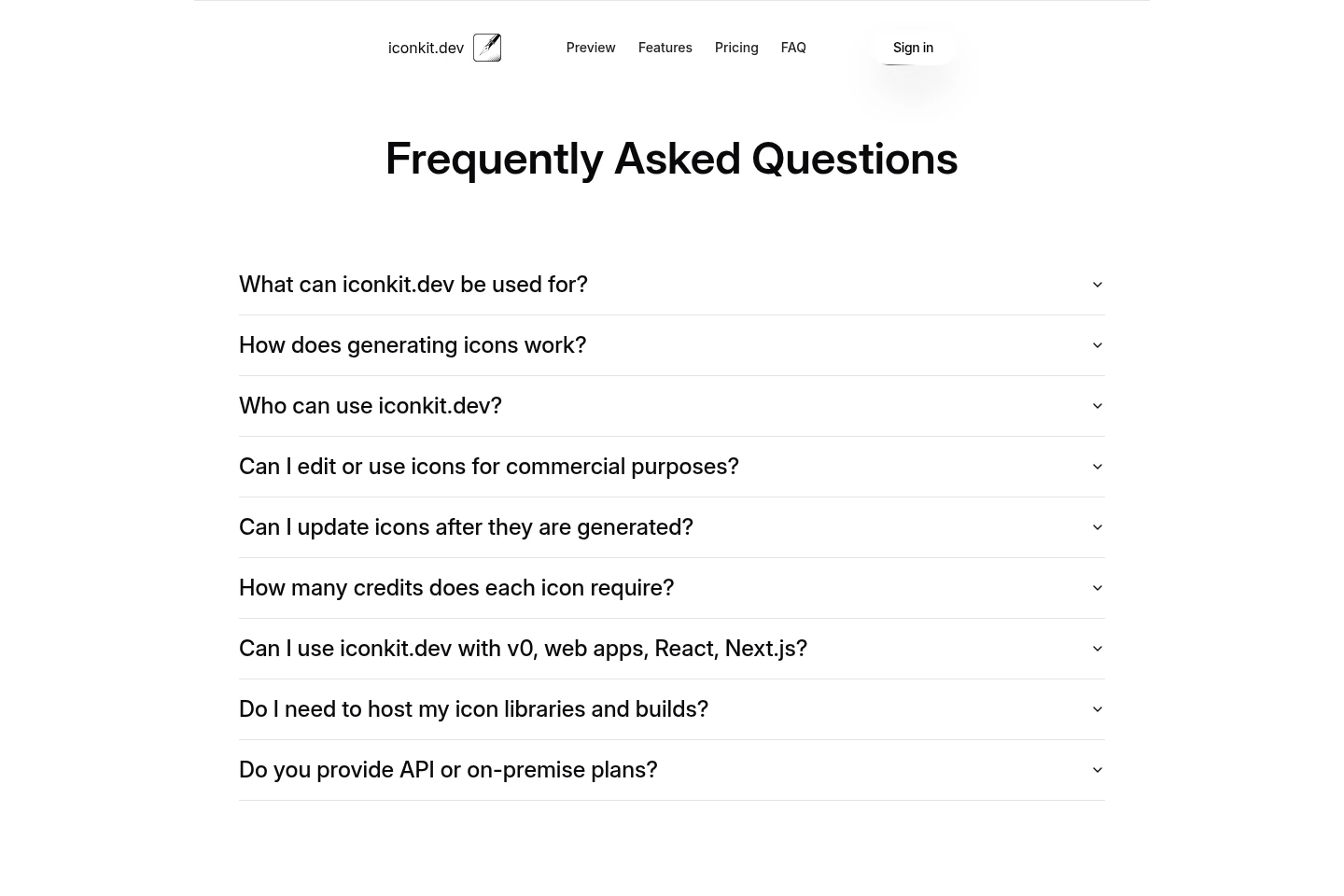
What can iconkit.dev be used for?
iconkit.dev can generate libraries of icons, logos, and illustrations for projects. The site describes project-level library management, bulk variations, and exports in multiple formats.
How does generating icons work?
Enter a prompt describing the assets or icon library you need. iconkit.dev builds the requested designs, which can then be organized and exported.
Who can use iconkit.dev?
Designers, developers, editors, entrepreneurs, marketers, and founders are named as potential users. The site says no technical or design expertise is needed.
Can I use iconkit.dev with v0, web apps, React, and Next.js?
The site lists v0, React, and Next.js among compatible frameworks and also names Svelte and React Native. It describes automatic icon-library builds for these frameworks.
Do I need to host my icon libraries and builds?
The site says builds and storage are unlimited with the Subscription plan and describes framework builds as requiring no deployments. It does not provide further hosting conditions in the supplied page.
Do you provide API or on-premise plans?
The supplied pricing lists Lite Credits and Subscription, but does not state whether API or on-premise plans are available.
Comments