
Monthly visits
7,551
2026-10
Monthly growth +836.8%

iBoomto AI - Run local AI models to process documents on Windows

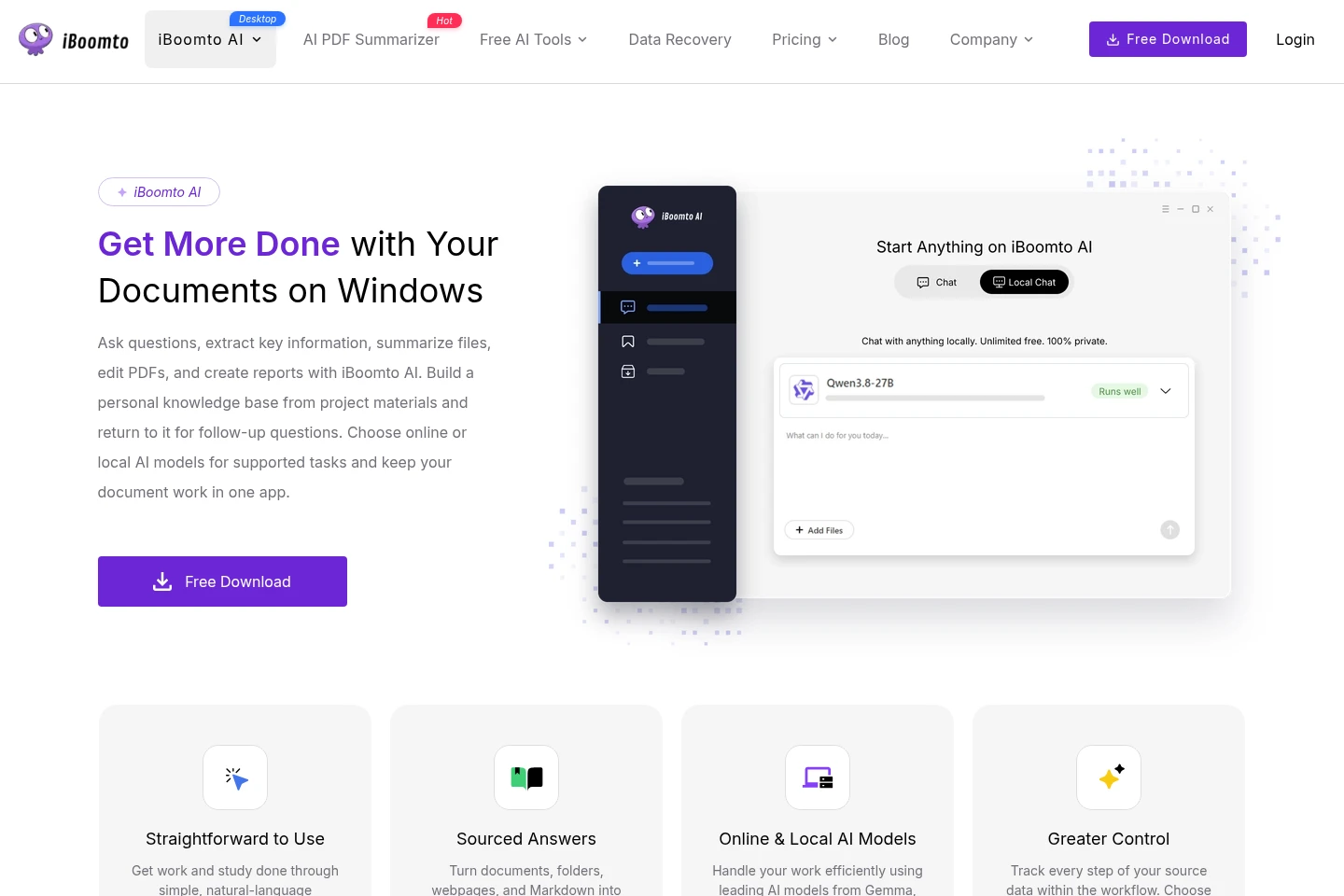
iBoomto AI is a Windows desktop application for running local language models and working with documents. It recommends models based on PC hardware, supports document uploads for summarization, extraction and analysis, and lets users save results as Markdown. A searchable knowledge base and online models are also described for supported tasks.

Visit WebsiteUpdate this product

0Views

Capabilities

Hardware-based model recommendations

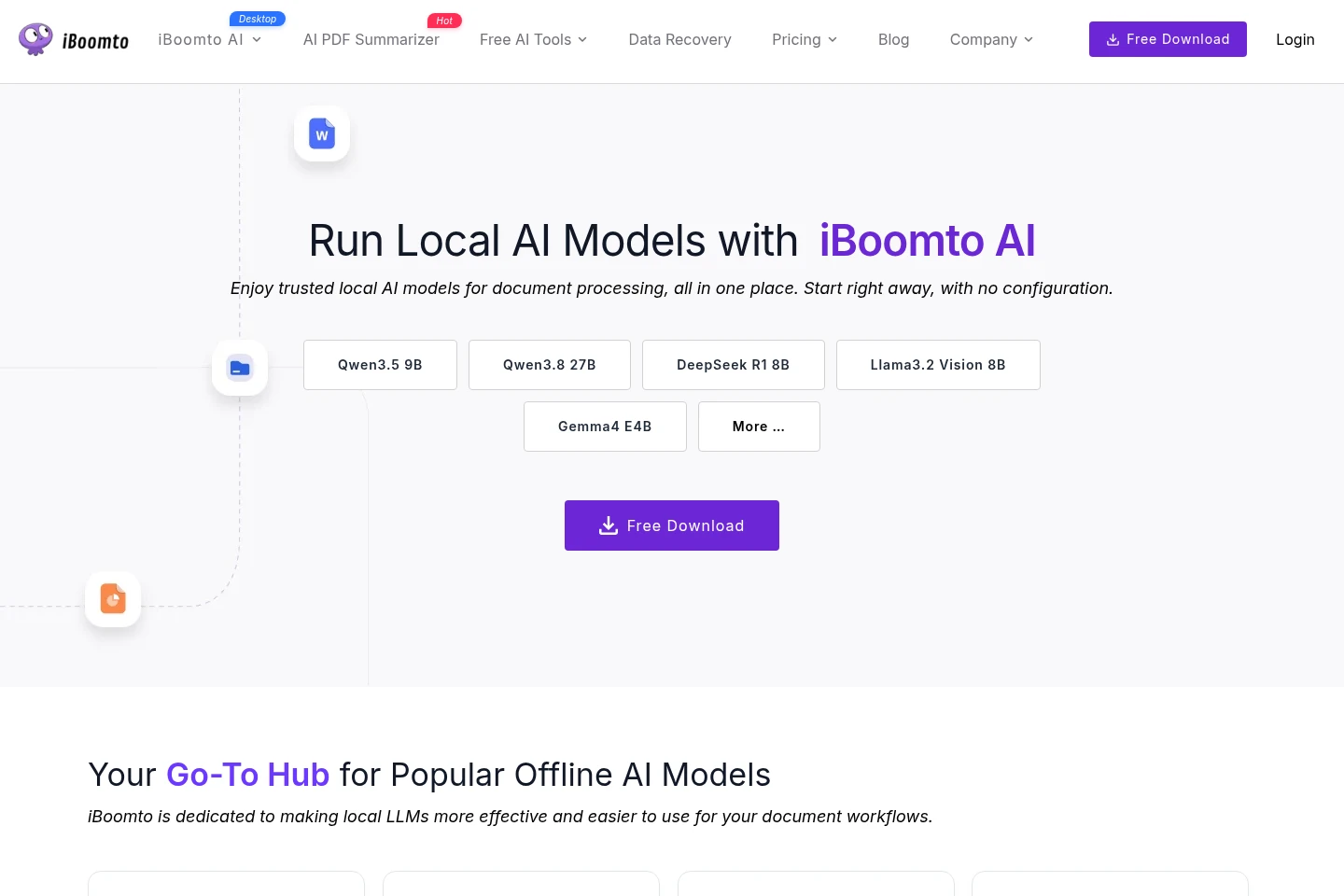
The app recommends local AI models suited to a Windows PC. During setup it selects a model based on hardware specifications, and users can check compatibility and download other models.

Local model library

The app provides access to a library of local language models from multiple providers. Users can compare model details, check download sizes and run compatible models on their PC.

Local document processing

The Windows app processes uploaded documents with a selected local model. Users can request summaries, key-point extraction, error checks or reports, then save results in Markdown and review them against the source.

Document knowledge base

The app can turn files and other supported sources into a searchable knowledge base. Users can ask questions, compare information across documents and summarize related material using retrieval-augmented generation.

PricingFreemium

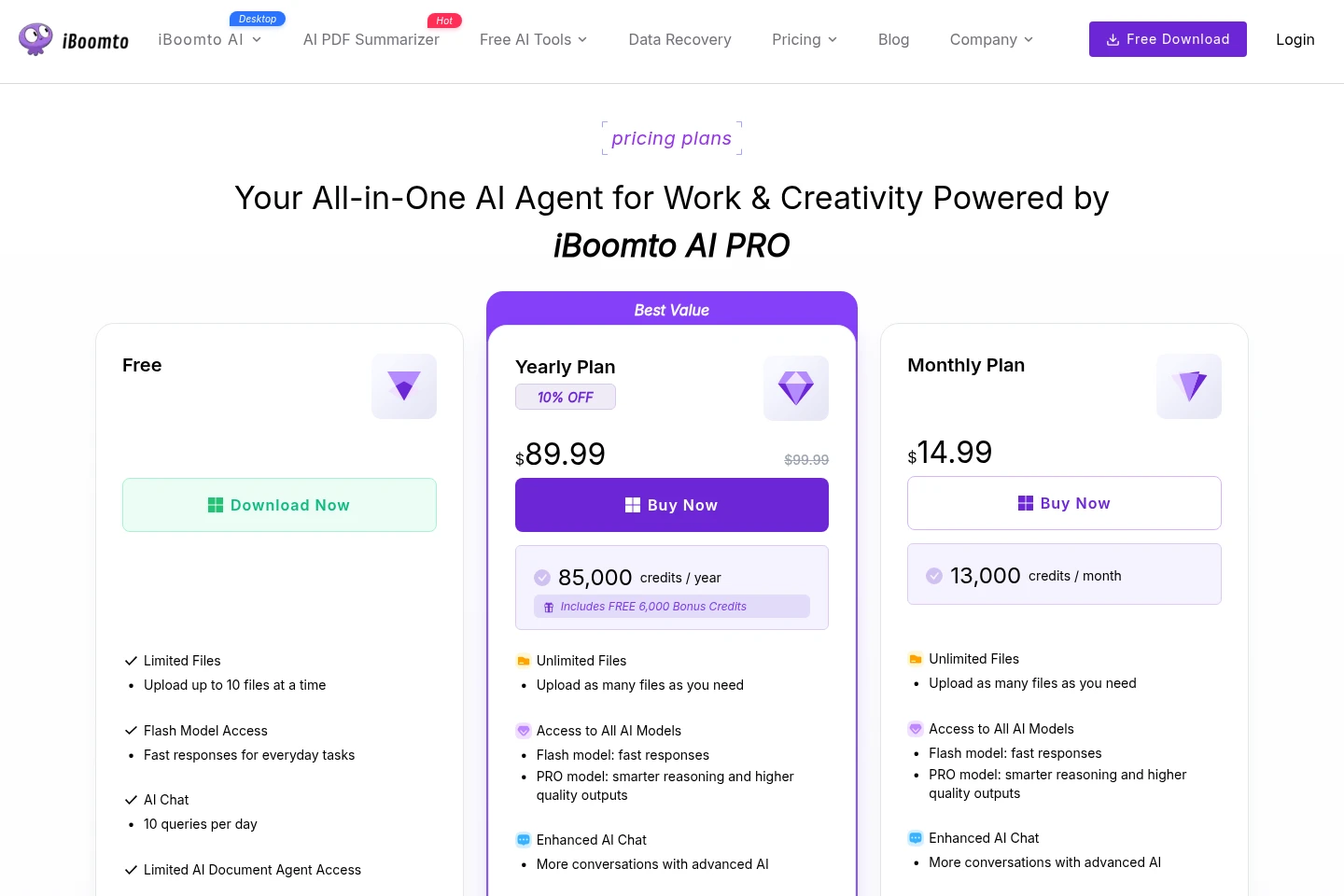
iBoomto AI has a free plan and paid subscriptions billed monthly or yearly. Compare file-upload limits, AI model access, chat access, document-agent features and included credits when choosing a plan.

PlanPriceIncluded features and limits
Free

Free

  • Upload up to 10 files at a time

  • 10 AI Chat queries per day

  • Limited AI Document Agent access

  • Unlimited Local Model usage

  • Flash model access

Yearly Plan

$89.99/year

  • 42,000 credits per year

  • Includes 6,000 bonus credits

  • Unlimited file uploads

  • Access to Flash and PRO AI models

  • Full AI Document Agent access

  • Unlimited Local Model usage

Monthly Plan

$14.99/month

  • 6,000 credits per month

  • Unlimited file uploads

  • Access to Flash and PRO AI models

  • Full AI Document Agent access

  • Unlimited Local Model usage

Unused monthly credits expire at month end; yearly credits expire at the end of the subscription year. Credit Pack credits do not expire while the subscription is active. The pricing page also states a 30-day Money-Back Guarantee for eligible refunds.

Use cases

Choose a local model for a Windows PC

When selecting a model for a Windows computer, users can review model details, file size and hardware compatibility in iBoomto AI. The app recommends a suitable model during setup, and users can check other models before downloading.

Summarize and extract information from documents

When a document needs a summary or specific information, users upload it to Local Chat, select a compatible model and describe the task. They can review the response against the source and save the result as a Markdown file.

Ask questions across a document collection

When information is spread across project files, users can build a searchable knowledge base and ask questions about its contents. Retrieval-augmented generation finds relevant material in the collection for the model to use in its response.

Limitations

  • The product is currently available for Windows PCs only; the pricing FAQ does not list support for other devices.

  • The Free plan allows uploads of up to 10 files at a time and limits AI Chat to 10 queries per day.

  • Unused subscription credits expire at the end of the current monthly or yearly billing term and do not carry over.

iBoomto AI alternatives

Open Interpreter

Desktop AI agent with built-in document editors

Open Interpreter is a desktop AI agent that reads, edits, and creates documents locally on your computer. With built-in Word, Excel, and PDF editors, it supports full document automation including form filling, data extraction, and report generation. Choose between cloud AI providers or run local models via Ollama for complete data privacy.

  • Freemium
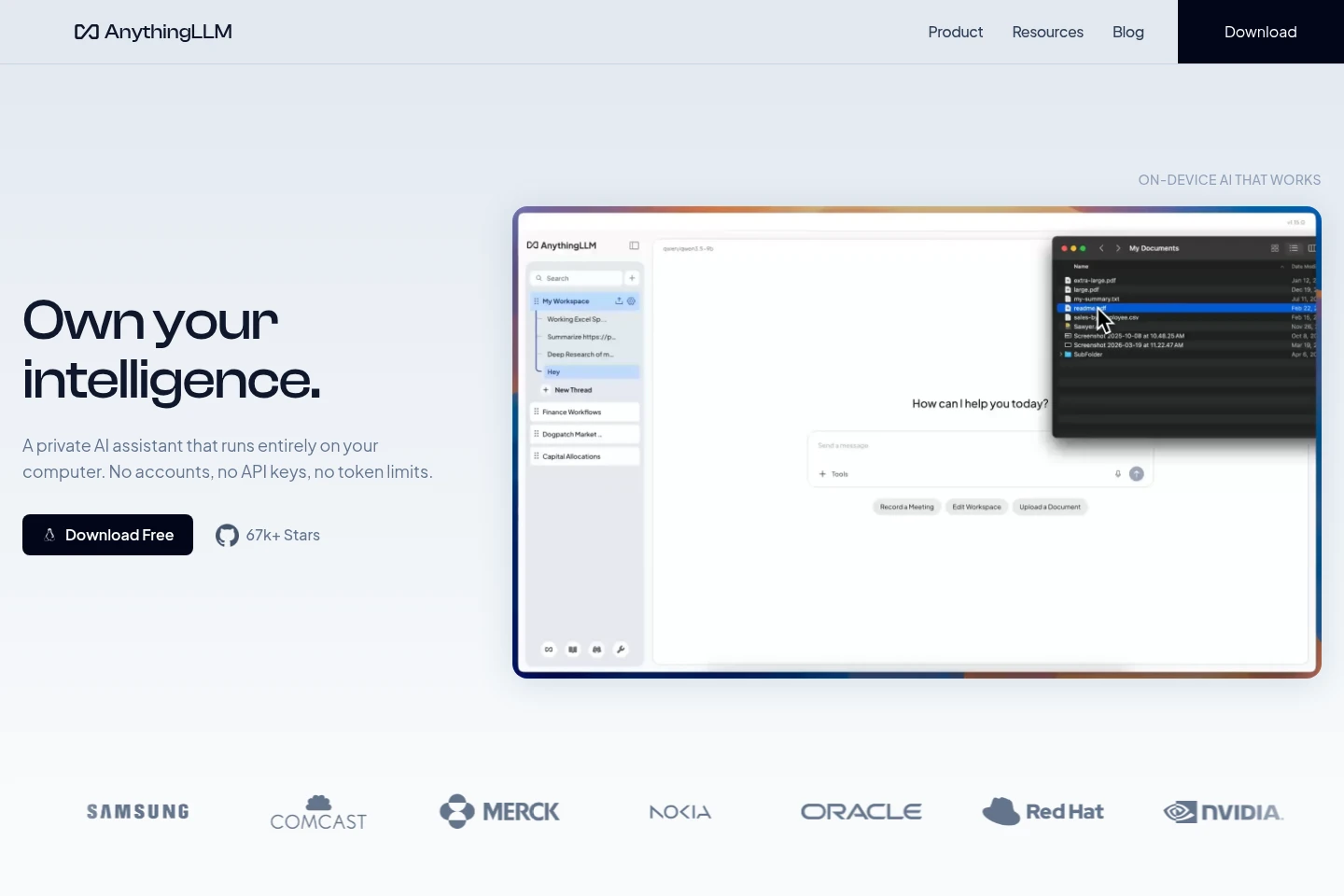
  1. AnythingLLM

    A private AI assistant for local work with documents and models

    Free
  2. OllamaAI

    Empowering your AI journey seamlessly

    Freemium
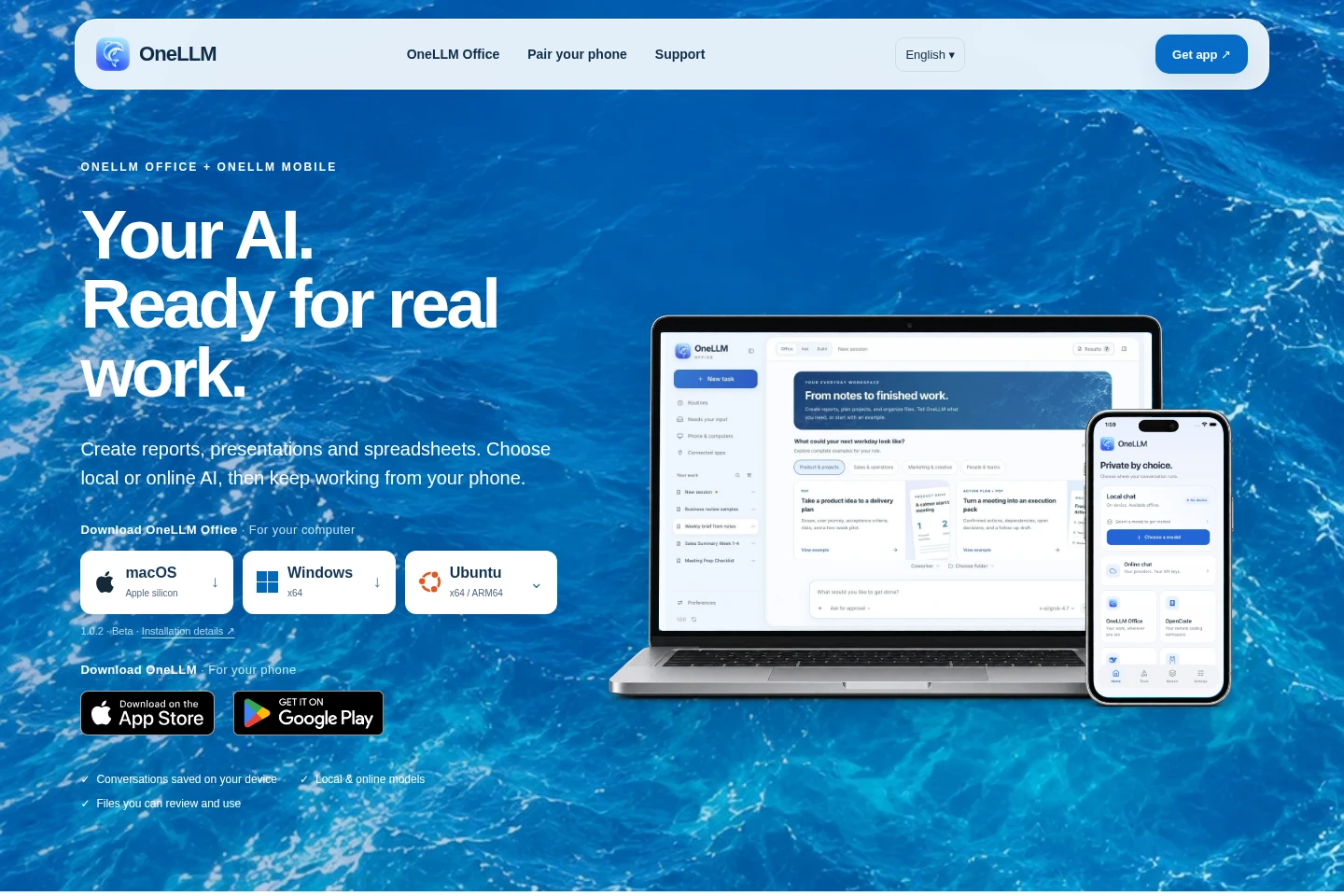
  3. OneLLM

    Create work files with local or online AI

    Contact Sales
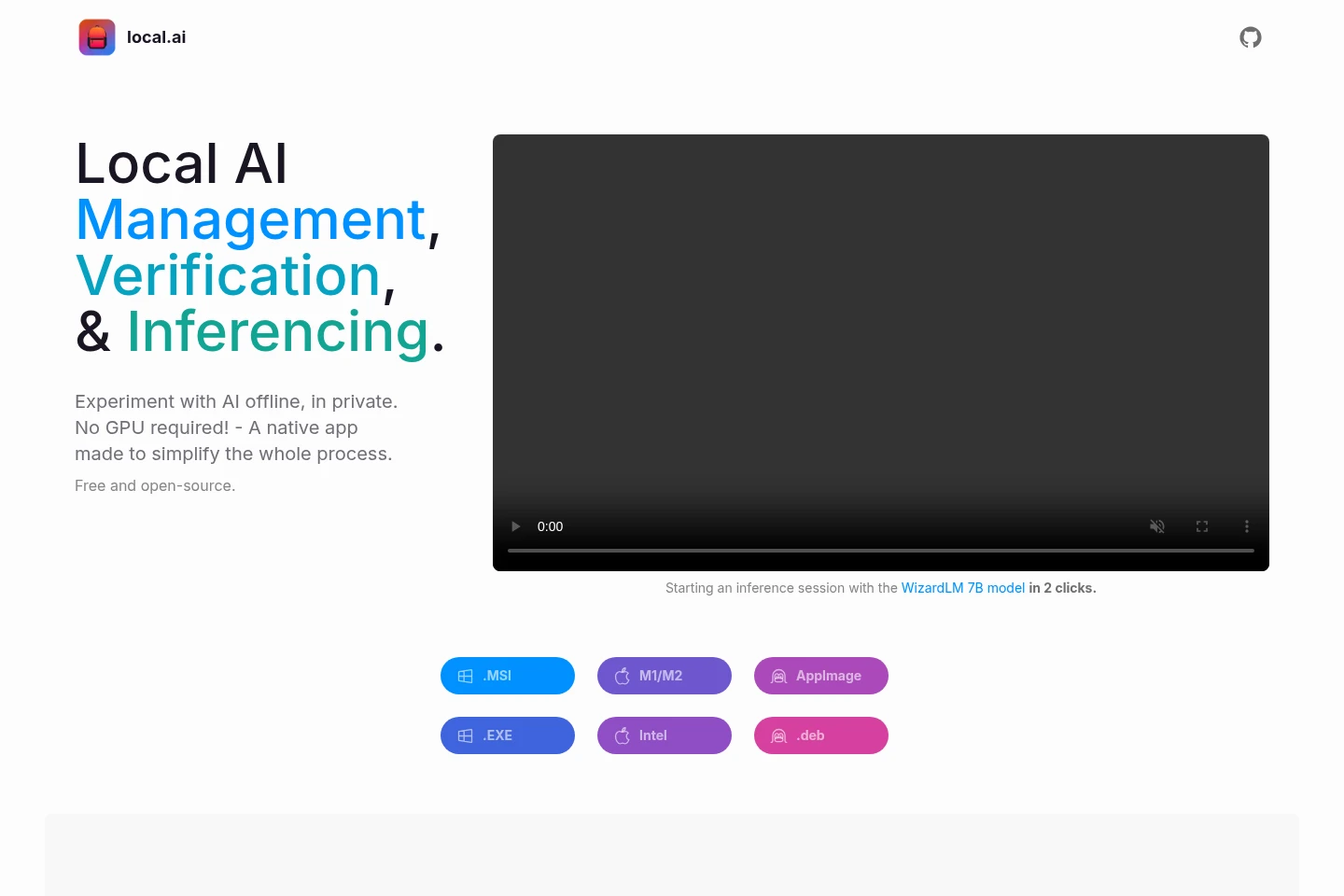
  4. Local AI

    Run AI models locally on your desktop with no GPU required

    Free
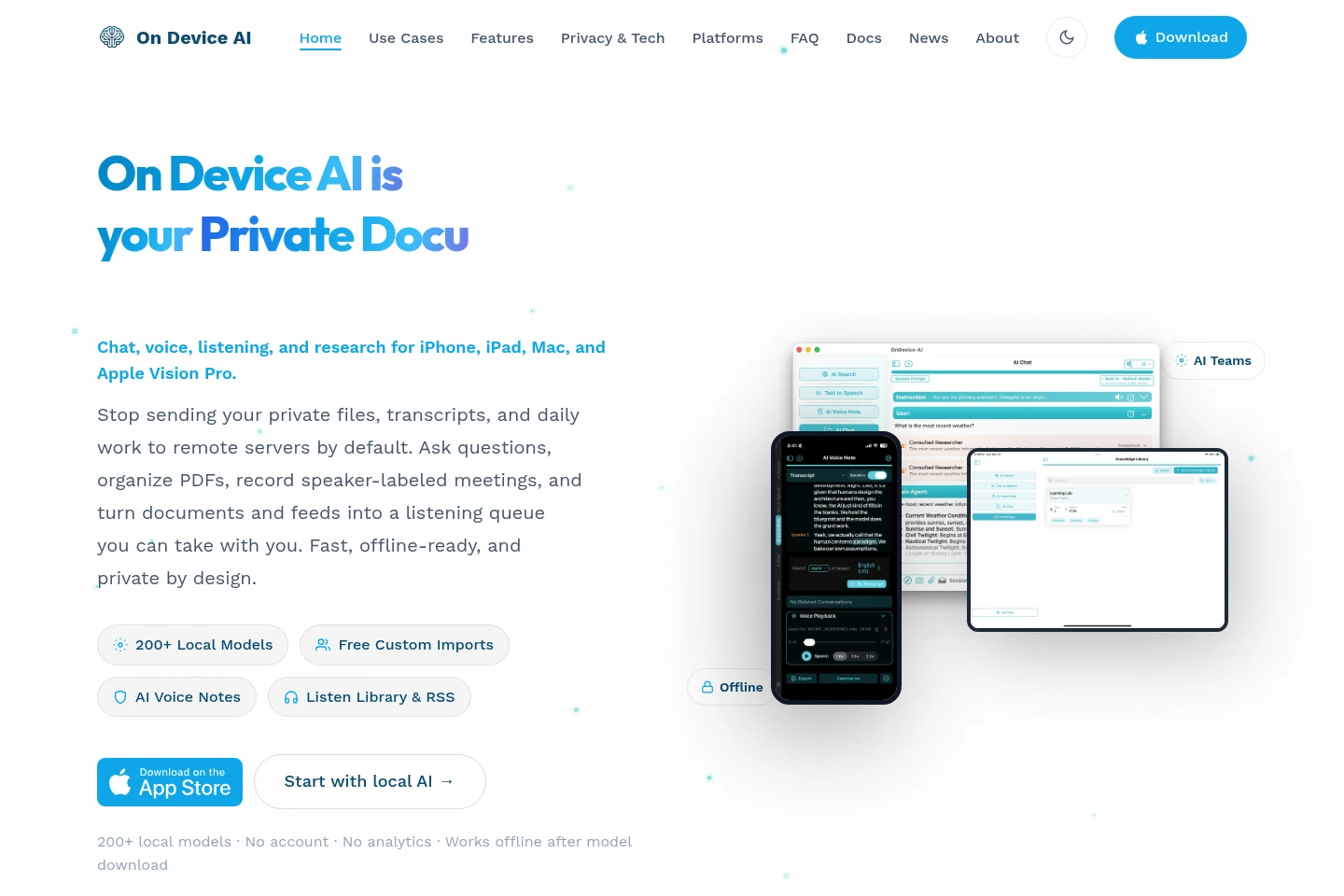
  5. On Device AI

    Private AI chat and media workflows that run on Apple devices

    Free · Free download; price not stated

Who it is for

  • Windows users who want to process documents with local AI models

  • People comparing local language models against their PC hardware and document tasks

  • Users who need to search and ask questions across a collection of project documents

FAQ

Which devices can run iBoomto AI?

The pricing FAQ says the product is currently available for Windows PCs only. Model compatibility also depends on the computer's hardware and the model's configuration.

How does the app recommend a local model?

During setup, iBoomto AI installs a model suited to the PC's hardware specifications. To try another model, users can check its compatibility in Local Chat and download a recommended option.

What are credits used for?

Credits provide access to AI features in iBoomto AI PRO. Different tasks consume different amounts of credits, so the number of tasks available depends on their credit costs.

Do unused subscription credits carry over?

No. Monthly credits expire at the end of the current month, and yearly credits expire at the end of the subscription year.

What happens when subscription credits run out?

Users can purchase a Credit Pack for additional usage. Credit Pack credits do not expire while the subscription remains active.

Can I cancel and request a refund?

Users can cancel at any time by contacting support; cancellation stops the next billing cycle, while unused credits remain available until the current term ends. Eligible refunds are covered by a 30-day Money-Back Guarantee, and approved refunds remove paid features and benefits.

Comments

Please sign in to leave a comment.
No comments yet. Be the first to share your thoughts!