

- Monthly visits
- 6,564
- 2026-09
- Monthly growth +57%
Honeydew - Save recipes, plan meals, and organize shared grocery lists
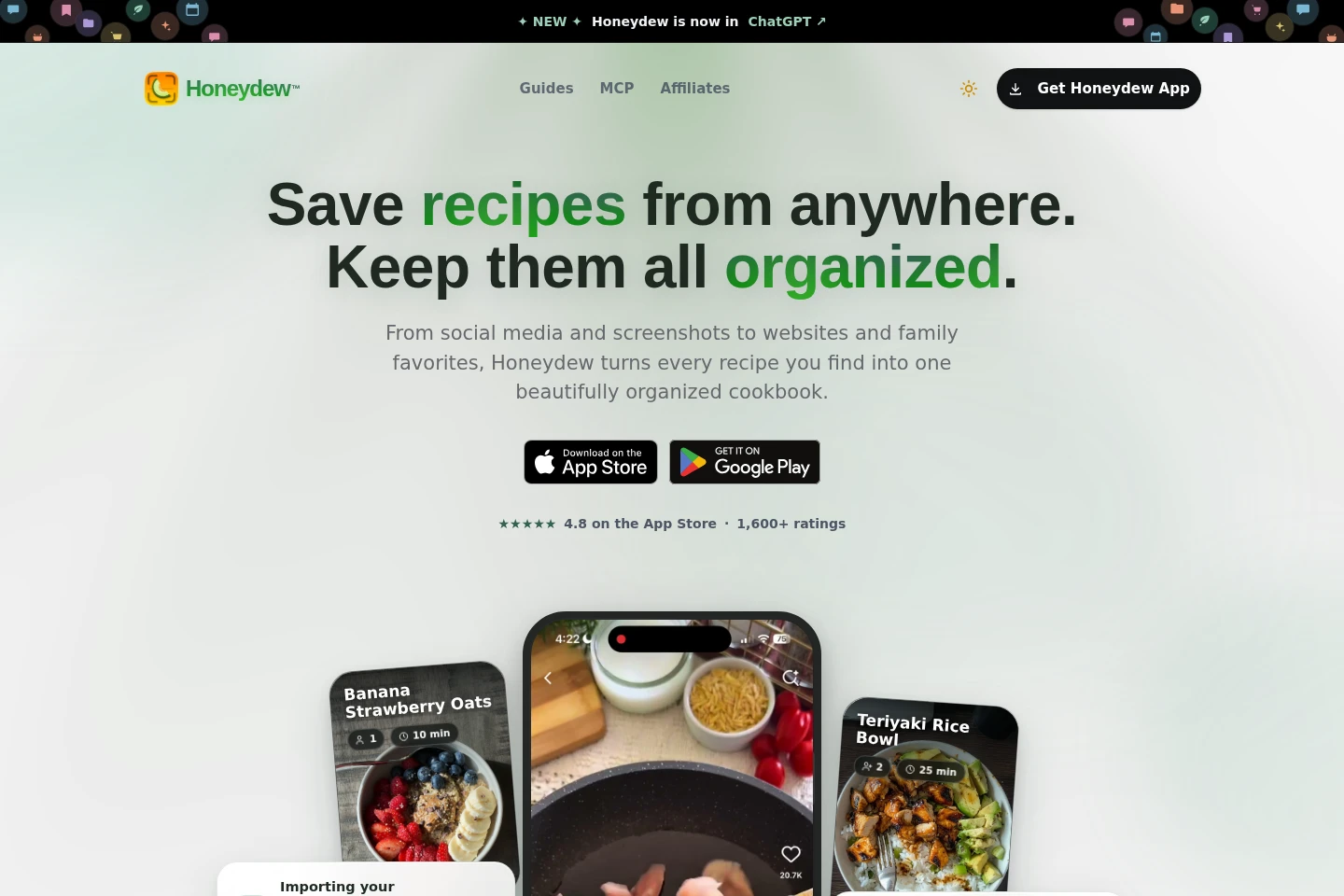
Honeydew is a recipe and meal-planning app for iPhone and Android. Save recipes from websites, social posts, links, screenshots, and photos; organize them into a searchable cookbook; plan meals by week; and combine ingredients into grocery lists grouped by aisle. Household members can share recipes, plans, and lists.
- AI Lifestyle
- Meal Planning
- Recipe Generation
- recipe import app
- meal planning app
- shared grocery lists
Capabilities
Recipe import and organization
Save and organize recipes as structured, searchable entries. Import from websites, social posts, links, screenshots, and cookbook photos; the app can extract ingredients, instructions, and cooking details.
Weekly meal planning
Schedule recipes across days and meals in a weekly plan. Add or move recipes on the plan, and the grocery list updates to reflect selected meals.
Combined grocery lists
Create a shared grocery list from planned recipes. Honeydew combines ingredient quantities and groups items by aisle for shopping.
Household recipe sharing
Share recipes, meal plans, and grocery lists with household members. The page says up to six family members can contribute and see real-time list updates.
AI recipe assistance
Use AI to extract recipe details and suggest ingredient alternatives. Substitution suggestions can consider dietary restrictions, allergies, or ingredients on hand.
Pricing
Honeydew is described as free on iPhone and Android. The page also mentions Honeydew Plus for photo, screenshot, and social-media imports, but provides no price or complete plan comparison.
Use cases
Save recipes from links and images
When a recipe is found on a website, social post, or printed page, import its link or image into Honeydew. The app extracts recipe details and stores them in an organized collection.
Plan meals for the week
When organizing meals for the coming week, add recipes to days and meal slots in the plan. Honeydew uses the selected recipes to update a combined grocery list.
Prepare a grouped grocery list
When shopping for meals made from several recipes, generate one list from their ingredients. Honeydew combines quantities and sorts items by aisle.
Coordinate cooking with a household
When household members share meal planning and shopping, share recipes, plans, and grocery lists in the app. The page describes contributions from up to six family members and real-time list updates.
Limitations
The FAQ specifies that importing recipes from photos, screenshots, and social media is available with Honeydew Plus; it does not state the plan's price.
Who it is for
Home cooks who want to collect and organize recipes from multiple sources
People planning meals by week and turning selected recipes into shopping lists
Households that want to share recipes, meal plans, and grocery lists
FAQ
How does AI recipe import work?
Paste a recipe URL or share a link from a website. Honeydew says its AI extracts ingredients, instructions, and cooking details and saves them to the recipe collection.
Can recipes be imported from photos or social media?
Yes. The FAQ says Honeydew Plus can capture recipes from photos, screenshots, and social media posts, recognizing image text and converting it into structured recipes.
How does meal planning generate a grocery list?
Add recipes to the weekly or monthly calendar, including by dragging them into place. Honeydew generates a grocery list based on the selected recipes.
What do ingredient substitution suggestions consider?
Honeydew can suggest alternatives based on dietary restrictions, allergies, or ingredients on hand. The page does not specify a complete list of supported diets or allergens.
How many people can share a household?
The FAQ says recipes, meal plans, and grocery lists can be shared with up to six family members. Everyone can contribute to meal planning and see real-time updates to shared lists.
Comments