
- Monthly visits
- 4,958
- 2026-09
- Monthly growth +91.7%
Recipe Book - Turn written recipes into shareable visual presentations
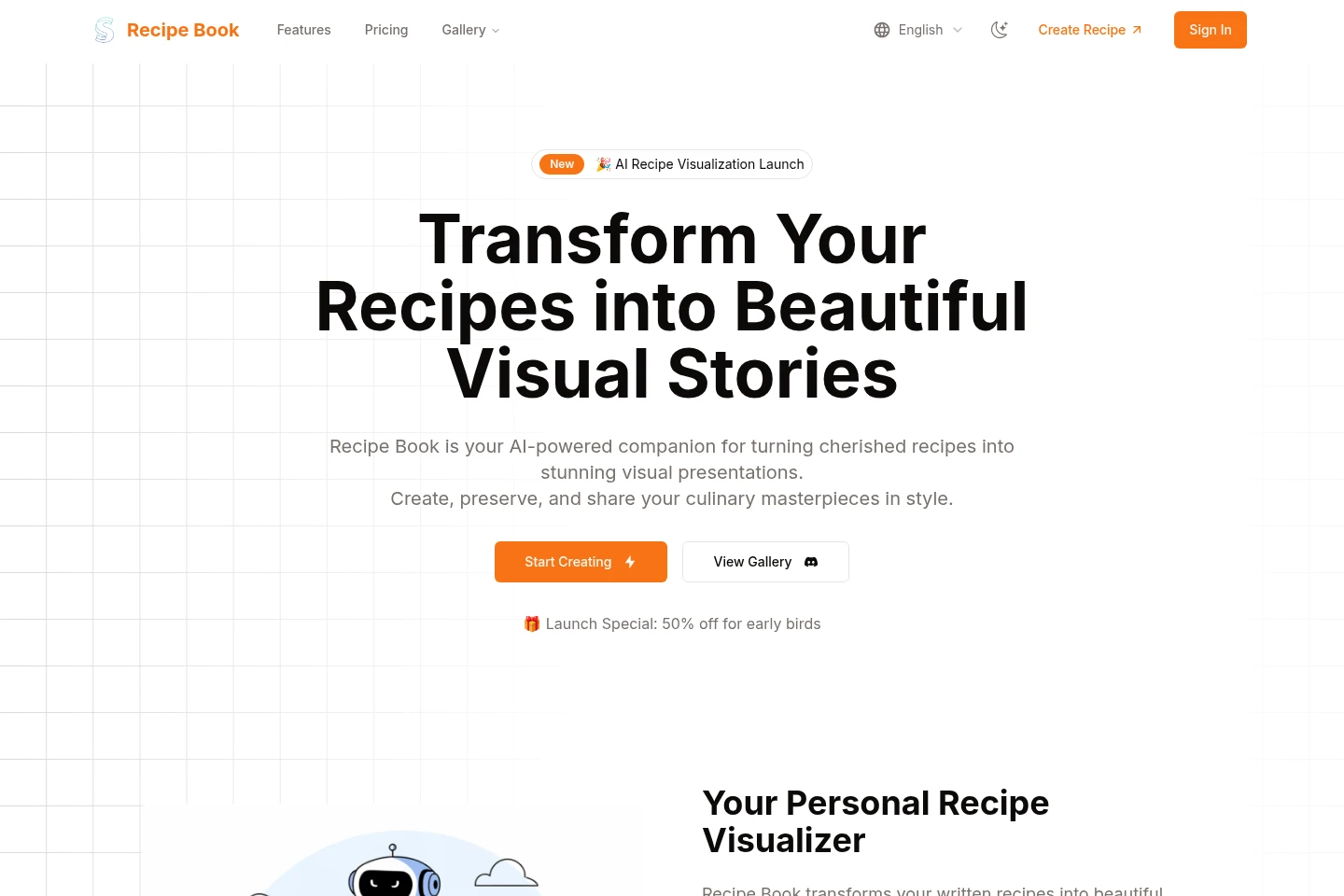
Recipe Book uses AI to turn recipe text into visual presentations with generated food images. Users can organize recipes by meal, cuisine, or occasion, style presentations with themes and layouts, and share them with others. The site lists plans with different visualization limits and features.
- AI Lifestyle
- Recipe Generation
- Graphic Design
- Food service
- AI recipe visualizer
- recipe image generator
- digital recipe collections
Capabilities
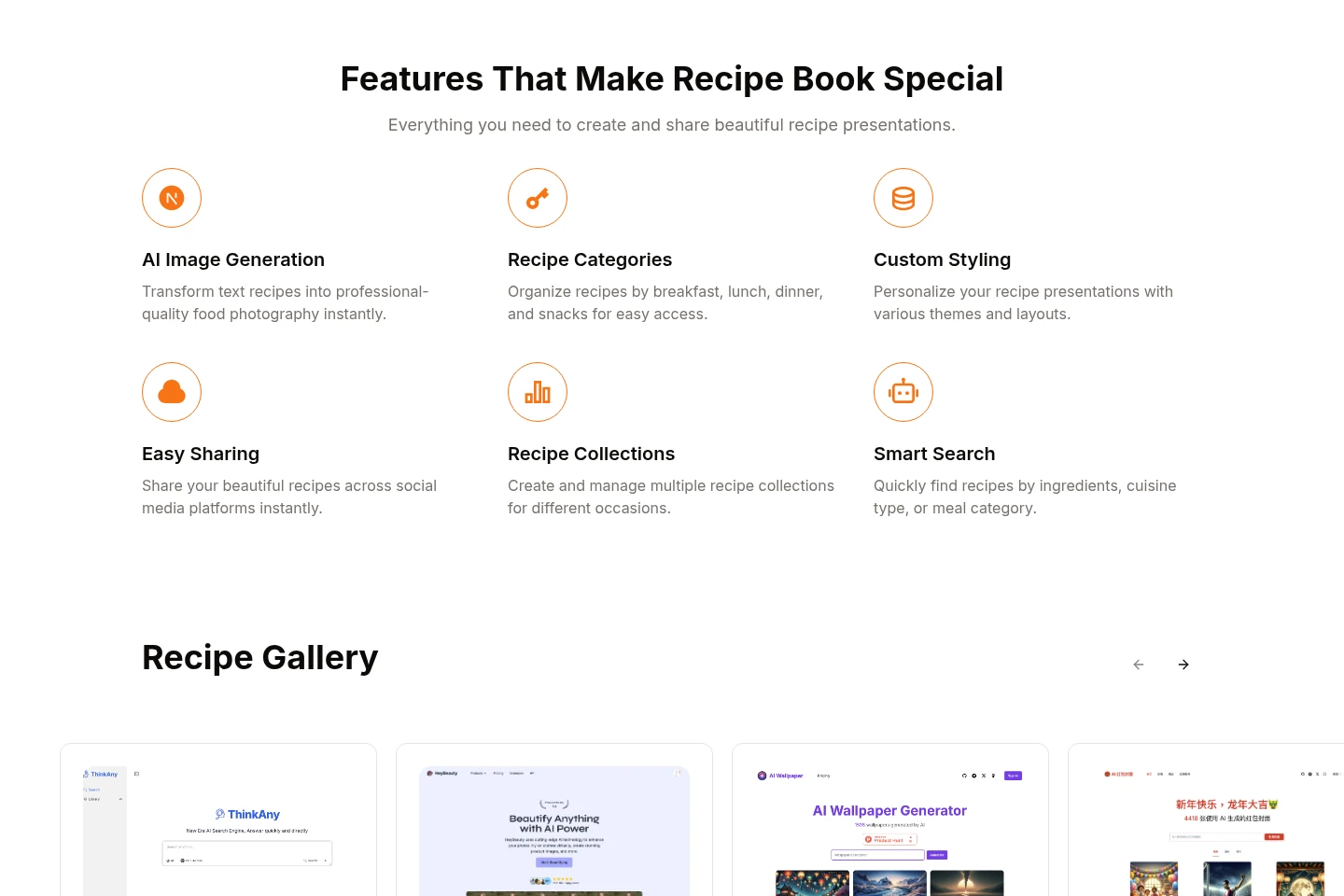
AI recipe visualization
Turns recipe text into visual presentations with generated food photography. Users provide recipe text, including ingredients and cooking instructions; AI analyzes ingredients and cooking methods, and users can choose a visual style.
Recipe organization
Organizes recipes into categories and collections. Users can group recipes by meal type, cuisine, or occasion, then manage collections and find recipes using ingredient, cuisine, or meal-category search.
Presentation styling
Applies themes and layouts to recipe presentations. Users can select a template and customize colors, fonts, and presentation formats to match a preferred style or brand.
Recipe sharing
Creates recipe presentations that users can share with others. The site describes sharing images and digital formats through social media, email, or messaging, and printable PDFs for physical copies.
Recipe importing
Imports existing recipes for visual presentation. Supported inputs described on the site include text documents, websites, and photos of handwritten recipes; AI can then help transform the recipe.
Pricing
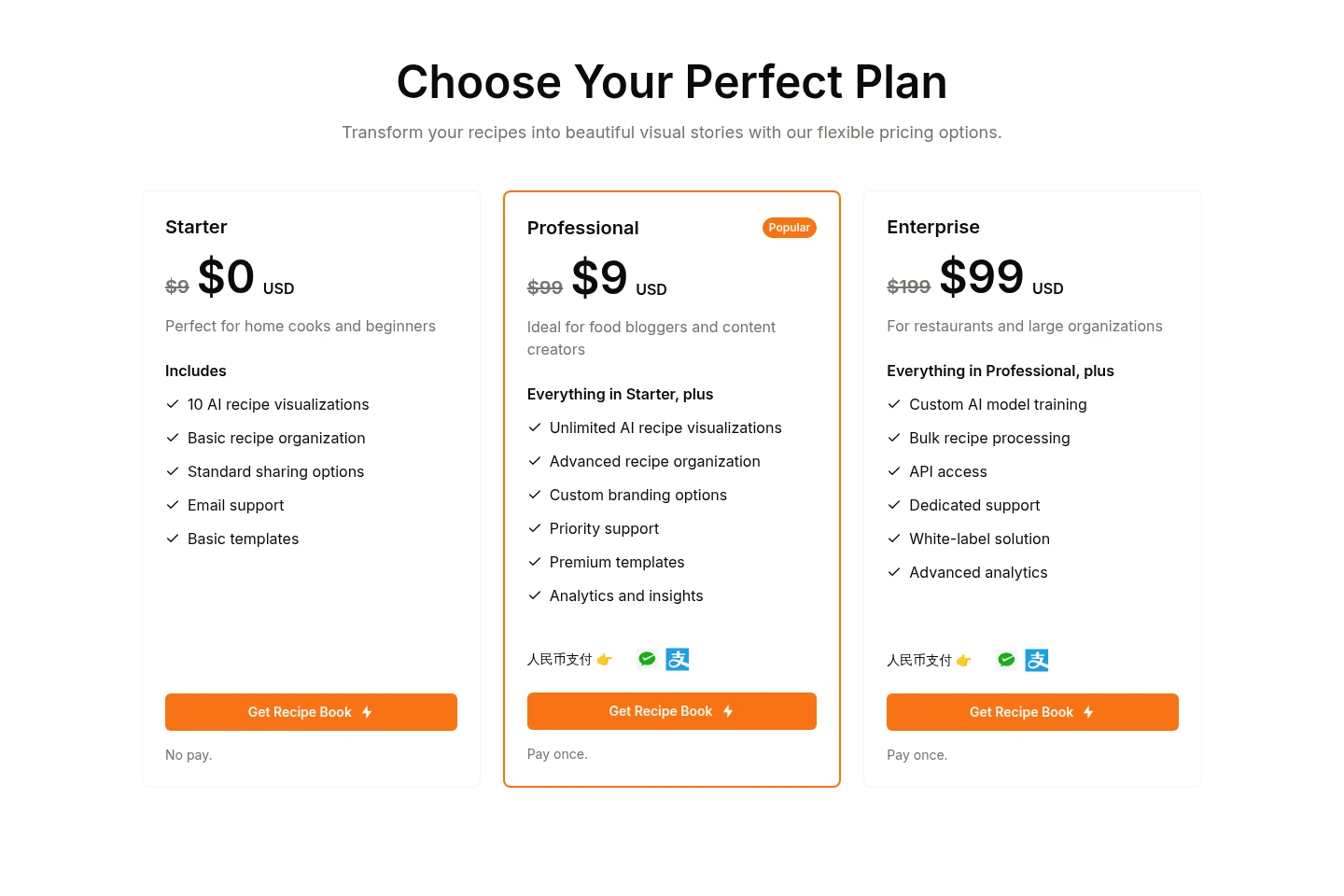
Recipe Book lists three paid plans with one-time payment conditions shown on the page. Compare visualization allowances, organization and styling features, support, and Enterprise additions when choosing.
| Plan | Price | Included features and limits |
|---|---|---|
| Starter | $0 USD; no pay |
|
| Professional | $9 USD; pay once |
|
| Enterprise | $99 USD |
|
The pricing display also shows $9, $99, and $199 amounts before the listed $0, $9, and $99 amounts; the page labels Professional as pay once and Starter as no pay. A 50% launch discount is advertised for early birds, but its eligibility and duration are not specified.
Use cases
Create a visual presentation from a recipe
When a cook wants to turn a written recipe into a visual presentation, they enter or paste its text and select a style. AI analyzes ingredients and cooking methods and generates food imagery for the presentation.
Organize recipes into collections
When a user has recipes for different meals, cuisines, or occasions, they categorize them and create collections. Search by ingredients, cuisine, or meal category helps them locate a recipe.
Share or print a recipe presentation
When a user wants to show a recipe to family, friends, or social followers, they share its presentation through social media, email, or messaging. The site also says presentations can be shared as images or digital formats and printed as PDFs.
Limitations
The Starter plan includes 10 AI recipe visualizations; the Professional plan lists unlimited visualizations, while Enterprise adds bulk processing.
API access and custom AI model training are listed as Enterprise features, not as Starter or Professional features.
Who it is for
Home cooks who want to organize and share personal recipes
Food bloggers and content creators preparing branded recipe presentations
Restaurants and organizations needing bulk recipe processing or a white-label solution
FAQ
How does Recipe Book create recipe visuals?
It analyzes the recipe text, ingredients, and cooking methods with AI, then generates food imagery for a visual presentation. Users can provide recipe text and choose a style.
Can recipes be organized into collections?
Yes. Users can create collections for categories such as breakfast, dinner, desserts, or special occasions, and organize and access those recipes.
What formats can I use to share a recipe?
The site describes shareable images, printable PDFs, and digital formats. Presentations can be shared through social media, email, or messaging apps.
Can I customize a recipe's visual style?
Yes. Users can choose themes and layouts and customize colors, fonts, and presentation formats for a personal style or brand.
How many recipe visualizations are included?
The listed allowance depends on the plan: Starter includes 10 AI recipe visualizations, Professional lists unlimited visualizations, and Enterprise includes bulk recipe processing.
Can I import recipes I already have?
Yes. The site says recipes can be imported from text documents, websites, and photos of handwritten recipes, after which AI can help transform them into visual presentations.
Comments