
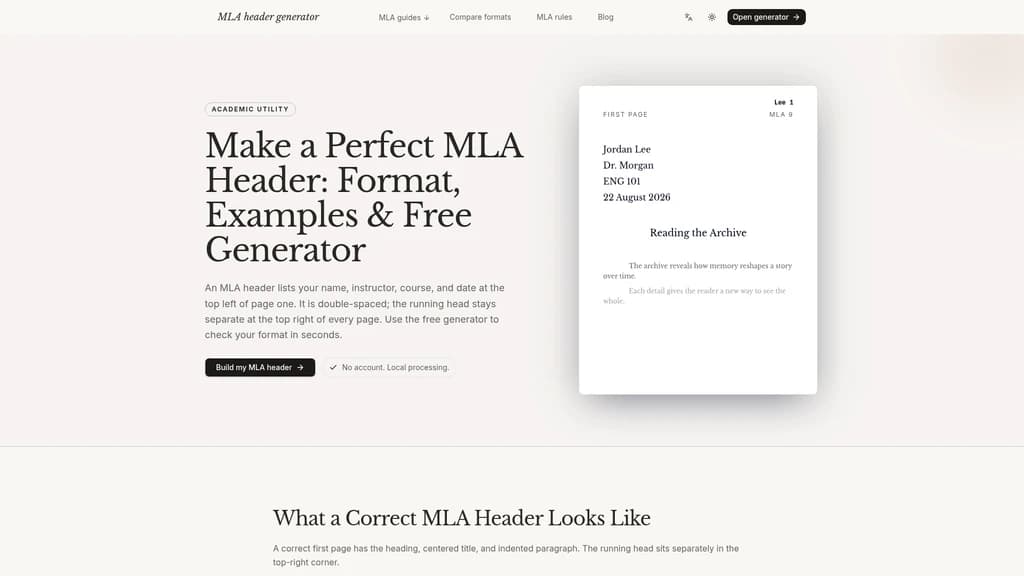
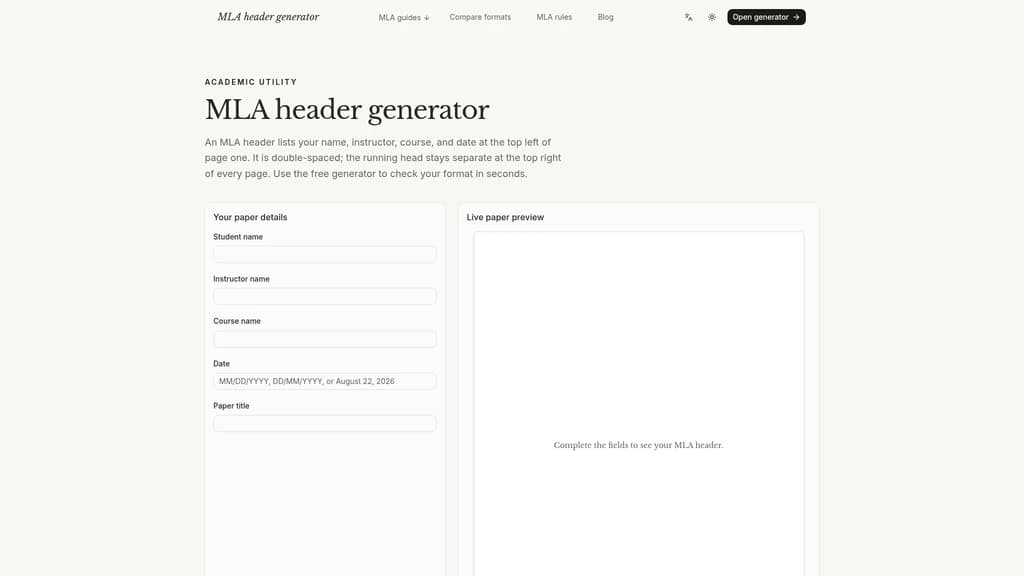
HeaderGenerator.io Free MLA Header Generator - Generate correctly formatted MLA 9 headers, running heads, and export ready-to-use documents for academic papers in seconds
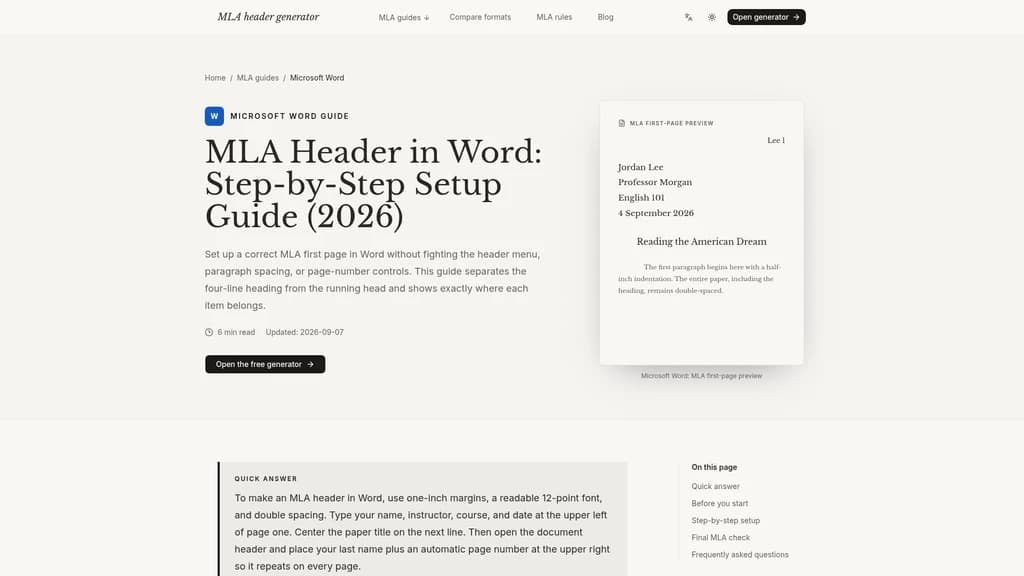
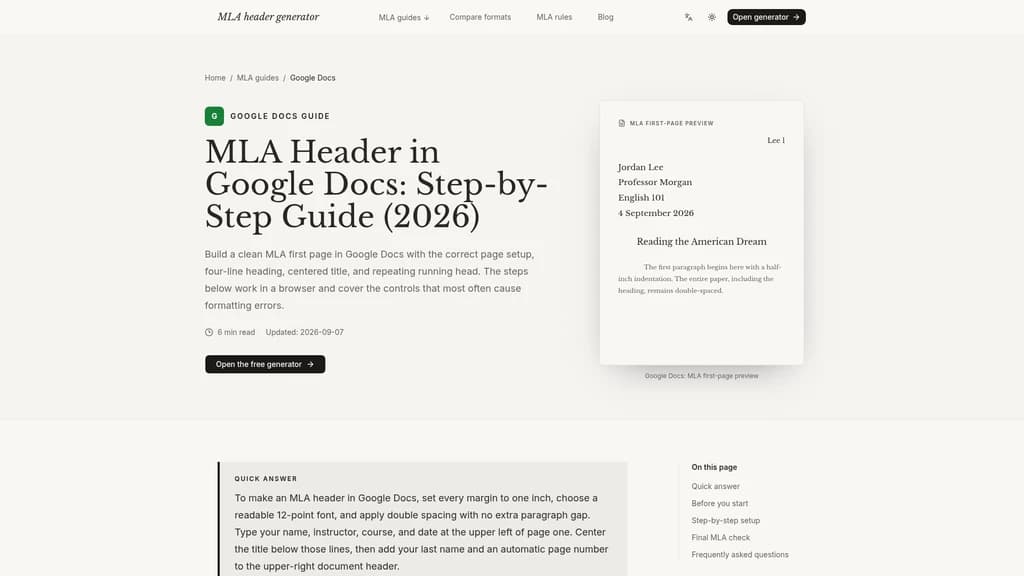
Launched on Sep 11, 2026HeaderGenerator.io is a free no-upload MLA 9 header generator built for students, writers, and researchers to produce properly formatted academic paper headings and running heads without manual formatting errors. It works entirely in your browser with no account required, and eliminates common MLA formatting mistakes when submitting class essays and formal academic work.
Related Content

BrickBookmark
BrickBookmark is a free, local-first open-source browser bookmark manager that requires no registration or login, with all core functions stored locally in the user's browser. It supports Chrome, Edge, and Firefox browsers, and includes built-in bookmark health maintenance tools such as broken link detection, duplicate merging, and title refreshing. The product offers 24-hour trash recovery for accidentally deleted bookmarks, encrypted .bbmk backup, and HTML cross-browser migration capabilities. It is designed for users who prioritize local data storage, avoid cloud-based bookmark services, and want to maintain a well-organized, healthy bookmark library.

TwitterViewer
TwitterViewer is a web tool that lets users access public X (formerly Twitter) posts, threads, replies, profiles, and media without requiring an X account or login. It also includes built-in tools to download X videos and GIFs, run advanced public content searches, and check the reported location of public X accounts. The service is private by default with no third-party trackers, and adapts its layout for desktop, tablet, and mobile devices. It is designed for casual users who want to view shared X links, researchers, journalists, and anyone who needs to access public X content without creating an account.

Wonderslide
Wonderslide is an AI presentation maker that builds fully structured, designed presentations in approximately 15 minutes from user text descriptions and uploaded documents, spreadsheets, PDFs, or drafts. It lets users review and edit presentation outlines before design, and supports iterative chat-based edits to adjust content without rebuilding the entire deck. The tool can perform web search to add verified current data with source links, and automatically generates styled tables, graphs, and diagrams to match the presentation's tone. It is designed for trainers, marketers, sales managers, startup founders, and students who need to create professional presentations efficiently.

AgileHero
AgileHero is an all-in-one agile project management workspace that combines kanban boards, backlog tools, roadmaps, whiteboards, retrospectives, metrics, and a team wiki. It supports real-time sync across boards, cards, and whiteboards, and includes built-in estimation poker, sprint planning, and dependency management features. The platform integrates AI agents via MCP to convert user requests directly into actionable work items, with full permission controls and visible audit trails for all automated actions. It is designed for software development teams and cross-functional groups running agile sprints and collaborative project workflows.


Comments