
- Monthly visits
- 4,924
- 2026-10
- Monthly growth +8,106.7%
Happy Horse - Create directed AI videos from text, images, and clips
Happy Horse Video Studio generates video from text prompts, images, and reference clips. Users can guide camera movement, set frames, build multi-shot sequences, extend or refine scenes, and create video with synchronized sound. Pricing plans provide monthly credit allowances and vary by processing priority and support.
- AI Video
- Video Generators
- AI video generator
- text to video
- image to video
Capabilities
Prompt and reference video generation
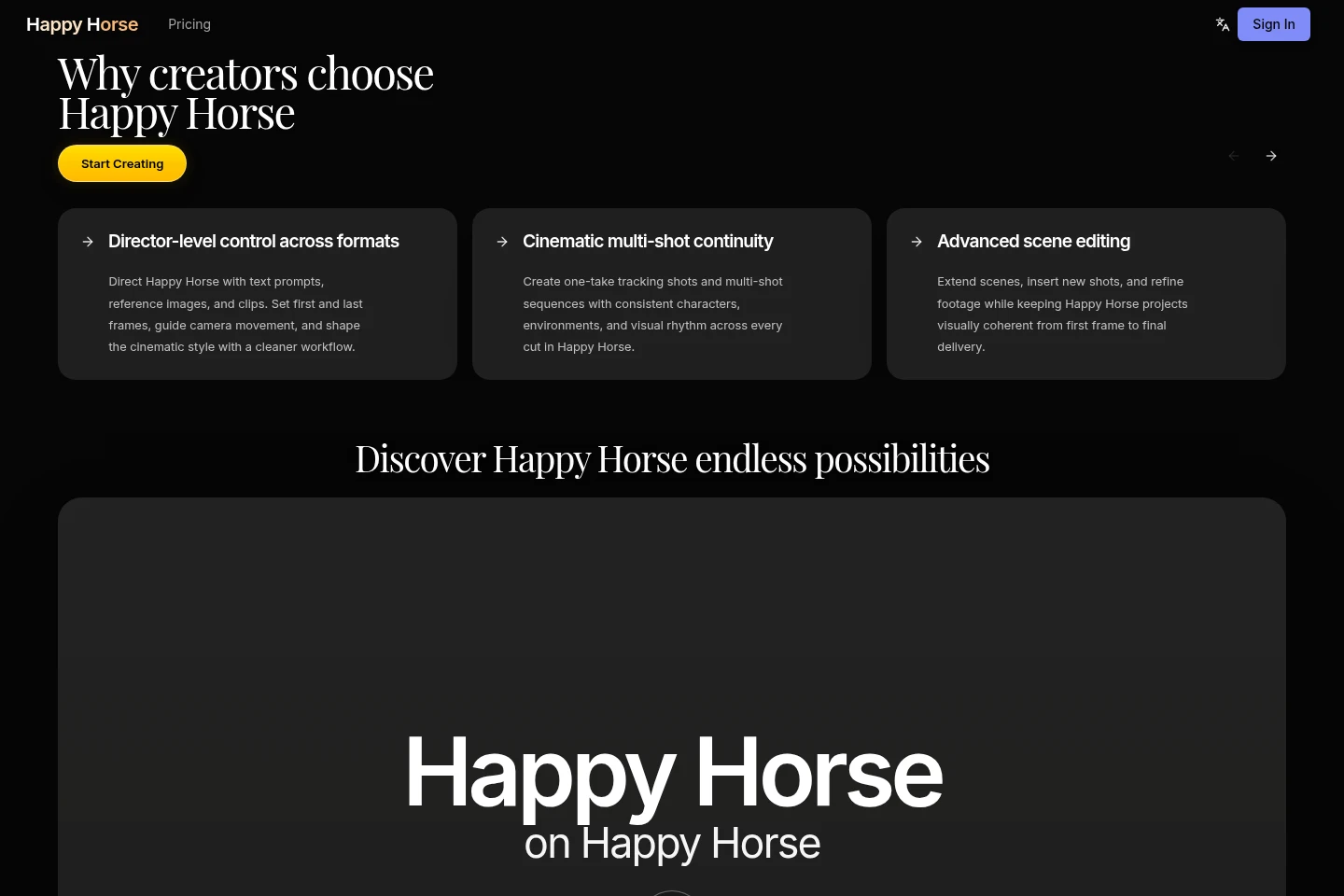
Generate video from text prompts, reference images, or clips. The workflow supports text-to-video, image-to-video, and reference-video editing, with direction for camera movement and first or last frames.
Multi-shot scene continuity
Create one-take tracking shots and multi-shot sequences with consistent characters and environments. Reference images and video can guide the sequence, including through @Image and @Video tags.
Scene editing and extension
Refine footage by extending scenes or inserting shots, and expand a sequence without restarting generation. The product describes maintaining character, environment, motion, and pacing continuity.
Synchronized audio and video
Generate video with synchronized sound and pacing. Prompts, images, clips, and optional audio-driven direction can guide motion, timing, and scene intent.
Pricing
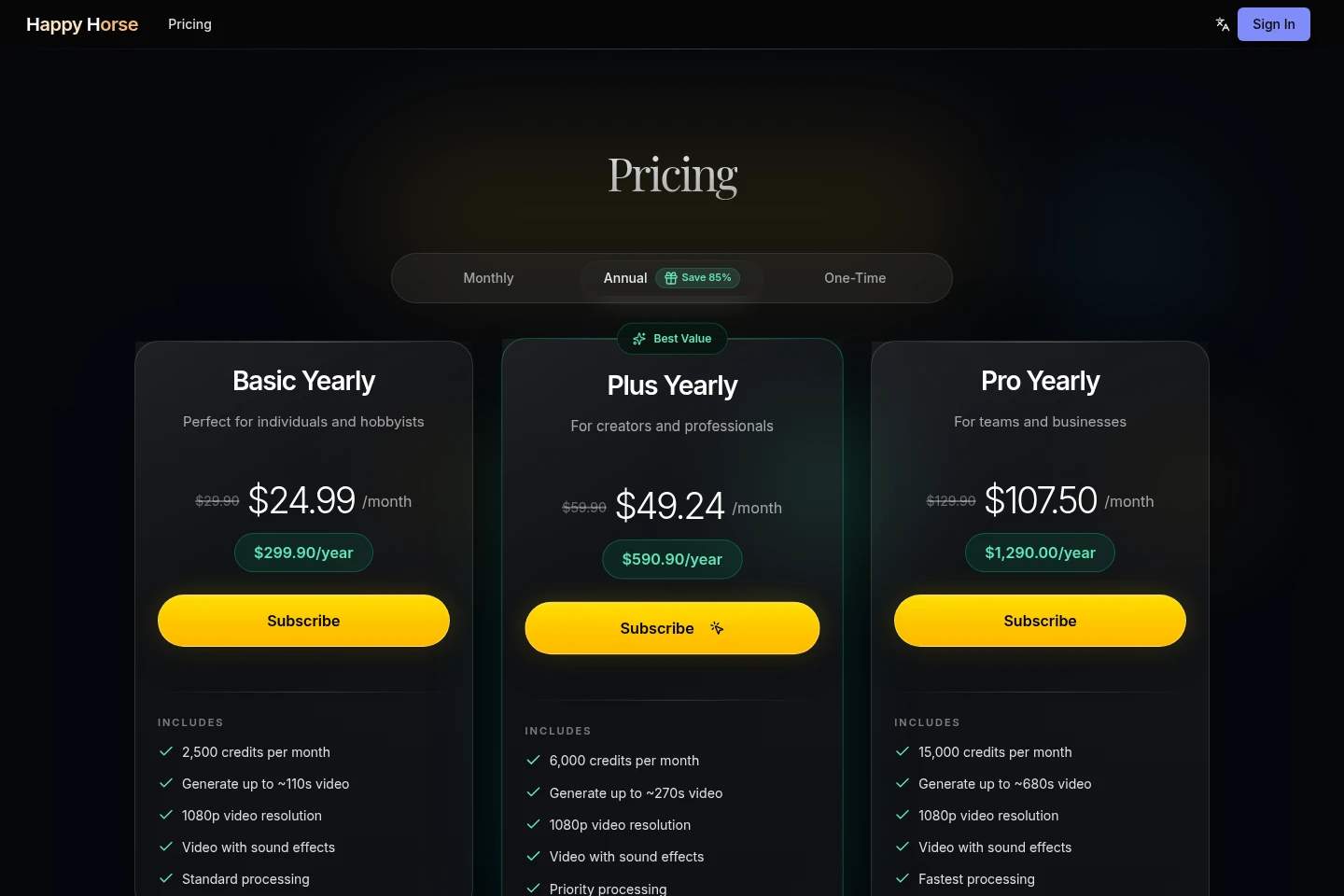
Happy Horse offers paid yearly subscriptions with monthly credits. Compare the credit allowance, approximate video duration, processing priority, and support included in each plan.
| Plan | Price | Included features and limits |
|---|---|---|
| Basic Yearly | $299.90/year |
|
| Plus Yearly | $590.90/year |
|
| Pro Yearly | $1,290.00/year |
|
Use cases
Create campaign and social videos
When brand or content marketing teams need campaign visuals, launch videos, or social-ready edits, they can combine prompts with images and clips, direct the visuals, and generate video for those formats.
Previsualize scenes and camera moves
Before final film production, filmmakers and video editors can use prompts and references to test camera movement and develop one-take or multi-shot sequences with visual continuity.
Animate images into visual concepts
When designers or visual storytellers want to explore a look in motion, they can provide reference images, guide the prompt, and generate stylized video concepts for further refinement.
Limitations
The pricing page lists monthly credit allowances for paid plans; the homepage generator estimates a credit cost for each video, so generation is subject to available credits.
Who it is for
Brand teams and content marketers needing campaign and social video assets
Filmmakers and video editors previsualizing scenes or developing multi-shot sequences
Designers and visual storytellers turning reference images into motion concepts
FAQ
What can Happy Horse generate?
Happy Horse generates video from text prompts, images, and reference clips. The described workflows include text-to-video, image-to-video, reference-video editing, scene extensions, and multi-shot sequences.
Can I guide the camera and scenes?
Yes. Prompts and reference images or clips can guide camera movement and visual style, and the workflow can set first and last frames. @Image and @Video tags are described for directing characters and sequences.
Can Happy Horse include sound?
Yes. The site describes generating video with synchronized sound and pacing, and the paid plans list video with sound effects. Audio-driven direction is described as optional.
What do the plans include?
The listed yearly plans include monthly credits, 1080p video resolution, and video with sound effects. Processing speed and support differ by plan; the pricing page lists the plan prices and credit allowances.
How do I contact support?
Contact Happy Horse at [email protected]. Priority support is listed as an inclusion of the Pro Yearly plan.

Comments