

- Monthly visits
- 23,207
- 2026-09
- Monthly growth +11.2%
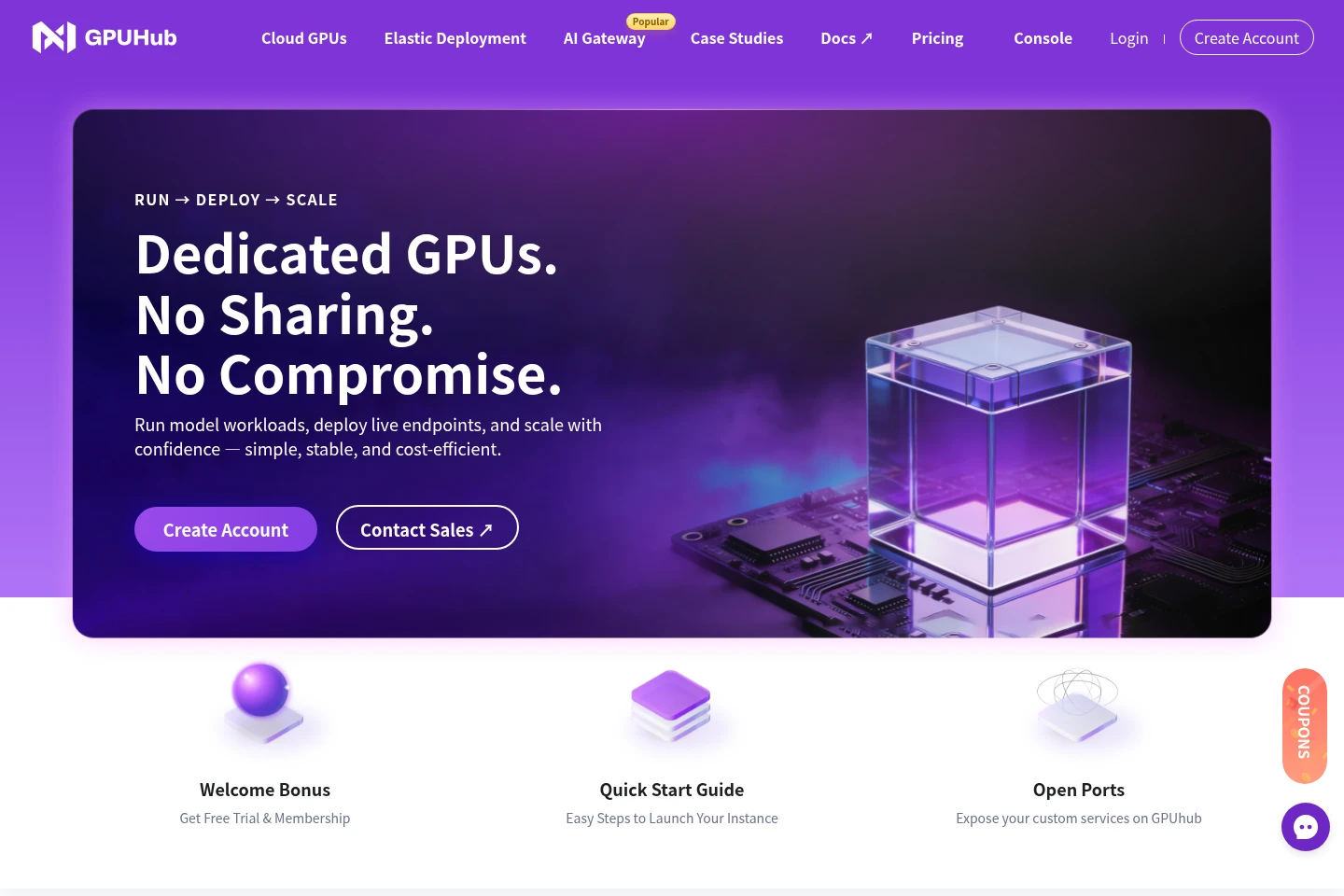
GPUHub - Dedicated GPUs and elastic infrastructure for AI workloads
GPUHub provides on-demand dedicated GPUs for model training and inference, plus container-based elastic deployment and an AI Gateway for Claude, GPT, and DeepSeek through one OpenAI-compatible endpoint. Users can launch pre-built images, start JupyterLab notebooks, and choose hourly or fixed billing for GPU compute. GPU prices vary by model, and the homepage also describes free membership upgrades for students.
- LLM Developer Tools
- GPU Cloud
- LLM APIs
- dedicated GPU cloud
- AI model inference API
- elastic GPU deployment
Capabilities
On-demand GPU compute
Launch dedicated GPU compute for model workloads and receive a running instance. Choose a GPU model and pre-built image, then select pay-as-you-go or fixed billing; the homepage lists hourly prices by GPU model and says instances can be shut down to stop the meter.
Elastic deployment
Deploy containers and scale GPU replicas as workload demand changes. The service lets users deploy a container setup and adjust the number of GPU replicas; the homepage illustrates three replicas but does not specify a quota.
AI Gateway
Send requests to Claude, GPT, and DeepSeek through one OpenAI-compatible endpoint. Users can access the listed models through the gateway; the homepage does not state a request quota or separate gateway price.
JupyterLab notebooks
Start a configured JupyterLab notebook instance for coding on GPU infrastructure. The homepage says it includes current CUDA and frameworks and starts in under 10 seconds; available images and instance conditions depend on the selected setup.
Pricing
GPU compute is paid by usage or fixed billing, with displayed hourly prices varying by GPU model. Compare the selected model's hourly price and the billing option; the homepage does not provide fixed-billing prices or terms.
| Plan | Price | Included features and limits |
|---|---|---|
| Standard User | From $0.30 per hour |
|
The homepage says students can receive a free membership upgrade, but does not explain eligibility or duration. The displayed prices are model-specific and the page does not state fixed-billing prices or conditions.
Use cases
Run model training and inference workloads
When model workloads need dedicated GPU compute, users choose a GPU model and image, then launch an instance through GPUHub. Hourly GPU prices are shown by model, and users can stop the instance to stop the usage meter.
Scale containerized GPU services
When demand for a containerized service changes, users deploy the container and adjust GPU replicas through Elastic Deployment. The result is a deployment whose replica count can be scaled with workload demand; no fixed replica quota is stated.
Send requests to supported language models
When an application needs to call Claude, GPT, or DeepSeek, users send requests through GPUHub's AI Gateway and its OpenAI-compatible endpoint. The homepage identifies these models but does not specify model-specific limits.
Work in a GPU-backed JupyterLab notebook
When users need an interactive coding environment on GPU infrastructure, they launch the configured JupyterLab notebook. GPUHub says the notebook includes CUDA and frameworks and starts in under 10 seconds; instance availability depends on the chosen compute setup.
Limitations
GPU prices and available compute depend on the selected GPU model; the homepage lists different hourly rates for its models.
The homepage describes fixed billing and pay-as-you-go for GPU instances, but does not specify the terms or prices of fixed billing.
The AI Gateway page evidence names Claude, GPT, and DeepSeek; it does not specify request quotas or model-specific restrictions.
The homepage describes free membership upgrades for students but does not give eligibility requirements or the duration of the offer.
Who it is for
AI model developers who need dedicated GPU compute for training or inference workloads.
Operators running containerized services that need to adjust GPU replica counts as demand changes.
Application developers who need an OpenAI-compatible endpoint for Claude, GPT, and DeepSeek.
Researchers and developers who need a configured JupyterLab environment on GPU infrastructure.
FAQ
Which GPU models have hourly prices listed?
The homepage lists hourly prices for RTX 5090, RTX 5090D, RTX 4090, PRO 6000, PRO 6000D, A800, and RTX 4080(S). The listed amount varies by model, and the page describes a 5% discount alongside the displayed membership prices.
Can I stop GPU billing when an instance is not needed?
Yes. The homepage says users can shut down an on-demand GPU instance anytime to stop the meter. The page also describes choosing pay-as-you-go or fixed billing when launching an instance.
What models can I access through the AI Gateway?
The homepage names Claude, GPT, and DeepSeek. It says they can be used through one OpenAI-compatible endpoint, without stating request quotas or separate model restrictions.
How quickly can I start a JupyterLab notebook?
GPUHub says its configured JupyterLab starts in under 10 seconds. The homepage describes CUDA and frameworks as included; starting a notebook still depends on launching an available GPU setup.
Does GPUHub offer a free membership upgrade to students?
The homepage says students can enjoy a free membership upgrade. It does not state eligibility criteria, the offer's duration, or other conditions.
Comments