
Monthly visits
104,945,053
2026-10
Monthly growth +33.4%

Google Flow - Create and refine AI-generated videos, images, and creative tools

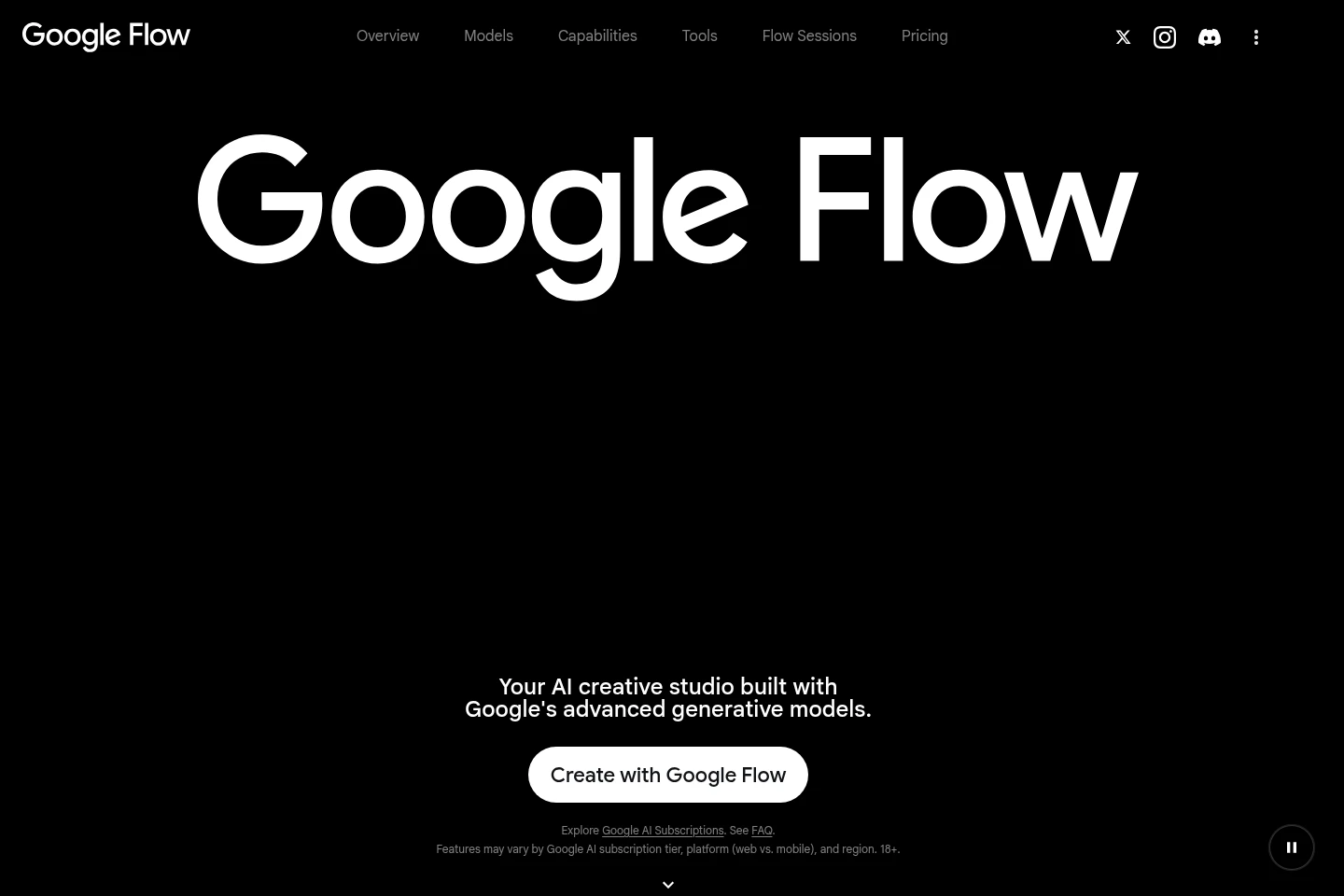
Google Flow is a web-based creative studio that uses Google generative models, including Gemini Omni, Nano Banana, and Veo 3.1. Create videos from references, generate and edit images, blend text, image, and video inputs, refine assets with natural-language instructions, and build, share, or remix custom tools for creative workflows.

Visit WebsiteUpdate this product

3Views

Capabilities

Generate and edit videos

Create and edit videos from real or generated reference inputs using Gemini Omni and Veo 3.1. The models provide creative controls, conversational editing, and native audio for video generation.

Generate and edit images

Generate images and make precise edits with Nano Banana image models. The models support subject consistency, text rendering, and image sizing or object changes through editing tools.

Refine creative assets

Edit images and videos through natural-language instructions and iterative changes. Users can adjust individual assets with controls and apply changes across a project.

Build custom creative tools

Create tools for specific creative workflows using natural language. Tools can support tasks such as video effects, animation, layering, and image editing, and can be shared or remixed.

Pricing

Google Flow connects to Google AI subscriptions; the supplied pages do not state plan prices. Compare subscription-tier features and generation allowances, since availability and generation costs vary by model and media type.

Use cases

Create videos from visual references

When developing a video from existing visual material, provide real or generated reference inputs and use Gemini Omni or Veo 3.1 to create or edit video. The workflow includes conversational editing and model-specific creative controls.

Generate and refine project images

When a project needs new or adjusted imagery, generate images with Nano Banana and refine them with natural-language instructions or editing tools. Supported edits include transforming objects, adding text, and adjusting image sizing.

Make tools for creative workflows

When a recurring creative task needs a tailored utility, describe the workflow in natural language to build a custom tool. Users can share or remix tools, including tools for effects, animation, and layering.

Limitations

  • Google Flow is described as an 18+ product; access and features may vary by subscription tier, platform, and region.

  • The amount of generation use available depends on the Google AI subscription tier, and generation costs vary by image, video, and model selection.

Alternatives

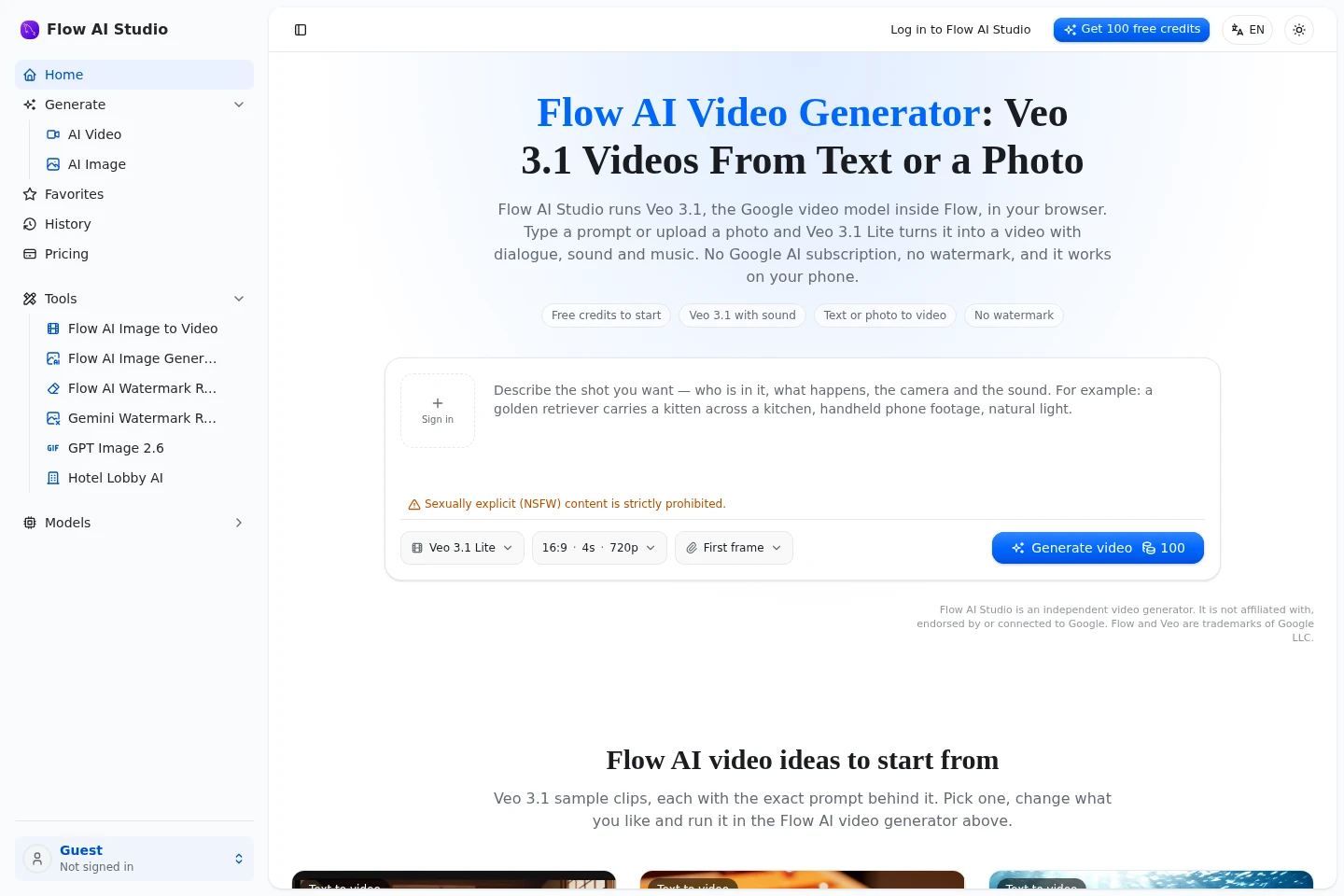
Flow AI Video Generator

Veo 3.1 videos from text or a photo in your browser, no Google subscription, no watermark

Flow AI Video Generator is an independent online browser-based video generation tool that runs Google’s Veo 3.1 model, letting users create short videos from text prompts, uploaded photos, or two reference frames. It automatically syncs dialogue, sound effects, and music to on-screen action, with no watermark on exported MP4 files. The tool is designed for content creators, businesses, filmmakers, and casual users who need to generate short video clips without a paid Google subscription. It supports both 9:16 vertical aspect ratios for Shorts and Reels, and 16:9 horizontal aspect ratios for standard video content.

  • Freemium
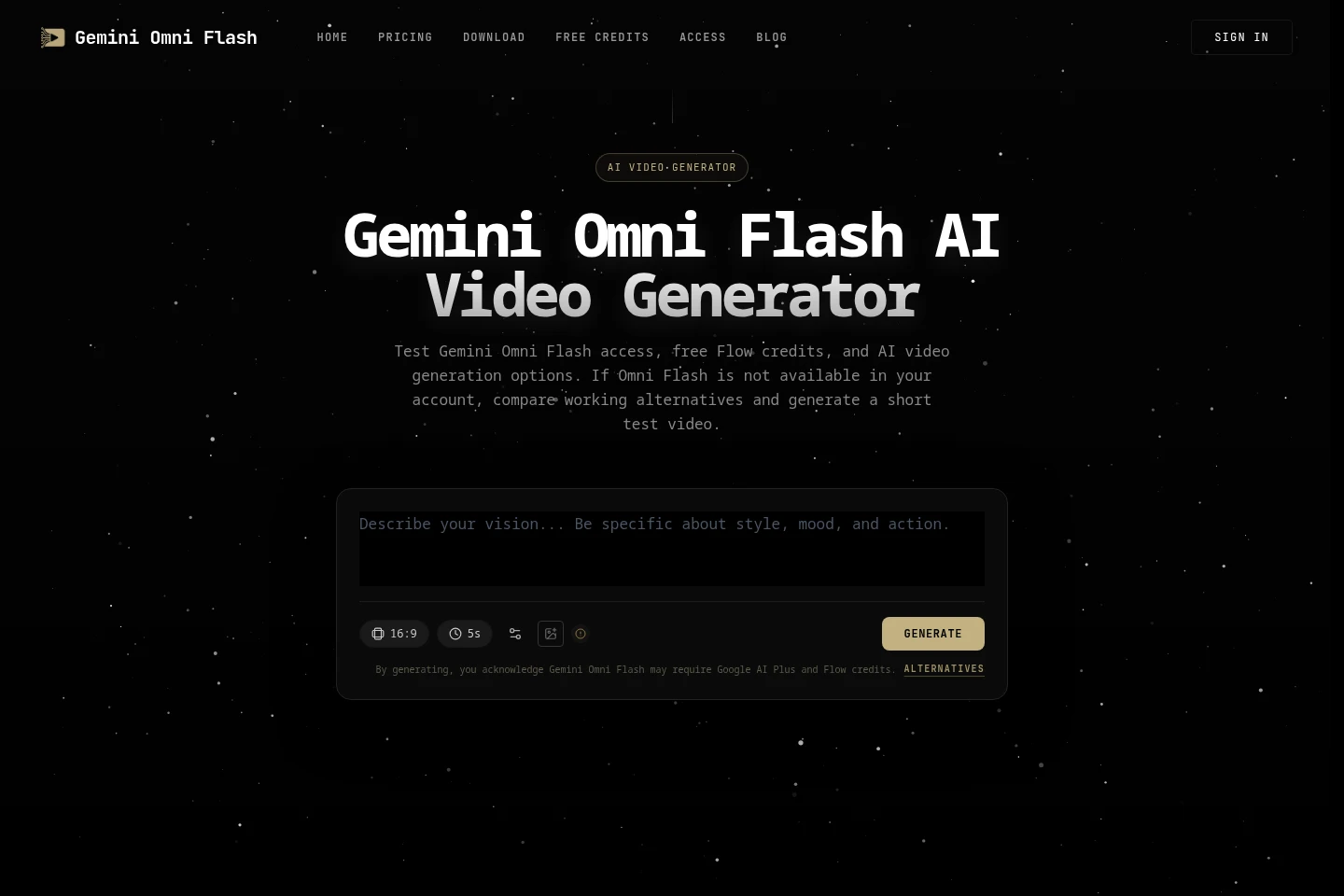
  1. Gemini Omni Flash

    Generate short AI videos from prompts or images, with audio

    STARTER · $19 per month
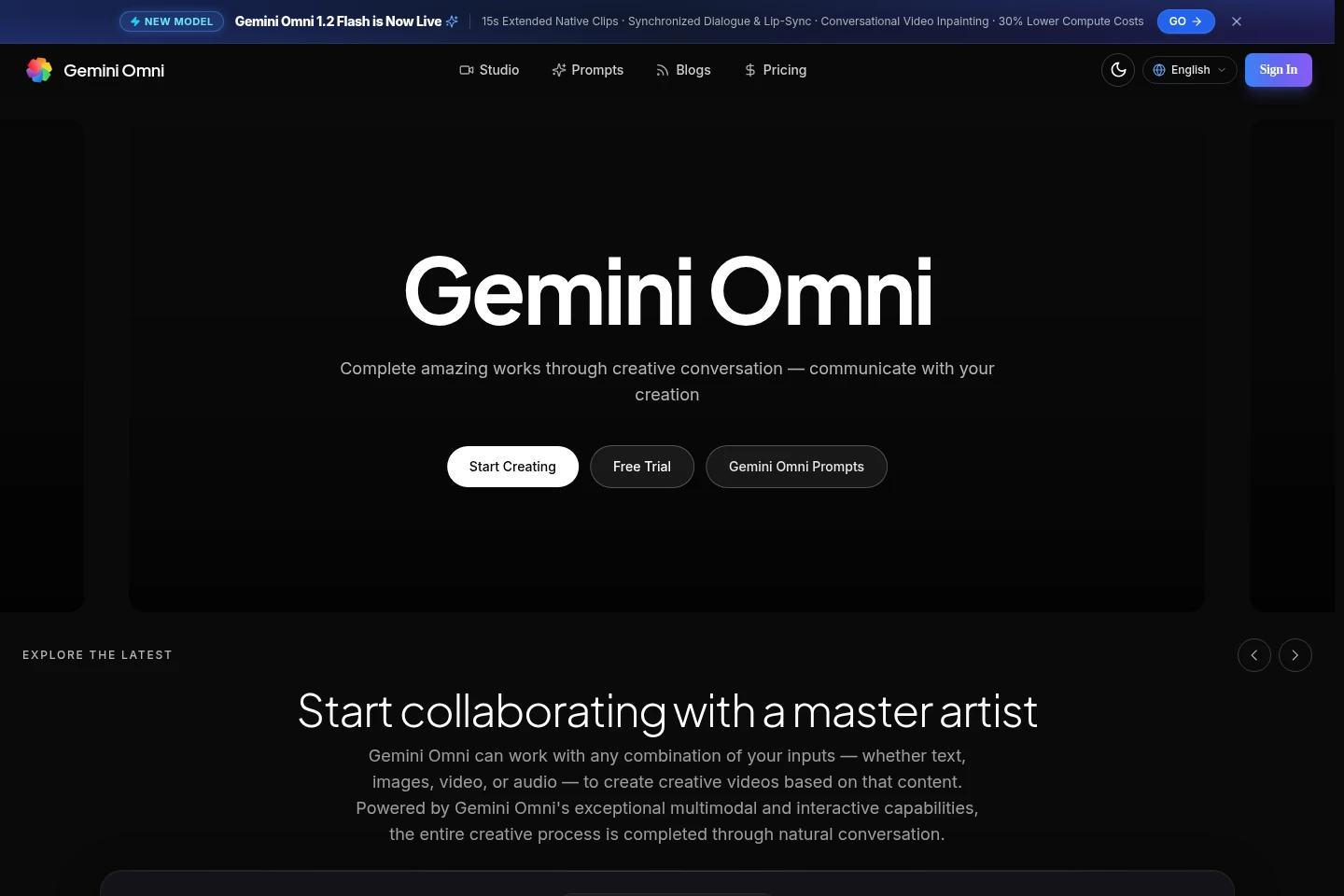
  2. Gemini Omni

    Advanced multimodal AI video generator and editor powered by Google DeepMind

    Freemium
  3. Gemini Pro

    The most powerful AI image generator and video creator on one unified platform

    Freemium
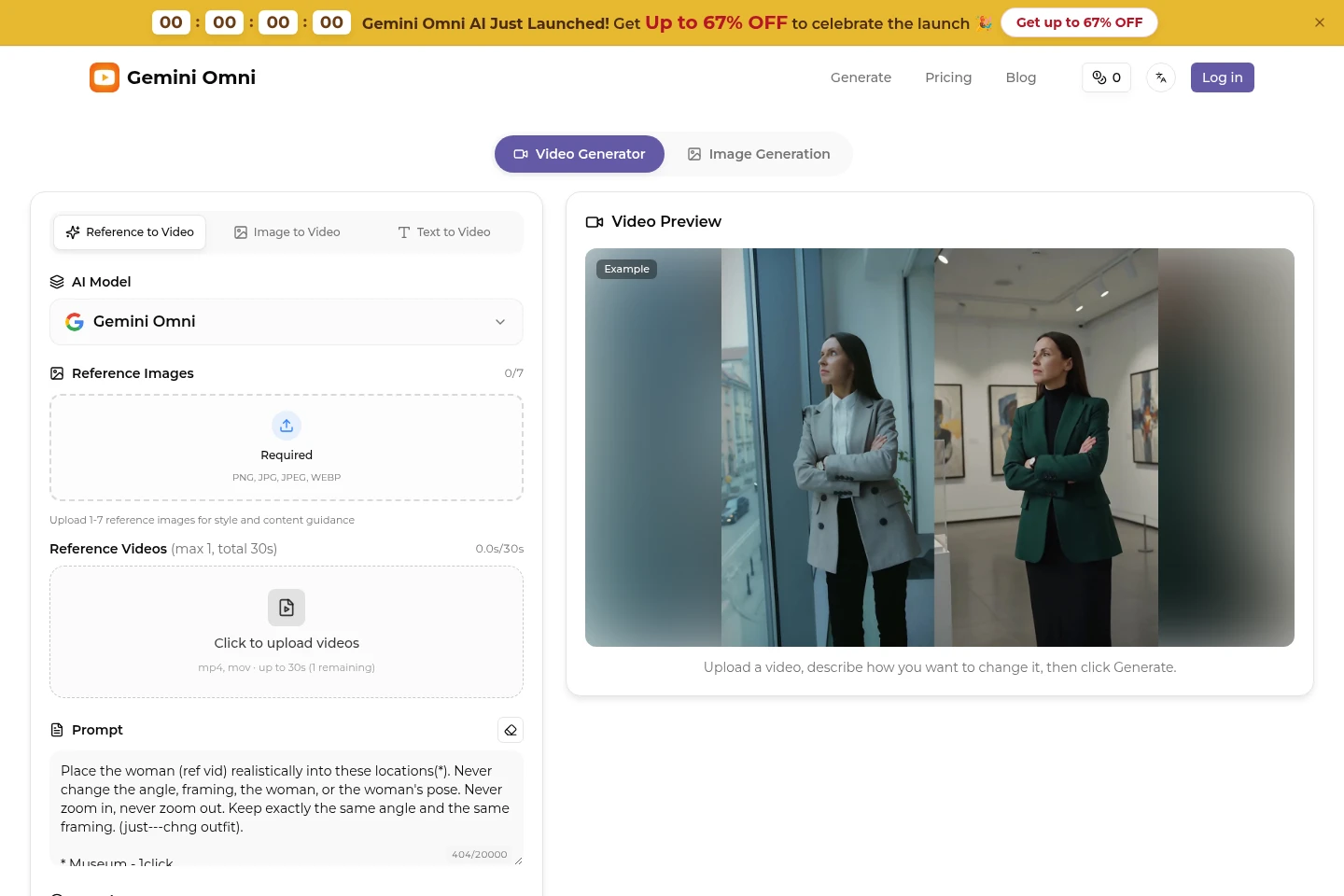
  4. Gemini Omni Video Generator

    Generate and refine AI videos from prompts, images, and clips

    Pro · $25 USD/mo; $300 billed yearly
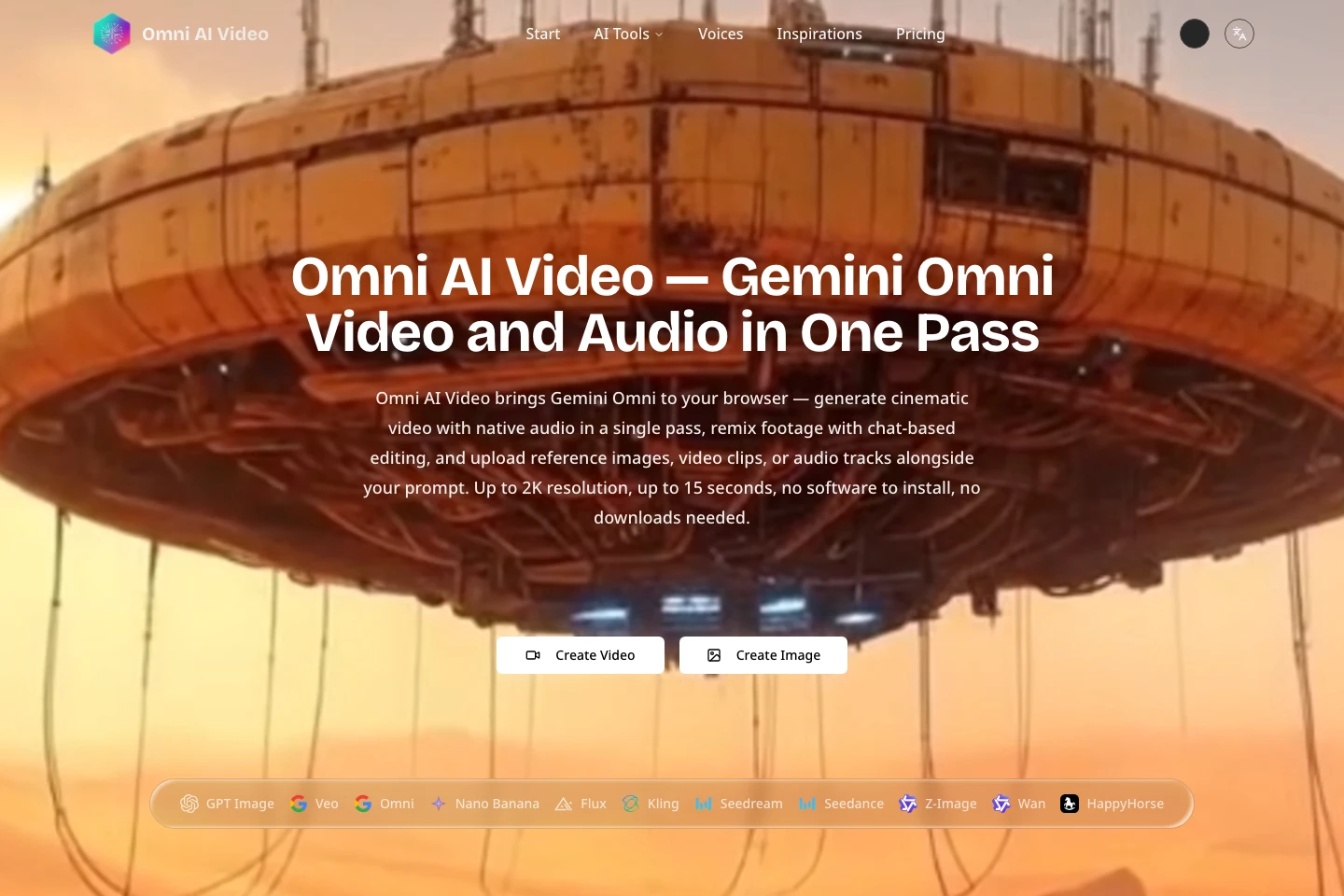
  5. Omni AI Video

    Multi-engine AI video and image generation platform

    Freemium

Who it is for

  • Video creators who need to generate and iteratively edit footage from visual references

  • Visual artists who need to generate images and adjust project assets

  • Creative practitioners who want to build, share, or remix workflow-specific tools

FAQ

Who can use Google Flow?

Google Flow is described as for people aged 18 and older. Availability also depends on region, and features can vary by platform and Google AI subscription tier.

How much does it cost to generate images and videos?

Generation costs vary according to the selected image or video model. Google directs users to its cost breakdown for per-generation details; the supplied page does not give specific amounts.

Where is Google Flow available?

Google Flow is available only in supported countries or regions. Google links to its current country-availability list; access can also vary by platform and subscription tier.

Can I create custom tools in Google Flow?

Yes. Users can build creative-workflow tools using natural language, then share or remix them. Examples include video effects, animation, and layering tools.

Comments

Please sign in to leave a comment.
No comments yet. Be the first to share your thoughts!