

- Monthly visits
- 245,644
- 2026-09
- Monthly growth +26.3%
Glima AI - Create AI images, videos and audio from prompts or media
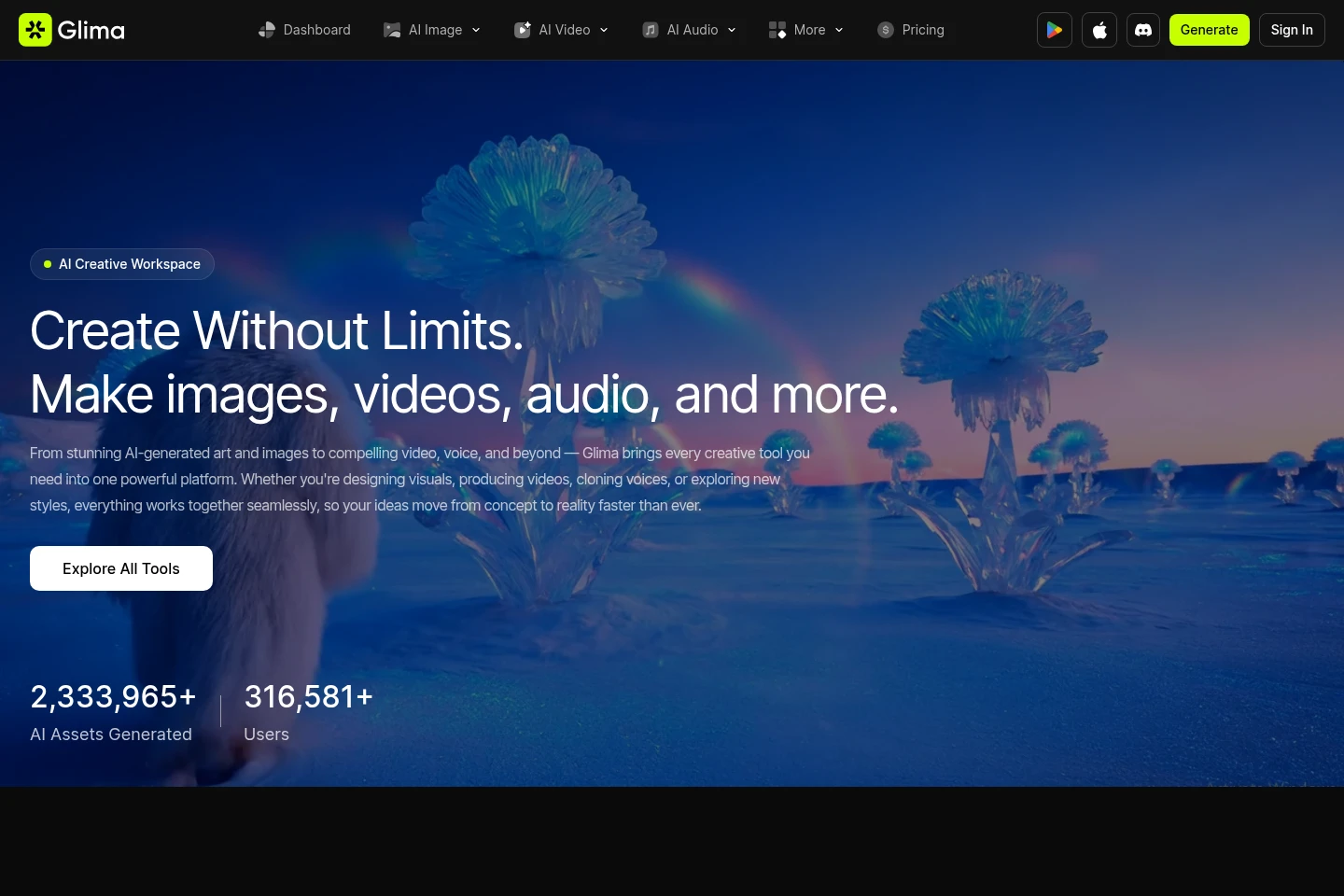
Glima AI is an online creative workspace for generating and editing images, videos and audio. Users can start with text prompts or uploaded media, choose models and styles, and adjust generation settings such as video duration, resolution and aspect ratio. The site also lists image editing, video effects and audio tools.
- AI Image
- Image Generators
- Video Generators
- Music Generators
- AI image generator
- AI video generator
- AI audio tools
Capabilities
Image generation and editing
Generates images from prompts and offers image-editing tools. The listed options include image enhancement, upscaling, background removal, erasing and style effects.
Video generation
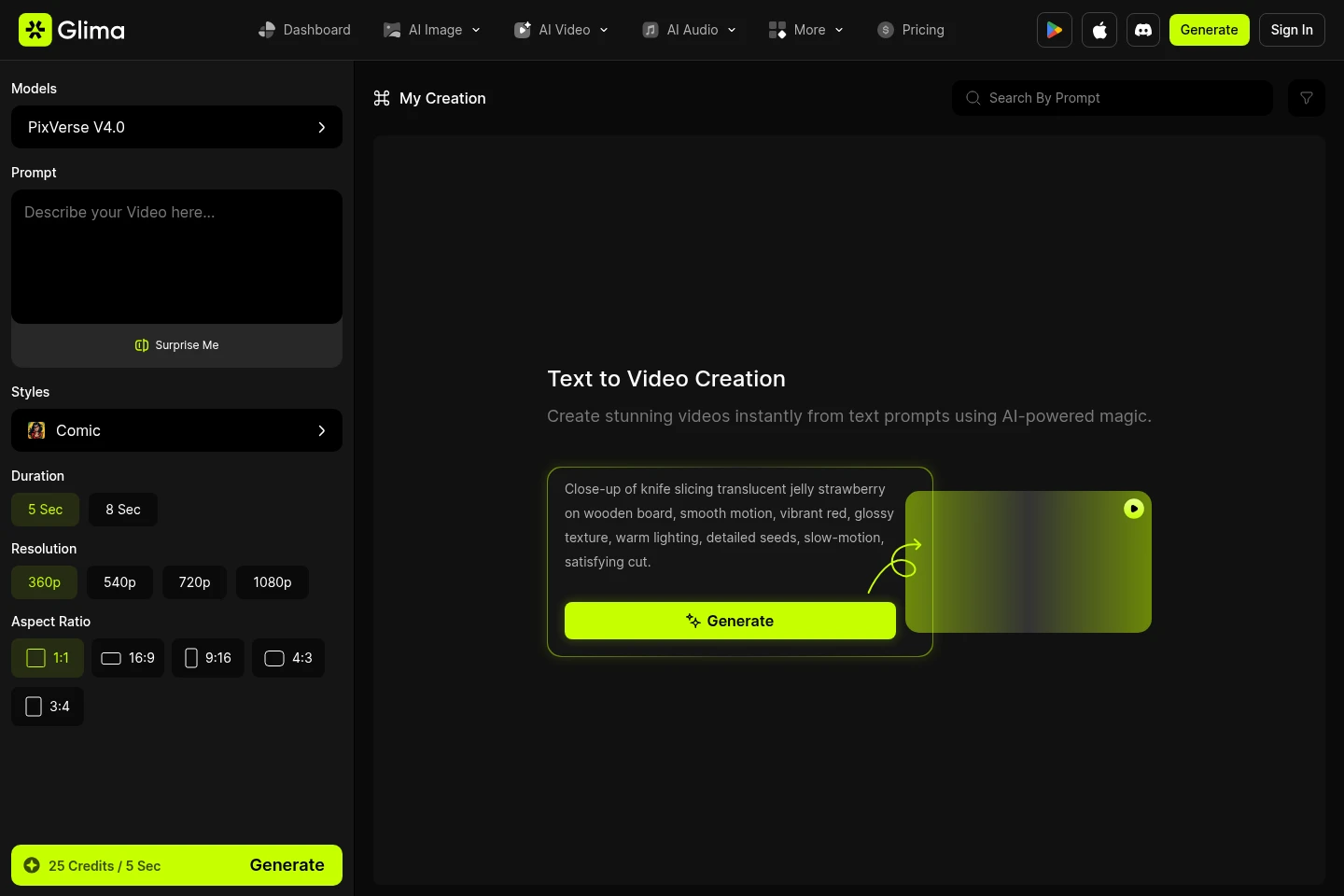
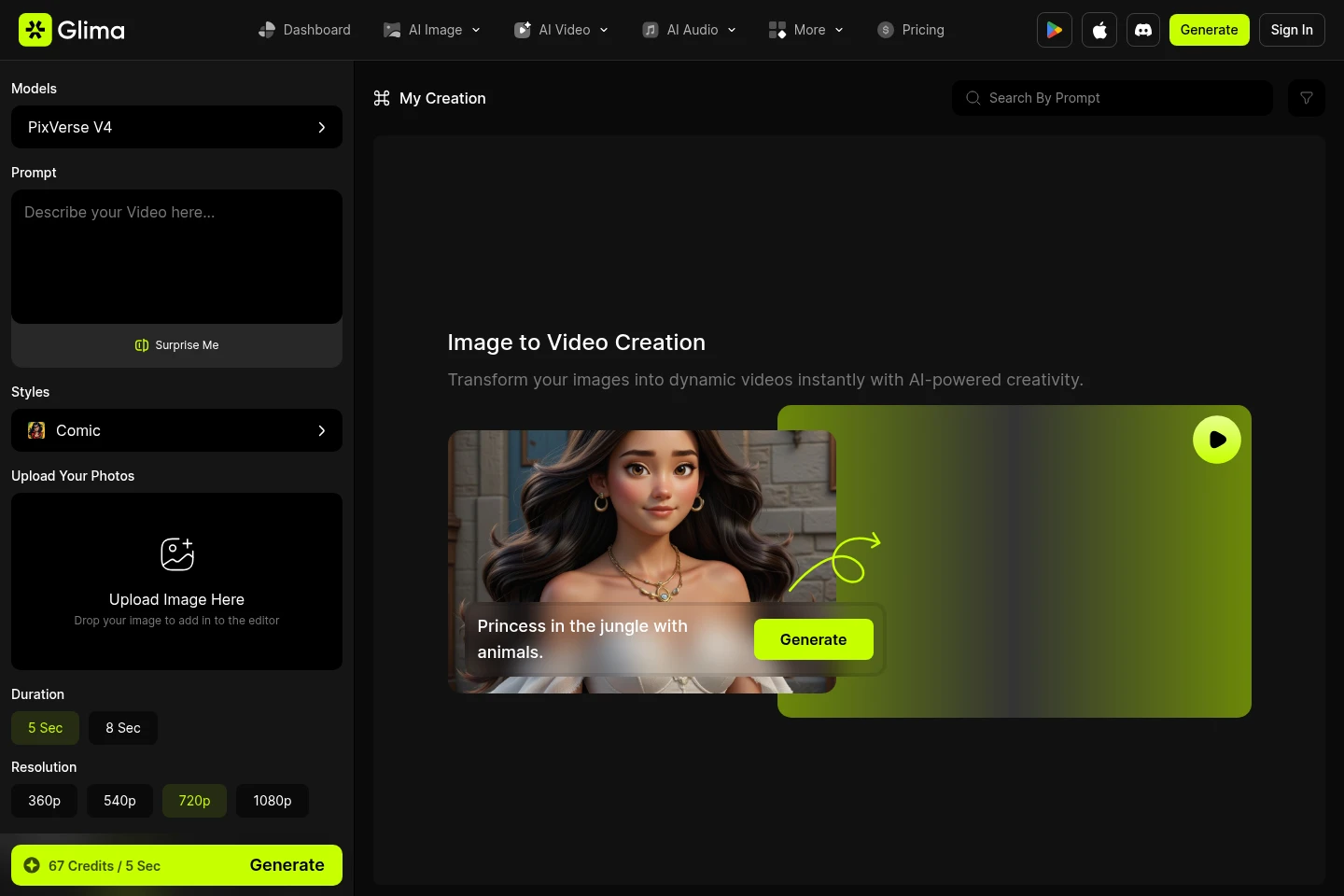
Creates videos from text prompts or uploaded images. Users can select models and styles and set options including duration, resolution and aspect ratio.
Audio generation and processing
Provides listed audio tools including text-to-speech, speech-to-text, voice cloning, music generation and audio isolation.
Pricing
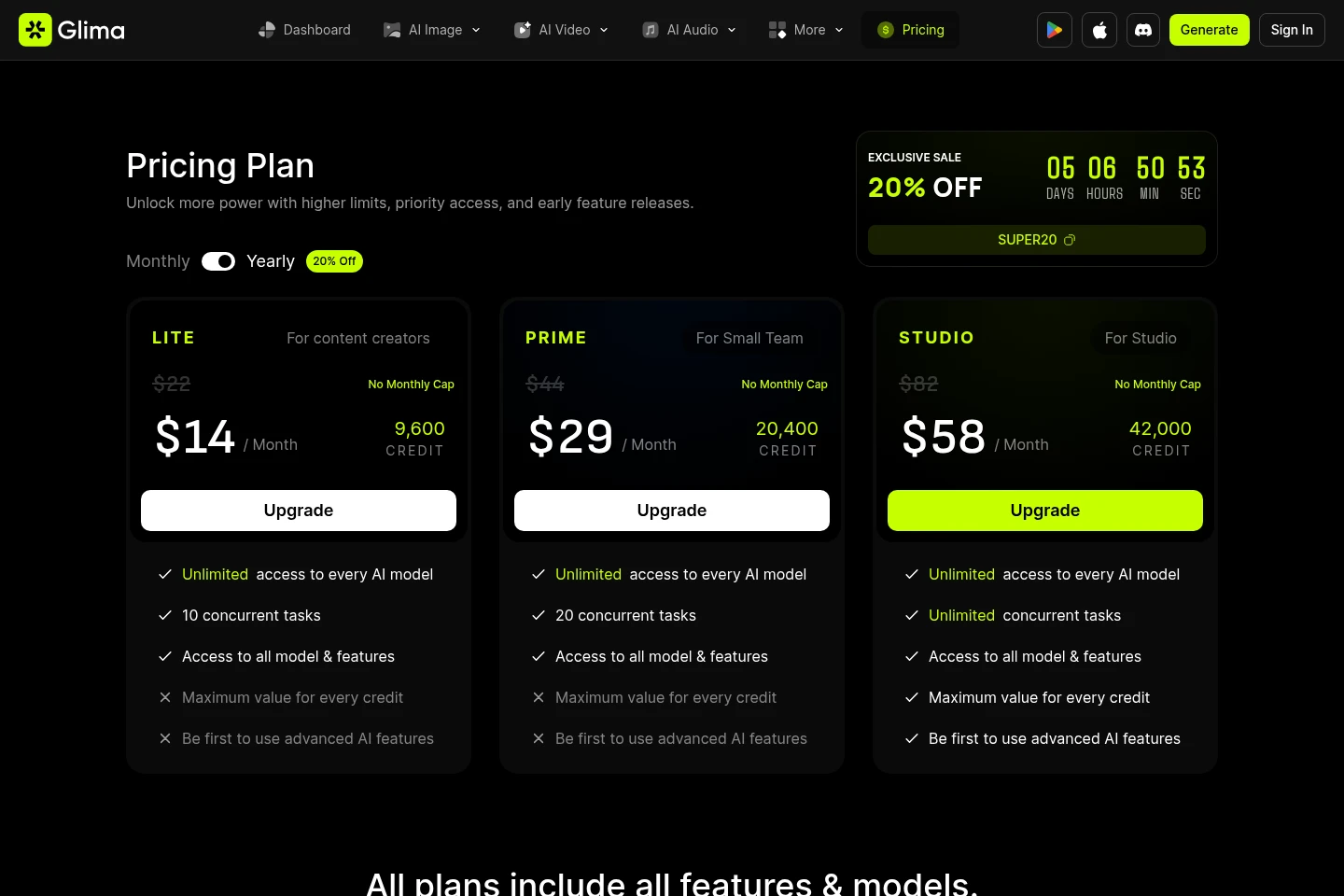
The supplied pricing page excerpt does not show plan prices or billing terms. Compare the current pricing page for plan names, included credits and restrictions before choosing.
Use cases
Generate or edit images for a visual concept
When a user needs an image or wants to modify an existing one, they can enter a prompt or use listed editing tools such as background removal, enhancement and style effects. The output is an AI-generated or edited image.
Turn a prompt or image into a video
When a user wants a short generated video, they can provide a text prompt or upload an image, then choose available generation settings such as model, style, duration, resolution and aspect ratio. The result is a generated video.
Generate or process audio
When a user needs speech, music or audio processing, they can select a listed audio tool such as text-to-speech, speech-to-text, voice cloning, music generation or audio isolation.
Limitations
Video generation settings and credit costs depend on the selected model and options; the feature pages show differing credit amounts per five seconds.
The supplied pricing page content does not expose plan names or prices, so plan prices and included quotas cannot be stated here.
Who it is for
Visual creators who need AI image and video generation and editing tools
Creators who need browser-based speech, music or audio processing tools
FAQ
Can Glima AI generate videos from text and images?
Yes. The listed workflows include text-to-video and image-to-video. The feature pages show model selection and settings such as duration, resolution and aspect ratio.
Can I edit images with Glima AI?
Yes. The site lists image tools including enhancement, upscaling, background removal, erasing and style effects.
What audio tools are listed?
The site lists text-to-speech, speech-to-text, voice cloning, video-to-audio, audio isolation, sound effects and music generation.
What does video generation cost in credits?
The cost varies by model and settings. The supplied video pages display different credit amounts per five seconds, so check the generator before creating.
Comments