

- Monthly visits
- 2,293
- 2026-09
- Monthly growth +6,644.1%
FuturMotion - Turn product photos into motion videos and edited visuals
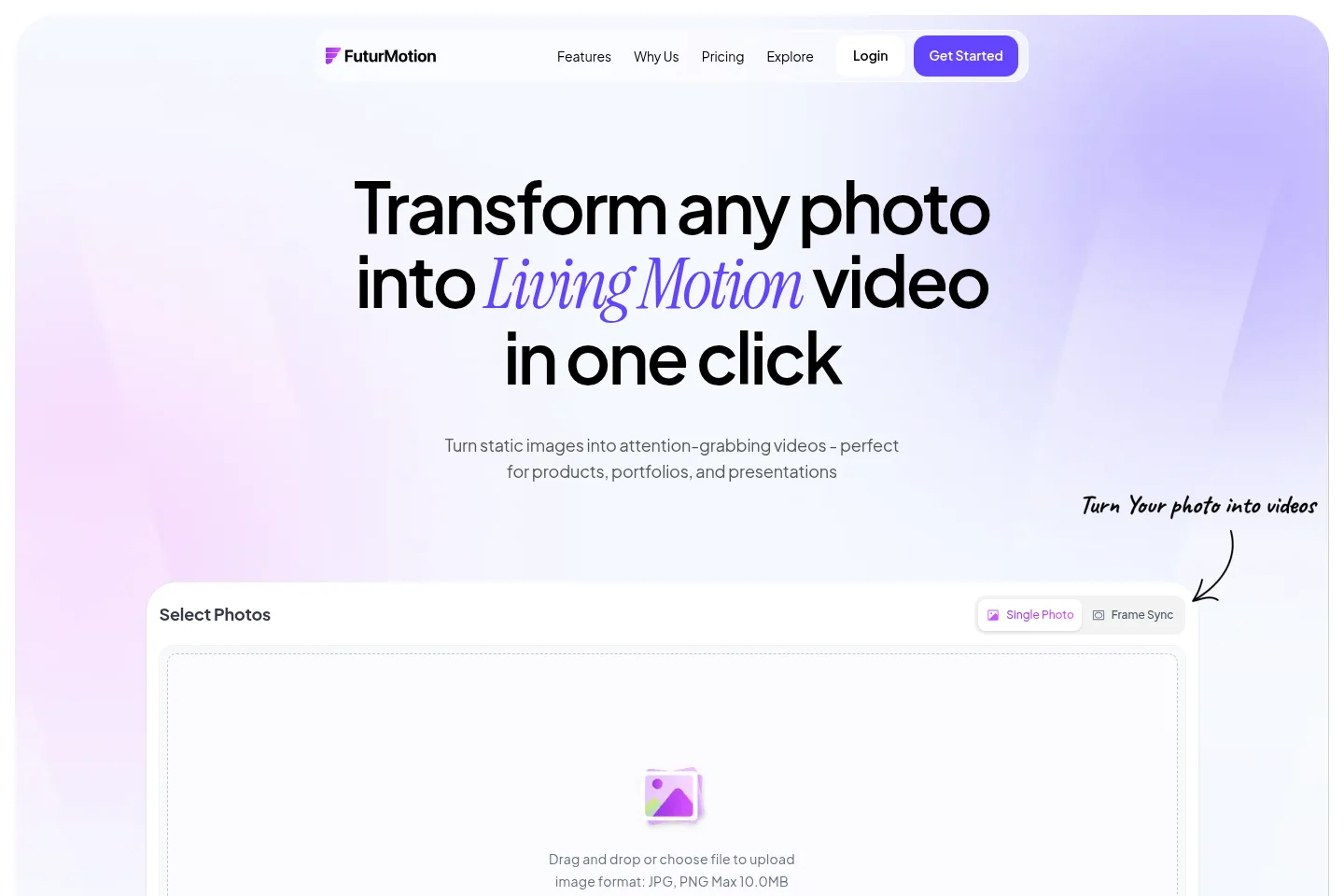
FuturMotion transforms still images into motion videos and supports text-prompt image edits, video camera and lighting controls, and fashion photo background removal. Upload JPG or PNG files up to 10 MB for video creation. FrameSync combines up to four photos into one video. Paid plans include monthly credits for image and video work.
- AI Video
- Video Generators
- Photo Editors
- Background Removers
- E-commerce
- AI product photo video
- fashion background removal
- image-to-video tool
Capabilities
Image-to-video creation
Turns uploaded still photos into motion videos. Upload JPG or PNG images up to 10 MB, then create videos with camera and lighting controls; monthly plan credits apply.
AI prompt image editing
Edits images from text prompts and prepares the results for motion. Describe the requested change and use the edited visual in a video workflow.
FrameSync multi-photo video
Combines up to four photos into one video. Select the images to synchronize, then create a single video for products, fashion, or other visual content.
Fashion background editing
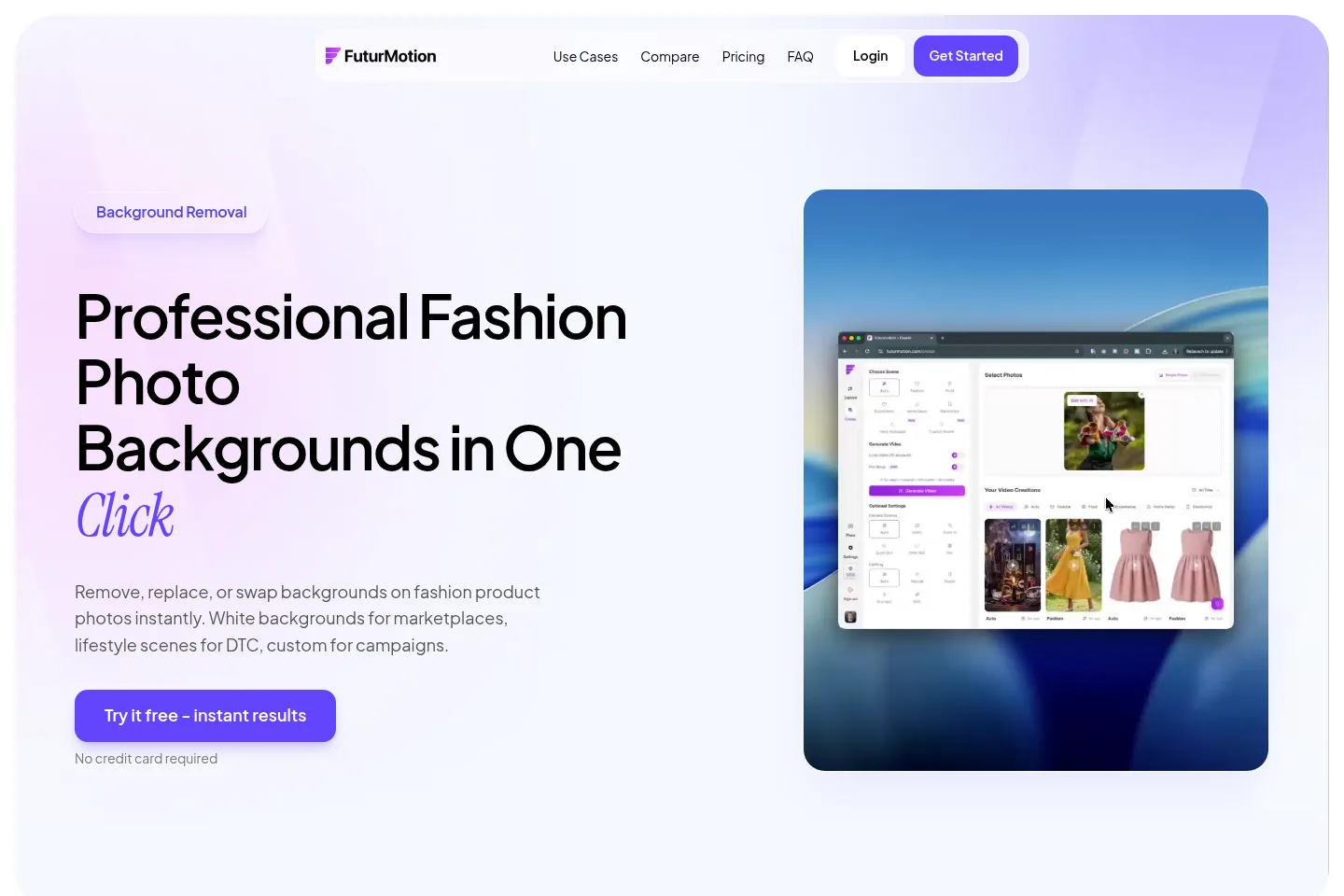
Removes, replaces, or swaps backgrounds on fashion product photos. Use white marketplace backgrounds, lifestyle scenes, or custom campaign settings; the page describes fashion-trained handling of transparent fabrics, edges, shadows, and color.
Pricing
FuturMotion lists three paid monthly subscription plans. Compare the monthly credit allowance and included features: Basic has 2,000 credits, Creator has 5,000, and Studio has 25,000.
| Plan | Price | Included features and limits |
|---|---|---|
| Basic | $25 per month |
|
| Creator | $49 per month |
|
| Studio | $199 per month |
|
Use cases
Create motion videos from product photos
When a product listing, portfolio, or presentation needs moving visuals, upload still photos and use FuturMotion's video creation and camera or lighting controls. The result is a motion video made from the supplied imagery.
Prepare fashion images for marketplaces
When fashion product photos need marketplace-ready backgrounds, use the background editing workflow to create white backgrounds or replace existing scenes. The page names Amazon, Zalando, and ASOS as marketplace examples.
Create fashion campaign background variations
When a fashion catalog needs lifestyle or seasonal campaign imagery, replace product-photo backgrounds with studio, outdoor, minimal, or custom scenes. The page describes using these variants for DTC sites, social media, and ads.
Limitations
Video upload accepts JPG and PNG images up to 10 MB per image.
FrameSync combines up to four photos in one video.
Monthly credits are limited by plan: 2,000 for Basic, 5,000 for Creator, and 25,000 for Studio.
Who it is for
Product teams and visual creators who need motion videos from still photos
Fashion ecommerce sellers preparing product photos for marketplaces and DTC sites
Fashion marketing teams creating campaign and social ad image variations
FAQ
What does FuturMotion do?
FuturMotion turns static images into animated videos and also offers AI-prompt image editing. Its homepage describes use for products, portfolios, and presentations.
Which image formats can I upload?
The homepage lists JPG and PNG uploads, with a maximum file size of 10 MB. The supplied page does not specify other accepted formats.
How many photos can FrameSync combine?
FrameSync combines up to four images into one video. The homepage presents it as a way to create a single video from multiple photos.
What are the current paid plans?
The listed plans are Basic, Creator, and Studio, priced at $25, $49, and $199 per month respectively. Their monthly credit allowances are 2,000, 5,000, and 25,000.
Does FuturMotion offer a free trial?
The Basic plan has a Start free trial option, and the background-removal page says no credit card is required. The supplied pages do not state the trial duration.
Can I edit fashion product photo backgrounds?
Yes. The fashion background workflow can remove, replace, or swap backgrounds, including white marketplace backgrounds, lifestyle scenes, and custom campaign scenes.
Comments