
FaceSwapAI - Browser-based AI face swap for photos, group images, videos, and GIFs with transparent credit pricing
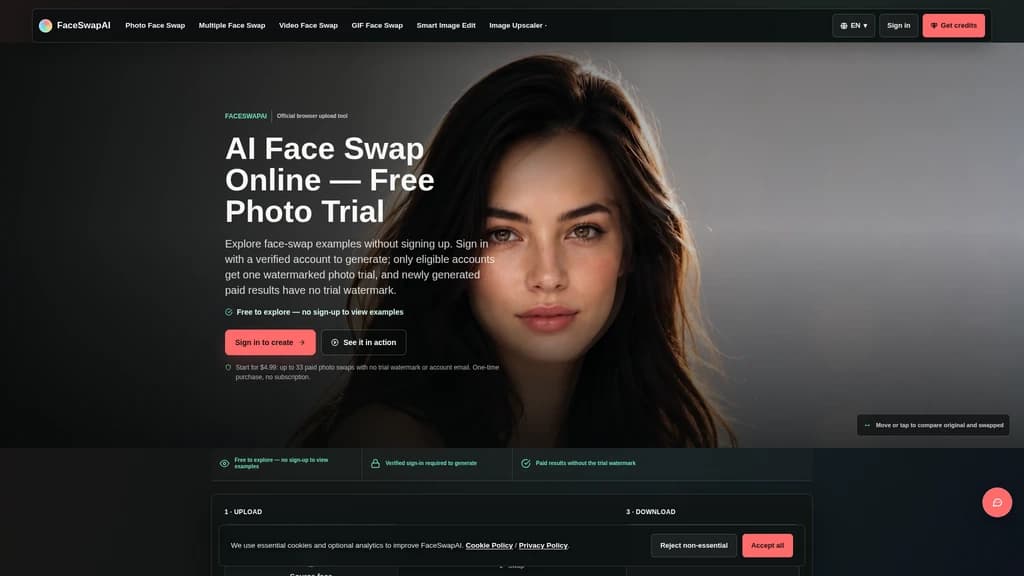
Launched on Sep 8, 2026FaceSwapAI is a web-based AI face swap tool that supports single photo, multiple face group photo, video, and GIF face swap workflows. It is designed for users who want to perform face swaps directly in their browser without installing extra apps. All pricing rules, media limits, and pre-generation check tools are fully published so users can calculate exact costs before spending credits.
Core Workflows
FaceSwapAI offers four separate face swap workflows, plus two additional AI image editing tools, all accessible through a standard web browser with no local app installation required:
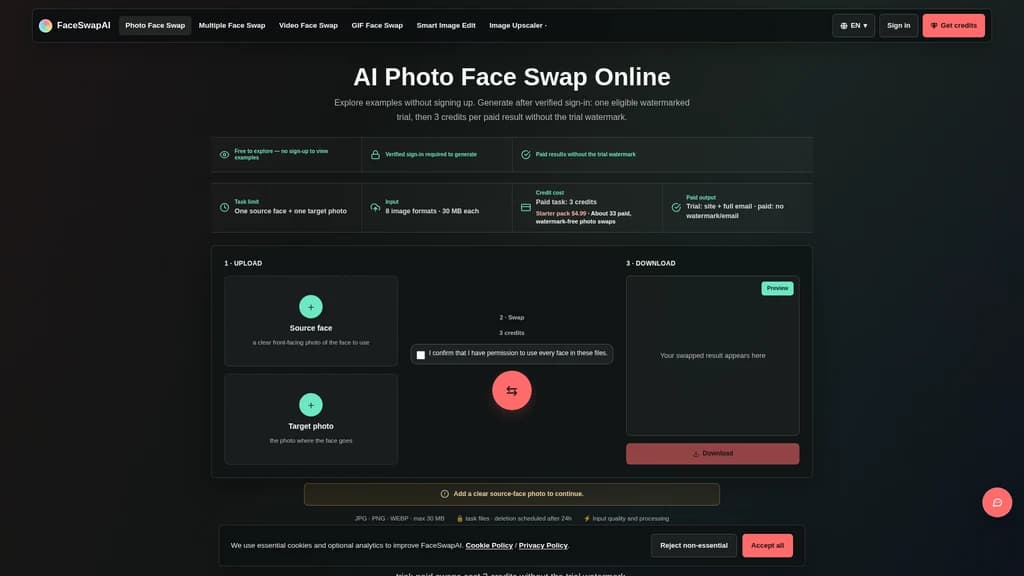
Single Photo Face Swap: Upload one source face photo and one target photo. Output supports JPG, PNG, WebP, up to 30 MB per file. Eligible verified accounts receive one watermarked trial, then paid swaps cost 3 credits with no trial watermark.
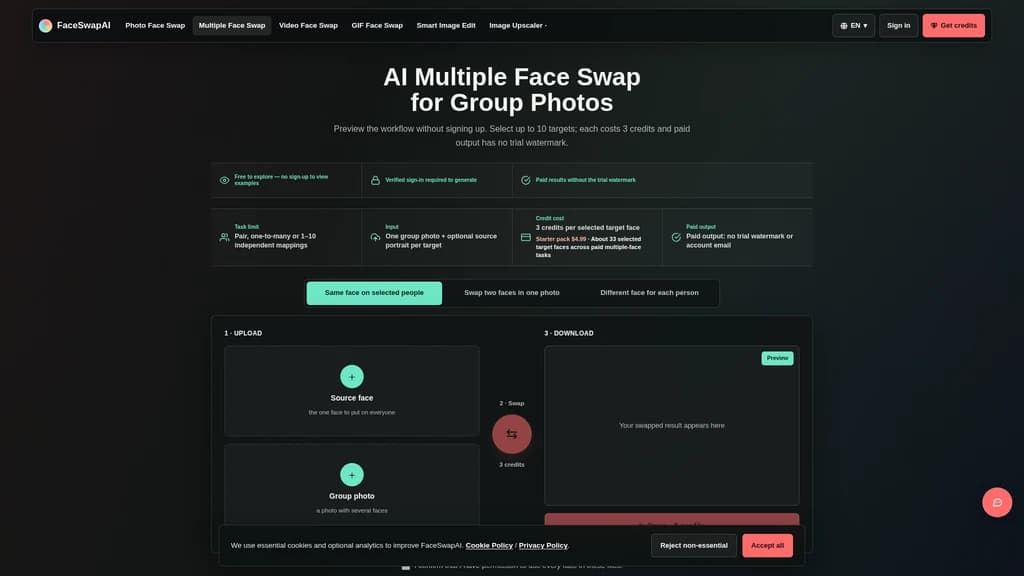
Multiple Photo Face Swap for Groups: Select up to 10 target faces in a single group photo. You can apply one source face across all targets, map different unique portraits to each selected face, or exchange two specific people. Each selected target face costs 3 credits, and paid output has no trial watermark.
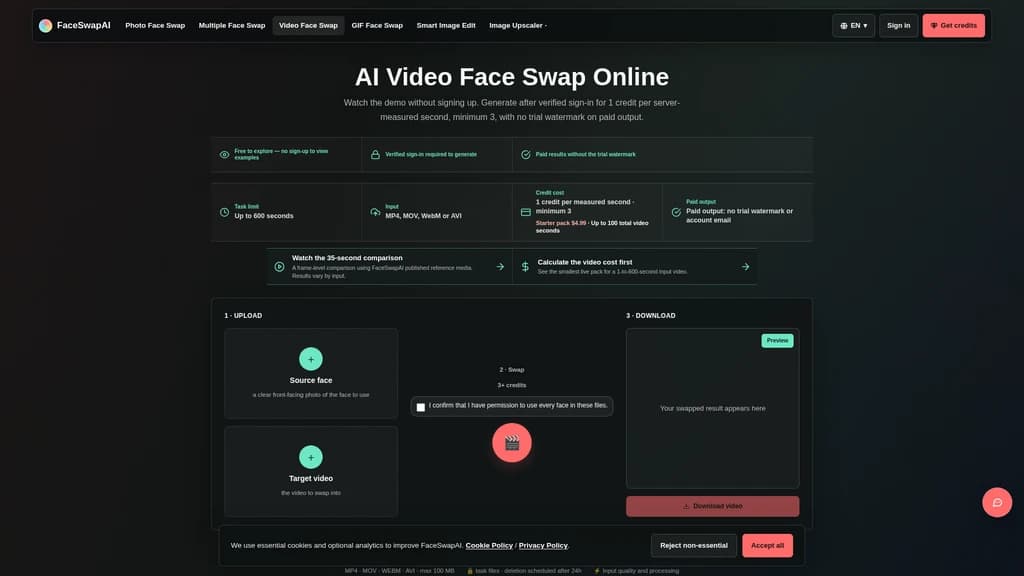
Video Face Swap: Process video clips up to 600 seconds long. Cost is 1 credit per server-measured second, with a 3 credit minimum. Paid output has no trial watermark.
GIF Face Swap: Process animated GIF loops up to 30 seconds long. Cost is 1 credit per server-measured second, with a 3 credit minimum. Paid output has no trial watermark.
AI Image Edit Pro 2K: Edit still images with WaveSpeed Wan 2.7 Pro at 2K resolution for 8 credits per task.
Ultimate Image Upscale 8K: Upscale still images to 8K resolution for 6 credits per task.
Pre-Generation Planning Tools
All tools run locally in the user's browser and do not consume credits before the user starts a generation task:
Face swap workflow selector: Help users choose the correct workflow for their media type
File compatibility checker: Verify photo, video, and GIF format, size, and duration before upload
Face Swap Readiness Check: Score two uploaded photos for face visibility, resolution, light, contrast, and detail
Face Swap Cost Calculator: Estimate total required credits for photo, group, video, or GIF tasks
Video Face Frame Picker: Scrub through video locally to extract a source-resolution PNG frame and check the captured face
Commercial-use rights check: Review license, likeness consent, disclosure, and distribution requirements before publishing paid work
Usage Rules
No sign-up is required to view all examples, demo content, and pre-generation tools.
Verified email sign-in is mandatory to run any generation task. Users must confirm they have full permission to use every face included in their uploaded files.
Task files are scheduled for automatic deletion 24 hours after processing, and may be removed earlier.
If processing fails due to queue or provider issues, the corresponding credit reservation is refunded once per task.
Trial watermarked results include the full unmasked account email and FaceSwapAI branding. Paid results contain no trial watermark or account email. Purchased credits cannot be used to rewrite existing trial images to remove watermarks.
The public pricing page lists all current credit purchase tiers, no hidden fees are applied beyond the published per-task rules.
Related Content
Facecam.ai
Facecam.ai is a browser-based AI tool that provides face swap, real-time voice changing, and VTuber creation capabilities. It works natively with web versions of Google Meet, Zoom, Microsoft Teams, and Discord for live calls, and supports photo, video, and GIF face swap workflows. The platform is designed for individual video call users, streamers, and content creators looking to modify their on-camera presence without specialized desktop software. Many core tools are available for free with no account required, while premium plans unlock extended live face swap hours and watermark-free outputs.
SpriteGen
SpriteGen is an online AI sprite sheet generator for game developers and creators. Describe a character or object, select a frame count, preview the animation, and download a transparent PNG sprite sheet. A free trial and credit-based generation are available.
Try AI Editor
Try AI Editor is a browser-based AI image editor that lets users edit photos using plain English text prompts, with no account registration required. It supports common use cases including background removal, object deletion, old photo restoration, style transfer, and image upscaling. The platform gives out free daily editing credits, never adds watermarks to exported images, and does not store uploaded user photos after processing.
Oeneo AI
Oeneo AI is a browser-based unified platform that combines leading AI image generation, AI video generation, and post-editing tools in a single workspace. It is built for creators, marketers, and designers who want to compare and use top models from OpenAI, Google, FLUX, xAI, MiniMax and more without managing separate subscriptions. New users get 10 free starter credits valid for 365 days to test all core generation and editing features. All generations show their exact credit cost before submission, and failed tasks get automatic full refunds.
Comments