
- Monthly visits
- 2,224
- 2026-10
- Monthly growth -63%
elDoc - Enterprise AI for secure document understanding and workflows
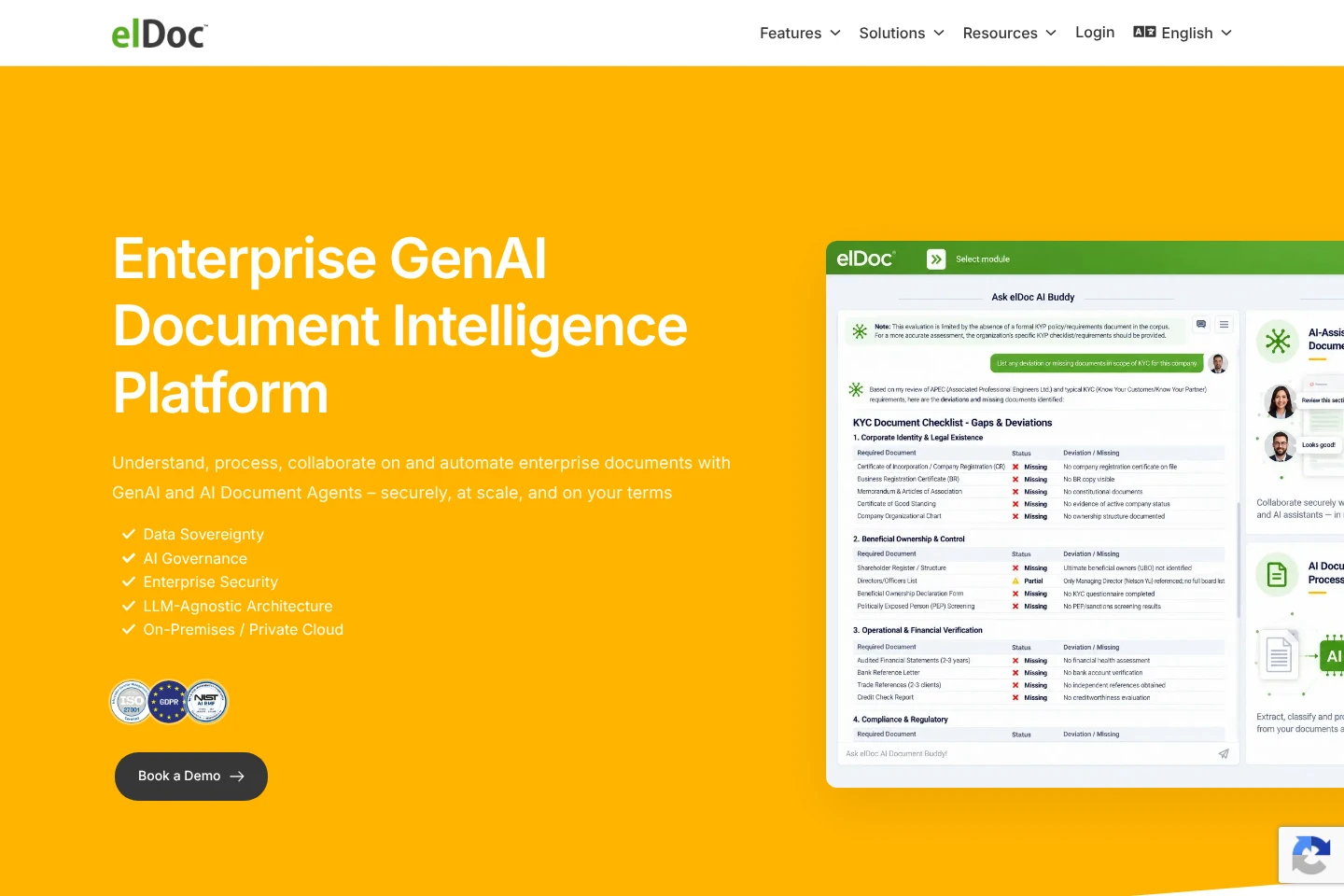
elDoc is an enterprise document intelligence platform that uses generative AI and document agents to retrieve information, process documents, and automate document-driven workflows. It combines document management, AI-powered extraction and search, collaboration, and workflow orchestration. Organizations can deploy it on-premises, in a private cloud, or in air-gapped environments, and choose commercial, private, or self-hosted language models.
- AI Data Tools
- Document Parsing
- Knowledge Base
- Workflow Automation
- enterprise document intelligence
- AI document processing
- agentic RAG for documents
Capabilities
Document retrieval and grounded answers
Retrieves relevant information and produces grounded answers from enterprise documents. Agentic RAG uses permission-aware access across document collections.
AI document processing
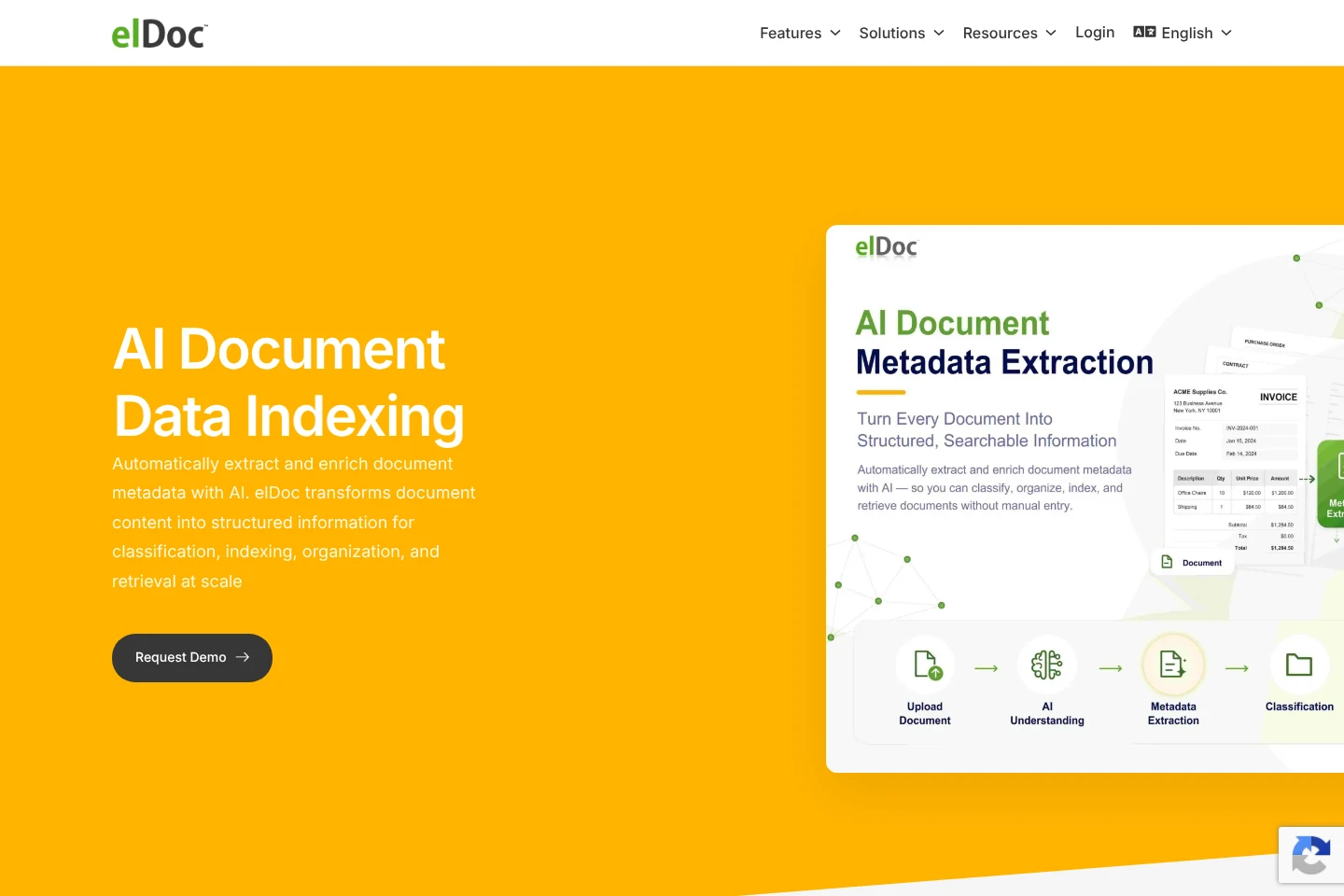
Classifies, indexes, and extracts data from high-volume documents. AI OCR and language models support automated validation and human review.
Document workflow automation
Automates document-driven workflows from classification and data understanding through routing, processing, reviews, approvals, and completion.
AI document agents
Agents research, analyze, compare, modify, and transform document content and execute multi-step document tasks.
Deployment and model controls
Supports on-premises, private-cloud, and air-gapped deployments. Organizations can select commercial, private, or self-hosted models and orchestrate multiple language models.
Pricing
Pricing amounts are not stated on the supplied pages. The listed editions are Community and Enterprise; compare their licensing terms and deployment requirements before choosing.
| Plan | Price | Included features and limits |
|---|---|---|
| Community | Price not stated |
|
| Enterprise | Contact for pricing |
|
Use cases
Find answers across enterprise documents
When information is spread across enterprise documents, users can retrieve relevant material and ask questions through Agentic RAG. Permission-aware access is applied to document retrieval.
Extract and validate data from documents
For high-volume document intake, teams can classify and index files, extract data using AI OCR and language models, then apply automated validation and human review.
Automate document review and approval workflows
When document work requires multiple handoffs, teams can automate classification, routing, processing, reviews, and approvals in document-driven workflows.
Who it is for
Enterprise teams managing high-volume document operations and shared repositories
Organizations requiring controlled document processing and private deployment environments
IT teams integrating document intelligence with enterprise applications and data sources
FAQ
Can elDoc run entirely within an organization's environment?
Yes. elDoc and its AI components can run on-premises, in a private cloud, or in an air-gapped environment. Documents, AI processing, Agentic RAG, agents, and workflows can remain in controlled infrastructure.
Must documents be sent to public AI services?
No. Private AI architectures allow documents and AI workloads to remain within a controlled environment. Organizations choose deployment and model configurations according to their security and regulatory requirements.
Does elDoc require a specific language model provider?
No. Its architecture is LLM-agnostic and supports commercial, private, or self-hosted models. Multiple models can also be orchestrated in parallel for different tasks.
Can elDoc connect to existing enterprise systems?
Yes. APIs and extensible connectors integrate with enterprise applications, document repositories, and data sources, allowing content to be indexed without replacing existing systems.
Can organizations evaluate elDoc before an enterprise deployment?
Yes. The Community Edition can be explored in an organization's own environment. Enterprise evaluations can also use tailored proof-of-concept or pilot deployments based on the use case, document volumes, security needs, integrations, and infrastructure.
Comments